PixelBook: pixel art, draw and PC
PocketLand
قم بتنزيل PixelBook: pixel art, draw and على جهاز الكمبيوتر باستخدام GameLoop Emulator
PixelBook: pixel art, draw and على الكمبيوتر الشخصي
PixelBook: pixel art, draw and ، القادم من المطور PocketLand ، يعمل على نظام Android في الماضي.
الآن ، يمكنك لعب PixelBook: pixel art, draw and على جهاز الكمبيوتر باستخدام GameLoop بسلاسة.
قم بتنزيله في مكتبة GameLoop أو في نتائج البحث. لا مزيد من الانتباه إلى البطارية أو المكالمات المحبطة في الوقت الخطأ بعد الآن.
ما عليك سوى الاستمتاع بجهاز PixelBook: pixel art, draw and على الشاشة الكبيرة مجانًا!
PixelBook: pixel art, draw and مقدمة
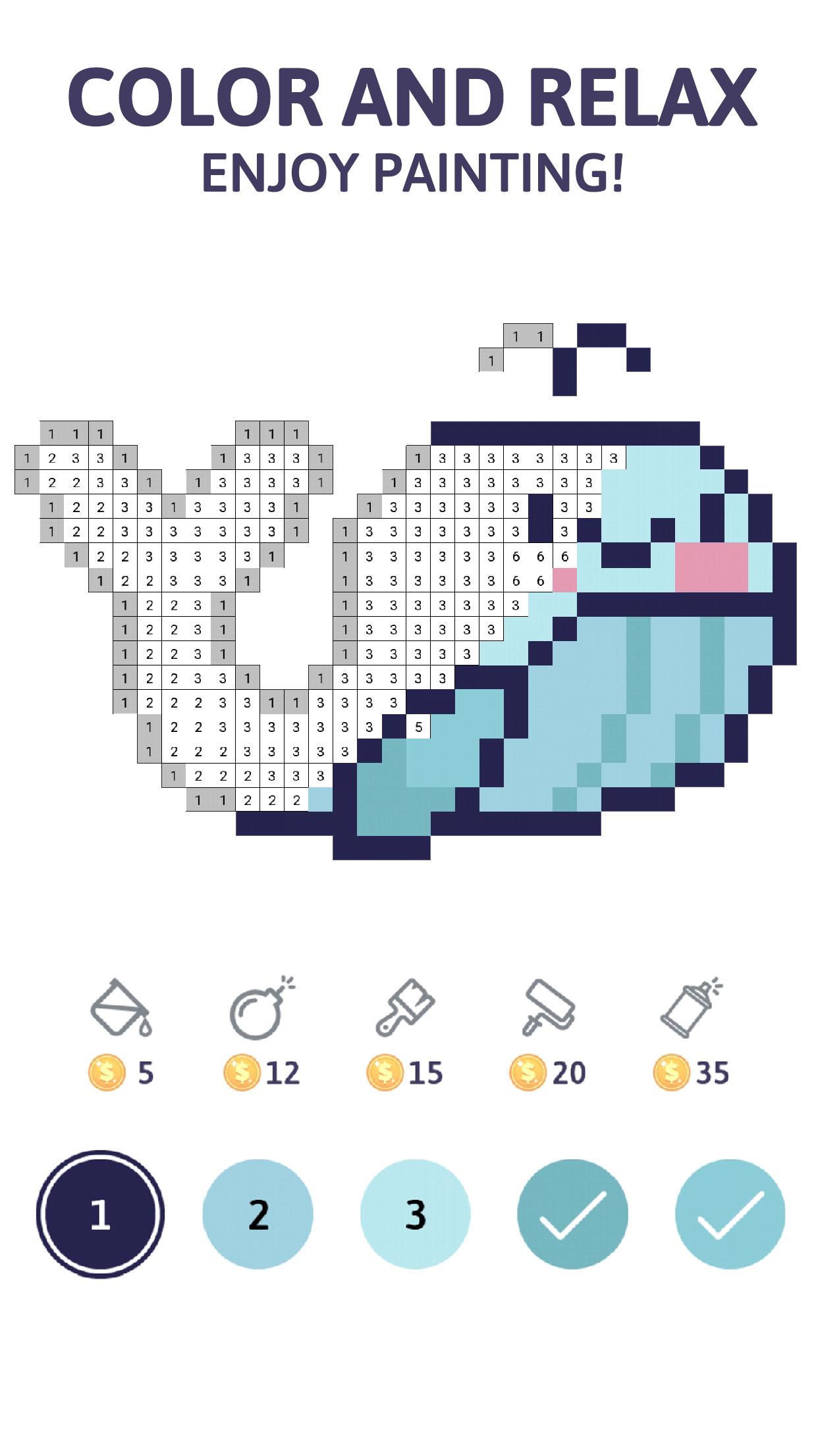
PixelBook is a Pixel Art game that will relax you while you’re coloring the different images available. Each week, we will upload new images to keep the artistic challenge alive.
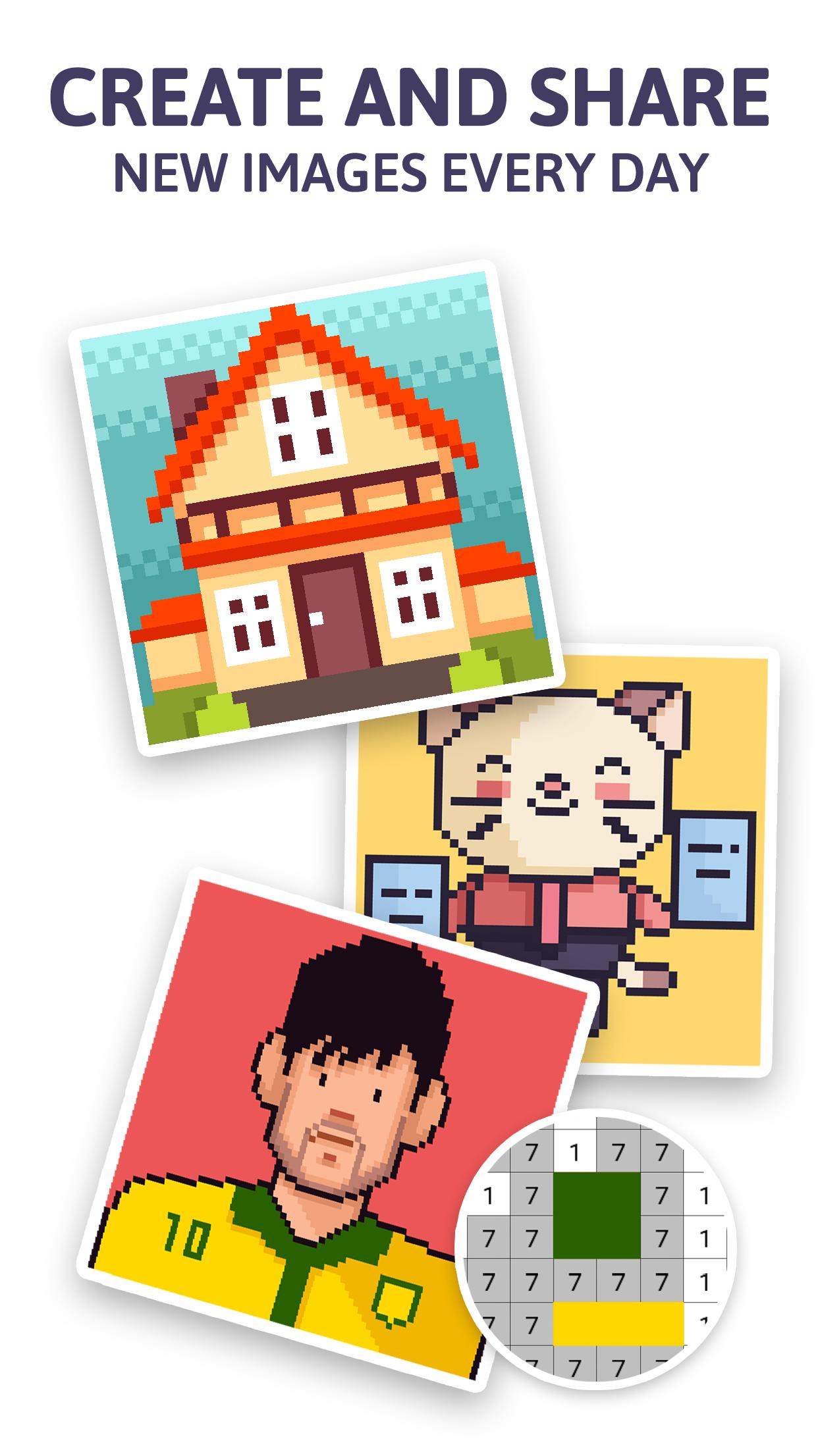
This game is a social network, where you will be able to create and draw your creative ideas and publish them on the app. Thousands of people will be able to color your work and follow your profile in order to receive your work regular. Color by number nonstop!
Also, each time your images are being colored by number, you will receive rewards.
In order to publish images, it is requested to sign in using your Facebook or Google account.
We have different categories to achieve an experience based on your preferences and mood. This Pixel art game will select the images according to the search filters: popularity, size and your followed artist.
Features:
• New images available constantly.
• Search filter to make easier the new challenges procurement.
• 9 images categories available
• Daily reward
• The colored images can be personalized with the sticker set available. Share them with your family and friends.
• You can create your images using the draw tool, from your picture collection or take a picture with the camera. Pixel everything!
• 5 power ups that will make the coloring experience fluent and relaxing.
• Hint tool to make easy to find those pixels that require color.
• Players ranking according the amount of pixels colored.
• More than 50 achievements.
We hope you enjoy drawing and coloring all the available images!
معاينة
العلامات
تعليميرسماليوميلاعب واحدمنمنمةمنقطةغير متصل على الانترنتمعلومة
مطور
PocketLand
احدث اصدار
3.8
آخر تحديث
2020-06-03
فئة
لغز
متاح على
Google Play
أظهر المزيد
كيف تلعب PixelBook: pixel art, draw and مع GameLoop على جهاز الكمبيوتر
1. قم بتنزيل GameLoop من الموقع الرسمي ، ثم قم بتشغيل ملف exe لتثبيت GameLoop.
2. افتح GameLoop وابحث عن "PixelBook: pixel art, draw and" ، وابحث عن PixelBook: pixel art, draw and في نتائج البحث وانقر على "تثبيت".
3. استمتع بلعب PixelBook: pixel art, draw and على GameLoop.
Minimum requirements
OS
Windows 8.1 64-bit or Windows 10 64-bit
GPU
GTX 1050
CPU
i3-8300
Memory
8GB RAM
Storage
1GB available space
Recommended requirements
OS
Windows 8.1 64-bit or Windows 10 64-bit
GPU
GTX 1050
CPU
i3-9320
Memory
16GB RAM
Storage
1GB available space