
Viafirma Documents PC
Viafirma
قم بتنزيل Viafirma Documents على جهاز الكمبيوتر باستخدام GameLoop Emulator
Viafirma Documents على الكمبيوتر الشخصي
Viafirma Documents ، القادم من المطور Viafirma ، يعمل على نظام Android في الماضي.
الآن ، يمكنك لعب Viafirma Documents على جهاز الكمبيوتر باستخدام GameLoop بسلاسة.
قم بتنزيله في مكتبة GameLoop أو في نتائج البحث. لا مزيد من الانتباه إلى البطارية أو المكالمات المحبطة في الوقت الخطأ بعد الآن.
ما عليك سوى الاستمتاع بجهاز Viafirma Documents على الشاشة الكبيرة مجانًا!
Viafirma Documents مقدمة
IMPORTANT: To use the application you need a username and password. Currently, the self-registration option is not enabled.
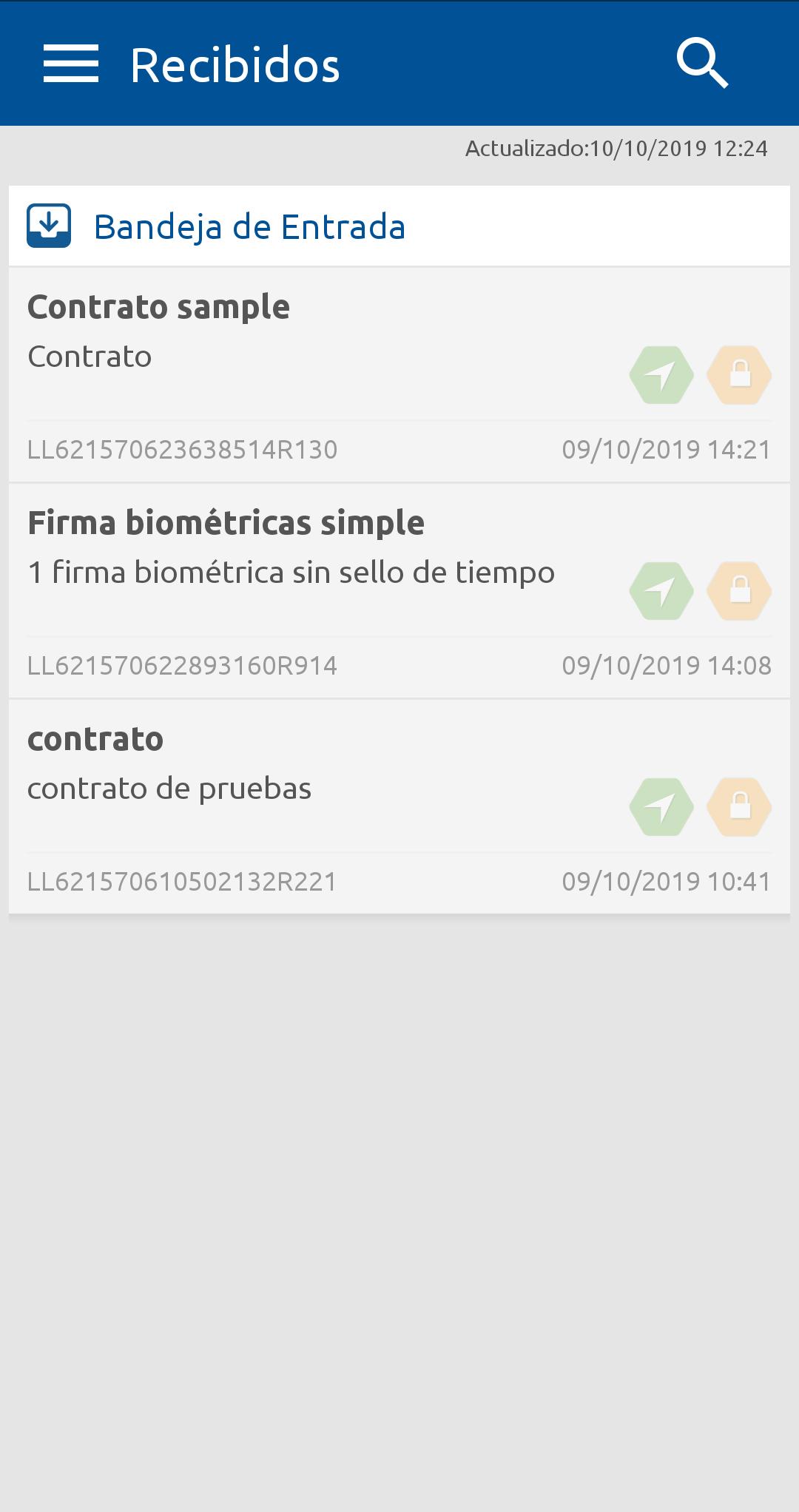
Documents is Viafirma's solution in charge of managing documents that need to be signed on mobile devices.
The application is designed for any scenario in which it is necessary to eliminate the role in the signing processes with clients or users external to an organization: informed consent, formalization of contracts, acceptance of merchandise, etc.
The use of mobile devices for the distribution and signing of documents allows not only the elimination of paper, but the mobilization of processes, that is, it allows the signing operation to be carried out anywhere: sales in offices, self-sales, mobility assistance.
This application supports the digitized signature or biometric signature, based on the capture of electronic evidence such as biometric data, photograph or geolocated position of the signer, among others.
Allows the capture of other electronic evidence with fingerprint capture devices, such as the Tactive readers of Precise Biometrics.
The solution includes the signature components, backend for the integral management of the service and the customization of the client app for the main mobile OS.
FUNCTIONAL FEATURES
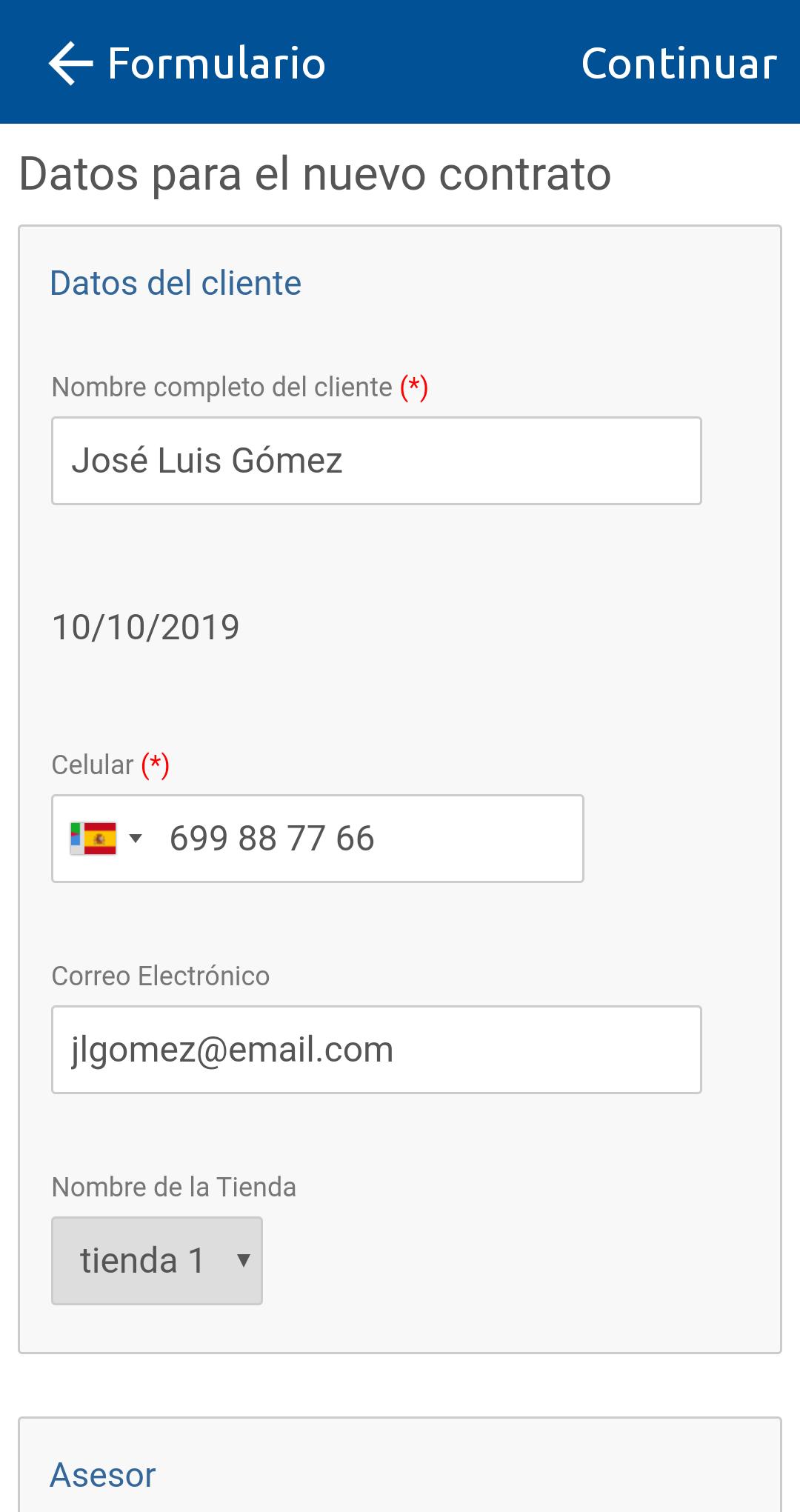
Different input channels to build the document to sign: PDF, data, form or mixed.
Construction of PDFs from previously designed templates: Word and Adobe Acrobat with AcroForm type fields.
Integration with third-party backoffices: APIs and REST services to manage users, devices, messages or notifications among other validation and status control services.
Personalization of the final stages of the life cycle of a signed document through the implementation of different mechanisms to transfer and / or copy the generated and signed documents. Mechanisms currently supported are: NFS, FTP, CMiS and, in general, any REST service.
It incorporates a push notification engine ready to integrate with the official services of Apple (APN) and Google (GCM), offering an administration interface in which the service configuration is allowed at the app level.
It allows adding a series of biometric evidences that can be attached to the signed data set depending on the associated signature policy:
- Capture photos of the signatory or capture other images that you want to provide as evidence: identity documents, passports, supporting documents, etc.
- Geopositional Capture (GPS)
- Capture of Official Time. TSA (Timestamping Authority) authorized.
- Captures biometric data related to the digitized signature or biometric signature, based on ISO / IEC: 19794-7: 2014
- Captures biometric data related to fingerprints (fingerprint), made with some mobile fingerprint readers with support for Android and in compliance with ISO / IEC 19794-2: 2005 ANSI 378 specifications.
The collected biometric data is encrypted and stored in a file that guarantees the confidentiality of its content.
SUPPORTED DEVICES
The external devices supported for capturing signature and fingerprint evidence are currently the following:
Signature Capture: Samsung Galaxy Note, Samsung Galaxy Tab A with S Pen, Huawei Mediapad M2 10.0, HP Pro Slate (8 and 12 inches), with a Bluetooth biometric pen (HP Duet Pen stylus).
Footprint Capture: Precise Biometrics Tactive models with template capture in ISO / IEC 19794-2: 2005 ANSI 378 format.
Updated device list:
https://doc.viafirma.com/documents/user/useguide/externaldevices.html
If you want to test the application, you can install it for free and contact us at comercial@viafirma.com
معاينة
العلامات
إنتاجيةمعلومة
مطور
Viafirma
احدث اصدار
3.7.19 - f24c86e4
آخر تحديث
2024-11-20
فئة
إنتاجية
متاح على
Google Play
أظهر المزيد
كيف تلعب Viafirma Documents مع GameLoop على جهاز الكمبيوتر
1. قم بتنزيل GameLoop من الموقع الرسمي ، ثم قم بتشغيل ملف exe لتثبيت GameLoop.
2. افتح GameLoop وابحث عن "Viafirma Documents" ، وابحث عن Viafirma Documents في نتائج البحث وانقر على "تثبيت".
3. استمتع بلعب Viafirma Documents على GameLoop.
Minimum requirements
OS
Windows 8.1 64-bit or Windows 10 64-bit
GPU
GTX 1050
CPU
i3-8300
Memory
8GB RAM
Storage
1GB available space
Recommended requirements
OS
Windows 8.1 64-bit or Windows 10 64-bit
GPU
GTX 1050
CPU
i3-9320
Memory
16GB RAM
Storage
1GB available space