
SubOps PC
ZippyYum
قم بتنزيل SubOps على جهاز الكمبيوتر باستخدام GameLoop Emulator
SubOps على الكمبيوتر الشخصي
SubOps ، القادم من المطور ZippyYum ، يعمل على نظام Android في الماضي.
الآن ، يمكنك لعب SubOps على جهاز الكمبيوتر باستخدام GameLoop بسلاسة.
قم بتنزيله في مكتبة GameLoop أو في نتائج البحث. لا مزيد من الانتباه إلى البطارية أو المكالمات المحبطة في الوقت الخطأ بعد الآن.
ما عليك سوى الاستمتاع بجهاز SubOps على الشاشة الكبيرة مجانًا!
SubOps مقدمة
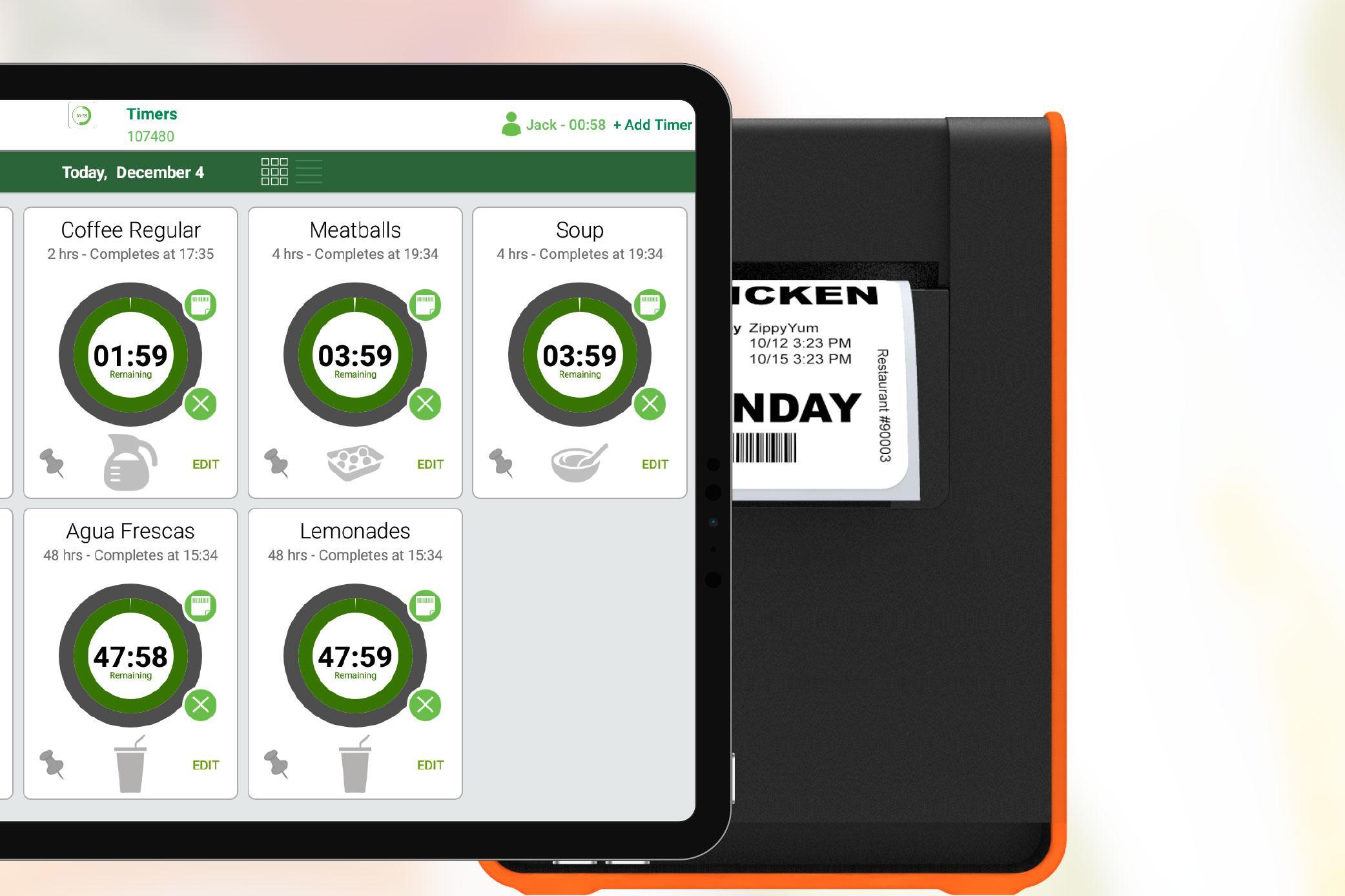
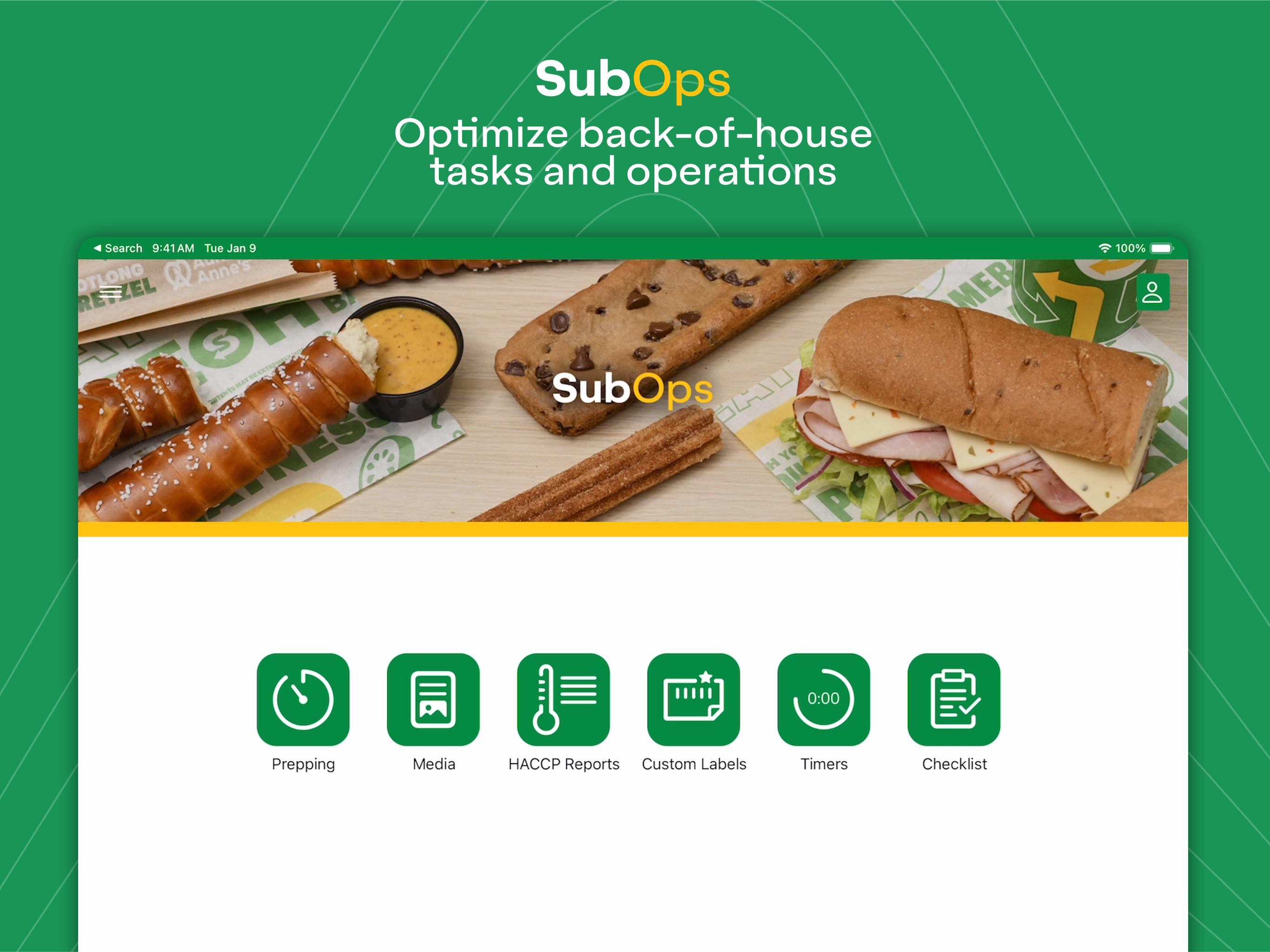
SubOps helps optimize your restaurant's back-of-house tasks, operations, and labeling. The app features our ultra-smart prepping scheduler to help determine how much to prep each day and pairs with various printers for effortless labeling. Our timers, checklists, media, and custom labels modules are also packed with more time-saving features.
• Smart algorithms suggest how much to prep
• Uses sales and inventory metrics for calculations
• Determines how much and when to prep during the day
• Built-in training materials for food prepping
• Pairs wirelessly with multiple printer models
• Print easy-to-read and scannable food prep labels
• Knows what food items you prep
• Timers track short shelf-life items
• Checklists help track task completion
• Media repository ensures you always have up-to-date docs
• Custom labels module lets you design labels right in the app
• Training videos and instructions built for your restaurant
• 24/7/365 free live support from our team
• Learn more at www.zippyyum.com
معاينة
العلامات
إنتاجيةمعلومة
مطور
ZippyYum
احدث اصدار
7.9.012509
آخر تحديث
2025-10-04
فئة
إنتاجية
متاح على
Google Play
أظهر المزيد
كيف تلعب SubOps مع GameLoop على جهاز الكمبيوتر
1. قم بتنزيل GameLoop من الموقع الرسمي ، ثم قم بتشغيل ملف exe لتثبيت GameLoop.
2. افتح GameLoop وابحث عن "SubOps" ، وابحث عن SubOps في نتائج البحث وانقر على "تثبيت".
3. استمتع بلعب SubOps على GameLoop.
Minimum requirements
OS
Windows 8.1 64-bit or Windows 10 64-bit
GPU
GTX 1050
CPU
i3-8300
Memory
8GB RAM
Storage
1GB available space
Recommended requirements
OS
Windows 8.1 64-bit or Windows 10 64-bit
GPU
GTX 1050
CPU
i3-9320
Memory
16GB RAM
Storage
1GB available space