Simple Sticky Notes PC
Sourav Rana - Notes
قم بتنزيل Simple Sticky Notes على جهاز الكمبيوتر باستخدام GameLoop Emulator
Simple Sticky Notes على الكمبيوتر الشخصي
Simple Sticky Notes ، القادم من المطور Sourav Rana - Notes ، يعمل على نظام Android في الماضي.
الآن ، يمكنك لعب Simple Sticky Notes على جهاز الكمبيوتر باستخدام GameLoop بسلاسة.
قم بتنزيله في مكتبة GameLoop أو في نتائج البحث. لا مزيد من الانتباه إلى البطارية أو المكالمات المحبطة في الوقت الخطأ بعد الآن.
ما عليك سوى الاستمتاع بجهاز Simple Sticky Notes على الشاشة الكبيرة مجانًا!
Simple Sticky Notes مقدمة
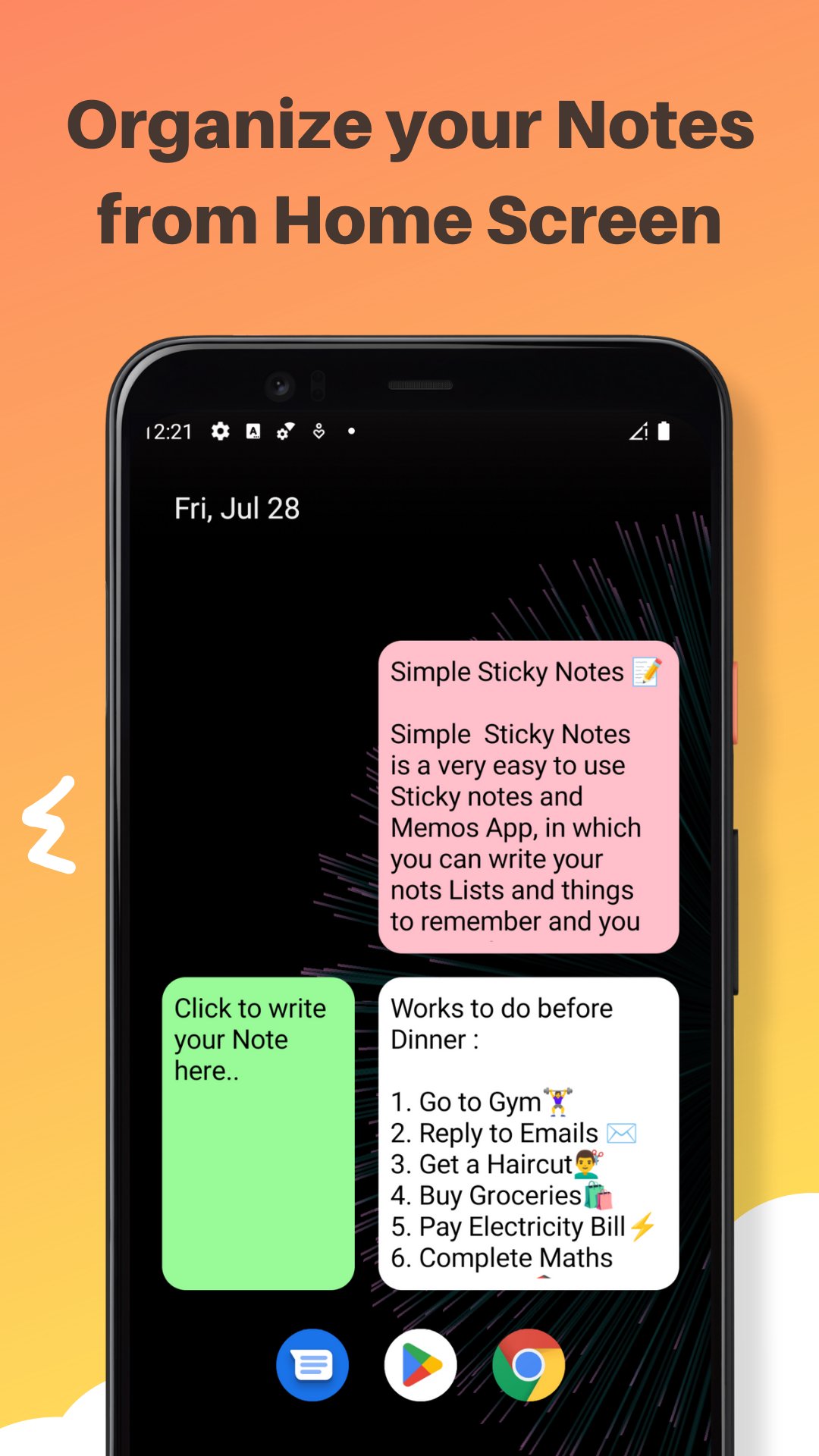
Simple Sticky Notes - Color Notes and Memos is a very simple to use Sticky Notes and memos App in which you can write your Notes, Lists, Tasks, To Do Lists, Things To Remember, Memos etc. and you can manage them from the home screen of your Android Device. You can quickly write down your Tasks and Notes by Clicking on the Widget on your Home Screen.
You can change the background color of your simple sticky notes widget from the given 4 colors in the App. you can also change the size of text in the editor to small, Large or default Medium. It is a very lightweight, and easy to use sticky notes widget. Both colors and text size can be changed while creation as well as while Editing. The Simple Sticky Notes Widget is Resizable and can be placed anywhere. you can create as much as Widgets as you want with different Colors, Text Sizes, and widget sizes.
**Features**
- Resizable widgets
- Rich Text Editor : make your Text Bold, Itealic, Underlined, change the font color and many more
- Scrollable text in widget Editor
- Light weight
- Customize with 4 different background colors
- Change text size in Widget Editor
- Easy to use
- Use multiple widgets on Screen
*Note*
If you are not able to put simple sticky notes widget on your home screen you can add it manually why doing following:-
- if you click on the "User Guide Button" on the Main Screen of your App. You will be redirected to a YouTube tutorial explaining How to add Simple Sticky Notes Widget to Home Screen Manually and use them. for your convenience steps are also given below -:
1) On a Home screen, touch and hold an
empty space and Tap Widgets or Shortcuts Tab.
2) Touch and hold Simple Sticky notes widget from widget list. Slide it to home Screen where you want it. Lift your finger.
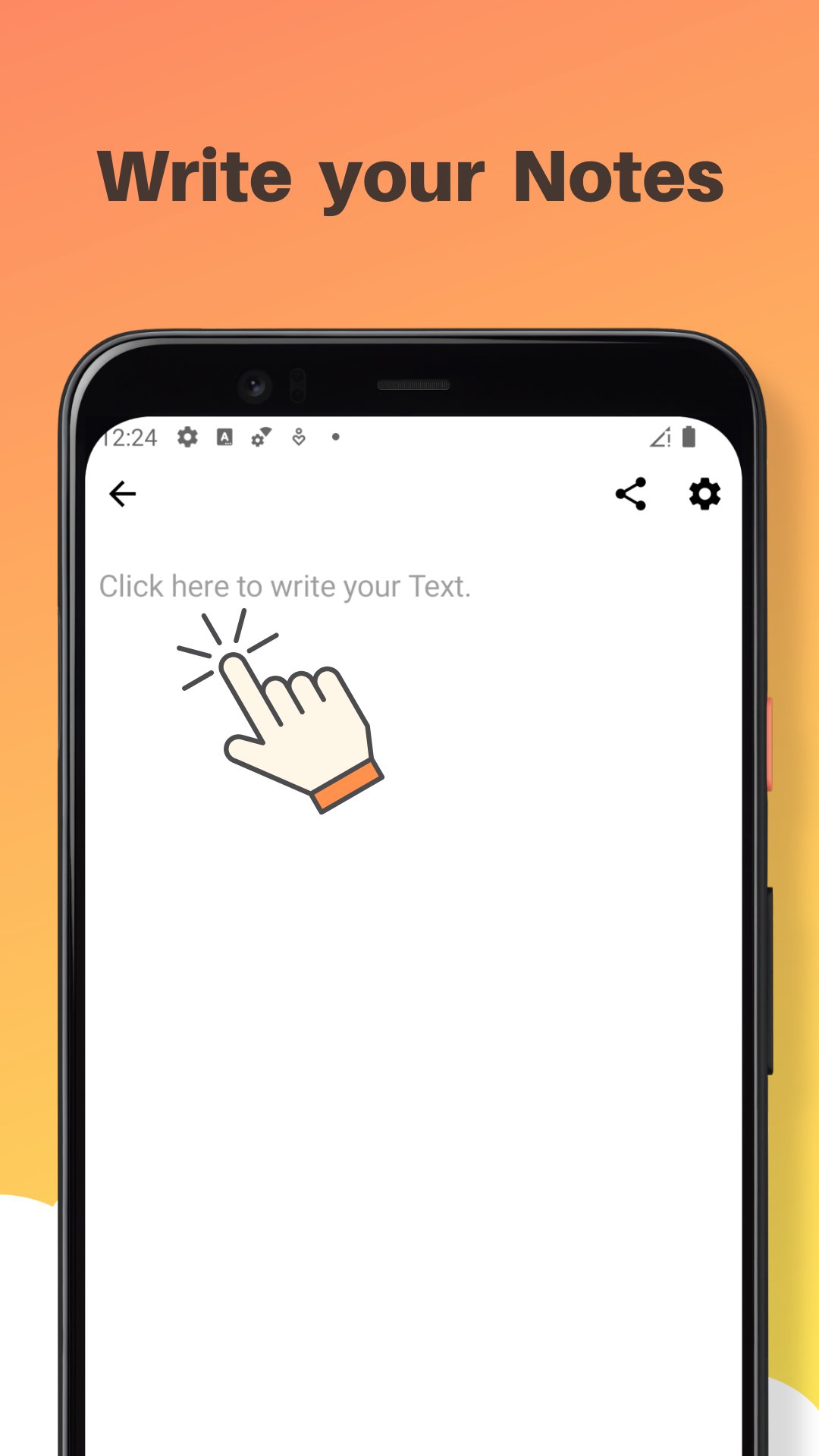
3) Write your Text on Widget Editor and change widget background color or text size from "Color and Text" button, then press "save" button to save it.
4) Resize your widget according to your
need and press back
button.
5) Click on Your widget if you want to edit it again.
That's it If you still have any questions, find any bugs or want me to add any other feature in the next update of the Simple Sticky Notes App, Please let me know in the Reviews section or write me on ranasourav3817@gmail.com.
Thank you.
Sourav
معاينة
العلامات
إنتاجيةمعلومة
مطور
Sourav Rana - Notes
احدث اصدار
1.4.6
آخر تحديث
2025-12-01
فئة
إنتاجية
متاح على
Google Play
أظهر المزيد
كيف تلعب Simple Sticky Notes مع GameLoop على جهاز الكمبيوتر
1. قم بتنزيل GameLoop من الموقع الرسمي ، ثم قم بتشغيل ملف exe لتثبيت GameLoop.
2. افتح GameLoop وابحث عن "Simple Sticky Notes" ، وابحث عن Simple Sticky Notes في نتائج البحث وانقر على "تثبيت".
3. استمتع بلعب Simple Sticky Notes على GameLoop.
Minimum requirements
OS
Windows 8.1 64-bit or Windows 10 64-bit
GPU
GTX 1050
CPU
i3-8300
Memory
8GB RAM
Storage
1GB available space
Recommended requirements
OS
Windows 8.1 64-bit or Windows 10 64-bit
GPU
GTX 1050
CPU
i3-9320
Memory
16GB RAM
Storage
1GB available space