Remote for Roku: TV Remote PC
InfoSys
قم بتنزيل Remote for Roku: TV Remote على جهاز الكمبيوتر باستخدام GameLoop Emulator
Remote for Roku: TV Remote على الكمبيوتر الشخصي
Remote for Roku: TV Remote ، القادم من المطور InfoSys ، يعمل على نظام Android في الماضي.
الآن ، يمكنك لعب Remote for Roku: TV Remote على جهاز الكمبيوتر باستخدام GameLoop بسلاسة.
قم بتنزيله في مكتبة GameLoop أو في نتائج البحث. لا مزيد من الانتباه إلى البطارية أو المكالمات المحبطة في الوقت الخطأ بعد الآن.
ما عليك سوى الاستمتاع بجهاز Remote for Roku: TV Remote على الشاشة الكبيرة مجانًا!
Remote for Roku: TV Remote مقدمة
RokuControl - Remote for Roku OS is the best remote controller app for your Roku device.
All you need is to connect your Roku device to the same Wi-Fi network or your mobile have IR Transmitter.
Experience zero setup and super easy simple Roku Controller operating experience on your.
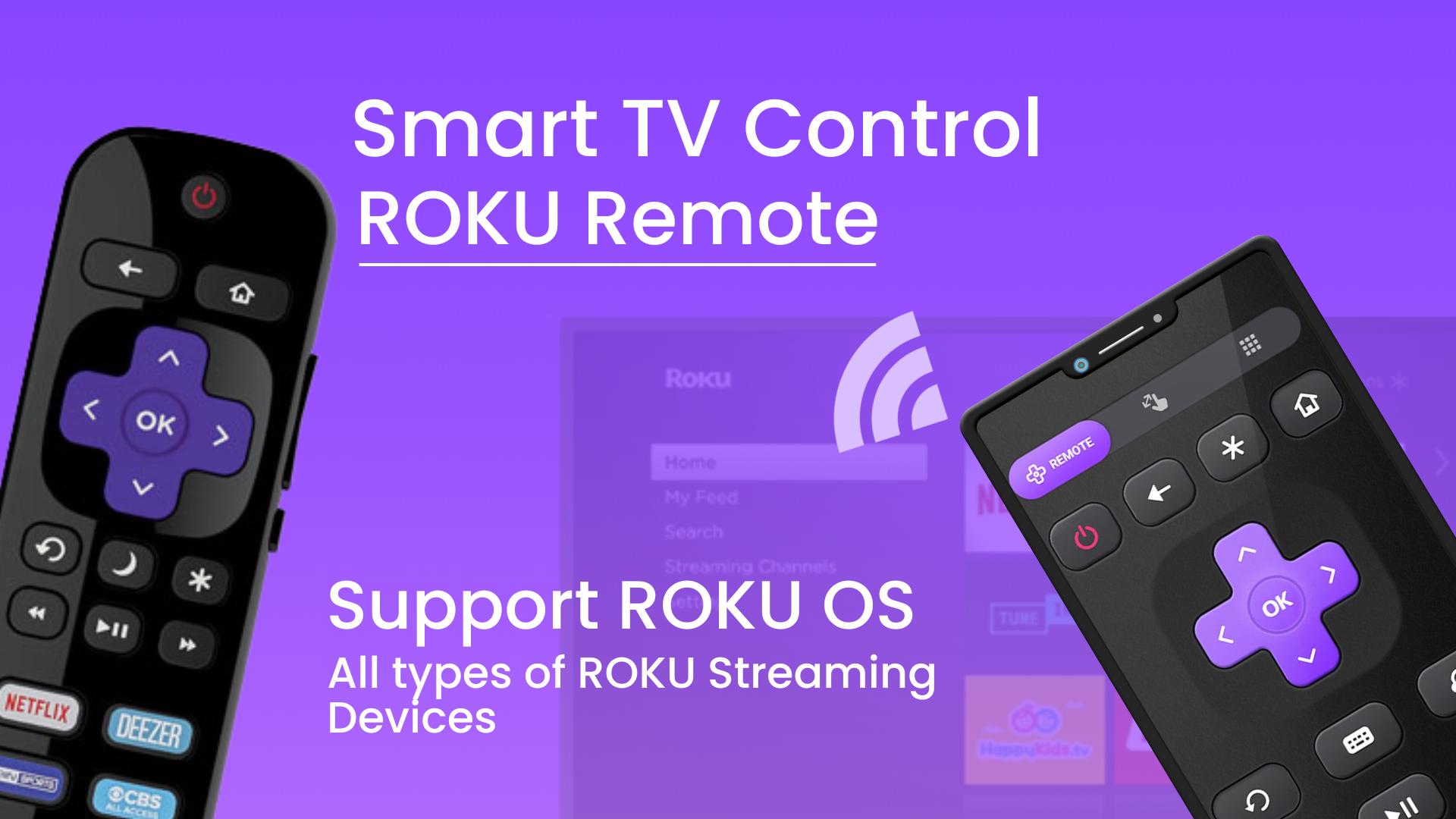
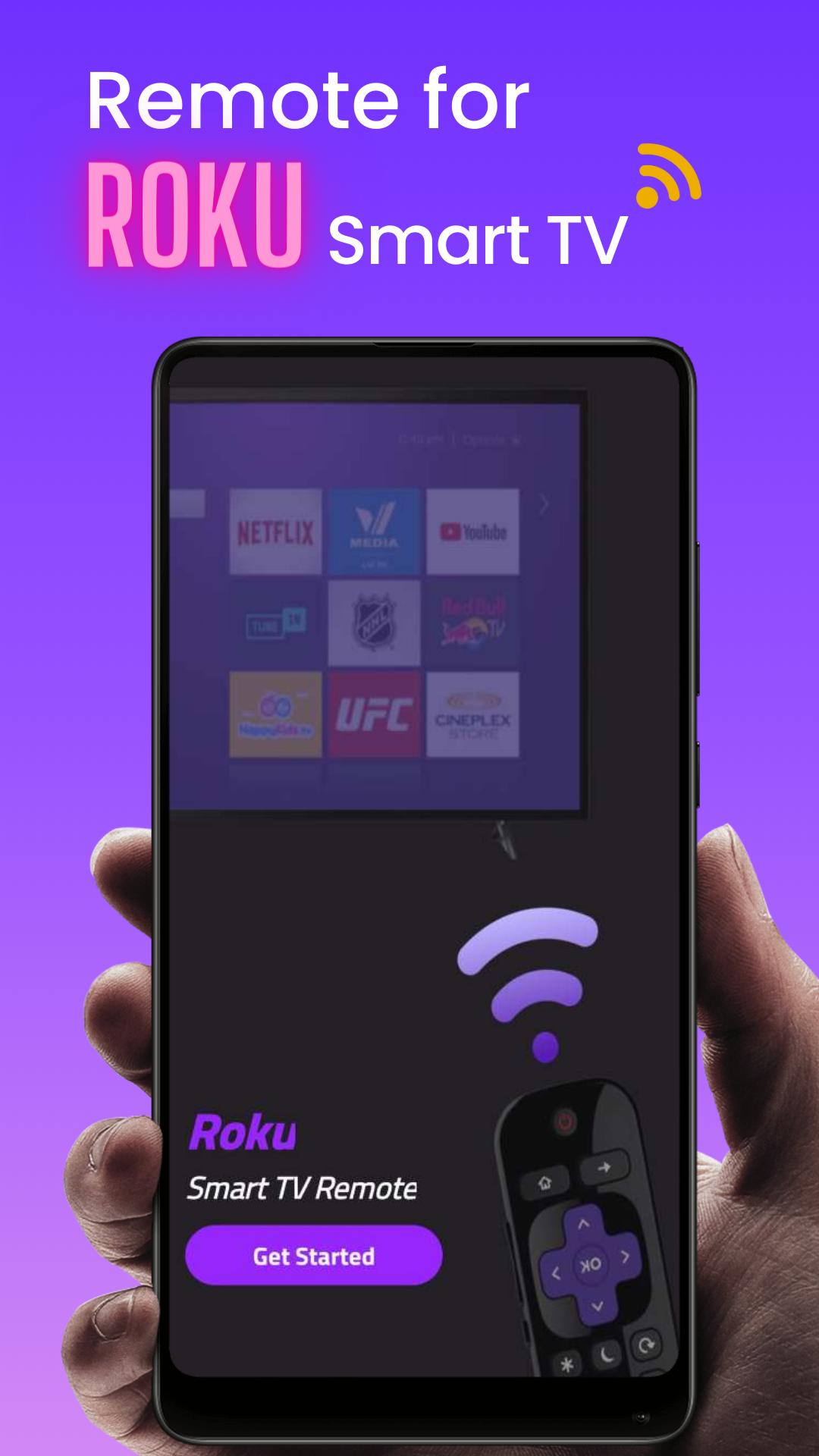
TV Remote for RokuTV is the remote control unit for Roku Streaming Player and Roku TV. User friendly design,
intuitive interface, no pileup of buttons or complex settings. Thanks to this application, access to movies,
music and games will become simpler and easier, and you will love your Roku even more. All you need is connect
your Android device and Roku to the same Wi-Fi network. Quick Cast To TV and Share Photos & Videos in high-definition
from your Gallery directly onto your devices with the tap of a button on the dedicated ""Cast"" tab. Search effortlessly
by using our friendly keyboard on the app.
Free Roku Remote Control for Android, which works with your Roku Player or Roku TV. It is not only a
universal TV remote control for Roku, but also a TV Cast App that can make a Roku cast on TV. This remote control
for Roku has everything you need, from turning your TV on and off to changing channels and using apps.
Features of free Roku Remote mobile:
• Control your Roku devices with a Universal convenient remote
• No Setup required, RoByte automatically scans for your device
• Enjoy private listening with headphones
• Stream free movies, live TV, and more on the go with The Roku Channel
• Use your keyboard for super fast text & voice entry on channels like Netflix or Hulu.
• Roku screen mirror/Cast media files from your phone, like videos and photos, to your TV
• Adjust your Roku TV's volume and toggle the input.
• Add and launch channels on your Roku devices
• Enter text on your Roku device more easily with your mobile keyboard
With Our remote application we wanted everyone to have the best Roku remote app so we made the remote control functionality free.
Get this free Smart TV remote now and forget about that physical remote controller. You must connect your phone or tablet to the
same wireless network as your Roku device to use certain features of the mobile app. Do you need a free remote control that supports
all Roku devices, including Roku steamer and Roku box? Roku Streamer hundreds of hit movies, TV shows, and more on the Roku Channel.
Hisense Roku TV Remote is supported as well. Don't hesitate to download this best Roku TV Remote Control App!
- Control your TV from your wrist thanks to the Wear OS app.
- NO SETUP. Connect and control, it's that simple.
- EASY TO USE. We designed the app to be used by anyone, quickly, and without any need for training. It's simpler than a physical Roku remote.
- Navigation using the buttons or touchpad Experience controlling the TV through the touchPad, one of the easiest and convenient ways to control.
- HOMESCREEN WIDGET. Control your television right from your device's home screen with Roku Remote - Control Your Smart TV's powerful widget.
- Do you want to Mirror your phone screen to your Roku TV? This feature allows you to do just that.
- MANAGE CHANNELS. See all the channels installed on your Roku TV right in the app and access them quickly.
- Do you want a Roku remote no wifi? This is a wireless Roku TV Remote Universal Control, using Wifi or IR remote control for TV free.
You can choose WiFi or IR mode as well.
- ADJUST VOLUME. Roku Remote - Control Your Smart TV is a complete (and better) replacement for your physical remote, so it can do everything it can,
including changing channels and controlling the TV's volume.
- Do you want a steamer for Roku TV Control? Using this All in one App to access Roku Channels directly from it like Netflix, YouTube,
Prime, Hulu, Spectrum, Disney, etc.
معاينة
العلامات
إنتاجيةمعلومة
مطور
InfoSys
احدث اصدار
1.0.0.6
آخر تحديث
2022-10-26
فئة
إنتاجية
متاح على
Google Play
أظهر المزيد
كيف تلعب Remote for Roku: TV Remote مع GameLoop على جهاز الكمبيوتر
1. قم بتنزيل GameLoop من الموقع الرسمي ، ثم قم بتشغيل ملف exe لتثبيت GameLoop.
2. افتح GameLoop وابحث عن "Remote for Roku: TV Remote" ، وابحث عن Remote for Roku: TV Remote في نتائج البحث وانقر على "تثبيت".
3. استمتع بلعب Remote for Roku: TV Remote على GameLoop.
Minimum requirements
OS
Windows 8.1 64-bit or Windows 10 64-bit
GPU
GTX 1050
CPU
i3-8300
Memory
8GB RAM
Storage
1GB available space
Recommended requirements
OS
Windows 8.1 64-bit or Windows 10 64-bit
GPU
GTX 1050
CPU
i3-9320
Memory
16GB RAM
Storage
1GB available space