
Proton Pass: Password Manager PC
Proton AG
قم بتنزيل Proton Pass: Password Manager على جهاز الكمبيوتر باستخدام GameLoop Emulator
Proton Pass: Password Manager على الكمبيوتر الشخصي
Proton Pass: Password Manager ، القادم من المطور Proton AG ، يعمل على نظام Android في الماضي.
الآن ، يمكنك لعب Proton Pass: Password Manager على جهاز الكمبيوتر باستخدام GameLoop بسلاسة.
قم بتنزيله في مكتبة GameLoop أو في نتائج البحث. لا مزيد من الانتباه إلى البطارية أو المكالمات المحبطة في الوقت الخطأ بعد الآن.
ما عليك سوى الاستمتاع بجهاز Proton Pass: Password Manager على الشاشة الكبيرة مجانًا!
Proton Pass: Password Manager مقدمة
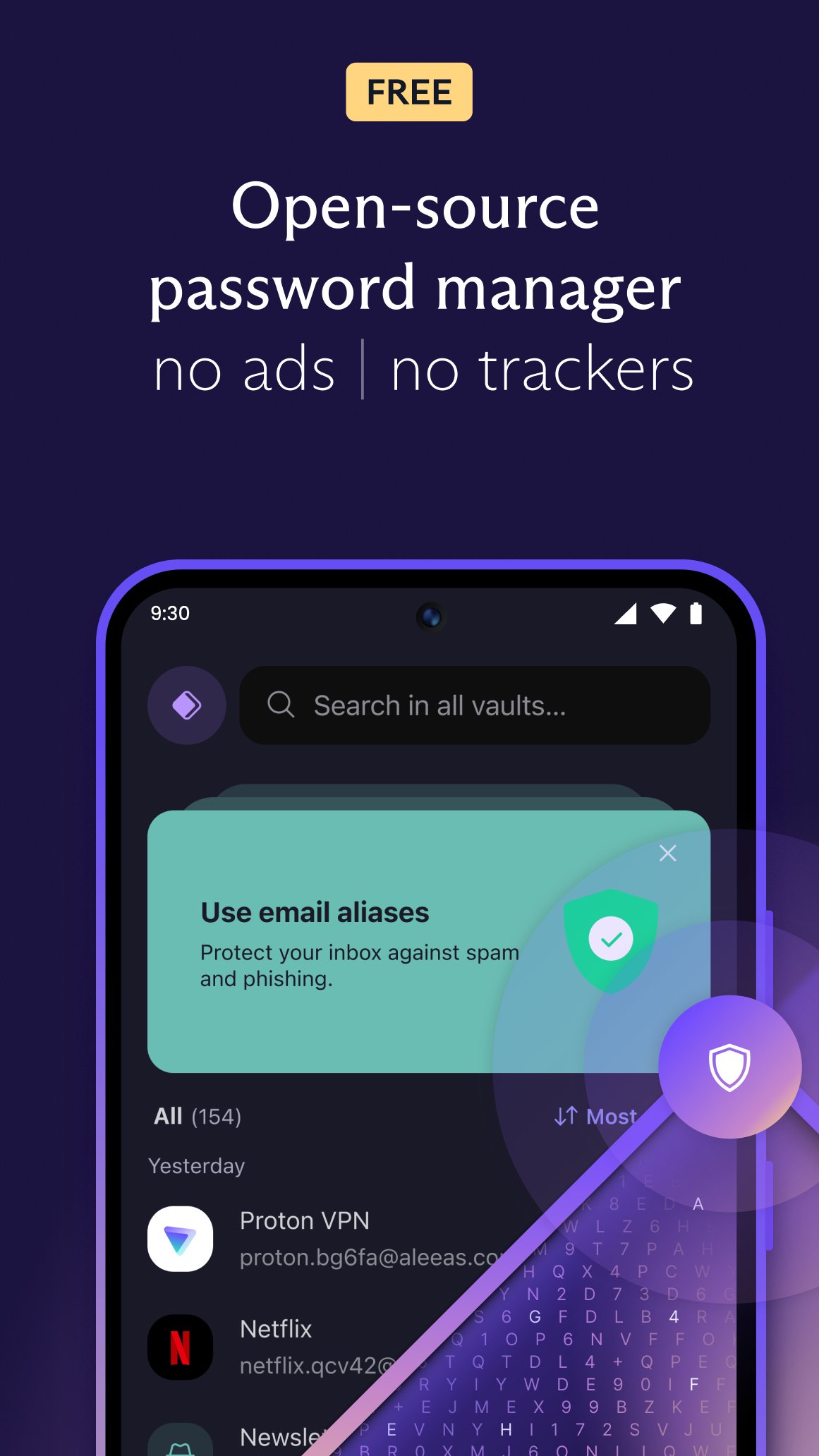
Proton Pass is the encrypted and secure password manager built by the scientists behind Proton Mail - the world’s largest encrypted email service. As a free password manager protected by Swiss privacy laws and fully open-source, Proton Pass keeps every login, credential, and note locked with end-to-end encryption that only you can unlock.
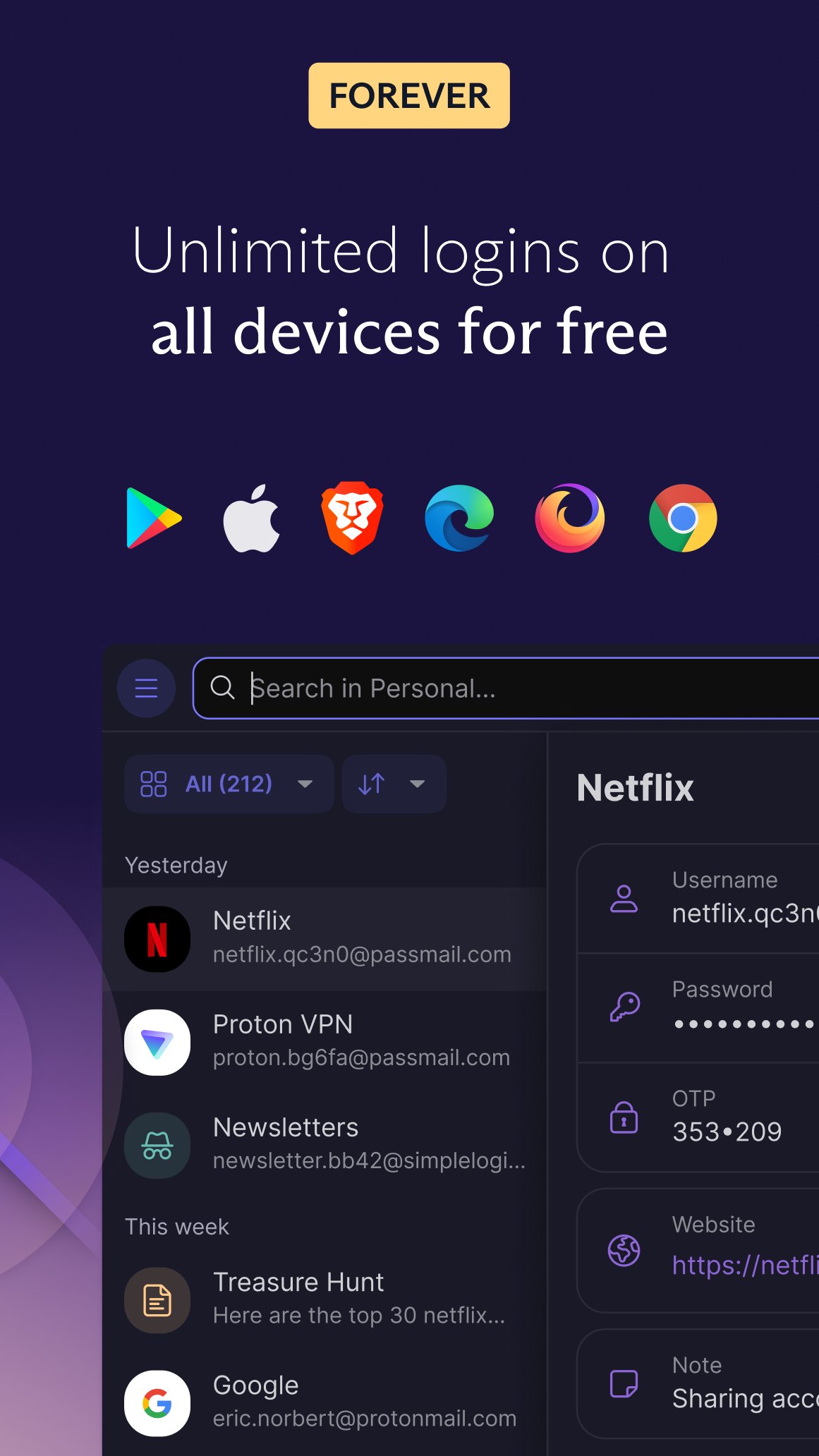
Proton Pass is a complete credential manager that encrypts everything in your password vault: create and store passwords, autofill logins, generate 2FA codes, create email aliases, secure your notes, and more. Use it as your login manager and password organizer on unlimited devices, with zero ads and zero data collection, free forever.
Protect more than a password vault
Join over 100 million people in Proton’s trusted privacy ecosystem alongside Proton Mail, Proton Drive, and Proton Calendar.
ZDNET:“Best free password manager for privacy . Proton Pass is a well-designed and highly secure password manager with a handful of unique features.”
• Hide-my-email aliases — protect your actual email address from being - disclosed or leaked
• End-to-end encrypted password vault — all login metadata protected (including your username, the website address, and more), not just your passwords
• Open-source and independently audited — no ads, no data collection
STORE AND SYNC UNLIMITED LOGINS
Save and auto-sync your credentials across unlimited devices. You can create, store, and organize passwords from anywhere with our browser extensions and apps for Android and iPhone/iPad.
AUTOFILL PASSWORDS INSTANTLY
Proton Pass autofill logs you in with one tap — no more copying and pasting. Easily and securely fill any login form, on any website.
GENERATE SECURE PASSWORDS
The built-in password generator creates strong, unique, random passwords based on the security requirements for every site. Stop reusing weak passwords and let your password manager handle the hard part.
BUILT-IN 2FA AUTHENTICATOR
Store and autofill two-factor authentication codes directly from your secure password manager. Making 2FA fast, convenient, and fully encrypted.
HIDE-MY-EMAIL ALIASES
Create email aliases to protect your real address from spam, trackers, and data breaches. Keep your identity private without losing a single message.
ENCRYPTED SECURE NOTES
Save private notes in your password vault and access them securely across all your devices.
BIOMETRIC UNLOCK
You can add an extra layer of protection to your password manager by using your fingerprint or face to unlock the app.
OFFLINE ACCESS
Your password vault is available anywhere — even without an internet connection.
EASY PASSWORD ORGANISING AND SHARING
Share passwords, logins, and notes with trusted ones using fully encrypted vaults.
IMPORT FROM ANY PASSWORD MANAGER
Switch to Proton Pass in minutes. Import directly from Bitwarden, 1Password, Dashlane, LastPass, NordPass, Keeper, Google Password Manager, and more.
ADVANCED SECURITY KEYS
Add TOTP or U2F/FIDO2 security keys for an extra layer of vault protection beyond your master password.
How can Proton Pass be free forever?
We offer Pass for free because everyone deserves online privacy and security. This is possible thanks to our supportive community on paid plans. If you would like to support our work and get access to premium features, consider upgrading your plan.
For more information, visit: https://proton.me/pass
Learn more about Proton: https://proton.me
معاينة
العلامات
إنتاجيةمجلسمعلومة
مطور
Proton AG
احدث اصدار
1.40.2
آخر تحديث
2026-07-09
فئة
إنتاجية
متاح على
Google Play
أظهر المزيد
كيف تلعب Proton Pass: Password Manager مع GameLoop على جهاز الكمبيوتر
1. قم بتنزيل GameLoop من الموقع الرسمي ، ثم قم بتشغيل ملف exe لتثبيت GameLoop.
2. افتح GameLoop وابحث عن "Proton Pass: Password Manager" ، وابحث عن Proton Pass: Password Manager في نتائج البحث وانقر على "تثبيت".
3. استمتع بلعب Proton Pass: Password Manager على GameLoop.
Minimum requirements
OS
Windows 8.1 64-bit or Windows 10 64-bit
GPU
GTX 1050
CPU
i3-8300
Memory
8GB RAM
Storage
1GB available space
Recommended requirements
OS
Windows 8.1 64-bit or Windows 10 64-bit
GPU
GTX 1050
CPU
i3-9320
Memory
16GB RAM
Storage
1GB available space