PDF Scanner - Scan Documents PC
Fifty Shades of Apps
قم بتنزيل PDF Scanner - Scan Documents على جهاز الكمبيوتر باستخدام GameLoop Emulator
PDF Scanner - Scan Documents على الكمبيوتر الشخصي
PDF Scanner - Scan Documents ، القادم من المطور Fifty Shades of Apps ، يعمل على نظام Android في الماضي.
الآن ، يمكنك لعب PDF Scanner - Scan Documents على جهاز الكمبيوتر باستخدام GameLoop بسلاسة.
قم بتنزيله في مكتبة GameLoop أو في نتائج البحث. لا مزيد من الانتباه إلى البطارية أو المكالمات المحبطة في الوقت الخطأ بعد الآن.
ما عليك سوى الاستمتاع بجهاز PDF Scanner - Scan Documents على الشاشة الكبيرة مجانًا!
PDF Scanner - Scan Documents مقدمة
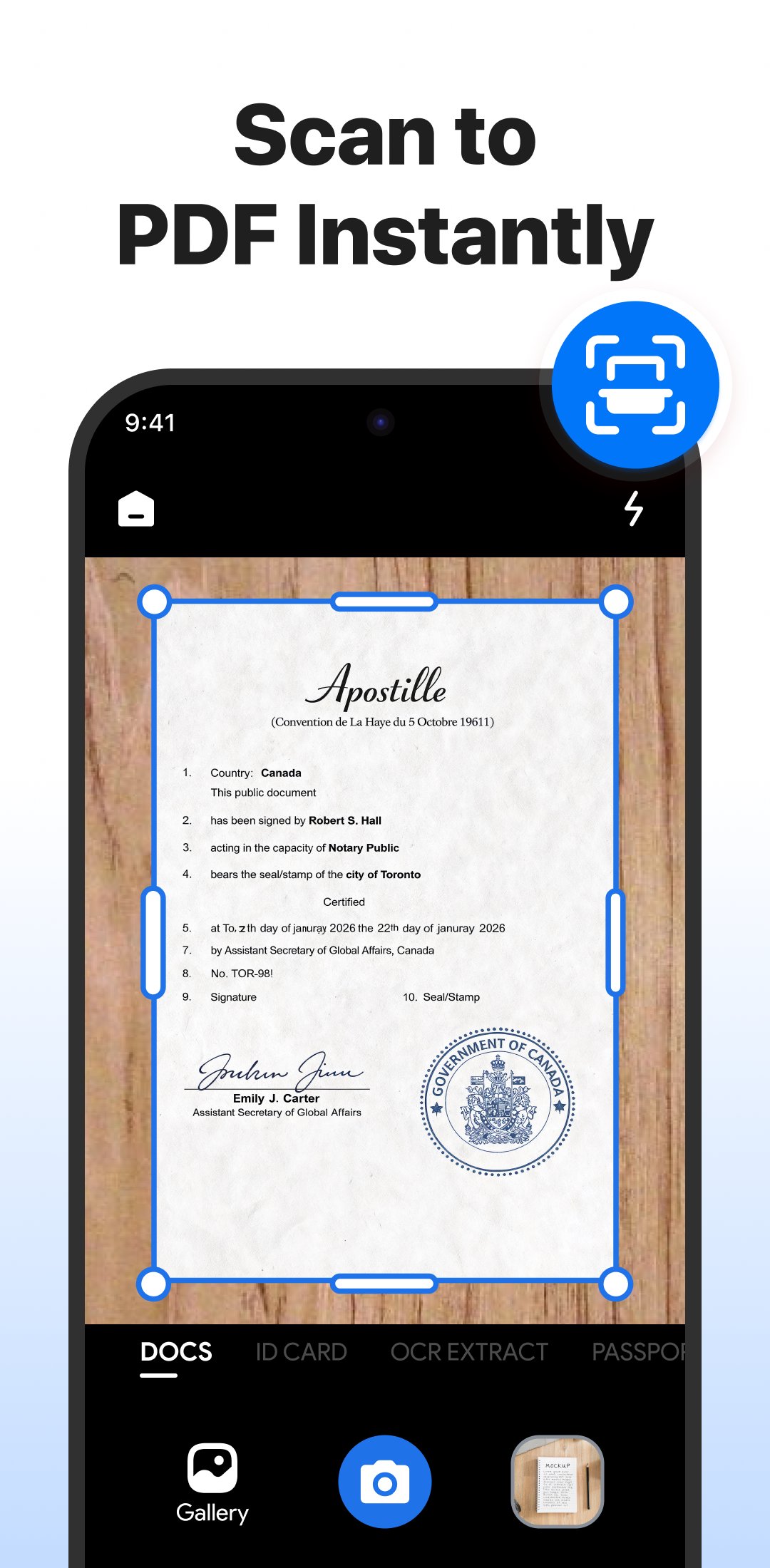
Imagine carrying a portable scanner in your pocket. With this PDF scanner app, you can scan documents anytime, anywhere — no bulky hardware, no waiting, just quick, clear, professional scans right from your Android phone.
🌟 Highlights
✔ Professional PDF scanner with high-resolution scans
✔ Smart document scanner with auto-cropping
✔ Camera scanner to convert images into PDFs
✔ OCR text recognition in 90+ languages
✔ Secure PDFs with password lock
✔ Merge & split PDF files instantly
✔ Built-in file organizer & manager
✔ 100% offline scanning
✔ Quick sharing across apps & platforms
✨ Scan Anything
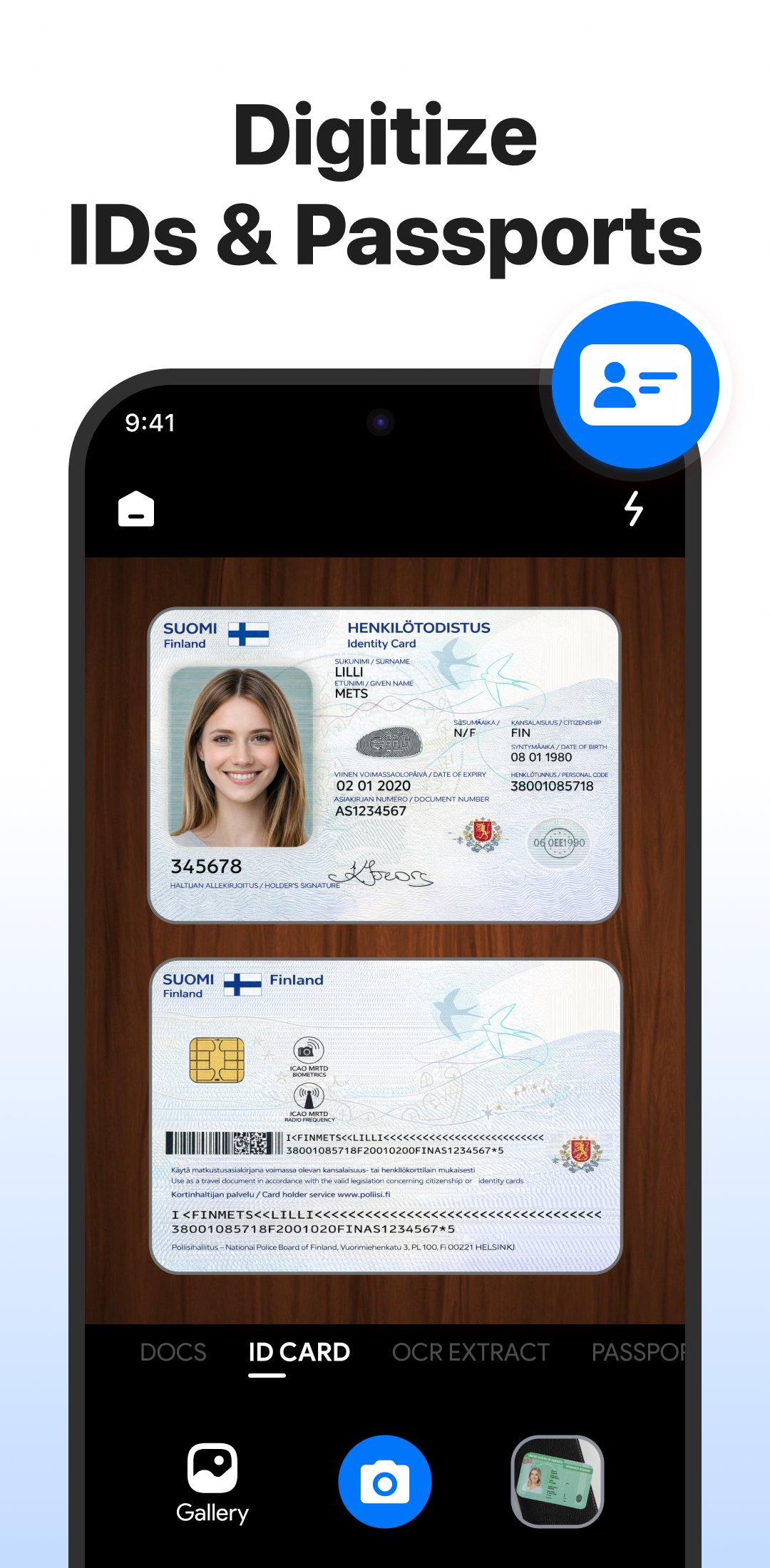
From office contracts, receipts, and invoices to handwritten notes, homework, ID cards, books, and photos — this scanner captures it all with high resolution and smart edge detection.
📷 Camera Scanner — Photos to PDF
Turn your camera into a PDF maker. Scan documents or photos and save them as PDF or image files — perfect for digitizing papers, tickets, and study materials.
🔍 OCR Text Scanner
Extract text from images and scanned PDFs in 90+ languages. Copy, edit, translate, and share text with ease.
🔐 Secure Your Files
Keep private documents protected with password lock and unlock, right inside the app.
📚 Manage, Merge & Split
Combine multiple scans into one PDF, split large files, rename, reorder, or delete pages — all in a few taps.
⚡ Works Offline
No Wi-Fi? No problem. Scan, save, and organize files anywhere, no connection required.
📤 Share Instantly
Send scanned PDFs via WhatsApp, email, Drive, or any app in one tap.
Replace bulky scanners with a smart scanning tool that fits in your pocket — great for business, school, or personal use.
👉 Download now and start scanning smarter. For questions or support, contact us at fiftyshadesofapps@gmail.com.
معاينة
العلامات
إنتاجيةمعلومة
مطور
Fifty Shades of Apps
احدث اصدار
5.0.8
آخر تحديث
2026-09-04
فئة
إنتاجية
متاح على
Google Play
أظهر المزيد
كيف تلعب PDF Scanner - Scan Documents مع GameLoop على جهاز الكمبيوتر
1. قم بتنزيل GameLoop من الموقع الرسمي ، ثم قم بتشغيل ملف exe لتثبيت GameLoop.
2. افتح GameLoop وابحث عن "PDF Scanner - Scan Documents" ، وابحث عن PDF Scanner - Scan Documents في نتائج البحث وانقر على "تثبيت".
3. استمتع بلعب PDF Scanner - Scan Documents على GameLoop.
Minimum requirements
OS
Windows 8.1 64-bit or Windows 10 64-bit
GPU
GTX 1050
CPU
i3-8300
Memory
8GB RAM
Storage
1GB available space
Recommended requirements
OS
Windows 8.1 64-bit or Windows 10 64-bit
GPU
GTX 1050
CPU
i3-9320
Memory
16GB RAM
Storage
1GB available space