
CCTV CAMERA PC
niksviks
قم بتنزيل CCTV CAMERA على جهاز الكمبيوتر باستخدام GameLoop Emulator
CCTV CAMERA على الكمبيوتر الشخصي
CCTV CAMERA ، القادم من المطور niksviks ، يعمل على نظام Android في الماضي.
الآن ، يمكنك لعب CCTV CAMERA على جهاز الكمبيوتر باستخدام GameLoop بسلاسة.
قم بتنزيله في مكتبة GameLoop أو في نتائج البحث. لا مزيد من الانتباه إلى البطارية أو المكالمات المحبطة في الوقت الخطأ بعد الآن.
ما عليك سوى الاستمتاع بجهاز CCTV CAMERA على الشاشة الكبيرة مجانًا!
CCTV CAMERA مقدمة
CCTV Camera – Live Phone Surveillance
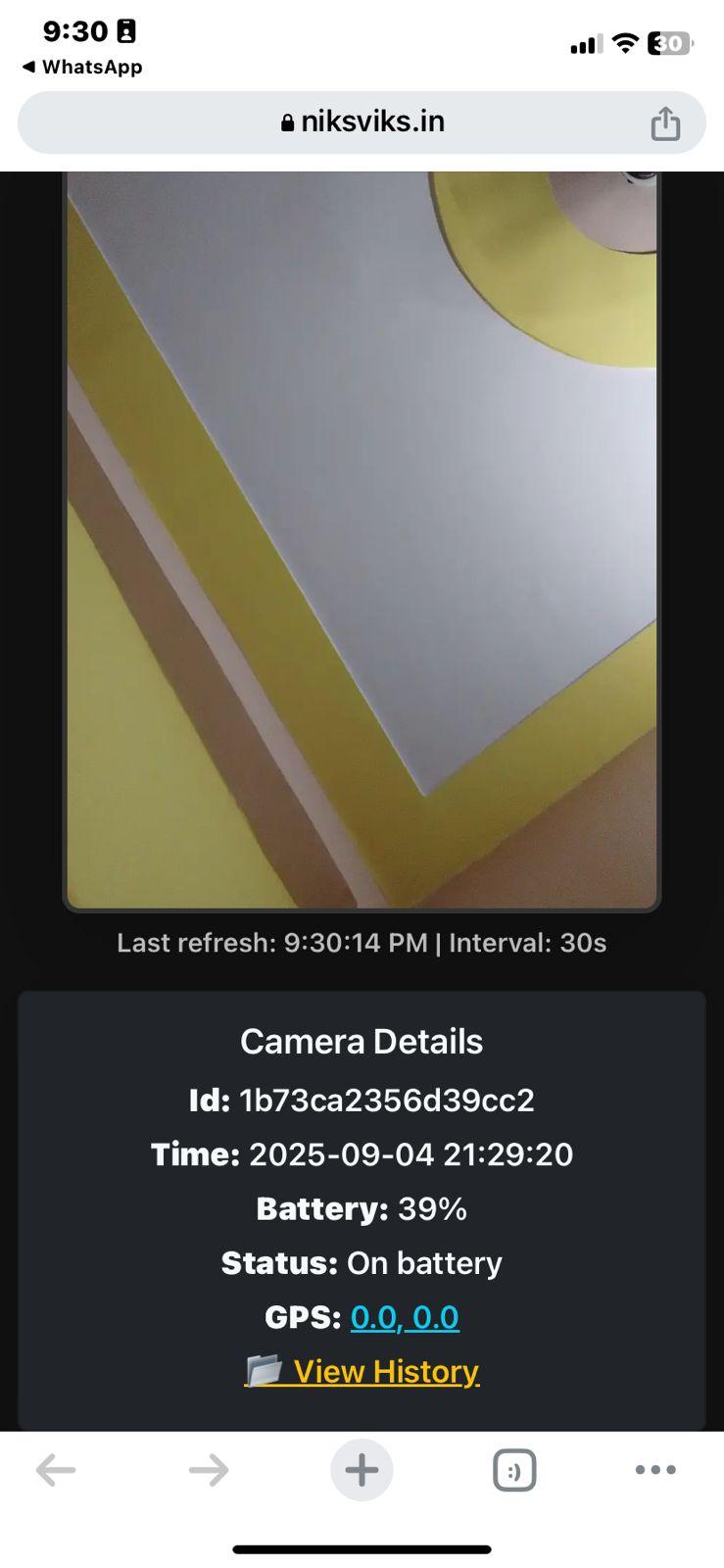
Transform your Android phone into a powerful portable CCTV camera. Capture photos automatically at regular intervals and monitor your device remotely via a secure web link. Perfect for home, office, or personal safety.
🔹 Key Features
📷 Auto Image Capture – Takes photos every few seconds/minutes in the background.
🌍 GPS Location Tracking – Optionally send live location with each capture.
🔋 Battery & Charging Status – Always know your device’s power condition.
🔑 Unique Device ID – Each device has its own secure tracking link.
📤 Cloud Upload – Images are uploaded instantly to your server for remote access.
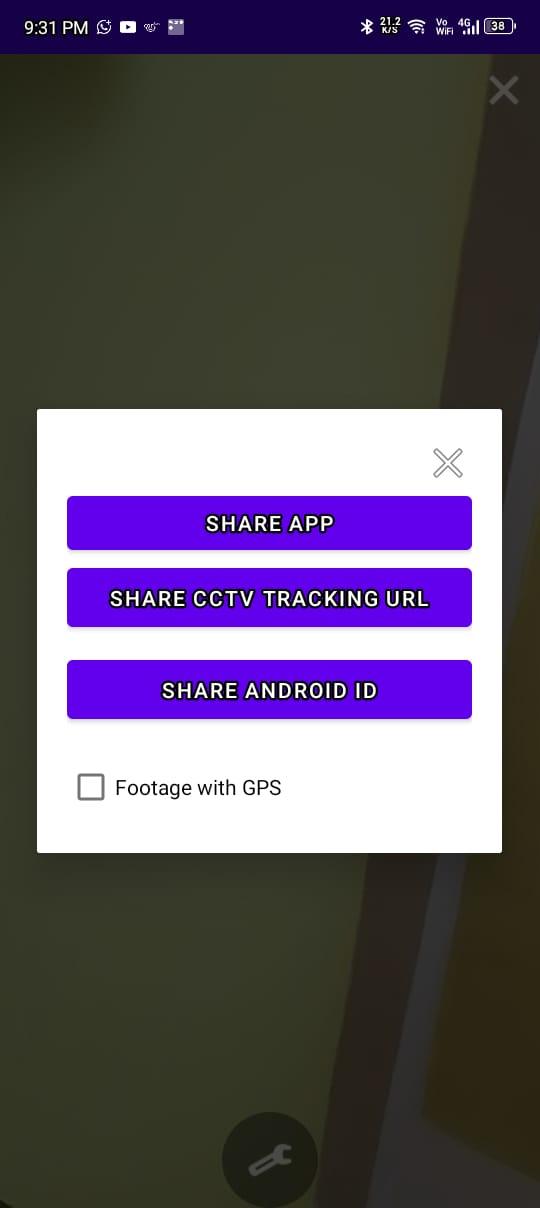
🔗 Share Access – Easily share a live monitoring link with family or friends.
📱 Lightweight & Easy to Use – Runs smoothly without draining your phone.
🔹 How to Use
Install the app and grant camera + location permissions.
Place your phone in the area you want to monitor.
The app will automatically capture and upload images in the background.
Open the shared CCTV link on any browser to view your live feed.
Use the in-app Settings to enable/disable GPS, check your device ID, or share the app.
🔹 Why Use This App?
Keep an eye on your home, shop, office, or kids remotely.
Use an old phone as a CCTV camera instead of buying expensive cameras.
Get both images and location info in real time.
⚠️ Disclaimer
This app is intended for personal and lawful use only. Please do not use it to violate anyone’s privacy. Users are solely responsible for how they use the app.
معاينة
العلامات
إنتاجيةمعلومة
مطور
niksviks
احدث اصدار
0.1.2
آخر تحديث
2025-09-05
فئة
إنتاجية
متاح على
Google Play
أظهر المزيد
كيف تلعب CCTV CAMERA مع GameLoop على جهاز الكمبيوتر
1. قم بتنزيل GameLoop من الموقع الرسمي ، ثم قم بتشغيل ملف exe لتثبيت GameLoop.
2. افتح GameLoop وابحث عن "CCTV CAMERA" ، وابحث عن CCTV CAMERA في نتائج البحث وانقر على "تثبيت".
3. استمتع بلعب CCTV CAMERA على GameLoop.
Minimum requirements
OS
Windows 8.1 64-bit or Windows 10 64-bit
GPU
GTX 1050
CPU
i3-8300
Memory
8GB RAM
Storage
1GB available space
Recommended requirements
OS
Windows 8.1 64-bit or Windows 10 64-bit
GPU
GTX 1050
CPU
i3-9320
Memory
16GB RAM
Storage
1GB available space