ME Password Manager Pro PC
ManageEngine
قم بتنزيل ME Password Manager Pro على جهاز الكمبيوتر باستخدام GameLoop Emulator
ME Password Manager Pro على الكمبيوتر الشخصي
ME Password Manager Pro ، القادم من المطور ManageEngine ، يعمل على نظام Android في الماضي.
الآن ، يمكنك لعب ME Password Manager Pro على جهاز الكمبيوتر باستخدام GameLoop بسلاسة.
قم بتنزيله في مكتبة GameLoop أو في نتائج البحث. لا مزيد من الانتباه إلى البطارية أو المكالمات المحبطة في الوقت الخطأ بعد الآن.
ما عليك سوى الاستمتاع بجهاز ME Password Manager Pro على الشاشة الكبيرة مجانًا!
ME Password Manager Pro مقدمة
Note: This application requires a valid web installation of ManageEngine Password Manager Pro. Please visit to download the free trial version.
Ever since its launch in 2007, ManageEngine Password Manager Pro has been the security solution that enterprises rely on to fortify the internal controls and strengthen the IT security of their organizations. Over 1 million IT administrators and users worldwide count on Password Manager Pro to manage their privileged credentials and assets.
ManageEngine Password Manager Pro is a comprehensive privileged account management solution that will help enterprises store and manage sensitive information from a centralized platform. Password Manager Pro offers exhaustive options to control, monitor, and centralize the management of privileged credentials such as passwords, SSH keys, SSL certificates, and other digital identities. The product offers complete encryption of your data and consolidates all your privileged accounts in a secure vault that is fortified with fine-grained access controls. The solution allows you to achieve full governance over your enterprise's privileged information and regulate access to other parties in a transparent manner. In a single package, the product bundles three major solutions - Privileged Account Management, Remote Access management, and Privileged Session Management.
Password Manager Pro's Android application comes with an integrated set of features that can help you seamlessly take control of your privileged accounts, even when you are away from the desktop installation.
Salient Features:
1. A user-friendly interface that is simple and easy to work with.
2. Quick search options to look up specific passwords swiftly.
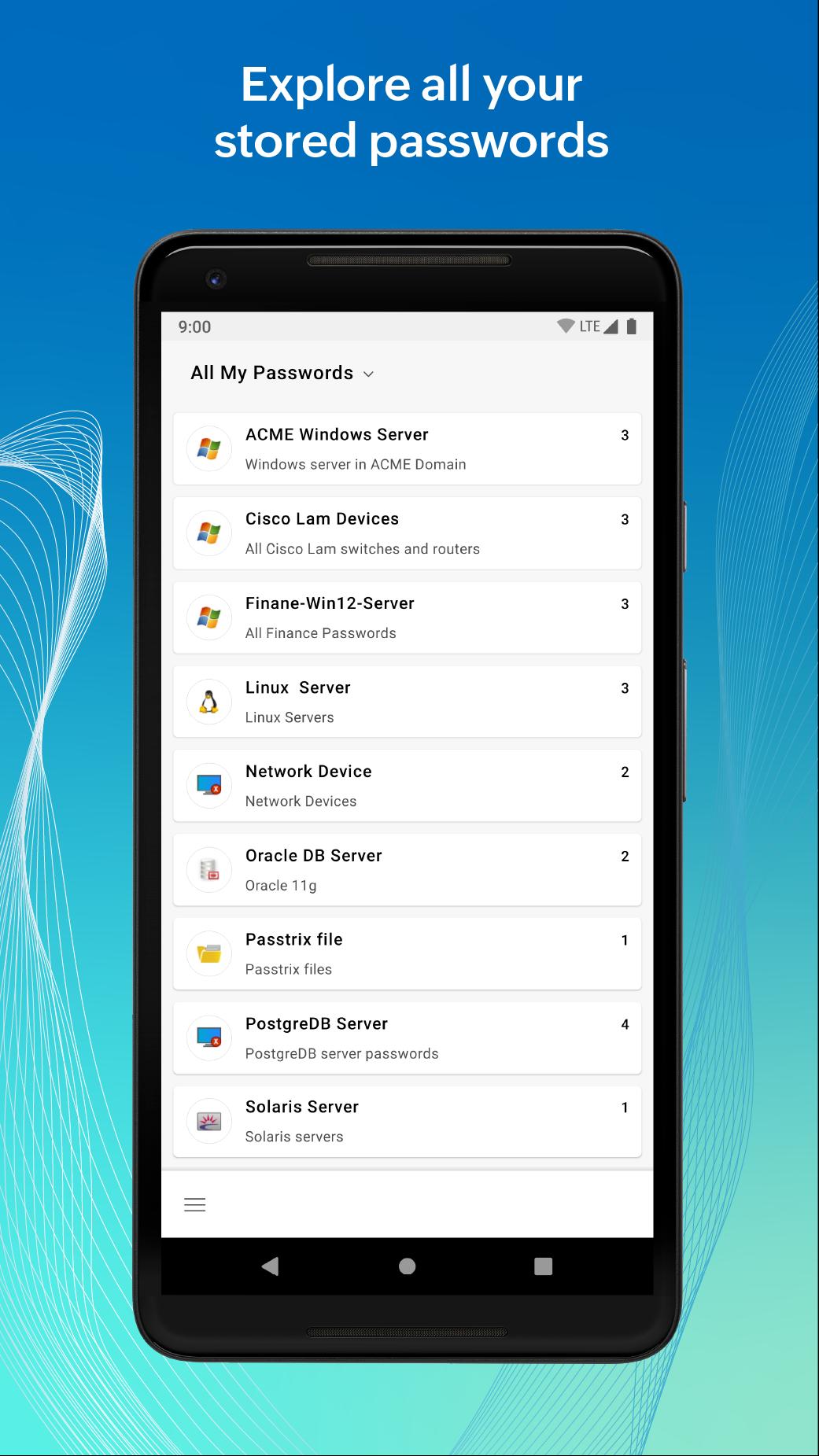
3. Compartmentalized sections for easy access to various types of privileged data stored in your vault — this includes separate folders for Favorites, Windows RDP and SSH passwords, Resource Groups, and the Personal tab.
Security Aspects
The application encrypts all passwords and sensitive data using the advanced AES 256-bit algorithm.
It enforces you to set up a personal passphrase and offers two-factor authentication for additional layers of security.
The application has a provision to automatically log out after a specified period of inactivity.
All operations carried out using the application are captured in the web client's audit trails.
This handy app allows you to:
Access all your privileged accounts and passwords from anywhere, at any time.
Mark frequently used accounts as 'Favorites' for quick access.
Approve or reject password access requests from other users, and also monitor who checks out passwords (you need to be an administrator for this)
Utilize ticket ID-based validation through Password Manager Pro's ticketing system integration and secure your access approval workflow even further.
Download a selection of passwords for secure offline access to retrieve them when there is no Internet connection.
Store and manage your critical personal information such as banking details for on-the-go access.
View and manage your SSH keys and SSL certificate details at any time, if you have the Key Manager Plus add-on.
For more information about Password Manager Pro and its capabilities, refer to our knowledge base:https://www.manageengine.com/products/passwordmanagerpro/help.html
معاينة

العلامات
إنتاجيةمعلومة
مطور
ManageEngine
احدث اصدار
4.9.1
آخر تحديث
2024-11-11
فئة
إنتاجية
متاح على
Google Play
أظهر المزيد
كيف تلعب ME Password Manager Pro مع GameLoop على جهاز الكمبيوتر
1. قم بتنزيل GameLoop من الموقع الرسمي ، ثم قم بتشغيل ملف exe لتثبيت GameLoop.
2. افتح GameLoop وابحث عن "ME Password Manager Pro" ، وابحث عن ME Password Manager Pro في نتائج البحث وانقر على "تثبيت".
3. استمتع بلعب ME Password Manager Pro على GameLoop.
Minimum requirements
OS
Windows 8.1 64-bit or Windows 10 64-bit
GPU
GTX 1050
CPU
i3-8300
Memory
8GB RAM
Storage
1GB available space
Recommended requirements
OS
Windows 8.1 64-bit or Windows 10 64-bit
GPU
GTX 1050
CPU
i3-9320
Memory
16GB RAM
Storage
1GB available space