Long: Full Screenshot Capture PC
apptech_Infotech
قم بتنزيل Long: Full Screenshot Capture على جهاز الكمبيوتر باستخدام GameLoop Emulator
Long: Full Screenshot Capture على الكمبيوتر الشخصي
Long: Full Screenshot Capture ، القادم من المطور apptech_Infotech ، يعمل على نظام Android في الماضي.
الآن ، يمكنك لعب Long: Full Screenshot Capture على جهاز الكمبيوتر باستخدام GameLoop بسلاسة.
قم بتنزيله في مكتبة GameLoop أو في نتائج البحث. لا مزيد من الانتباه إلى البطارية أو المكالمات المحبطة في الوقت الخطأ بعد الآن.
ما عليك سوى الاستمتاع بجهاز Long: Full Screenshot Capture على الشاشة الكبيرة مجانًا!
Long: Full Screenshot Capture مقدمة
Long: Full Screenshot Capture – Screen Recorder & Scrolling Screenshot Tool
Capture everything on your screen with Long: Full Screenshot Capture – the ultimate app for scrolling screenshots, full-page captures, and easy image editing. Whether you're saving web pages, chats, documents, or social feeds, our app makes it fast, clean, and customizable.
📸 Key Features:
✅ One-Tap Screenshot Tool
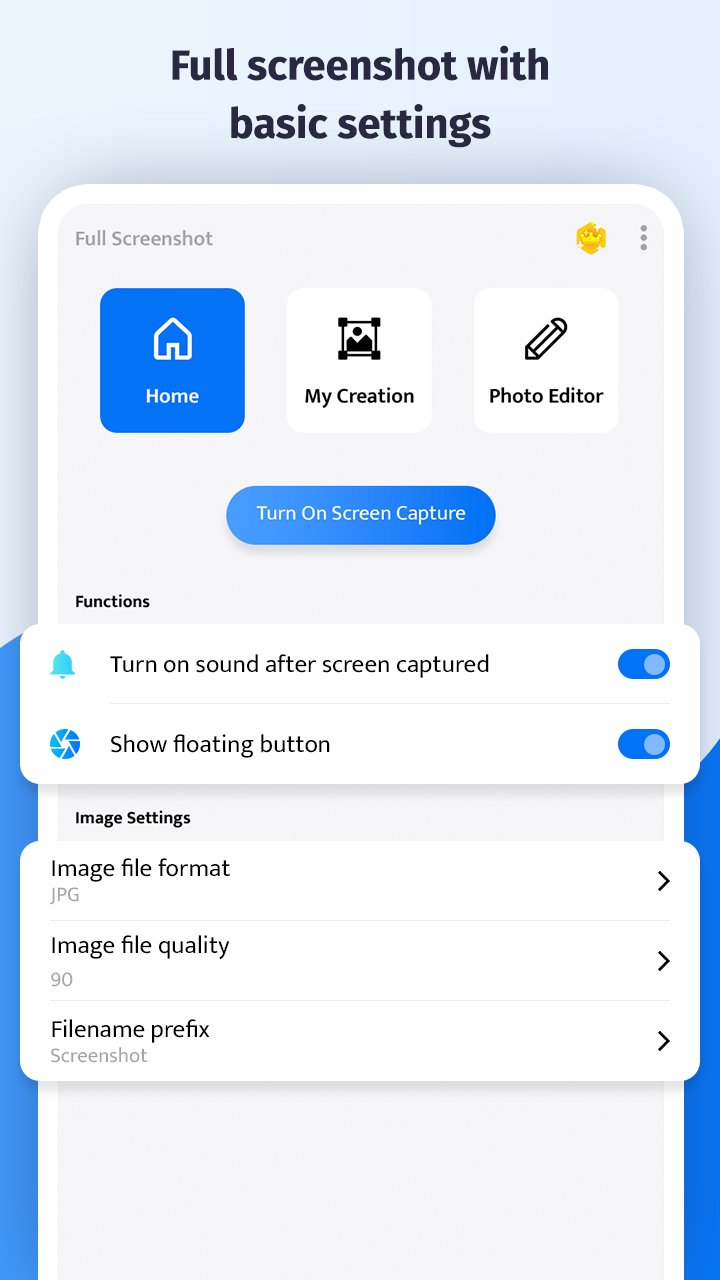
Easily capture full-screen content with just a tap. Use our floating button overlay to take instant screenshots at any time – even while gaming or browsing.
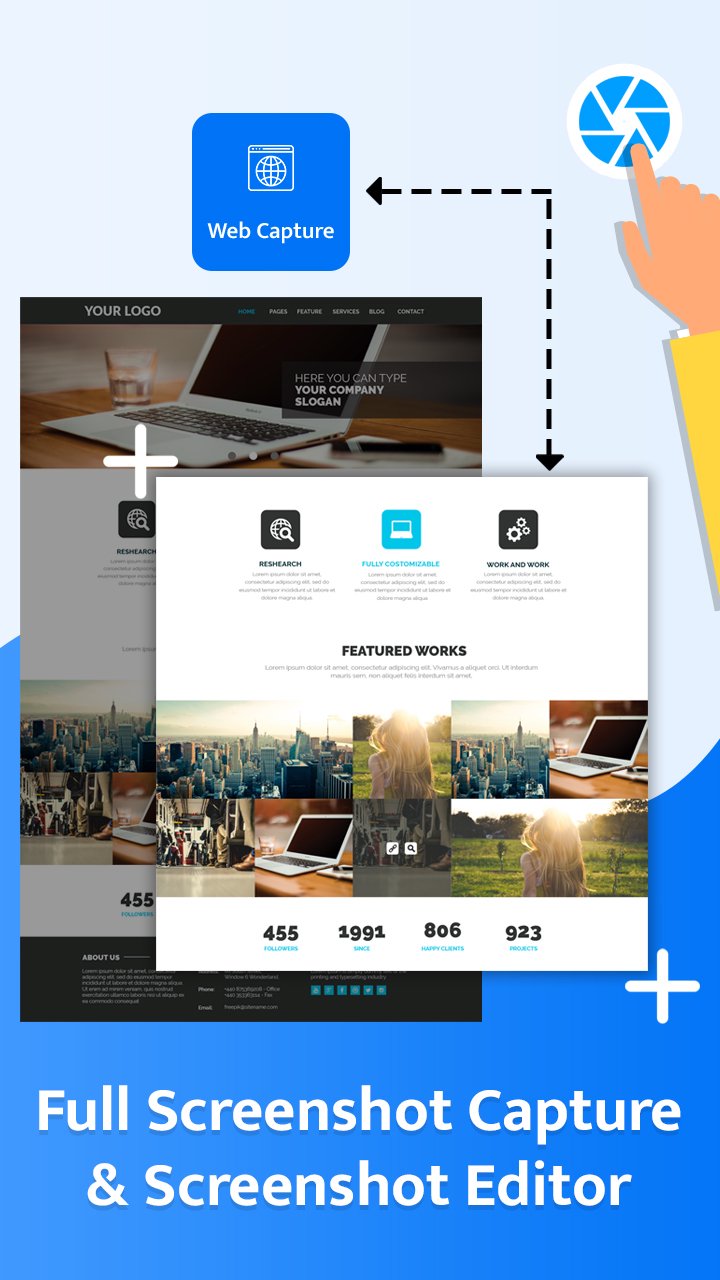
✅ Scrolling Screenshot & Full Page Capture
Snap long-form content in one shot! Perfect for capturing entire webpages, conversations, or social media threads without stitching images manually.
✅ Floating Widget – Always Accessible
Our smart floating gadget stays on top of every screen, so you’re always one tap away from capturing what matters.
✅ Edit Screenshots with Powerful Tools
✏️ Draw on screenshots
📝 Add text or emojis
🎨 Apply filters: Brightness, Smooth, White Skin & more
🔁 Rotate, crop, or resize with precision
✅ Multiple Format Support
Save in JPG or PNG format. Customize image quality and size based on your needs.
✅ Built-In Gallery
Manage your screenshots effortlessly. Browse, delete, or share from one place.
✅ Smart Sharing
Instantly share your screenshots to WhatsApp, Instagram, email, or cloud storage directly from the app.
🚀 Why Choose Long: Full Screenshot Capture?
This screenshot app is optimized for productivity and speed. Whether you’re a student, digital creator, marketer, or casual user – you’ll love how fast and simple it is to document and share anything on your screen.
🔎 Optimized for:
Full screen capture
Scrolling screenshot app
Screen recorder alternative
Screenshot editor
Annotate screenshots
Long screenshot for WhatsApp, Instagram, Chrome
Lightweight and fast screenshot capture
📥 Download Long: Full Screenshot Capture today and take control of your screen content with one tap!
معاينة
العلامات
إنتاجيةمعلومة
مطور
apptech_Infotech
احدث اصدار
1.18
آخر تحديث
2025-12-25
فئة
إنتاجية
متاح على
Google Play
أظهر المزيد
كيف تلعب Long: Full Screenshot Capture مع GameLoop على جهاز الكمبيوتر
1. قم بتنزيل GameLoop من الموقع الرسمي ، ثم قم بتشغيل ملف exe لتثبيت GameLoop.
2. افتح GameLoop وابحث عن "Long: Full Screenshot Capture" ، وابحث عن Long: Full Screenshot Capture في نتائج البحث وانقر على "تثبيت".
3. استمتع بلعب Long: Full Screenshot Capture على GameLoop.
Minimum requirements
OS
Windows 8.1 64-bit or Windows 10 64-bit
GPU
GTX 1050
CPU
i3-8300
Memory
8GB RAM
Storage
1GB available space
Recommended requirements
OS
Windows 8.1 64-bit or Windows 10 64-bit
GPU
GTX 1050
CPU
i3-9320
Memory
16GB RAM
Storage
1GB available space