
Restaurant Cloud PC
Brandom APPS
قم بتنزيل Restaurant Cloud على جهاز الكمبيوتر باستخدام GameLoop Emulator
Restaurant Cloud على الكمبيوتر الشخصي
Restaurant Cloud ، القادم من المطور Brandom APPS ، يعمل على نظام Android في الماضي.
الآن ، يمكنك لعب Restaurant Cloud على جهاز الكمبيوتر باستخدام GameLoop بسلاسة.
قم بتنزيله في مكتبة GameLoop أو في نتائج البحث. لا مزيد من الانتباه إلى البطارية أو المكالمات المحبطة في الوقت الخطأ بعد الآن.
ما عليك سوى الاستمتاع بجهاز Restaurant Cloud على الشاشة الكبيرة مجانًا!
Restaurant Cloud مقدمة
🍽️📱👨🍳👩🍳
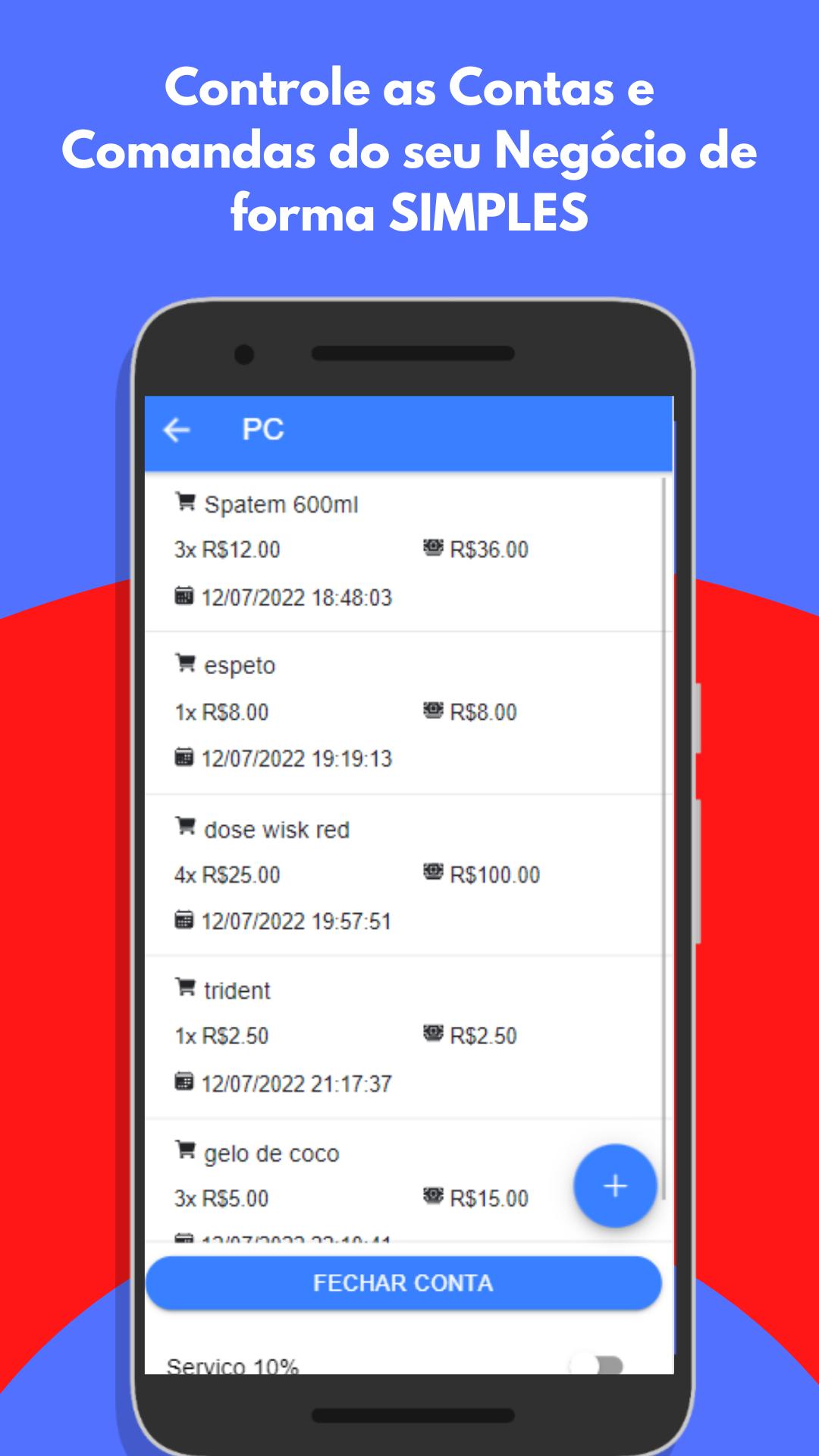
Welcome to Comanda Cloud, the app for restaurant, bar, café, food truck, and all types of establishments that manage consumption orders! 🥳 With Comanda Cloud, you can easily and quickly manage all the orders of your business, and best of all, it can be used on more than one device at the same time. 🔝
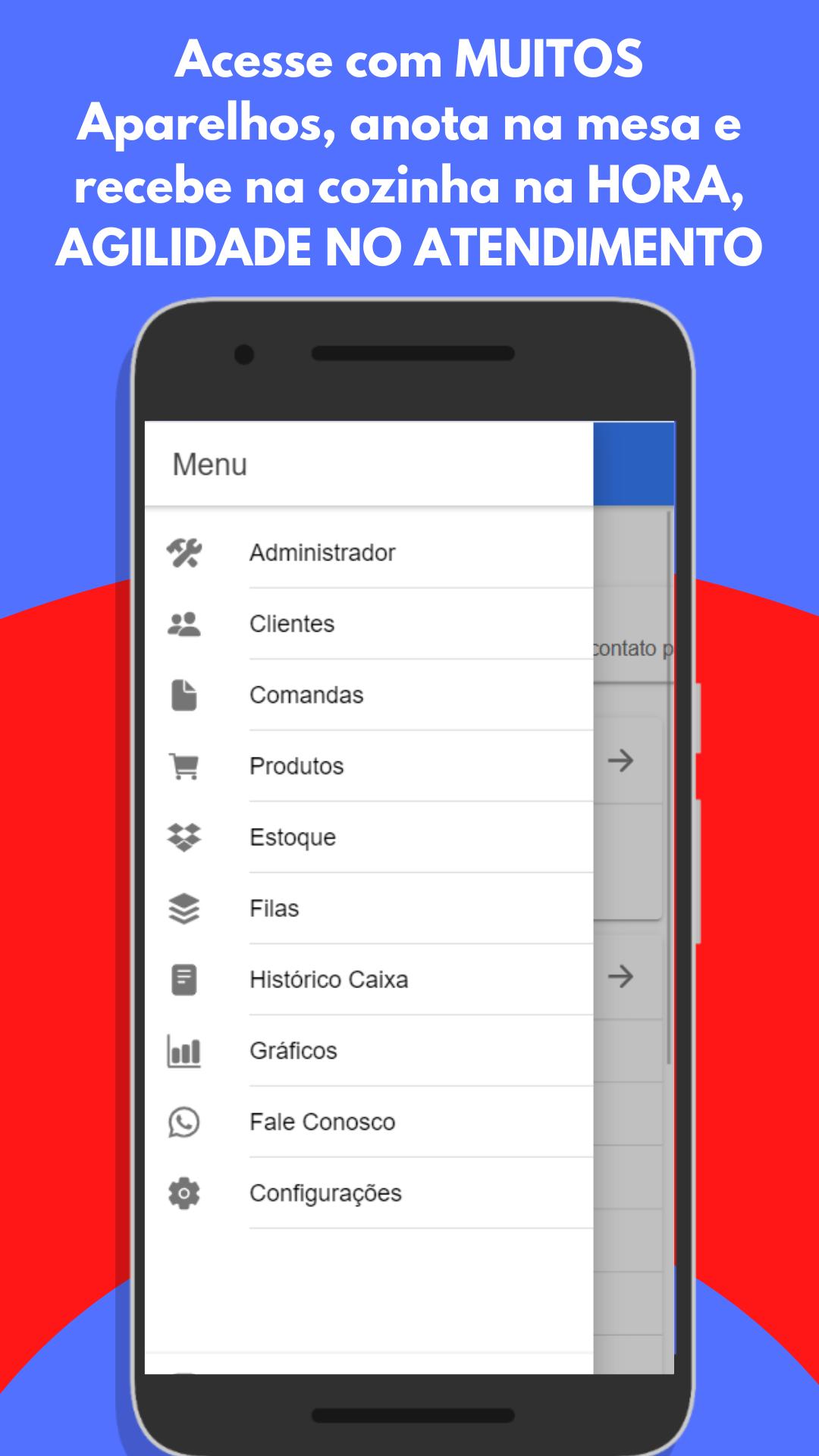
In addition to the order management functions, Comanda Cloud also has other essential tools for managing your business. With it, you can control your cash history, view graphs with the best-selling products and the values received in each payment method, and control your inventory easily. 📈📊📉
With Comanda Cloud, you can speed up service by taking orders at the table and receiving them in the kitchen, all in real-time and without complications. Additionally, you no longer have to worry about paper notes or lost orders. With Comanda Cloud, you have all the information in the palm of your hand. 📲💼
Some of the features include:
Add new orders 📝
Edit existing orders ✏️
View all orders in an organized way 📊
Manage order status (in progress, finished, cancelled) 🔄
Track cash register history 💰
View charts with top-selling products 📈
See values received in each payment method 💳
Manage inventory 📦
All this and more with Comanda Cloud, the app designed to streamline your business management and optimize your establishment's service. Download now and start improving your business's efficiency! 🤩👍
معاينة
العلامات
إنتاجيةمعلومة
مطور
Brandom APPS
احدث اصدار
2.4.4
آخر تحديث
2023-07-05
فئة
إنتاجية
متاح على
Google Play
أظهر المزيد
كيف تلعب Restaurant Cloud مع GameLoop على جهاز الكمبيوتر
1. قم بتنزيل GameLoop من الموقع الرسمي ، ثم قم بتشغيل ملف exe لتثبيت GameLoop.
2. افتح GameLoop وابحث عن "Restaurant Cloud" ، وابحث عن Restaurant Cloud في نتائج البحث وانقر على "تثبيت".
3. استمتع بلعب Restaurant Cloud على GameLoop.
Minimum requirements
OS
Windows 8.1 64-bit or Windows 10 64-bit
GPU
GTX 1050
CPU
i3-8300
Memory
8GB RAM
Storage
1GB available space
Recommended requirements
OS
Windows 8.1 64-bit or Windows 10 64-bit
GPU
GTX 1050
CPU
i3-9320
Memory
16GB RAM
Storage
1GB available space