
BigMIND - Cloud Backup PC
Genie9 LTD
قم بتنزيل BigMIND - Cloud Backup على جهاز الكمبيوتر باستخدام GameLoop Emulator
BigMIND - Cloud Backup على الكمبيوتر الشخصي
BigMIND - Cloud Backup ، القادم من المطور Genie9 LTD ، يعمل على نظام Android في الماضي.
الآن ، يمكنك لعب BigMIND - Cloud Backup على جهاز الكمبيوتر باستخدام GameLoop بسلاسة.
قم بتنزيله في مكتبة GameLoop أو في نتائج البحث. لا مزيد من الانتباه إلى البطارية أو المكالمات المحبطة في الوقت الخطأ بعد الآن.
ما عليك سوى الاستمتاع بجهاز BigMIND - Cloud Backup على الشاشة الكبيرة مجانًا!
BigMIND - Cloud Backup مقدمة
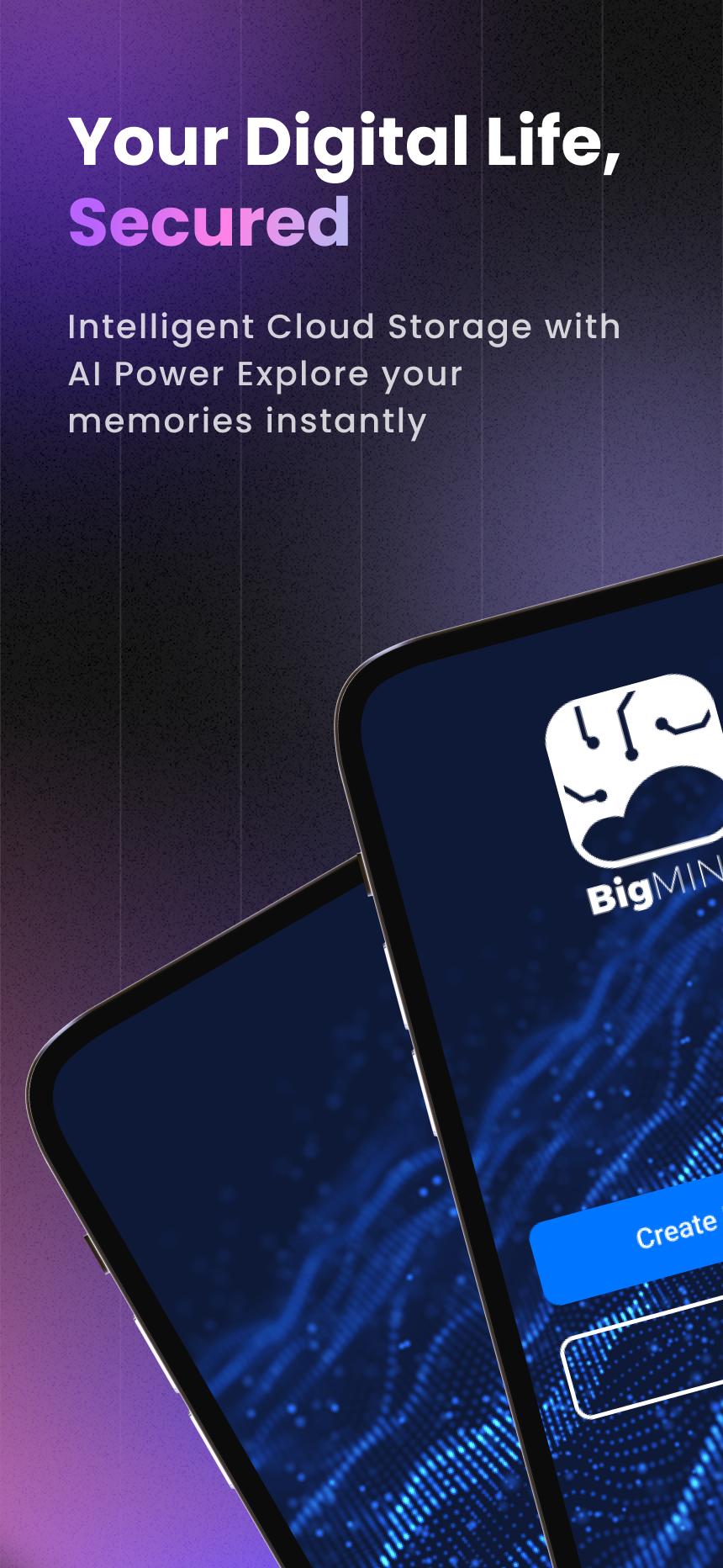
Your Smart, Secure Cloud Backup—Powered by AI
📸 Never lose a memory. 🎥 Always find what matters.
Start with 1GB FREE + earn 50MB daily bonus storage!
BigMIND goes beyond basic cloud storage—it uses AI to protect, organize, and make every file instantly searchable across your devices.
💡 Why You'll Love BigMIND
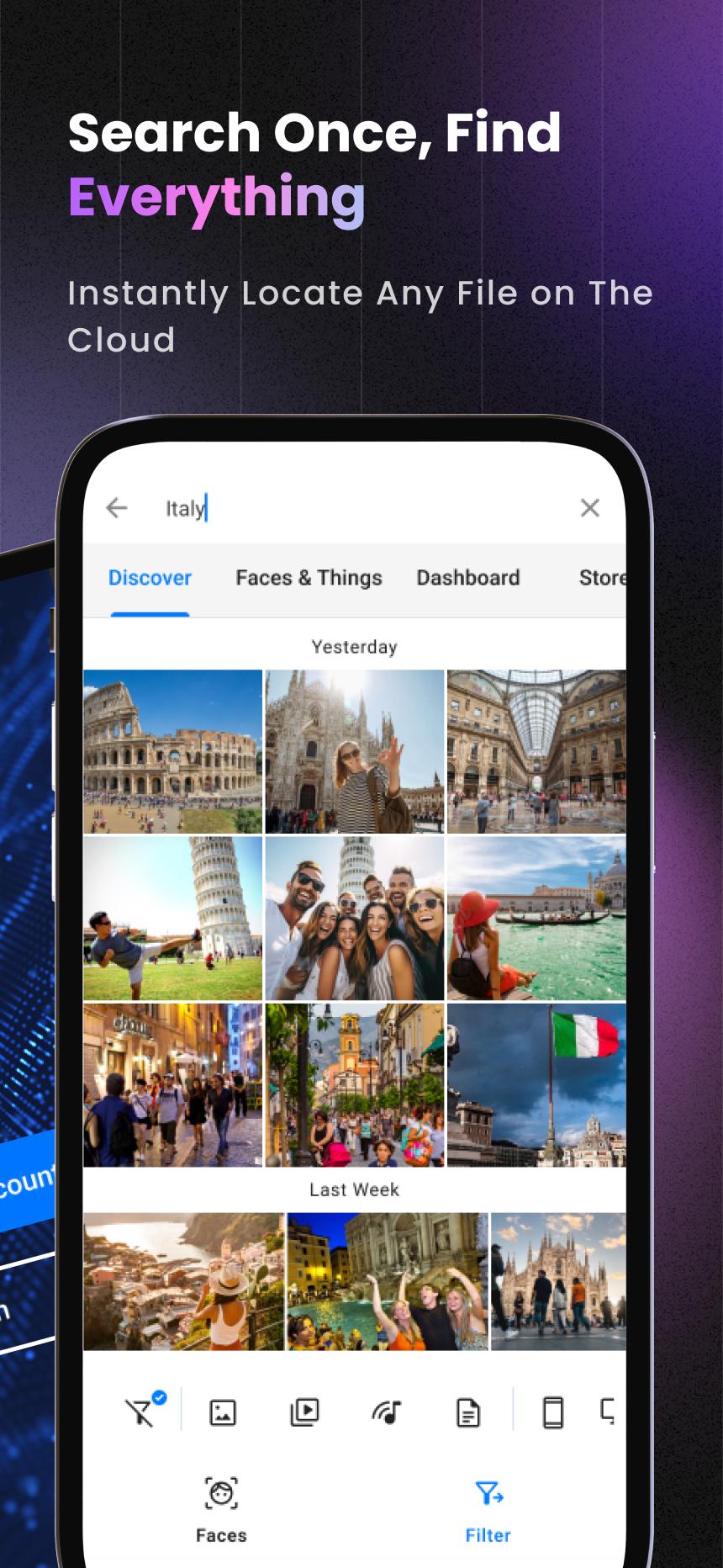
🔍Smart Search & Organization
- Find faces in seconds with advanced facial recognition
- Instantly search photos by objects (cars, pets, food & more)
- Let AI organize your files automatically—never lose track again
- Set daily, weekly, or custom backup schedules
📱 Cross-Device Protection
- Sync Android, iOS, Windows, and Mac—everything in one account
- Import from Google Drive, Dropbox, social media & more
🚀 Easy Sharing & Access
- Share with anyone in one tap—even without a BigMIND account
- Watch HD videos or view documents without downloading
- Control who sees or manages your content with advanced permissions
💰 Plans for Everyone
- 16GB – $0.99/month
- 100GB – $2.99/month
- 500GB – $6.99/month
- 1TB – $12.99/month
Join 100,000+ users who trust BigMIND to secure their digital lives. Download now and start protecting your memories—get 1GB free + daily bonuses!
Learn more about BigMIND: https://www.genie9.com/bigmind/
Terms and policies, please visit: https://www.genie9.com/bigmind/privacy-policy/
معاينة
العلامات
إنتاجيةمعلومة
مطور
Genie9 LTD
احدث اصدار
3.0.9.8.6
آخر تحديث
2025-10-05
فئة
إنتاجية
متاح على
Google Play
أظهر المزيد
كيف تلعب BigMIND - Cloud Backup مع GameLoop على جهاز الكمبيوتر
1. قم بتنزيل GameLoop من الموقع الرسمي ، ثم قم بتشغيل ملف exe لتثبيت GameLoop.
2. افتح GameLoop وابحث عن "BigMIND - Cloud Backup" ، وابحث عن BigMIND - Cloud Backup في نتائج البحث وانقر على "تثبيت".
3. استمتع بلعب BigMIND - Cloud Backup على GameLoop.
Minimum requirements
OS
Windows 8.1 64-bit or Windows 10 64-bit
GPU
GTX 1050
CPU
i3-8300
Memory
8GB RAM
Storage
1GB available space
Recommended requirements
OS
Windows 8.1 64-bit or Windows 10 64-bit
GPU
GTX 1050
CPU
i3-9320
Memory
16GB RAM
Storage
1GB available space