
Awesome Timesheet by Odoo PC
Odoo S.A.
قم بتنزيل Awesome Timesheet by Odoo على جهاز الكمبيوتر باستخدام GameLoop Emulator
Awesome Timesheet by Odoo على الكمبيوتر الشخصي
Awesome Timesheet by Odoo ، القادم من المطور Odoo S.A. ، يعمل على نظام Android في الماضي.
الآن ، يمكنك لعب Awesome Timesheet by Odoo على جهاز الكمبيوتر باستخدام GameLoop بسلاسة.
قم بتنزيله في مكتبة GameLoop أو في نتائج البحث. لا مزيد من الانتباه إلى البطارية أو المكالمات المحبطة في الوقت الخطأ بعد الآن.
ما عليك سوى الاستمتاع بجهاز Awesome Timesheet by Odoo على الشاشة الكبيرة مجانًا!
Awesome Timesheet by Odoo مقدمة
- Odoo Enterprise only -
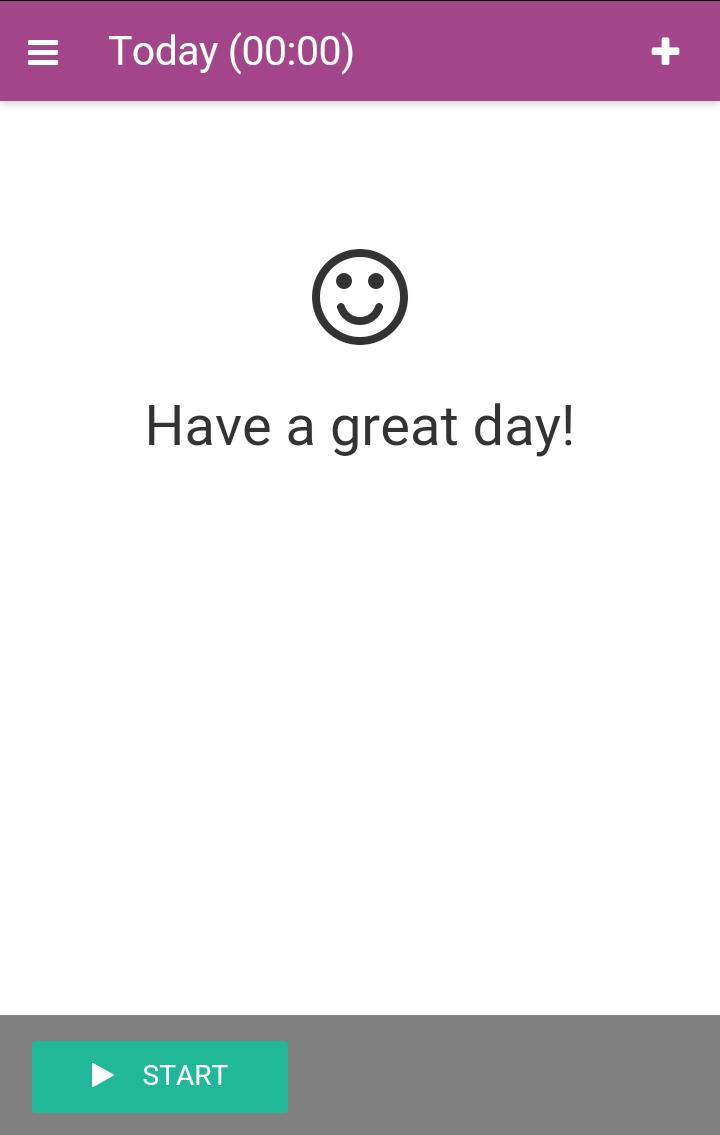
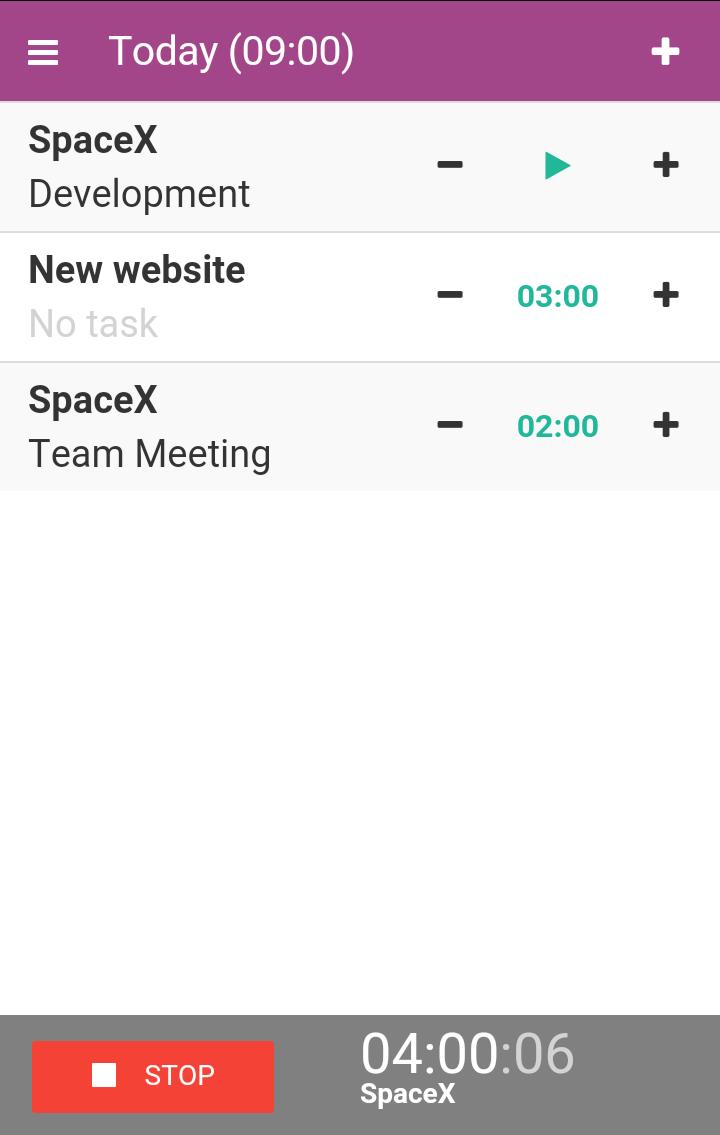
Awesome Timesheet is built for speed and ease of use. It is so simple that you’ll actually use it. Launch the timer in a single click, get statistics on the work done, synchronize across devices and invoice time spent on projects.
• The ultimate timer can be launched in just a click.
• Get Things Done by planning your activities in the morning.
• Track your time with clean statistics.
• Synchronize across all your devices: desktop, mobile app, chrome app, etc.
• Bill Time, track tasks and schedule projects with the Odoo integration.
Odoo integration
Odoo timesheet is fully integrated with other Odoo apps. All data can be sync with your Odoo account where you can create and manage projects, assign tasks to employees, set access and project rights, record and validate timesheets and attendances, etc.
Compatible with Odoo 9 and newer (Enterprise version only). It is not compatible with the community versions.
Features
• Fast and easy input : Choose to log your activities at the beginning of the day, on the fly or after your work is done.
• 1-click Time Tracking : Just click on “Start” to launch your tasks
• Easily manage your activities of the day: Select your recurring tasks in one click to prepare your day ahead.
• Work faster : set up a default project and minimal duration to get started instantly
Get great reporting
• Useful statistics : Quickly overview your time spent on tasks per day or per week
Work offline
• Offline tracking mode : Your tasks will keep running no matter where you are, even if internet connectivity is not available
• Synchronization : Hours tracked offline are synced to your Odoo account once you’re back online
Fully integrated with Odoo Enterprise
• Accounting
Connect timesheets with payroll for accurate and on time payments.
• Sales
Automate invoicing and billing based on timesheet inputs. Send recurring and professional-looking invoices to your customers.
• Human resources
Check and manage employees attendance and worked hours.
• Project
Keep track of the time spent by project, client or tasks.
معاينة
العلامات
إنتاجيةمعلومة
مطور
Odoo S.A.
احدث اصدار
0.0.20
آخر تحديث
2018-03-06
فئة
إنتاجية
متاح على
Google Play
أظهر المزيد
كيف تلعب Awesome Timesheet by Odoo مع GameLoop على جهاز الكمبيوتر
1. قم بتنزيل GameLoop من الموقع الرسمي ، ثم قم بتشغيل ملف exe لتثبيت GameLoop.
2. افتح GameLoop وابحث عن "Awesome Timesheet by Odoo" ، وابحث عن Awesome Timesheet by Odoo في نتائج البحث وانقر على "تثبيت".
3. استمتع بلعب Awesome Timesheet by Odoo على GameLoop.
Minimum requirements
OS
Windows 8.1 64-bit or Windows 10 64-bit
GPU
GTX 1050
CPU
i3-8300
Memory
8GB RAM
Storage
1GB available space
Recommended requirements
OS
Windows 8.1 64-bit or Windows 10 64-bit
GPU
GTX 1050
CPU
i3-9320
Memory
16GB RAM
Storage
1GB available space