Syrp PC
Syrp Lab
قم بتنزيل Syrp على جهاز الكمبيوتر باستخدام GameLoop Emulator
Syrp على الكمبيوتر الشخصي
Syrp ، القادم من المطور Syrp Lab ، يعمل على نظام Android في الماضي.
الآن ، يمكنك لعب Syrp على جهاز الكمبيوتر باستخدام GameLoop بسلاسة.
قم بتنزيله في مكتبة GameLoop أو في نتائج البحث. لا مزيد من الانتباه إلى البطارية أو المكالمات المحبطة في الوقت الخطأ بعد الآن.
ما عليك سوى الاستمتاع بجهاز Syrp على الشاشة الكبيرة مجانًا!
Syrp مقدمة
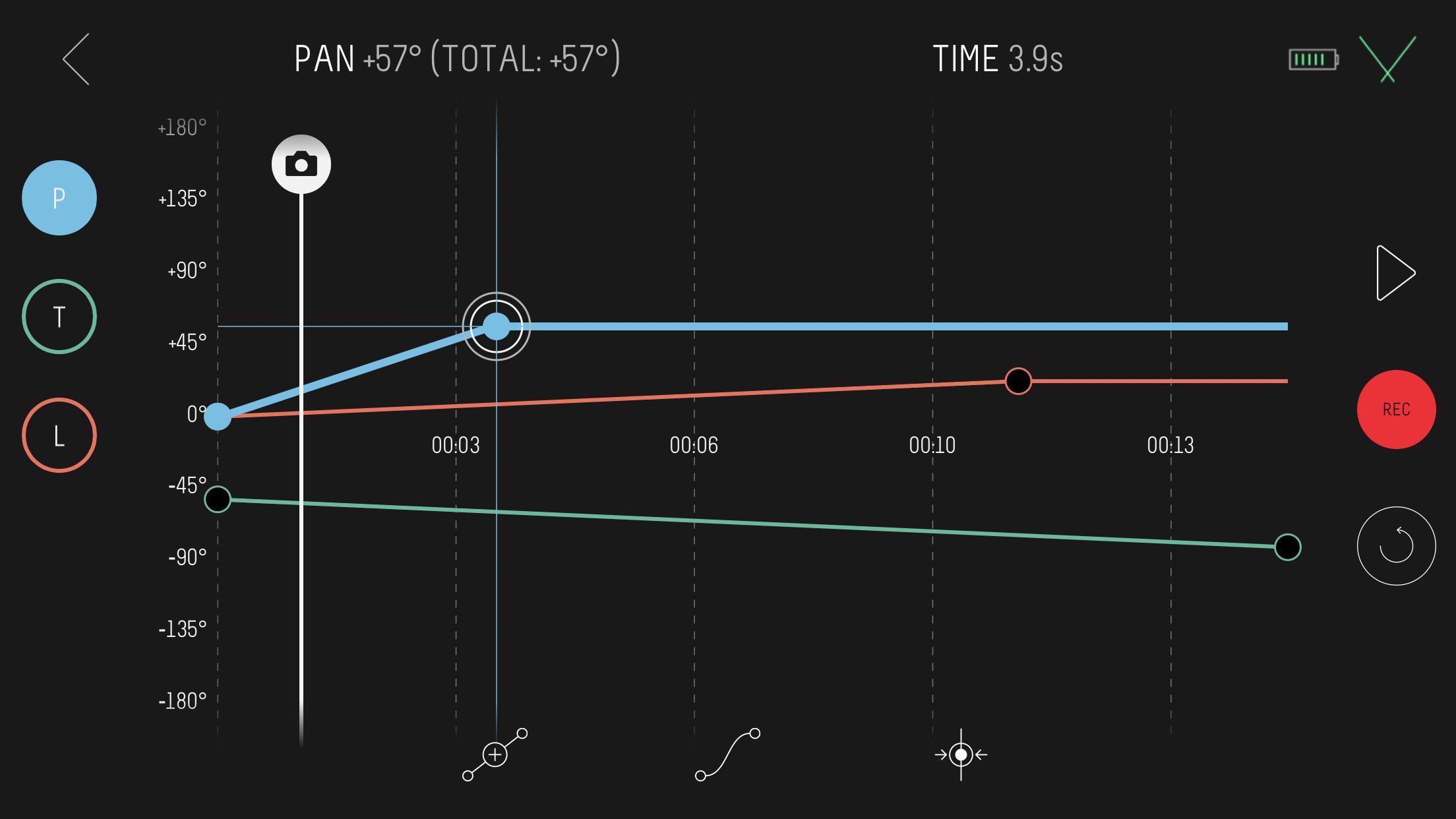
Connect wirelessly to a Syrp motion control product with the Syrp App, a beautifully simple mobile app that accommodates both beginners through to experienced filmmakers and photographers. The app is extremely easy to use and allows you to sync multiple devices together for shooting motion control of up to 3-axis. Also included are quick setup tutorials and help screens to help make sure you are up and running as quickly as possible.
Compatibility.
Motion Control: Genie Mini, Genie Micro, Genie Mini II, Genie II Linear, Genie II Pan Tilt and Genie One.
Cameras: Compatible with 100's of cameras including mirror-less, DSLR's, video cameras and smartphones. Refer to specific motion control product details for more.
Features in the current release:
- Motion time-lapse and video
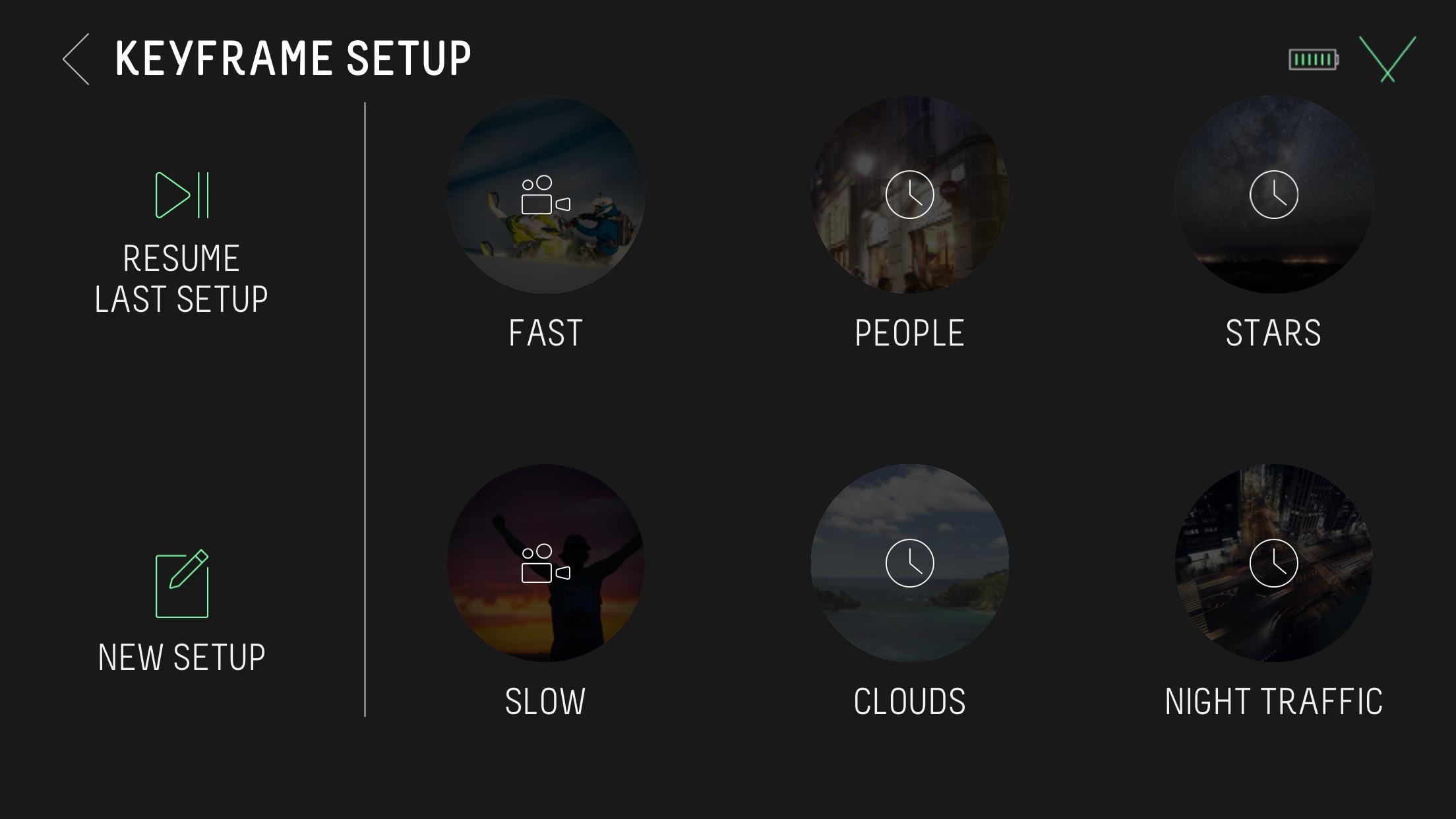
- Keyframe motion setup
- Bounce back for video (repeat)
- Control camera settings like ISO, Shutter and Aperture from the app when connected via USB. Check camera compatibility at syrp.co
- Multi-row Panorama for high resolution 'Gigapixel' images
- Turntable mode for automating product photography and videography
- Stop Motion
- HDR support
- Time-lapse: Customize move shoot delay, interval, record time and playback time
- Set time-lapse movement to move-shoot-move or continuous movement
- Save your own presets or select from our built-in options
- Set your ease in / ease out for smoothly ramping movement
- Quick Setup modes for simpler timelapse and video moves
- Live Drive mode for live axis control using the built-in app joystick
- Regular free firmware upgrades for new features
معاينة
العلامات
التصويرمعلومة
مطور
Syrp Lab
احدث اصدار
2.1.7
آخر تحديث
2023-12-23
فئة
التصوير
متاح على
Google Play
أظهر المزيد
كيف تلعب Syrp مع GameLoop على جهاز الكمبيوتر
1. قم بتنزيل GameLoop من الموقع الرسمي ، ثم قم بتشغيل ملف exe لتثبيت GameLoop.
2. افتح GameLoop وابحث عن "Syrp" ، وابحث عن Syrp في نتائج البحث وانقر على "تثبيت".
3. استمتع بلعب Syrp على GameLoop.
Minimum requirements
OS
Windows 8.1 64-bit or Windows 10 64-bit
GPU
GTX 1050
CPU
i3-8300
Memory
8GB RAM
Storage
1GB available space
Recommended requirements
OS
Windows 8.1 64-bit or Windows 10 64-bit
GPU
GTX 1050
CPU
i3-9320
Memory
16GB RAM
Storage
1GB available space