
Pixelate: Blur & Anonymize PC
kalisohn
قم بتنزيل Pixelate: Blur & Anonymize على جهاز الكمبيوتر باستخدام GameLoop Emulator
Pixelate: Blur & Anonymize على الكمبيوتر الشخصي
Pixelate: Blur & Anonymize ، القادم من المطور kalisohn ، يعمل على نظام Android في الماضي.
الآن ، يمكنك لعب Pixelate: Blur & Anonymize على جهاز الكمبيوتر باستخدام GameLoop بسلاسة.
قم بتنزيله في مكتبة GameLoop أو في نتائج البحث. لا مزيد من الانتباه إلى البطارية أو المكالمات المحبطة في الوقت الخطأ بعد الآن.
ما عليك سوى الاستمتاع بجهاز Pixelate: Blur & Anonymize على الشاشة الكبيرة مجانًا!
Pixelate: Blur & Anonymize مقدمة
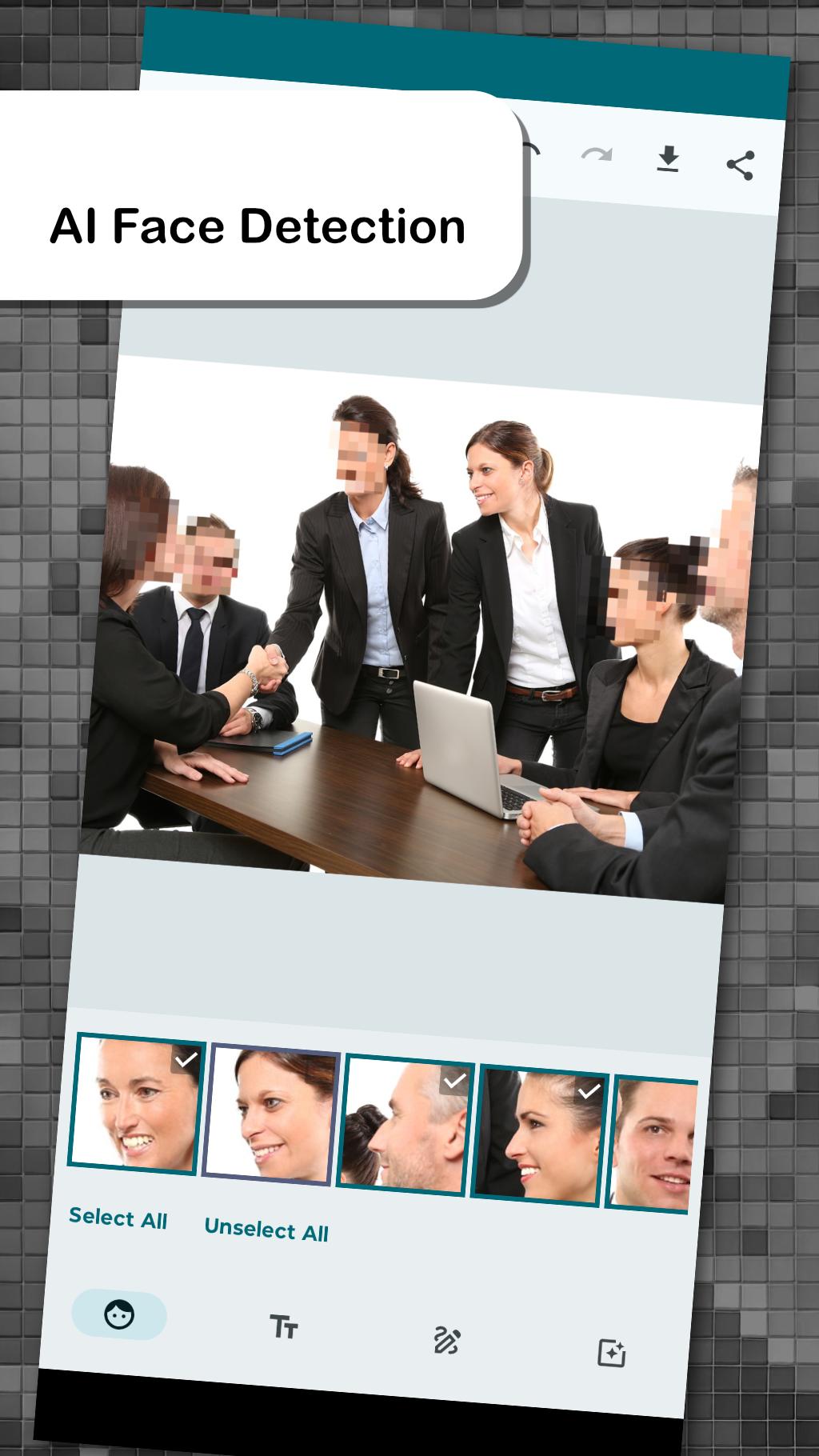
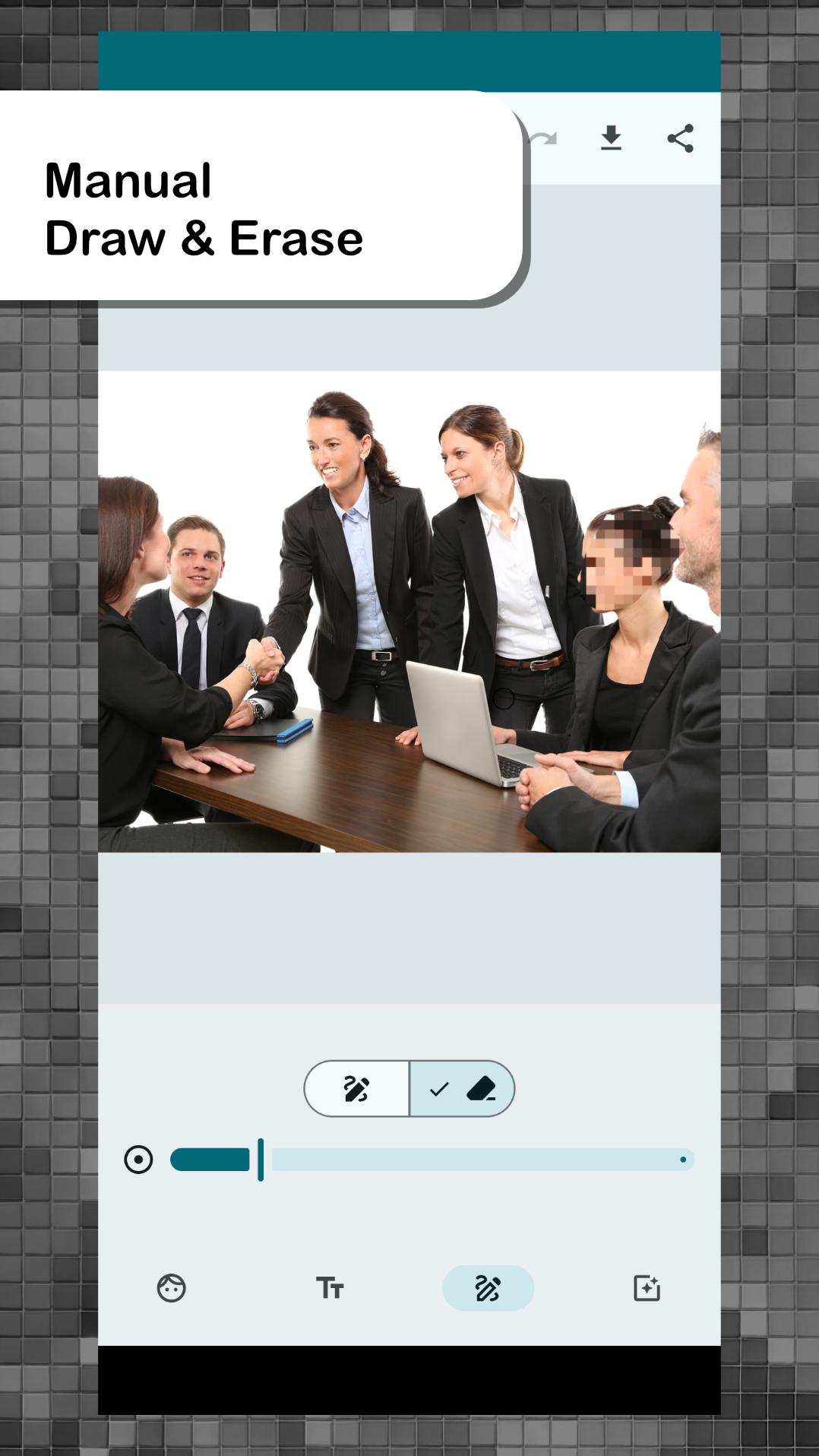
Pixelate is a photo editing app designed to enhance your privacy and security. Easily blur, pixelate, or black out texts, faces, and objects such as license plates in your photos. Whether you're creating confidential images or anonymizing individuals for sharing, Pixelate offers powerful tools to protect your privacy effortlessly.
Key Features:
- AI-powered Facial Recognition: Effortlessly obscure faces with advanced facial recognition. Simply select which faces to anonymize with a single click.
- Automatic Text Detection: Detects and segments text blocks in your images, allowing you to selectively blur or keep them visible.
- Selection of Pixelation Filters: Choose from various anonymization tools including Pixelation, Blurring, Posterization, Crosshatch, Sketch, and Blackout.
- Anonymize Before Sharing: Easily anonymize photos before sharing via messenger, email, or other apps by first opening them in Pixelate.
Upgrade to Pro for an Ad-Free Experience: Enjoy an uninterrupted editing experience with our Pro version. Make a one-time payment to remove ads and unlock additional features.
معاينة
العلامات
التصويرمعلومة
مطور
kalisohn
احدث اصدار
3.0.5
آخر تحديث
2025-07-08
فئة
التصوير
متاح على
Google Play
أظهر المزيد
كيف تلعب Pixelate: Blur & Anonymize مع GameLoop على جهاز الكمبيوتر
1. قم بتنزيل GameLoop من الموقع الرسمي ، ثم قم بتشغيل ملف exe لتثبيت GameLoop.
2. افتح GameLoop وابحث عن "Pixelate: Blur & Anonymize" ، وابحث عن Pixelate: Blur & Anonymize في نتائج البحث وانقر على "تثبيت".
3. استمتع بلعب Pixelate: Blur & Anonymize على GameLoop.
Minimum requirements
OS
Windows 8.1 64-bit or Windows 10 64-bit
GPU
GTX 1050
CPU
i3-8300
Memory
8GB RAM
Storage
1GB available space
Recommended requirements
OS
Windows 8.1 64-bit or Windows 10 64-bit
GPU
GTX 1050
CPU
i3-9320
Memory
16GB RAM
Storage
1GB available space