PicMate - Photo Manager & Albu PC
The SOMA Group
قم بتنزيل PicMate - Photo Manager & Albu على جهاز الكمبيوتر باستخدام GameLoop Emulator
PicMate - Photo Manager & Albu على الكمبيوتر الشخصي
PicMate - Photo Manager & Albu ، القادم من المطور The SOMA Group ، يعمل على نظام Android في الماضي.
الآن ، يمكنك لعب PicMate - Photo Manager & Albu على جهاز الكمبيوتر باستخدام GameLoop بسلاسة.
قم بتنزيله في مكتبة GameLoop أو في نتائج البحث. لا مزيد من الانتباه إلى البطارية أو المكالمات المحبطة في الوقت الخطأ بعد الآن.
ما عليك سوى الاستمتاع بجهاز PicMate - Photo Manager & Albu على الشاشة الكبيرة مجانًا!
PicMate - Photo Manager & Albu مقدمة
*Organize & Tag your pictures on all your devices with a swipe*
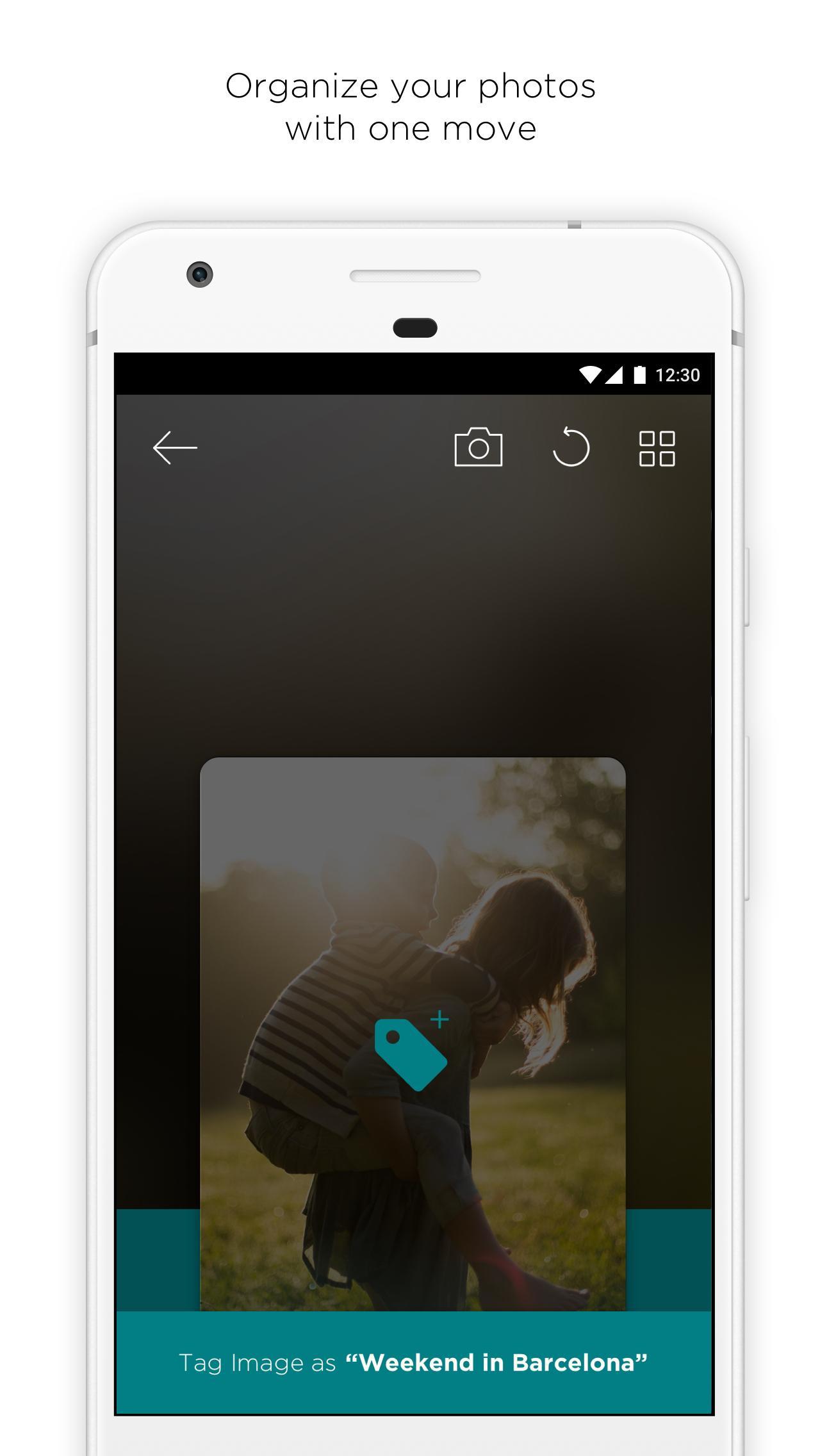
PicMate is the easiest way to keep your camera roll organized by allowing you to sort your pictures before even taking them, and to organize all your existing photos with customizable tags.
All of this is done by using easy gestures: swipe down to add a tag & swipe up to trash. Can’t decide? Swipe left to skip that picture.
- Organize all your photos with just a swipe.
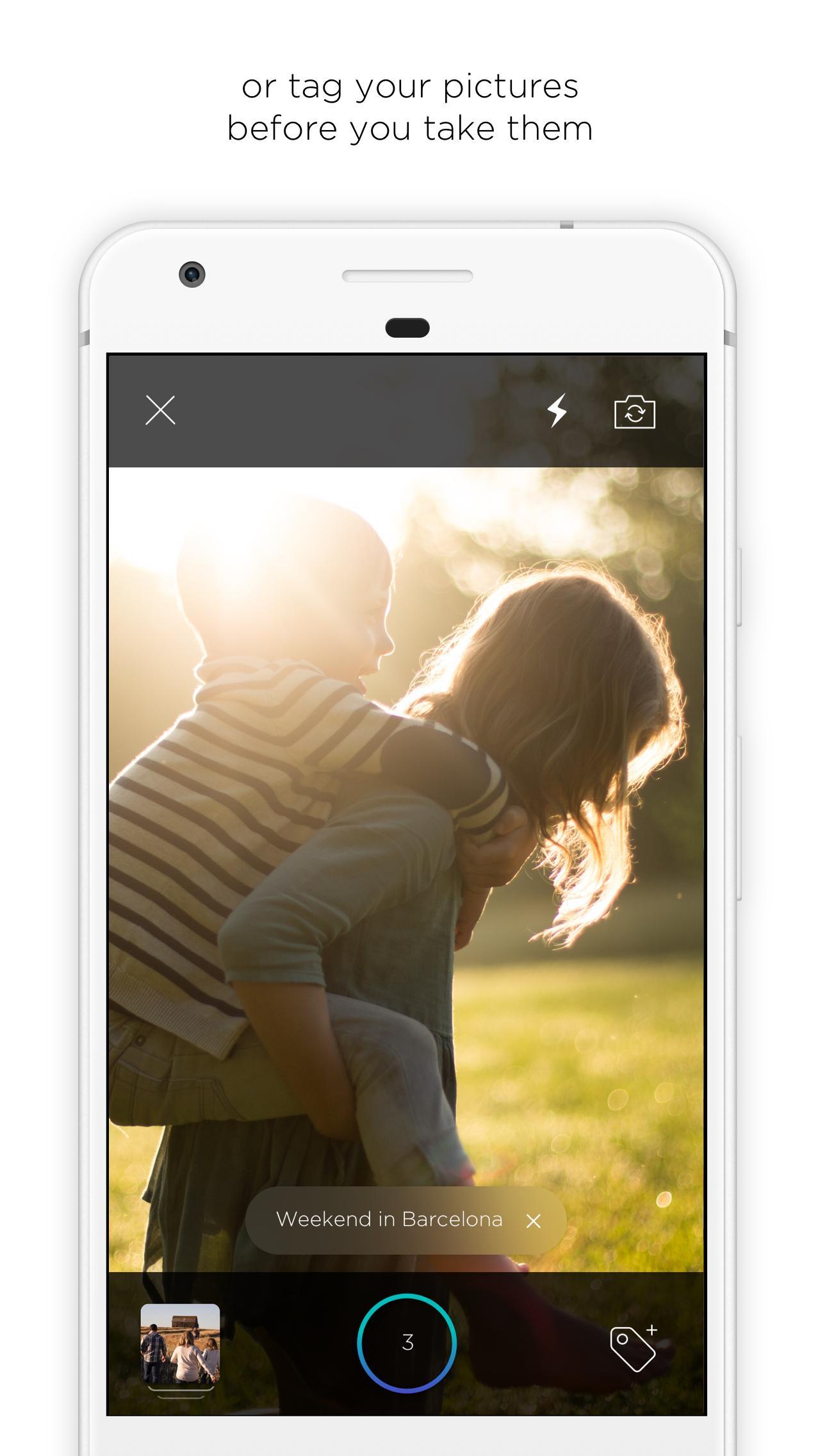
- Take pictures with the in-app camera and tag them at the same time.
- Share and save your favorite GIFs without losing the animation.
- Keep your photos backed up by linking it to the Cloud.
- Clean up your camera roll to free up space.
معاينة
العلامات
التصويرمعلومة
مطور
The SOMA Group
احدث اصدار
1.2
آخر تحديث
2017-10-05
فئة
التصوير
متاح على
Google Play
أظهر المزيد
كيف تلعب PicMate - Photo Manager & Albu مع GameLoop على جهاز الكمبيوتر
1. قم بتنزيل GameLoop من الموقع الرسمي ، ثم قم بتشغيل ملف exe لتثبيت GameLoop.
2. افتح GameLoop وابحث عن "PicMate - Photo Manager & Albu" ، وابحث عن PicMate - Photo Manager & Albu في نتائج البحث وانقر على "تثبيت".
3. استمتع بلعب PicMate - Photo Manager & Albu على GameLoop.
Minimum requirements
OS
Windows 8.1 64-bit or Windows 10 64-bit
GPU
GTX 1050
CPU
i3-8300
Memory
8GB RAM
Storage
1GB available space
Recommended requirements
OS
Windows 8.1 64-bit or Windows 10 64-bit
GPU
GTX 1050
CPU
i3-9320
Memory
16GB RAM
Storage
1GB available space