
GIF Maker PC
G3 Studio
قم بتنزيل GIF Maker على جهاز الكمبيوتر باستخدام GameLoop Emulator
GIF Maker على الكمبيوتر الشخصي
GIF Maker ، القادم من المطور G3 Studio ، يعمل على نظام Android في الماضي.
الآن ، يمكنك لعب GIF Maker على جهاز الكمبيوتر باستخدام GameLoop بسلاسة.
قم بتنزيله في مكتبة GameLoop أو في نتائج البحث. لا مزيد من الانتباه إلى البطارية أو المكالمات المحبطة في الوقت الخطأ بعد الآن.
ما عليك سوى الاستمتاع بجهاز GIF Maker على الشاشة الكبيرة مجانًا!
GIF Maker مقدمة
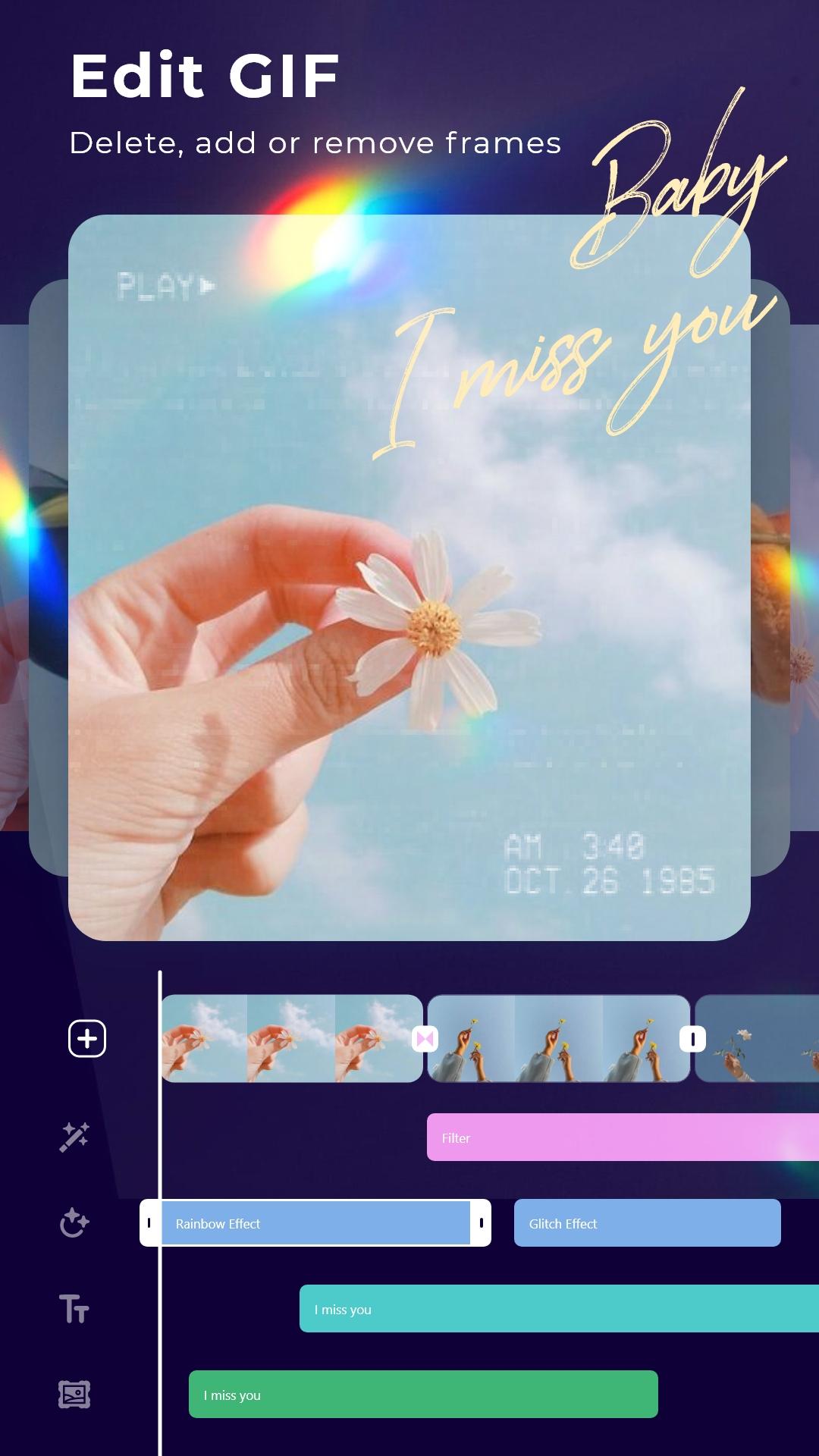
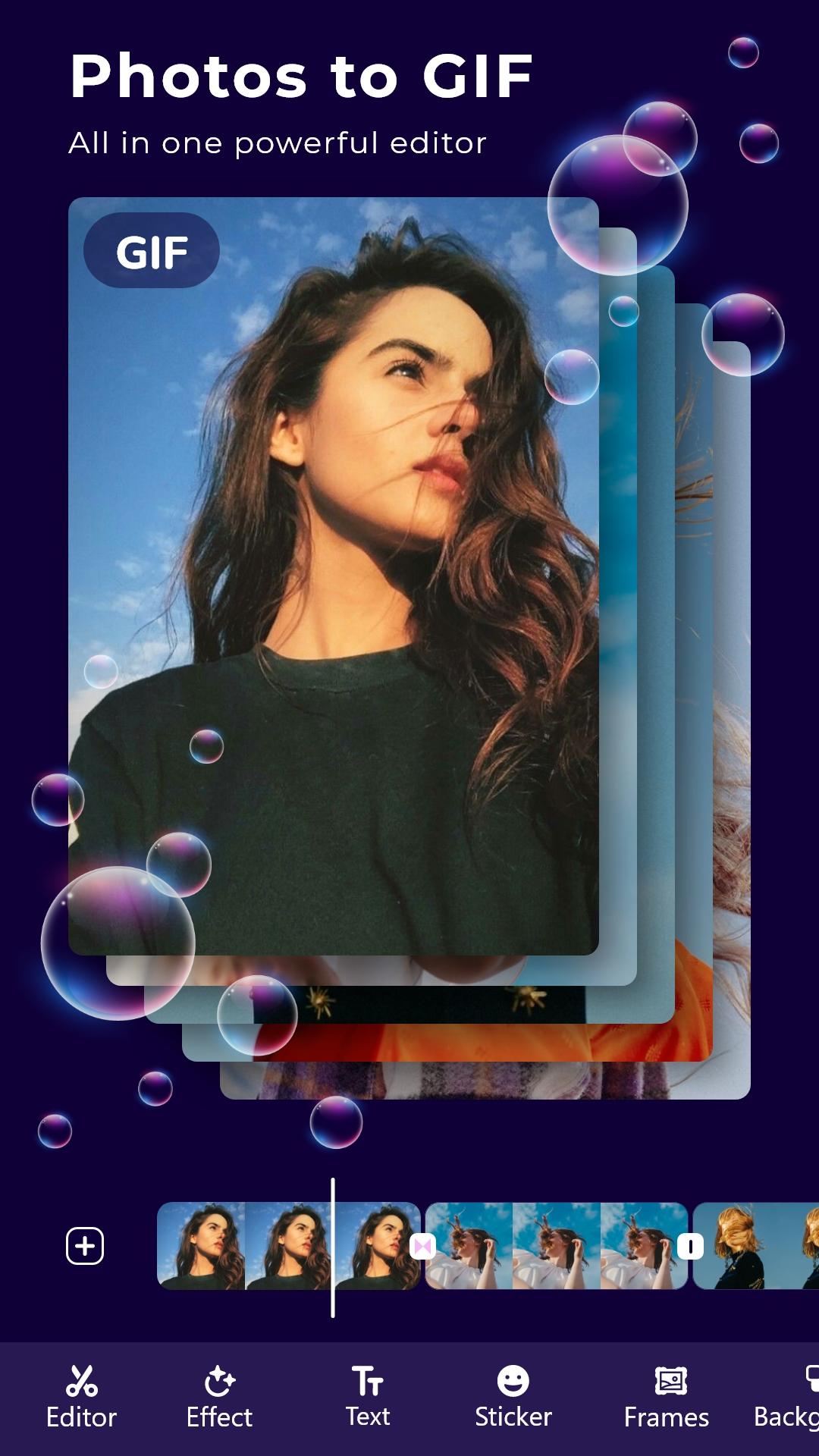
* Create GIF from your favorite photos, Videos.
* Store great moments with GIFs
Make GIF from multiple photos and Videos
* Add animated stickers, still images to Gif
* Add transition effects between frames
* Add motion effects of each photo
* Add good, quality sayings
* Add super beautiful, cute frames
* Add color change, shake, Glitch and 1000 other effects
* Adjust frame rate: Run fast and slow the way you want
* Photo filters, blend modes, crop, rotate, flip: All in GIF editor
* Save GIFs in 1080p, super sharp
More tools
* Convert GIF to Video
* Convert Video to GIF
* Edit any GIF image
* Record screen, record with camera and convert to GIF
* Crop image from GIF or Video
* Compress GIFs
* Cut off the excess part of the Video
* Extract Music from your Video
Gif maker: Edit, create professional GIF images
معاينة
العلامات
التصويرمعلومة
مطور
G3 Studio
احدث اصدار
12.0
آخر تحديث
2025-08-15
فئة
التصوير
متاح على
Google Play
أظهر المزيد
كيف تلعب GIF Maker مع GameLoop على جهاز الكمبيوتر
1. قم بتنزيل GameLoop من الموقع الرسمي ، ثم قم بتشغيل ملف exe لتثبيت GameLoop.
2. افتح GameLoop وابحث عن "GIF Maker" ، وابحث عن GIF Maker في نتائج البحث وانقر على "تثبيت".
3. استمتع بلعب GIF Maker على GameLoop.
Minimum requirements
OS
Windows 8.1 64-bit or Windows 10 64-bit
GPU
GTX 1050
CPU
i3-8300
Memory
8GB RAM
Storage
1GB available space
Recommended requirements
OS
Windows 8.1 64-bit or Windows 10 64-bit
GPU
GTX 1050
CPU
i3-9320
Memory
16GB RAM
Storage
1GB available space