
FaceLapse - timelapse selfie PC
Appzz
قم بتنزيل FaceLapse - timelapse selfie على جهاز الكمبيوتر باستخدام GameLoop Emulator
FaceLapse - timelapse selfie على الكمبيوتر الشخصي
FaceLapse - timelapse selfie ، القادم من المطور Appzz ، يعمل على نظام Android في الماضي.
الآن ، يمكنك لعب FaceLapse - timelapse selfie على جهاز الكمبيوتر باستخدام GameLoop بسلاسة.
قم بتنزيله في مكتبة GameLoop أو في نتائج البحث. لا مزيد من الانتباه إلى البطارية أو المكالمات المحبطة في الوقت الخطأ بعد الآن.
ما عليك سوى الاستمتاع بجهاز FaceLapse - timelapse selfie على الشاشة الكبيرة مجانًا!
FaceLapse - timelapse selfie مقدمة
Ever wanted to take that one picture a day, align them all and see the change?
This app is the complete solution!
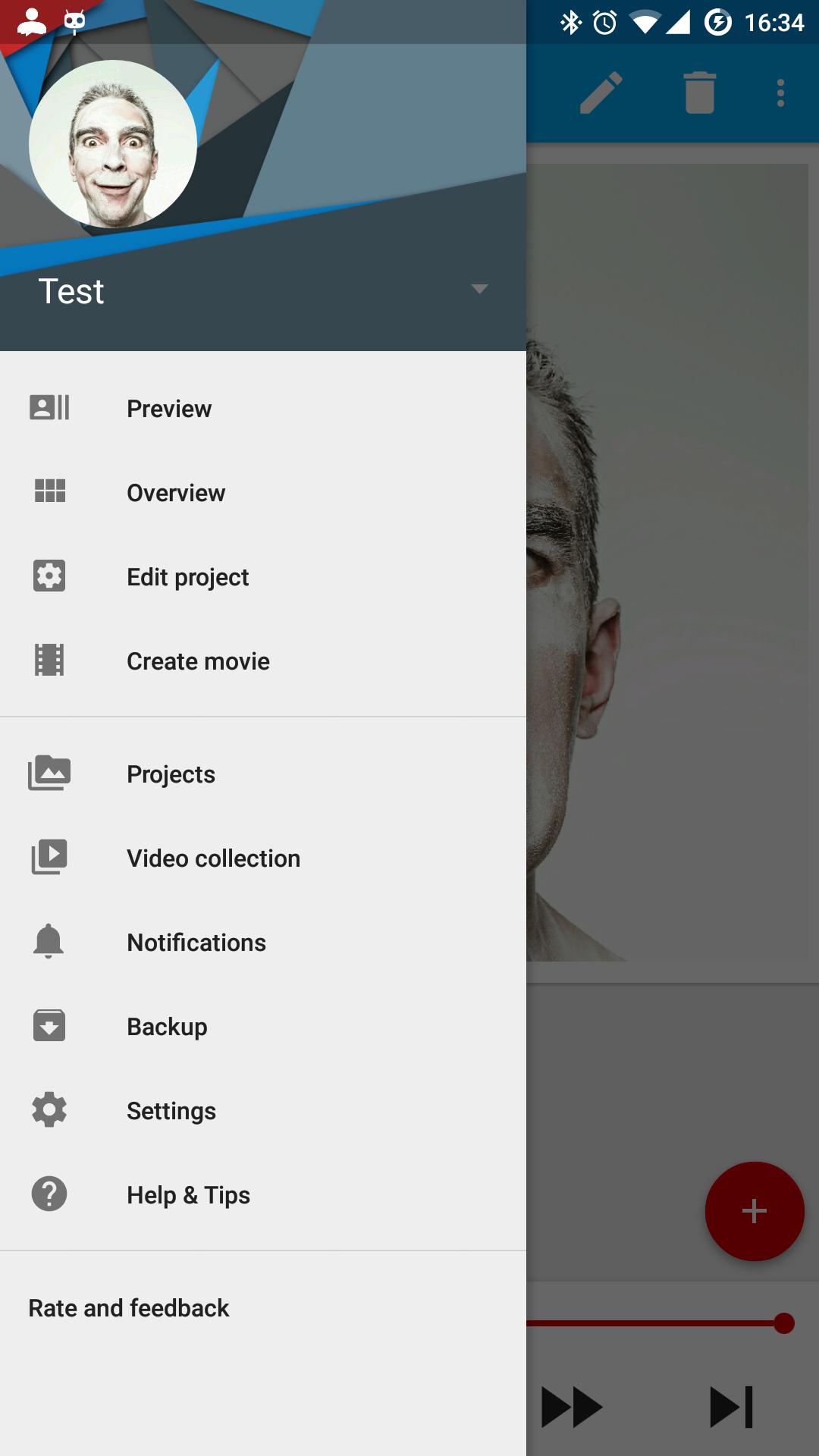
What this app does for you:
○ Manage pictures
○ Take the picture
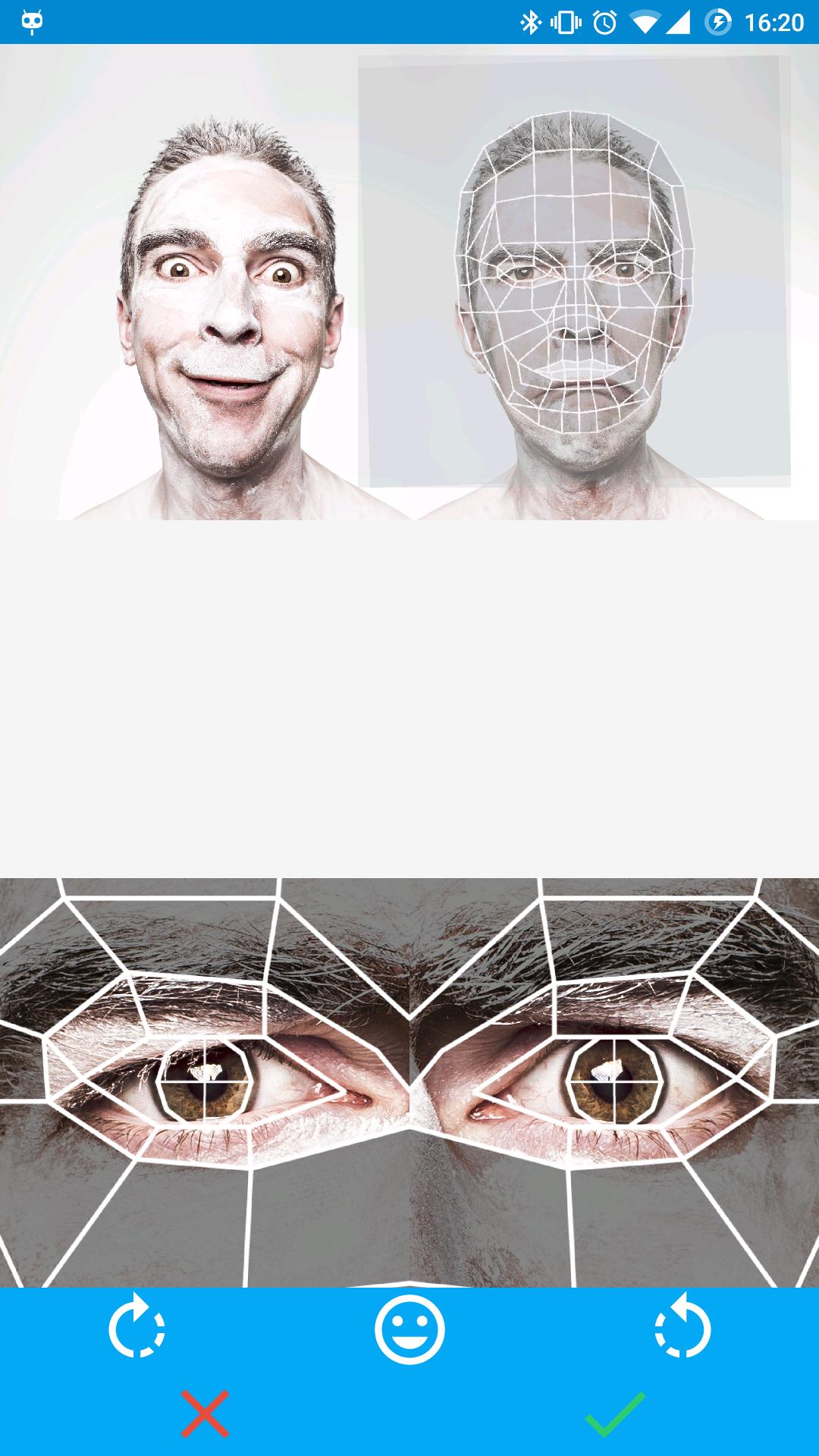
○ Cut and rotate to perfectly align the eyes
○ Preview in slideshow
○ Customized reminders
○ Make an animated GIF at preferred speed and resolution
○ Share your FaceLapse
Things to time-lapse :
○ Just want to see your change?
○ Watch your hair grow?
○ Your beard? Movember?
○ Your baby growing up?
○ Getting a nice tan?
○ Time lapse putting on makeup or Face paint?
The idea is familiar to a lot of people, take selfie in a regular interval, every day or so, put them all exactly on top of one another in an animation, and you will get a speed up version of your growth. This is a time consuming task and you think it's cool but don't have the time or you forget to take the picture.
معاينة
العلامات
التصويرمعلومة
مطور
Appzz
احدث اصدار
1.8
آخر تحديث
2016-03-16
فئة
التصوير
متاح على
Google Play
أظهر المزيد
كيف تلعب FaceLapse - timelapse selfie مع GameLoop على جهاز الكمبيوتر
1. قم بتنزيل GameLoop من الموقع الرسمي ، ثم قم بتشغيل ملف exe لتثبيت GameLoop.
2. افتح GameLoop وابحث عن "FaceLapse - timelapse selfie" ، وابحث عن FaceLapse - timelapse selfie في نتائج البحث وانقر على "تثبيت".
3. استمتع بلعب FaceLapse - timelapse selfie على GameLoop.
Minimum requirements
OS
Windows 8.1 64-bit or Windows 10 64-bit
GPU
GTX 1050
CPU
i3-8300
Memory
8GB RAM
Storage
1GB available space
Recommended requirements
OS
Windows 8.1 64-bit or Windows 10 64-bit
GPU
GTX 1050
CPU
i3-9320
Memory
16GB RAM
Storage
1GB available space