
Collage Maker – Grid Layout PC
ITHotShots
قم بتنزيل Collage Maker – Grid Layout على جهاز الكمبيوتر باستخدام GameLoop Emulator
Collage Maker – Grid Layout على الكمبيوتر الشخصي
Collage Maker – Grid Layout ، القادم من المطور ITHotShots ، يعمل على نظام Android في الماضي.
الآن ، يمكنك لعب Collage Maker – Grid Layout على جهاز الكمبيوتر باستخدام GameLoop بسلاسة.
قم بتنزيله في مكتبة GameLoop أو في نتائج البحث. لا مزيد من الانتباه إلى البطارية أو المكالمات المحبطة في الوقت الخطأ بعد الآن.
ما عليك سوى الاستمتاع بجهاز Collage Maker – Grid Layout على الشاشة الكبيرة مجانًا!
Collage Maker – Grid Layout مقدمة
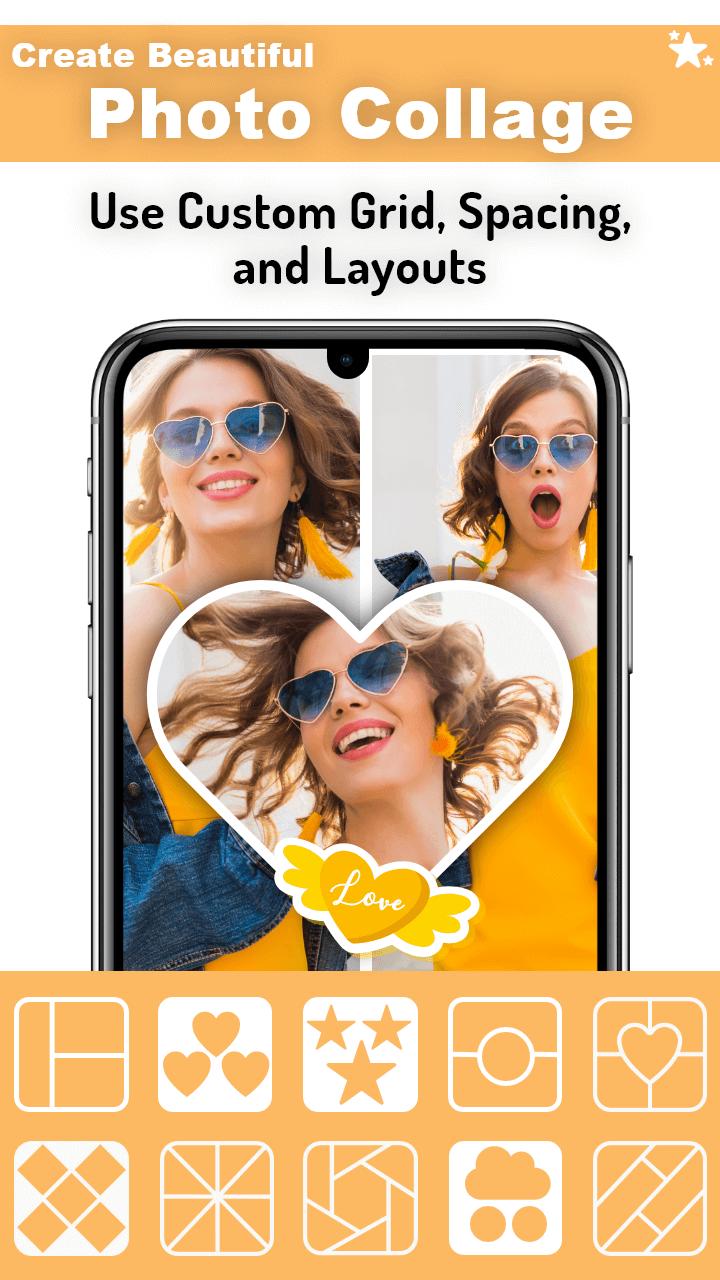
Collage Maker – Grid Layout is a powerful and easy-to-use photo collage app that helps you turn your photos into stunning collages. Choose from dozens of stylish grid layouts, frames, and backgrounds to create beautiful photo stories in seconds.
📸 Make Amazing Photo Collages
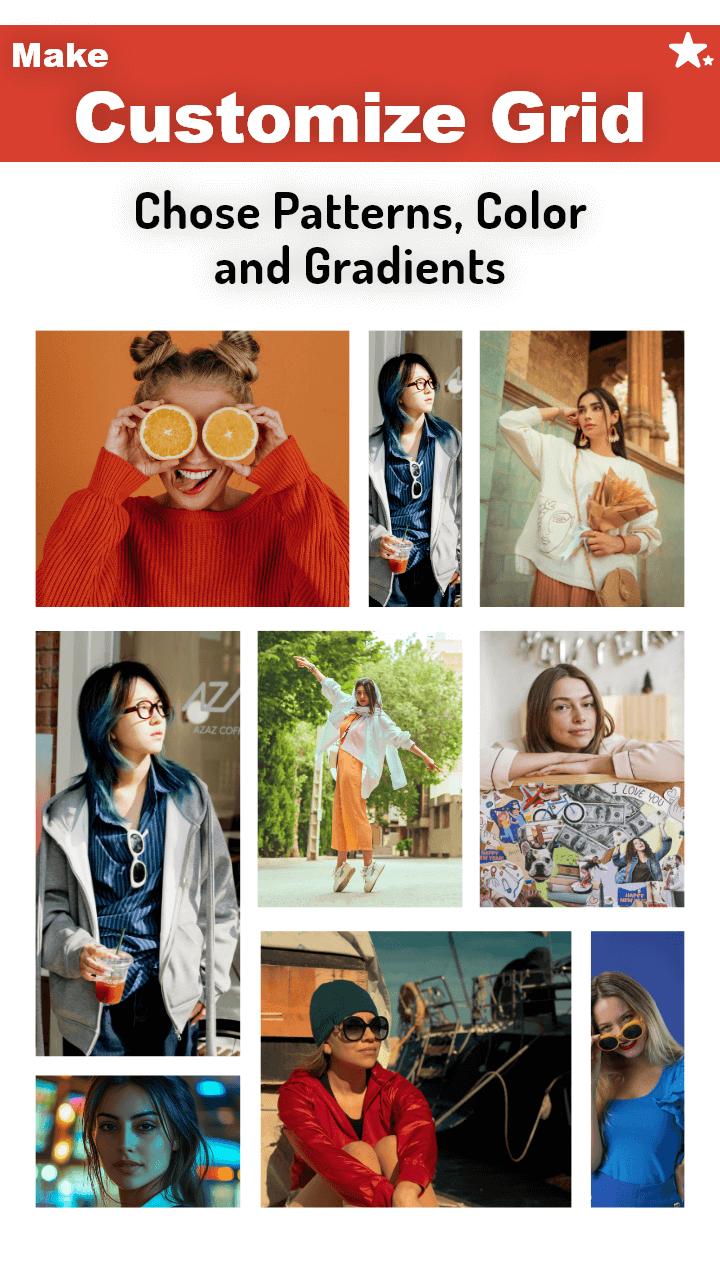
Choose from 100+ grid styles to combine multiple photos into a single collage. Adjust layout spacing, background colors, and aspect ratios to match your style. Whether it’s a selfie collage or a photo grid for Instagram, you’re covered.
🎨 Add Filters, Frames & Text
Enhance your images with high-quality photo filters, stylish frames, and colorful borders. Add text using creative fonts and edit with full control — resize, rotate, and style it to make your collages truly yours.
🖼️ Explore the Scrapbook Editor
Want more flexibility? Switch to freestyle mode and create custom scrapbook collages. Drag and drop your photos anywhere, add stickers, emojis, backgrounds, and decorate your layout without limits.
💡 Features You’ll Love:
Grid layouts for 2 to 10+ photos
Freestyle scrapbook collage maker
Photo filters, effects & adjustments
Frames, borders & background textures
Add text with custom fonts and styles
Stickers, emojis & overlay decorations
Save in HD & share directly on social apps
🎯 Perfect For:
Creating birthday collages
Designing Instagram photo grids
Making love, holiday, or family scrapbook pages
Quick photo editing on the go
Whether you're making a simple collage or designing a creative photo layout, Collage Maker – Grid Layout gives you the tools to bring your vision to life. Download now and start creating!
معاينة
العلامات
التصويرمعلومة
مطور
ITHotShots
احدث اصدار
1.7.5
آخر تحديث
2025-06-25
فئة
التصوير
متاح على
Google Play
أظهر المزيد
كيف تلعب Collage Maker – Grid Layout مع GameLoop على جهاز الكمبيوتر
1. قم بتنزيل GameLoop من الموقع الرسمي ، ثم قم بتشغيل ملف exe لتثبيت GameLoop.
2. افتح GameLoop وابحث عن "Collage Maker – Grid Layout" ، وابحث عن Collage Maker – Grid Layout في نتائج البحث وانقر على "تثبيت".
3. استمتع بلعب Collage Maker – Grid Layout على GameLoop.
Minimum requirements
OS
Windows 8.1 64-bit or Windows 10 64-bit
GPU
GTX 1050
CPU
i3-8300
Memory
8GB RAM
Storage
1GB available space
Recommended requirements
OS
Windows 8.1 64-bit or Windows 10 64-bit
GPU
GTX 1050
CPU
i3-9320
Memory
16GB RAM
Storage
1GB available space