
CloudCam PC
arcade solutions ag
قم بتنزيل CloudCam على جهاز الكمبيوتر باستخدام GameLoop Emulator
CloudCam على الكمبيوتر الشخصي
CloudCam ، القادم من المطور arcade solutions ag ، يعمل على نظام Android في الماضي.
الآن ، يمكنك لعب CloudCam على جهاز الكمبيوتر باستخدام GameLoop بسلاسة.
قم بتنزيله في مكتبة GameLoop أو في نتائج البحث. لا مزيد من الانتباه إلى البطارية أو المكالمات المحبطة في الوقت الخطأ بعد الآن.
ما عليك سوى الاستمتاع بجهاز CloudCam على الشاشة الكبيرة مجانًا!
CloudCam مقدمة
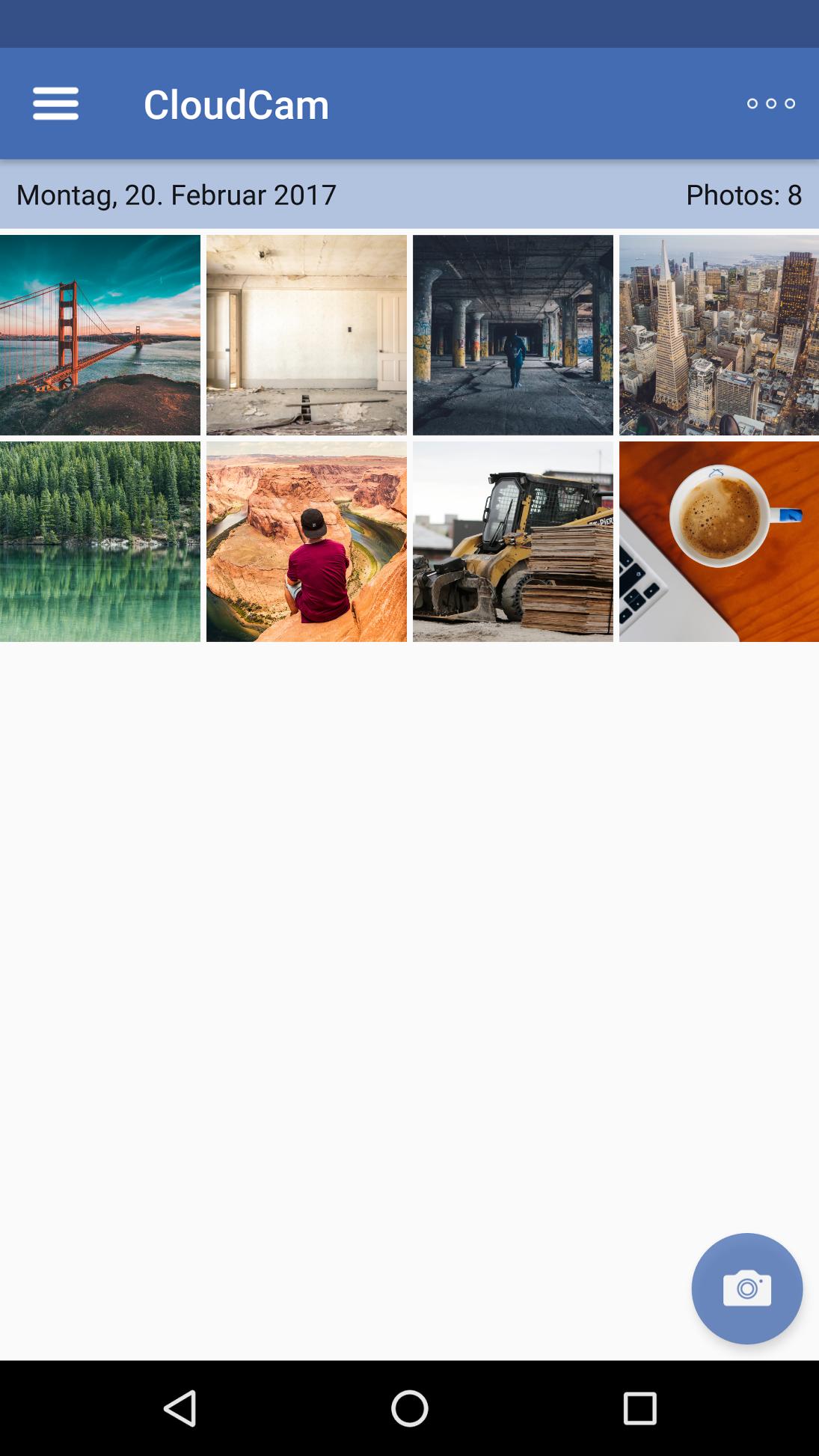
The CloudCam app saves photos immediately after preparation directly in the cloud. This app is designed for companies and organizations in which employees have to create for documentation purposes with their smartphone photos from the road (for example, construction sites, claims, etc.). Thanks CloudCam photos are accessible within a few seconds for the entire organization, so no manual and tedious syncing. The following settings are available within the app:
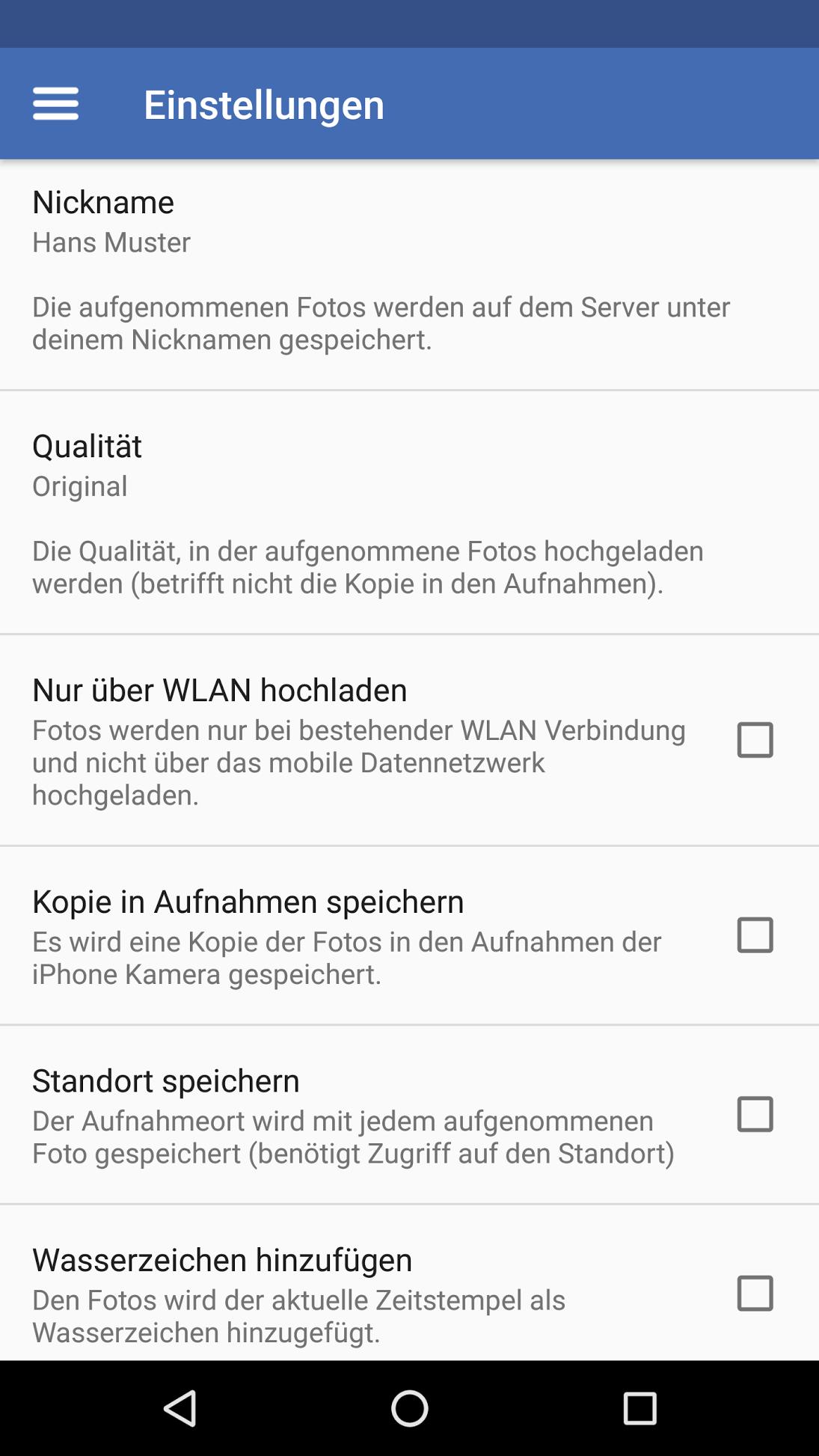
• 3 different image sizes (original, medium, small)
• personal nickname (folder name)
• Allow upload over Wi-Fi
• Save photos in addition to "local recordings"
• Location information Exclude
• Add a watermark (date and time)
As an additional feature provides arcade.ch to appropriate back-end services. Companies can use it to control the settings of their employees centrally and automate the logon process by QR-code or token application link.
CloudCam works perfectly with all ownCloud installations together> version 8.0. By using the back-end services Photos can also be uploaded without specifying a ownCloud user to shared folders with or without password protection. This also enables an inter-organizational co-operation with minimal administrative effort.
معاينة
العلامات
التصويرمعلومة
مطور
arcade solutions ag
احدث اصدار
2.1.4.102
آخر تحديث
2024-04-23
فئة
التصوير
متاح على
Google Play
أظهر المزيد
كيف تلعب CloudCam مع GameLoop على جهاز الكمبيوتر
1. قم بتنزيل GameLoop من الموقع الرسمي ، ثم قم بتشغيل ملف exe لتثبيت GameLoop.
2. افتح GameLoop وابحث عن "CloudCam" ، وابحث عن CloudCam في نتائج البحث وانقر على "تثبيت".
3. استمتع بلعب CloudCam على GameLoop.
Minimum requirements
OS
Windows 8.1 64-bit or Windows 10 64-bit
GPU
GTX 1050
CPU
i3-8300
Memory
8GB RAM
Storage
1GB available space
Recommended requirements
OS
Windows 8.1 64-bit or Windows 10 64-bit
GPU
GTX 1050
CPU
i3-9320
Memory
16GB RAM
Storage
1GB available space