
Cut & Paste Photo Editor PC
AZ Mobile Software
قم بتنزيل Cut & Paste Photo Editor على جهاز الكمبيوتر باستخدام GameLoop Emulator
Cut & Paste Photo Editor على الكمبيوتر الشخصي
Cut & Paste Photo Editor ، القادم من المطور AZ Mobile Software ، يعمل على نظام Android في الماضي.
الآن ، يمكنك لعب Cut & Paste Photo Editor على جهاز الكمبيوتر باستخدام GameLoop بسلاسة.
قم بتنزيله في مكتبة GameLoop أو في نتائج البحث. لا مزيد من الانتباه إلى البطارية أو المكالمات المحبطة في الوقت الخطأ بعد الآن.
ما عليك سوى الاستمتاع بجهاز Cut & Paste Photo Editor على الشاشة الكبيرة مجانًا!
Cut & Paste Photo Editor مقدمة
Experience seamless background removal and creative object placement with Cut Paste Photo Editor, a powerful and intuitive tool designed to help you create professional-grade photo edits with total creative freedom!
Cut Paste Photo Editor transforms your mobile device into a high-end editing suite, allowing you to remove backgrounds, cut out objects with high precision, and seamlessly paste photos into new scenes. Whether you want to design unique photo collages or craft funny edits to share with friends, this app provides all the tools you need in just a few taps.
🔮 Advanced Background Removal with AI Technology
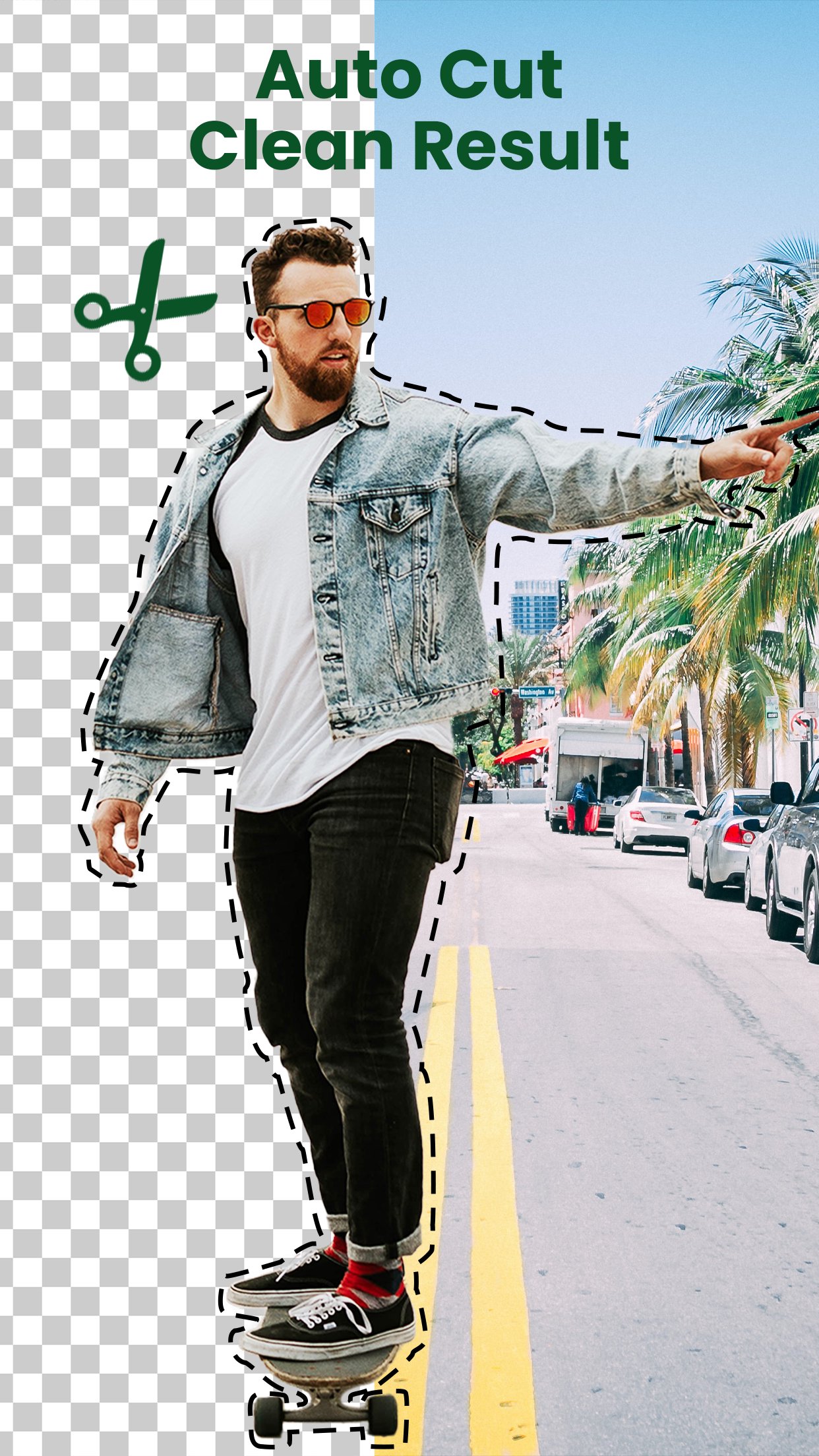
Forget the struggle of tedious, frame-by-frame editing. Cut Paste Photo Editor features a sophisticated AI-powered background removal tool called Smart Cutout - Auto Erase.
Smart Cutout: Simply select your image, and our intelligent AI will automatically detect and extract the subject, leaving you with a perfectly transparent background. This is the ideal tool for isolating people, pets, vehicles, or any specific object you want to move.
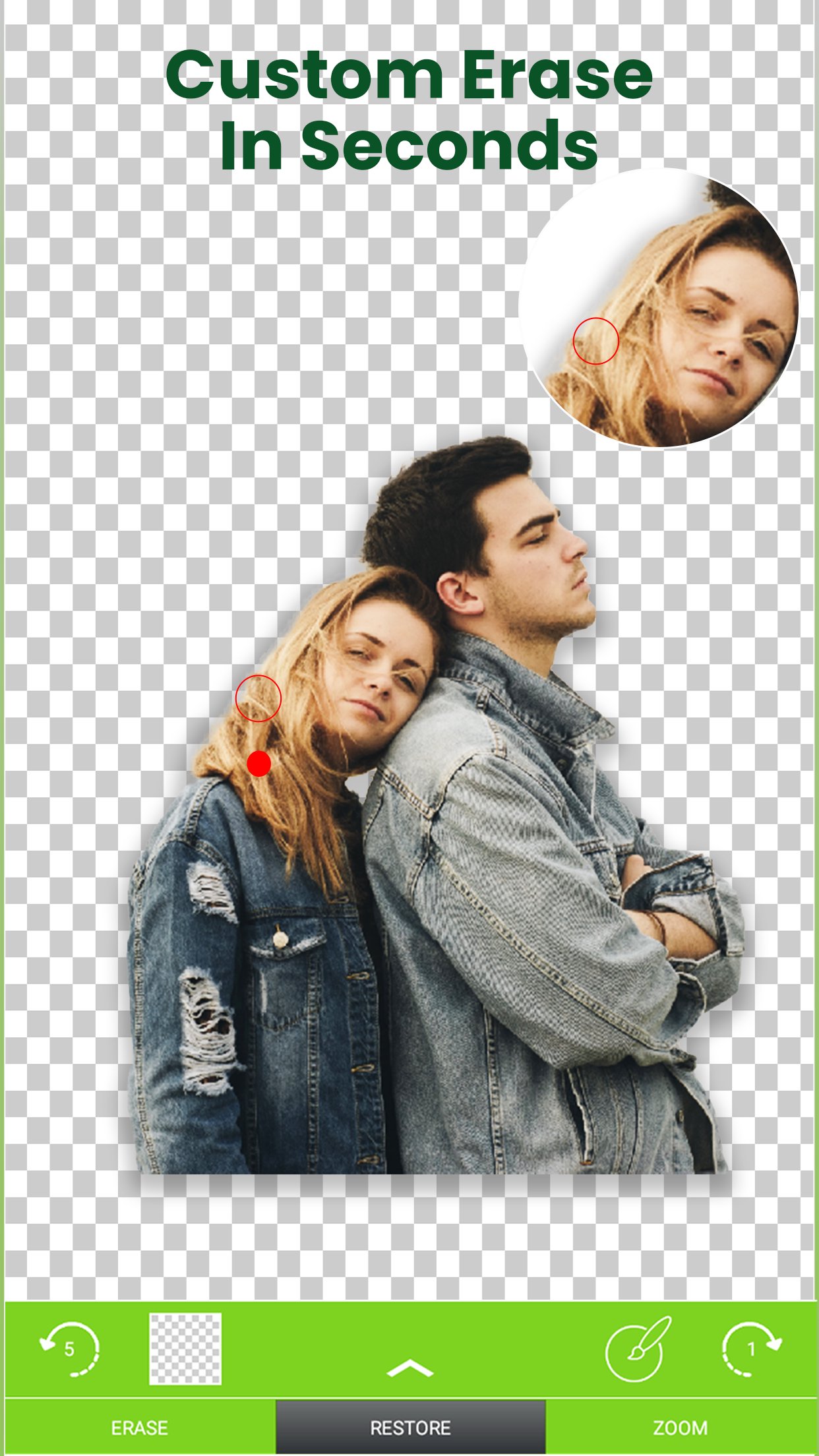
Manual Erase: For those who prefer a personalized touch, the Manual Erase tool allows you to use your finger as a precise cutting tool to remove unwanted background areas with complete control.
️🎯 Complete Creative Control: Paste and Customize
Once you have your perfect cutout, the creative possibilities are limitless. Cut Paste Photo Editor allows you to manipulate your images like a pro:
Auto Background Changer: Swap out the original scenery for something spectacular! Replace backgrounds with images from your own gallery or choose from a wide library of pre-designed scenes included within the app.
Transparent Overlays: Use the transparent photo editor features to create unique artistic layers. By making the background of your cutout object transparent, you can stack multiple elements on top of other photos for a captivating depth effect.
⚡ Unleash Your Inner Collage Artist
This is more than just a background remover; it is a comprehensive photo collage creator. Once you have built your library of cut-out objects, you can easily cut and paste them onto any background. Place yourself in dream travel locations, create hilarious mashups, or design beautiful compositions—the choice is entirely yours!
💡 Powerful Features to Enhance Your Edits
Cut Paste Photo Editor also includes a variety of additional tools to make your photos stand out:
- Text & Typography: Add personalized messages or captions. Customize the font, color, and style to perfectly match your visual vision.
- Funny Stickers: Spice up your creations with a library of over 500+ stickers. Add humor, personality, or thematic elements to your edit with ease.
🎉 Start Creating Today!
Cut Paste Photo Editor is a free-to-use app featuring a user-friendly interface that caters to both beginners and experienced creators. Download Cut Paste Photo Editor today to start editing, sharing, and enjoying your photos like never before!
[Disclaimer]
All copyrights belong to their respective owners.
If you believe any content in our app violates copyrights, please contact us and we will take action.
Privacy Policy: https://www.maxmobile-software.com/privacy-policy
Contact: android@maxmobile-software.com
معاينة
العلامات
التصويرمعلومة
مطور
AZ Mobile Software
احدث اصدار
6.9.1
آخر تحديث
2026-10-08
فئة
التصوير
متاح على
Google Play
أظهر المزيد
كيف تلعب Cut & Paste Photo Editor مع GameLoop على جهاز الكمبيوتر
1. قم بتنزيل GameLoop من الموقع الرسمي ، ثم قم بتشغيل ملف exe لتثبيت GameLoop.
2. افتح GameLoop وابحث عن "Cut & Paste Photo Editor" ، وابحث عن Cut & Paste Photo Editor في نتائج البحث وانقر على "تثبيت".
3. استمتع بلعب Cut & Paste Photo Editor على GameLoop.
Minimum requirements
OS
Windows 8.1 64-bit or Windows 10 64-bit
GPU
GTX 1050
CPU
i3-8300
Memory
8GB RAM
Storage
1GB available space
Recommended requirements
OS
Windows 8.1 64-bit or Windows 10 64-bit
GPU
GTX 1050
CPU
i3-9320
Memory
16GB RAM
Storage
1GB available space