
AI Photo Enhancer, AI Enhancer PC
VideoShow EnjoyMobi Video Editor & Video Maker Inc
قم بتنزيل AI Photo Enhancer, AI Enhancer على جهاز الكمبيوتر باستخدام GameLoop Emulator
AI Photo Enhancer, AI Enhancer على الكمبيوتر الشخصي
AI Photo Enhancer, AI Enhancer ، القادم من المطور VideoShow EnjoyMobi Video Editor & Video Maker Inc ، يعمل على نظام Android في الماضي.
الآن ، يمكنك لعب AI Photo Enhancer, AI Enhancer على جهاز الكمبيوتر باستخدام GameLoop بسلاسة.
قم بتنزيله في مكتبة GameLoop أو في نتائج البحث. لا مزيد من الانتباه إلى البطارية أو المكالمات المحبطة في الوقت الخطأ بعد الآن.
ما عليك سوى الاستمتاع بجهاز AI Photo Enhancer, AI Enhancer على الشاشة الكبيرة مجانًا!
AI Photo Enhancer, AI Enhancer مقدمة
PixeLeap: Now Powered by Nano Banana Pro (Gemini 3 Pro Image) – Redefining Photo Restoration with Next-Gen AI
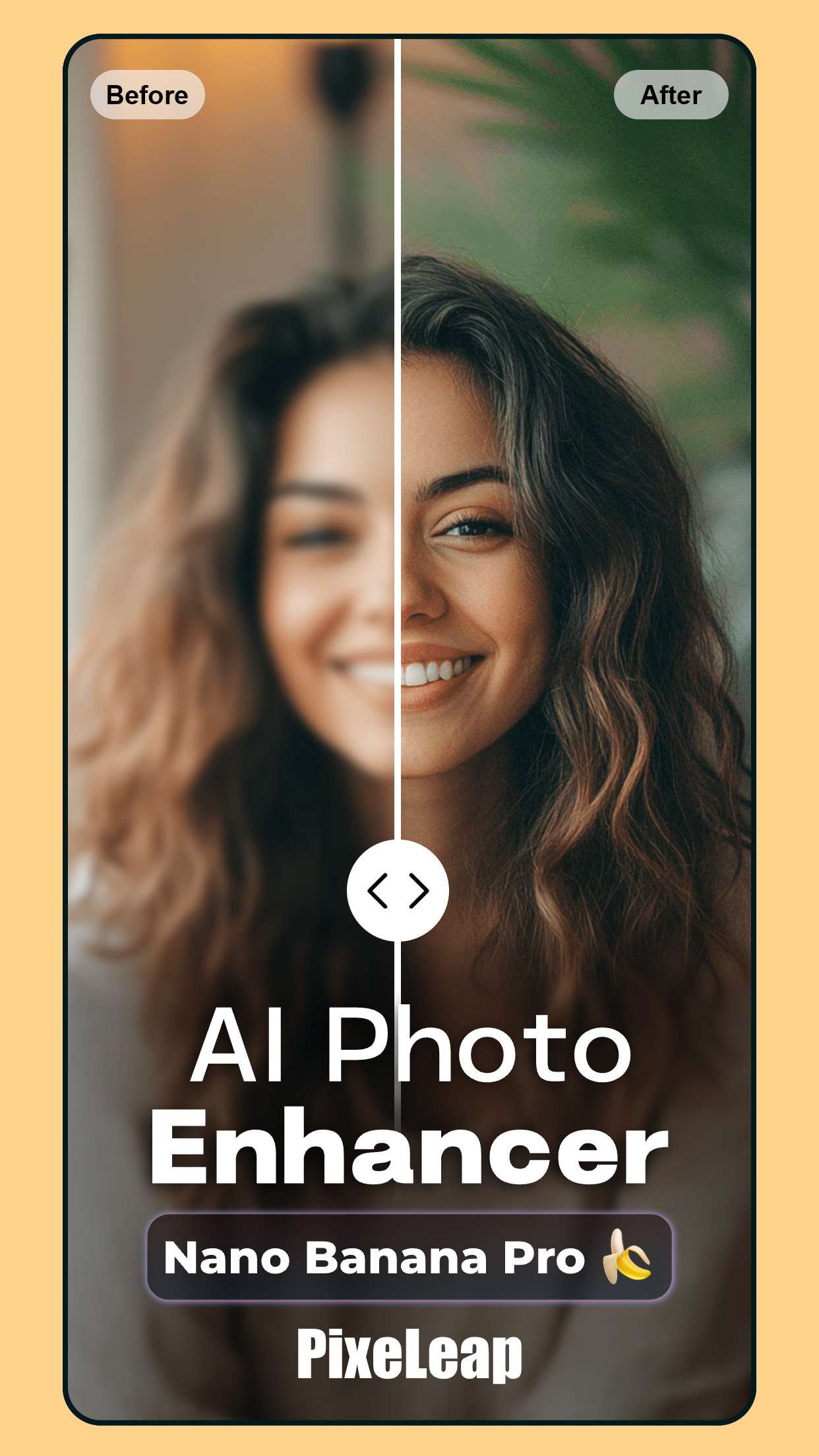
PixeLeap repairs your pixelated, blurred, or damaged pictures and makes your memories clear and sharp. With the revolutionary Nano Banana Pro (Gemini 3 Pro Image) engine at its core, our AI capabilities have undergone a monumental upgrade. Experience unmatched speed, sharper restoration, and superior precision in every enhancement.
🚀 AI Super-Resolution: Fully Reinvented by Nano Banana Pro (Gemini 3 Pro Image)!
Our upgraded AI Super-Resolution is now faster, smarter, and dramatically more accurate. Powered by Nano Banana Pro (Gemini 3 Pro Image), old, blurry, or low-quality photos instantly transform into ultra-clear, high-definition images. Recover details with a clarity that previous generations of AI simply couldn’t achieve.
✨ Enhanced Auxiliary Functions: Crease Repair & Colorization Upgraded by Nano Banana Pro (Gemini 3 Pro Image)
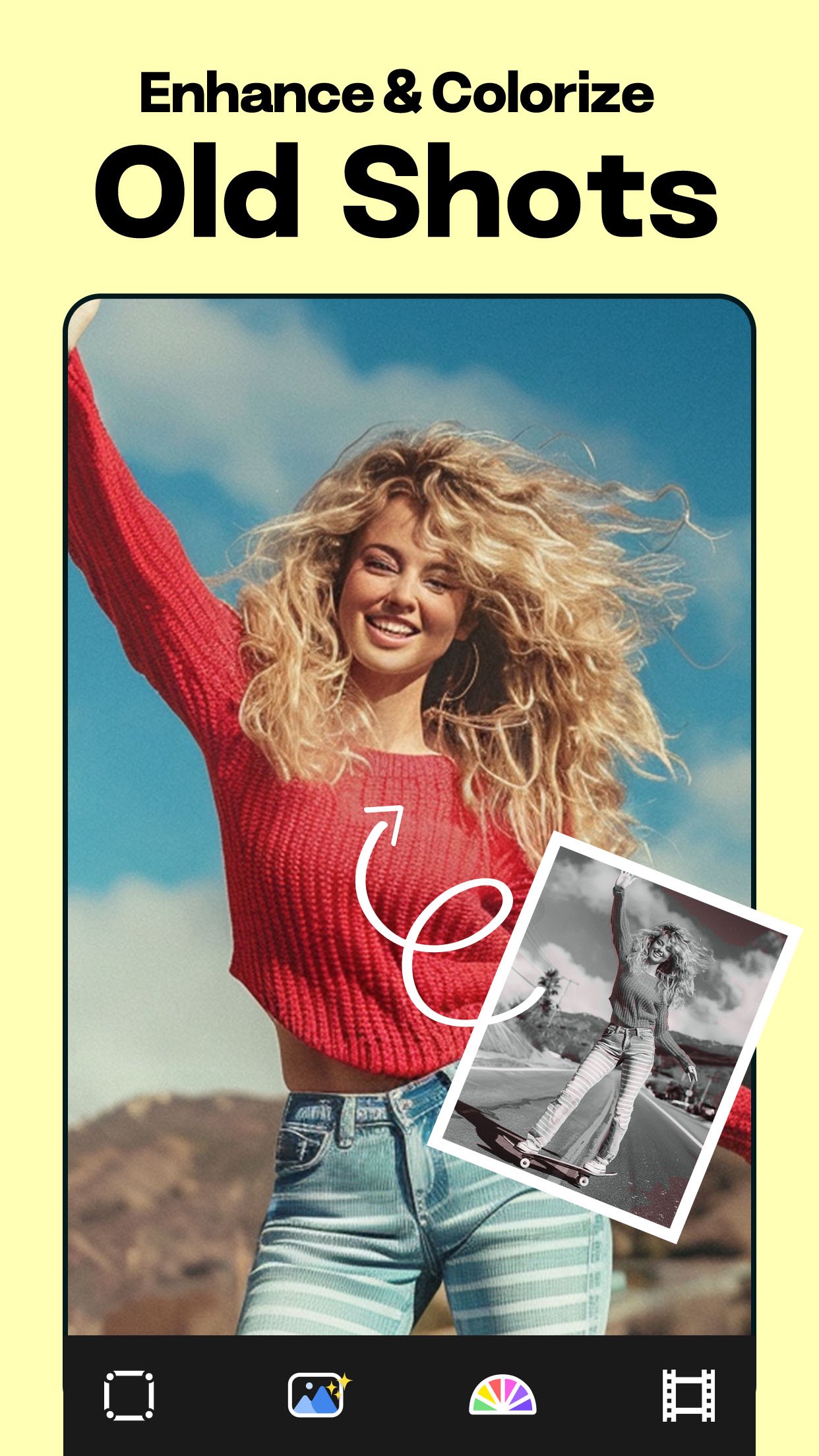
Alongside super-resolution, all auxiliary tools now perform better than ever. The advanced Crease Repair feature—now boosted by Nano Banana Pro (Gemini 3 Pro Image)—effortlessly fixes scratches, wrinkles, and physical defects. Meanwhile, the enhanced Colorization engine uses the improved intelligence of Nano Banana Pro (Gemini 3 Pro Image) to deliver more vibrant, natural, and historically authentic colors.
Photo Scan Remini – Simply point and scan. The AI scanner automatically detects borders, rotates sideways photos, crops accurately, and applies the Nano Banana Pro (Gemini 3 Pro Image) engine to restore sharpness with superior quality.
Change Age As You Like – Powered by Nano Banana Pro (Gemini 3 Pro Image), PixeLeap lets you look younger or older instantly. Apply age-changing filters on old photos for surprisingly realistic transformations.
Dynamic Face Scan – Bring memories to life with expressive animations enhanced by the natural reconstruction abilities of Nano Banana Pro (Gemini 3 Pro Image).
✔ What You Can Do With PixeLeap
● Scan an old photo or upload from your gallery
● One-click unblur powered by Nano Banana Pro (Gemini 3 Pro Image)
● Instantly sharpen and enhance photos with lightning-fast processing
● Restore old photos to HD clarity
● Remove creases & colorize with improved AI tools
● Crop & rotate freely
● Try our age-changing filter for realistic younger/older appearances
All photos may suffer damage such as stripes, blobs, folds, and fading over time. PixeLeap—now fully enhanced by Nano Banana Pro (Gemini 3 Pro Image)—is the ultimate AI restoration and unblurring editor.
PixeLeap comprehensively repairs and restores your old photos, giving them new life so they can be preserved forever in your family album. With the power of Nano Banana Pro (Gemini 3 Pro Image), your treasured photos will look even better than when they were first taken.
Photos from the past now meet the cutting-edge AI technology of the future — powered by Nano Banana Pro (Gemini 3 Pro Image).
معاينة
العلامات
التصويرمعلومة
مطور
VideoShow EnjoyMobi Video Editor & Video Maker Inc
احدث اصدار
1.1.8.3
آخر تحديث
2026-07-17
فئة
التصوير
متاح على
Google Play
أظهر المزيد
كيف تلعب AI Photo Enhancer, AI Enhancer مع GameLoop على جهاز الكمبيوتر
1. قم بتنزيل GameLoop من الموقع الرسمي ، ثم قم بتشغيل ملف exe لتثبيت GameLoop.
2. افتح GameLoop وابحث عن "AI Photo Enhancer, AI Enhancer" ، وابحث عن AI Photo Enhancer, AI Enhancer في نتائج البحث وانقر على "تثبيت".
3. استمتع بلعب AI Photo Enhancer, AI Enhancer على GameLoop.
Minimum requirements
OS
Windows 8.1 64-bit or Windows 10 64-bit
GPU
GTX 1050
CPU
i3-8300
Memory
8GB RAM
Storage
1GB available space
Recommended requirements
OS
Windows 8.1 64-bit or Windows 10 64-bit
GPU
GTX 1050
CPU
i3-9320
Memory
16GB RAM
Storage
1GB available space