
Timer Lock - Photo Lock App PC
Quick PhotoEditing Apps
قم بتنزيل Timer Lock - Photo Lock App على جهاز الكمبيوتر باستخدام GameLoop Emulator
Timer Lock - Photo Lock App على الكمبيوتر الشخصي
Timer Lock - Photo Lock App ، القادم من المطور Quick PhotoEditing Apps ، يعمل على نظام Android في الماضي.
الآن ، يمكنك لعب Timer Lock - Photo Lock App على جهاز الكمبيوتر باستخدام GameLoop بسلاسة.
قم بتنزيله في مكتبة GameLoop أو في نتائج البحث. لا مزيد من الانتباه إلى البطارية أو المكالمات المحبطة في الوقت الخطأ بعد الآن.
ما عليك سوى الاستمتاع بجهاز Timer Lock - Photo Lock App على الشاشة الكبيرة مجانًا!
Timer Lock - Photo Lock App مقدمة
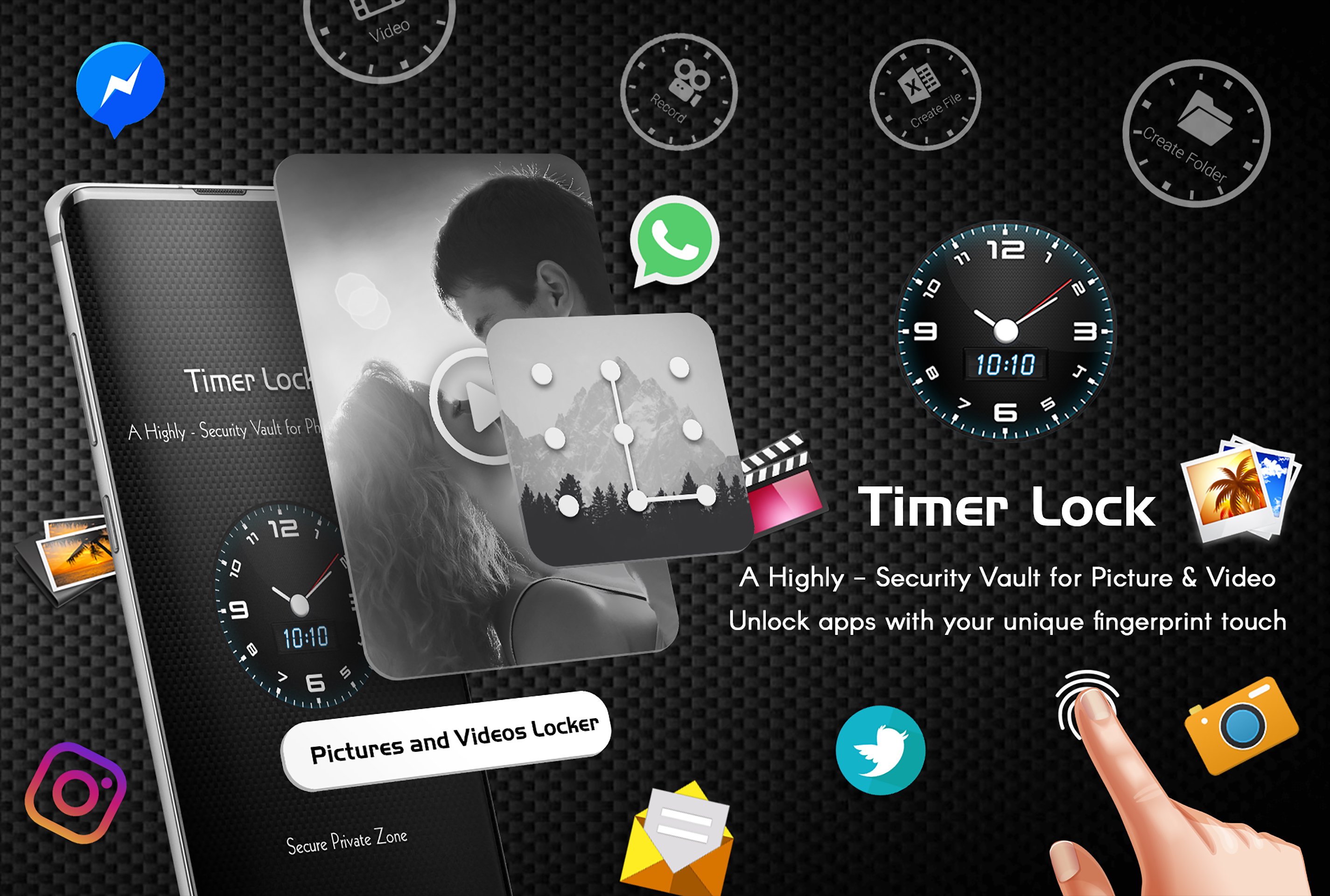
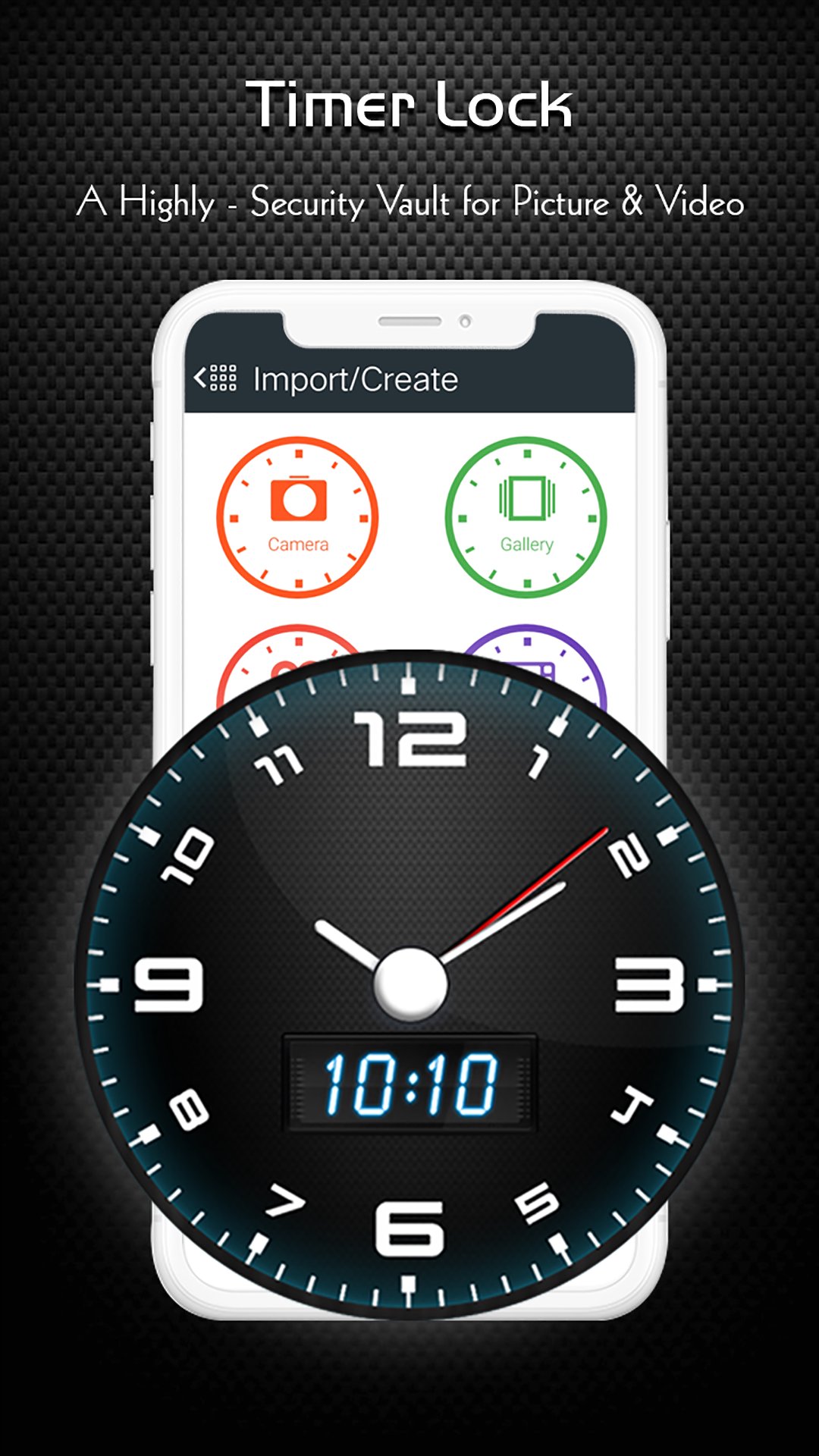
Hide Your Photo, Videos, File and secrets behind a Clock.
Use the best timer lock, Hide Photos,Videos - clock vault to hide photos, hide pictures, hide videos. Timer Lock - Hide Photos,Videos (Secret Photo locker & Video Locker) is great privacy protection vault app to keep it safe & easily hide photos, hide videos and other file app within privacy protecting gallery to lock files. Photo video vault feature hidden behind Clock App for protecting your privacy by keep it safe behind your secret time password!
Timer Lock - Photo Lock App is the Vault app can secretly Hide Photos, Hide Videos and other files without anyone knowing as gallery lock installed in your phone looks as just a beautiful clock, and works very well. Your files will be secretly stored in vault and can only be viewed after a time password is entered on clock of this app.
Hide Your Photo, Videos and secrets behind a Clock. Smartest way to Hide Pictures, videos, Files and App lock secretly in Timer Lock - Keep Your Photos, Videos, and Files Safe.
With Timer Lock - Photo Lock App, you can easily hide your photos, videos, and files behind a working clock. No one will know that you're using a photo vault app, and your private content will be protected with military-grade encryption.
Amazing And Unique Way to Lock your phone with Lock screen - Time Password. Timer Lock - Hide photo, video and Files . Best Security vault app for your private photos and video. Secretly Hide Photos and videos Behind Working Clock. Secret Gallery clock vault to hide photos, hide videos, file locker.
Here are just a few of the features that make Timer Lock the best photo vault app on the market:
* Intuitive user interface: Timer Lock is easy to use, even for beginners.
* Secure photo vault: Your photos, videos, and files are protected with military-grade encryption.
* Multiple security options: You can choose from a variety of security options, including time password, or fingerprint lock.
* Change icons: You can change the Timer Lock Clock Photo Vault app icon so that no one knows you're using it.
★ Frequently asked Q&A
Q - Forgot password. How can I reset it?
A -To reset password you have to open our Timer Lock and enter 10:10 time on clock and press middle button. It will open password reset screen with secret question set by you, answer it correctly and set new password or press on ? symbol button on screen and it will open reset screen.
Q - I uninstalled this app and again installed. Can I get my locked pictures back?
A - you need to unlock pictures before uninstall. Files are not available in new install.
Q - Are my hidden files stored online?
A - No. Your files are stored only on your device locally, so please make sure to unlock all your hidden video vault files before transferring to new device or factory reset or delete the app.
Download Timer Lock, Hide Photos,Videos - Clock Vault today and keep your photos, videos, and files safe from prying eyes!
معاينة
العلامات
إضفاء الطابع الشخصيمعلومة
مطور
Quick PhotoEditing Apps
احدث اصدار
4.7
آخر تحديث
2026-01-30
فئة
إضفاء الطابع الشخصي
متاح على
Google Play
أظهر المزيد
كيف تلعب Timer Lock - Photo Lock App مع GameLoop على جهاز الكمبيوتر
1. قم بتنزيل GameLoop من الموقع الرسمي ، ثم قم بتشغيل ملف exe لتثبيت GameLoop.
2. افتح GameLoop وابحث عن "Timer Lock - Photo Lock App" ، وابحث عن Timer Lock - Photo Lock App في نتائج البحث وانقر على "تثبيت".
3. استمتع بلعب Timer Lock - Photo Lock App على GameLoop.
Minimum requirements
OS
Windows 8.1 64-bit or Windows 10 64-bit
GPU
GTX 1050
CPU
i3-8300
Memory
8GB RAM
Storage
1GB available space
Recommended requirements
OS
Windows 8.1 64-bit or Windows 10 64-bit
GPU
GTX 1050
CPU
i3-9320
Memory
16GB RAM
Storage
1GB available space