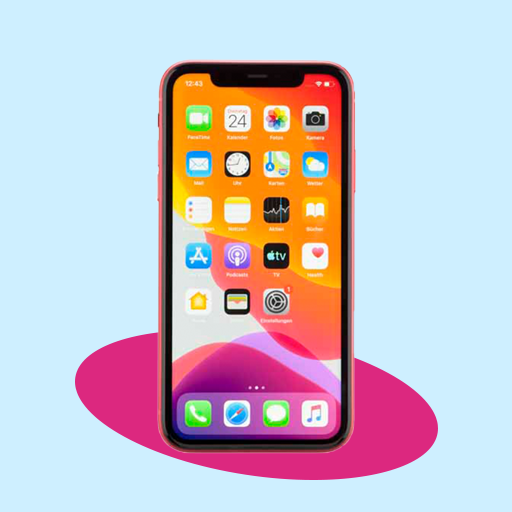
iPhone Launcher - IOS Luncher PC
MP Andro Hub
قم بتنزيل iPhone Launcher - IOS Luncher على جهاز الكمبيوتر باستخدام GameLoop Emulator
iPhone Launcher - IOS Luncher على الكمبيوتر الشخصي
iPhone Launcher - IOS Luncher ، القادم من المطور MP Andro Hub ، يعمل على نظام Android في الماضي.
الآن ، يمكنك لعب iPhone Launcher - IOS Luncher على جهاز الكمبيوتر باستخدام GameLoop بسلاسة.
قم بتنزيله في مكتبة GameLoop أو في نتائج البحث. لا مزيد من الانتباه إلى البطارية أو المكالمات المحبطة في الوقت الخطأ بعد الآن.
ما عليك سوى الاستمتاع بجهاز iPhone Launcher - IOS Luncher على الشاشة الكبيرة مجانًا!
iPhone Launcher - IOS Luncher مقدمة
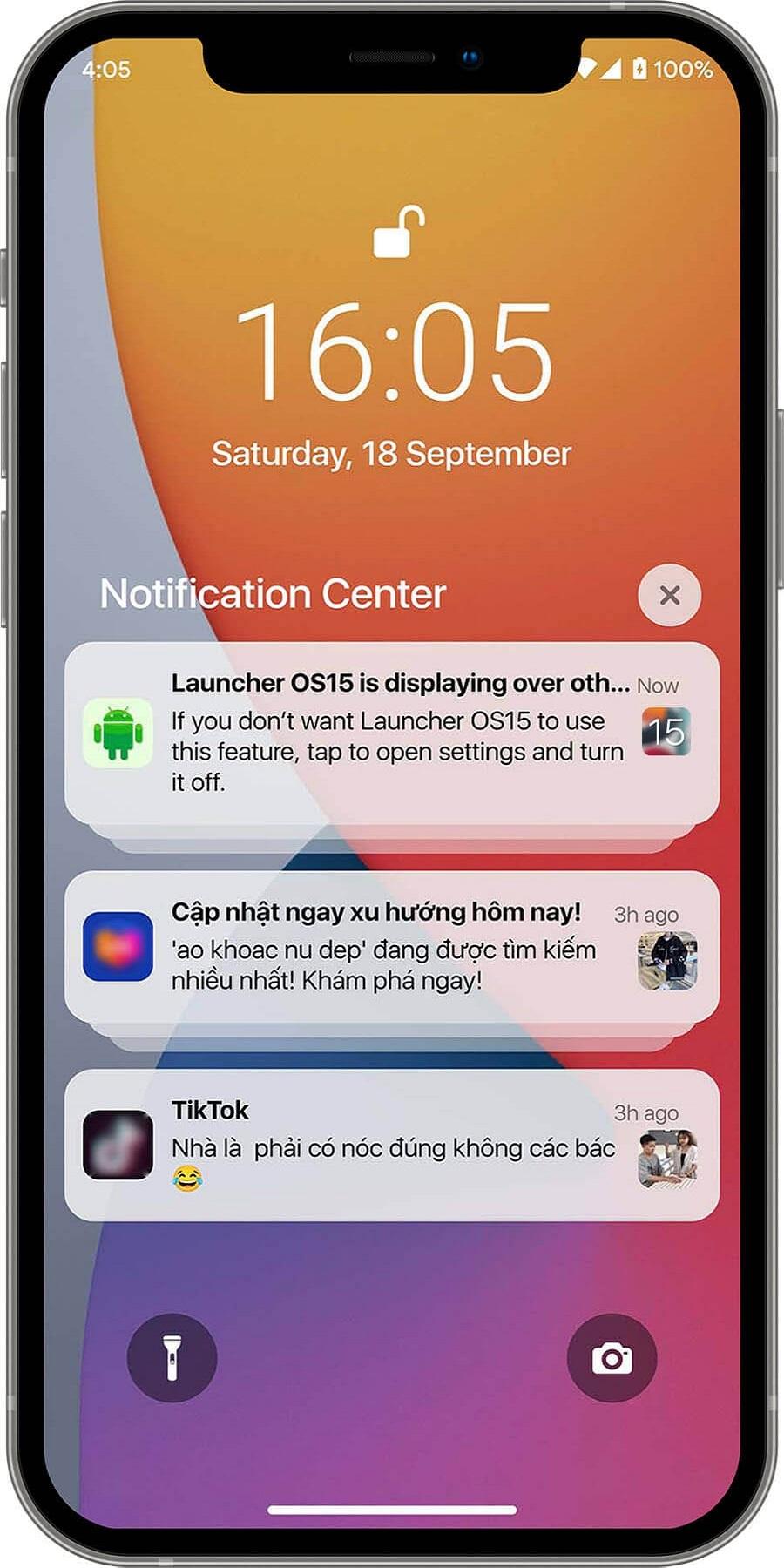
It's simple for your phone will convert to iOS Launcher mode. iOS Launcher is a beautiful design, smooth, and lightweight Android phone launcher. It uses the most recent OS 15 design; it may entirely alter the appearance and operation of your phone, providing you with a unique experience, simple, elegant, and modern.
Features of Launcher iPhone iOS 15:
# Best user interface.
# Smart search.
# Beautiful wallpaper to brighten up your screen.
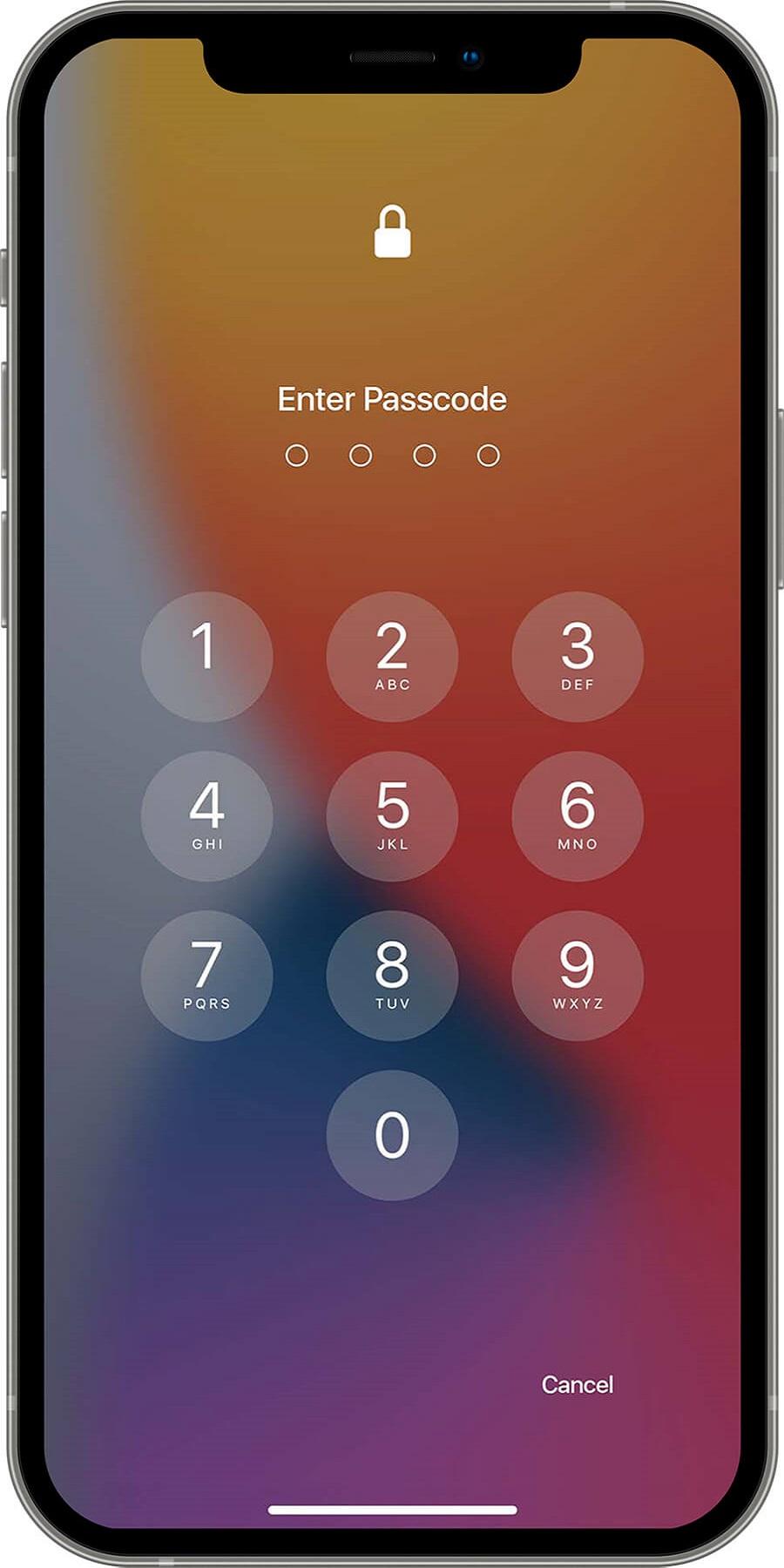
# Support for passwords and pattern lock on the lock screen.
# Swipe down anywhere on the home page to search quickly.
# Silent mode, airplane mode, and Bluetooth are all controlled by the smart toggle.
# More style options are available with the control center, including size, color, location, and vibration.
# One-touch tasks are quick, simple, and time-saving.
# You can customize the application's icon to your liking.
# Change the desktop grid, enable infinite scrolling, show or hide the search bar, modify folder previews, and more.
# A large number of wallpaper images.
Control Center:
Swipe down to enter Control Center, where you can quickly set WiFi, Network, Brightness, Volume, and Take Photo.
App Manager:
Swipe up to activate App Manager; instantly find and drop local apps to your desktop.
Theme Store:
We have thousands of themes in our theme store that are adaptable to the themes you choose and can provide you with a smooth interface similar to OS 13 & OS 15.
Hide Apps:
Hide apps from the launcher that you don't want to see.
With an iPhone launcher, you can make your android phone look like iOS 13 or iOS 15. Open the ios control center app if you wish to change how you access the Control center on your device. iOS 15 allows you quick access to the camera, clock, screen recording, screenshot, and other settings for iOS.
Join us now by downloading the ios launcher! More exciting features are on the way...
معاينة
العلامات
إضفاء الطابع الشخصيمعلومة
مطور
MP Andro Hub
احدث اصدار
2.0
آخر تحديث
2022-12-14
فئة
إضفاء الطابع الشخصي
متاح على
Google Play
أظهر المزيد
كيف تلعب iPhone Launcher - IOS Luncher مع GameLoop على جهاز الكمبيوتر
1. قم بتنزيل GameLoop من الموقع الرسمي ، ثم قم بتشغيل ملف exe لتثبيت GameLoop.
2. افتح GameLoop وابحث عن "iPhone Launcher - IOS Luncher" ، وابحث عن iPhone Launcher - IOS Luncher في نتائج البحث وانقر على "تثبيت".
3. استمتع بلعب iPhone Launcher - IOS Luncher على GameLoop.
Minimum requirements
OS
Windows 8.1 64-bit or Windows 10 64-bit
GPU
GTX 1050
CPU
i3-8300
Memory
8GB RAM
Storage
1GB available space
Recommended requirements
OS
Windows 8.1 64-bit or Windows 10 64-bit
GPU
GTX 1050
CPU
i3-9320
Memory
16GB RAM
Storage
1GB available space