
Unlock 120/144FPS booster PC
Ngọc Tú
قم بتنزيل Unlock 120/144FPS booster على جهاز الكمبيوتر باستخدام GameLoop Emulator
Unlock 120/144FPS booster على الكمبيوتر الشخصي
Unlock 120/144FPS booster ، القادم من المطور Ngọc Tú ، يعمل على نظام Android في الماضي.
الآن ، يمكنك لعب Unlock 120/144FPS booster على جهاز الكمبيوتر باستخدام GameLoop بسلاسة.
قم بتنزيله في مكتبة GameLoop أو في نتائج البحث. لا مزيد من الانتباه إلى البطارية أو المكالمات المحبطة في الوقت الخطأ بعد الآن.
ما عليك سوى الاستمتاع بجهاز Unlock 120/144FPS booster على الشاشة الكبيرة مجانًا!
Unlock 120/144FPS booster مقدمة
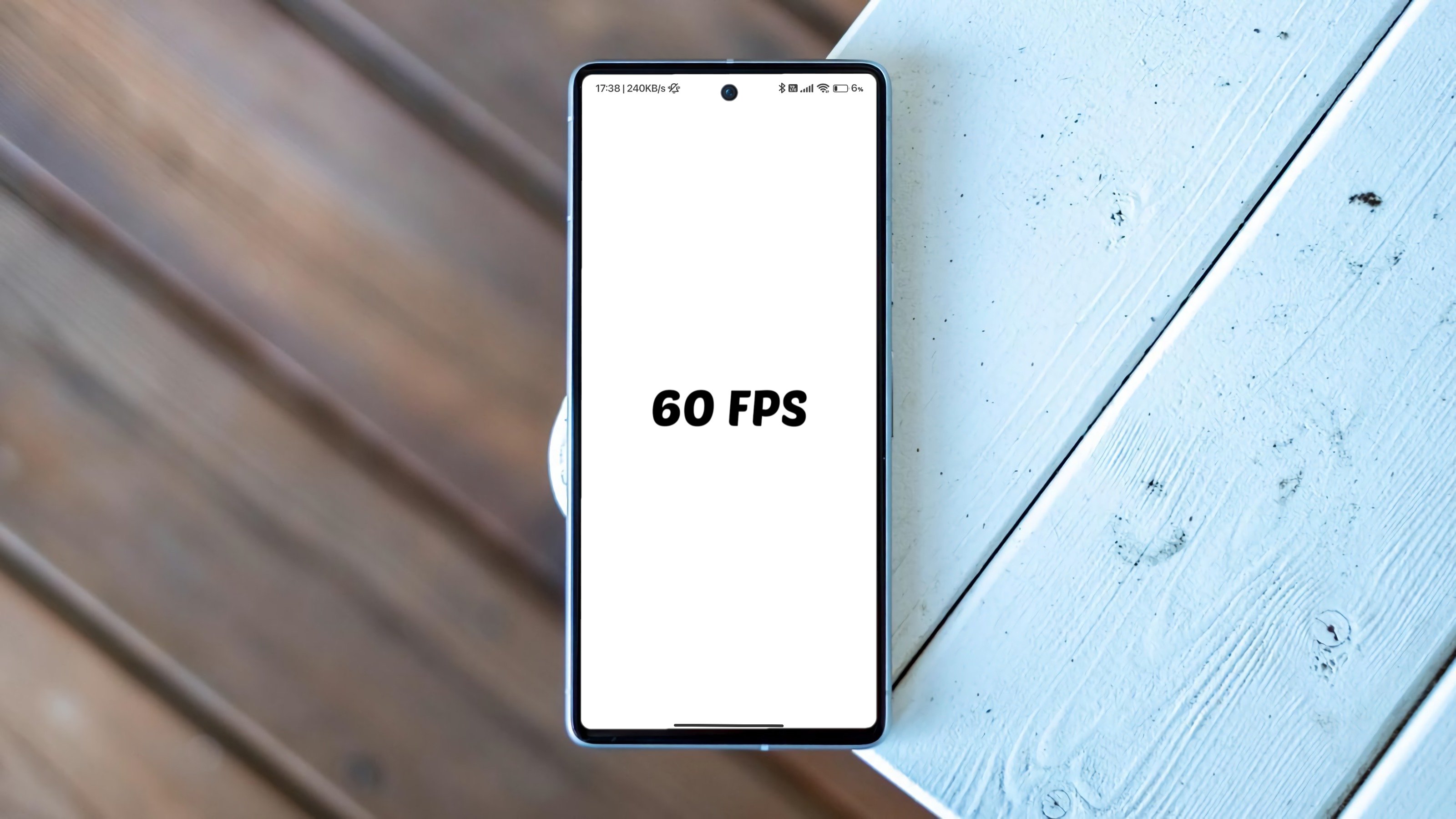
Want to enjoy ultra-smooth 120/144FPS gameplay in all your favorite games?
👉 Try Unlock 120/144FPS — FPS Booster, the all-in-one performance optimizer for gamers!
✨ Key Features:
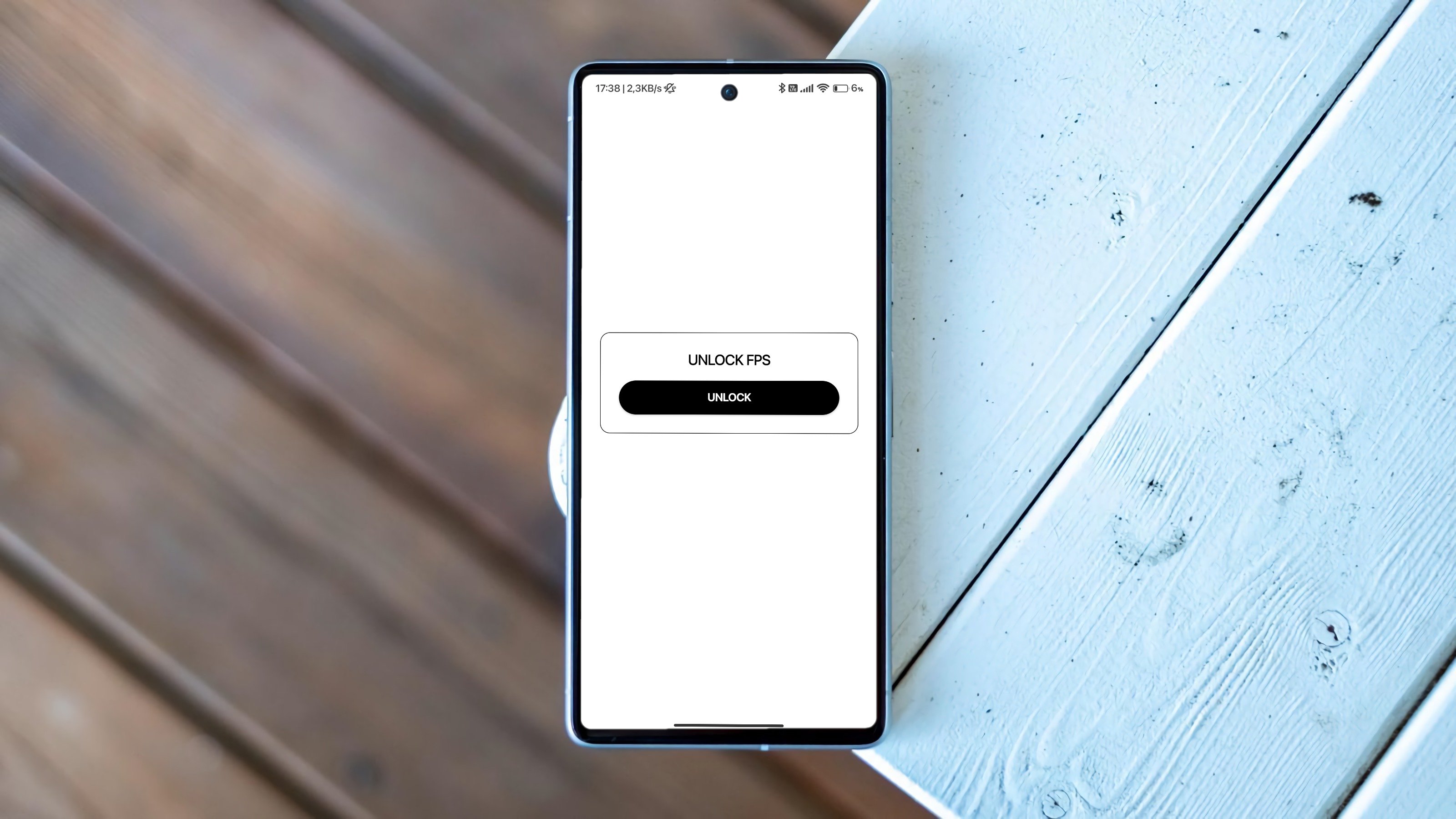
🔓 Unlock FPS up to 120/144FPS for smoother gameplay.
🎮 Optimize graphics: HD, HDR, Ultra HD, 2K, 4K.
⚡ Reduce lag & boost performance by freeing RAM & CPU.
🔥 Custom settings: shadows, brightness, effects, sensitivity.
🛡️ Safe & easy to use, no root required.
💡 With FPS Booster 120/144FPS, you will:
✔️ Experience lag-free gameplay across all games.
✔️ Maximize device performance for high frame rates.
✔️ Enjoy pro-level graphics and smoother controls.
⚠️ Note: This app only helps optimize device performance. It does not modify game files and does not violate any terms of service.
📥 Download Unlock 120/144FPS— FPS Booster today and elevate your gaming experience to the next level!
unlock 120fps, fps booster, fps unlocker, lag fix, game optimizer, graphics booster, high fps gaming, smooth gameplay, optimize all games
معاينة
العلامات
إضفاء الطابع الشخصيأدواتمعلومة
مطور
Ngọc Tú
احدث اصدار
6.1
آخر تحديث
2026-04-08
فئة
إضفاء الطابع الشخصي
متاح على
Google Play
أظهر المزيد
كيف تلعب Unlock 120/144FPS booster مع GameLoop على جهاز الكمبيوتر
1. قم بتنزيل GameLoop من الموقع الرسمي ، ثم قم بتشغيل ملف exe لتثبيت GameLoop.
2. افتح GameLoop وابحث عن "Unlock 120/144FPS booster" ، وابحث عن Unlock 120/144FPS booster في نتائج البحث وانقر على "تثبيت".
3. استمتع بلعب Unlock 120/144FPS booster على GameLoop.
Minimum requirements
OS
Windows 8.1 64-bit or Windows 10 64-bit
GPU
GTX 1050
CPU
i3-8300
Memory
8GB RAM
Storage
1GB available space
Recommended requirements
OS
Windows 8.1 64-bit or Windows 10 64-bit
GPU
GTX 1050
CPU
i3-9320
Memory
16GB RAM
Storage
1GB available space