
Cmee Online föräldrar APP PC
Spectrafence AB
قم بتنزيل Cmee Online föräldrar APP على جهاز الكمبيوتر باستخدام GameLoop Emulator
Cmee Online föräldrar APP على الكمبيوتر الشخصي
Cmee Online föräldrar APP ، القادم من المطور Spectrafence AB ، يعمل على نظام Android في الماضي.
الآن ، يمكنك لعب Cmee Online föräldrar APP على جهاز الكمبيوتر باستخدام GameLoop بسلاسة.
قم بتنزيله في مكتبة GameLoop أو في نتائج البحث. لا مزيد من الانتباه إلى البطارية أو المكالمات المحبطة في الوقت الخطأ بعد الآن.
ما عليك سوى الاستمتاع بجهاز Cmee Online föräldrar APP على الشاشة الكبيرة مجانًا!
Cmee Online föräldrar APP مقدمة
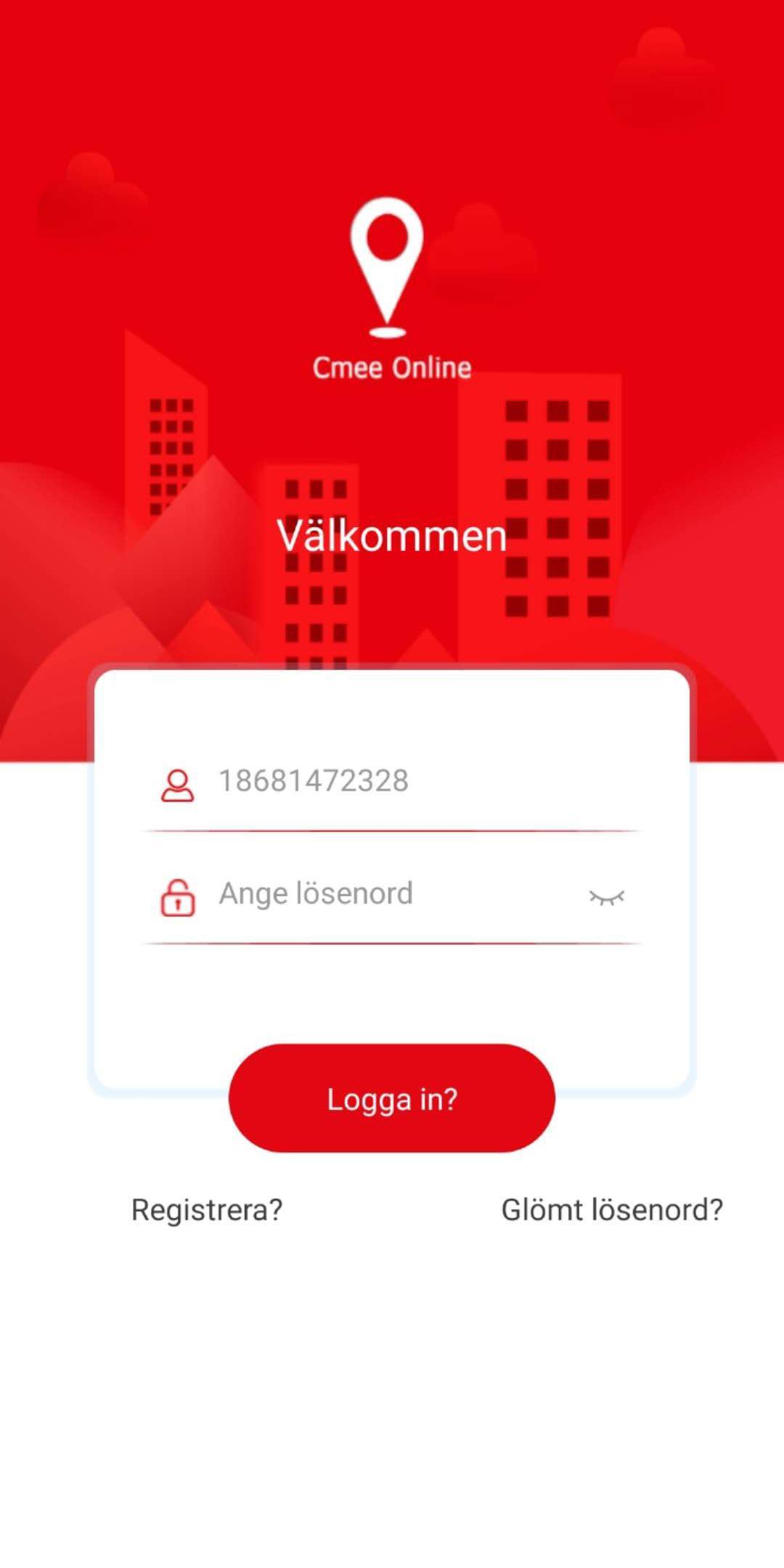
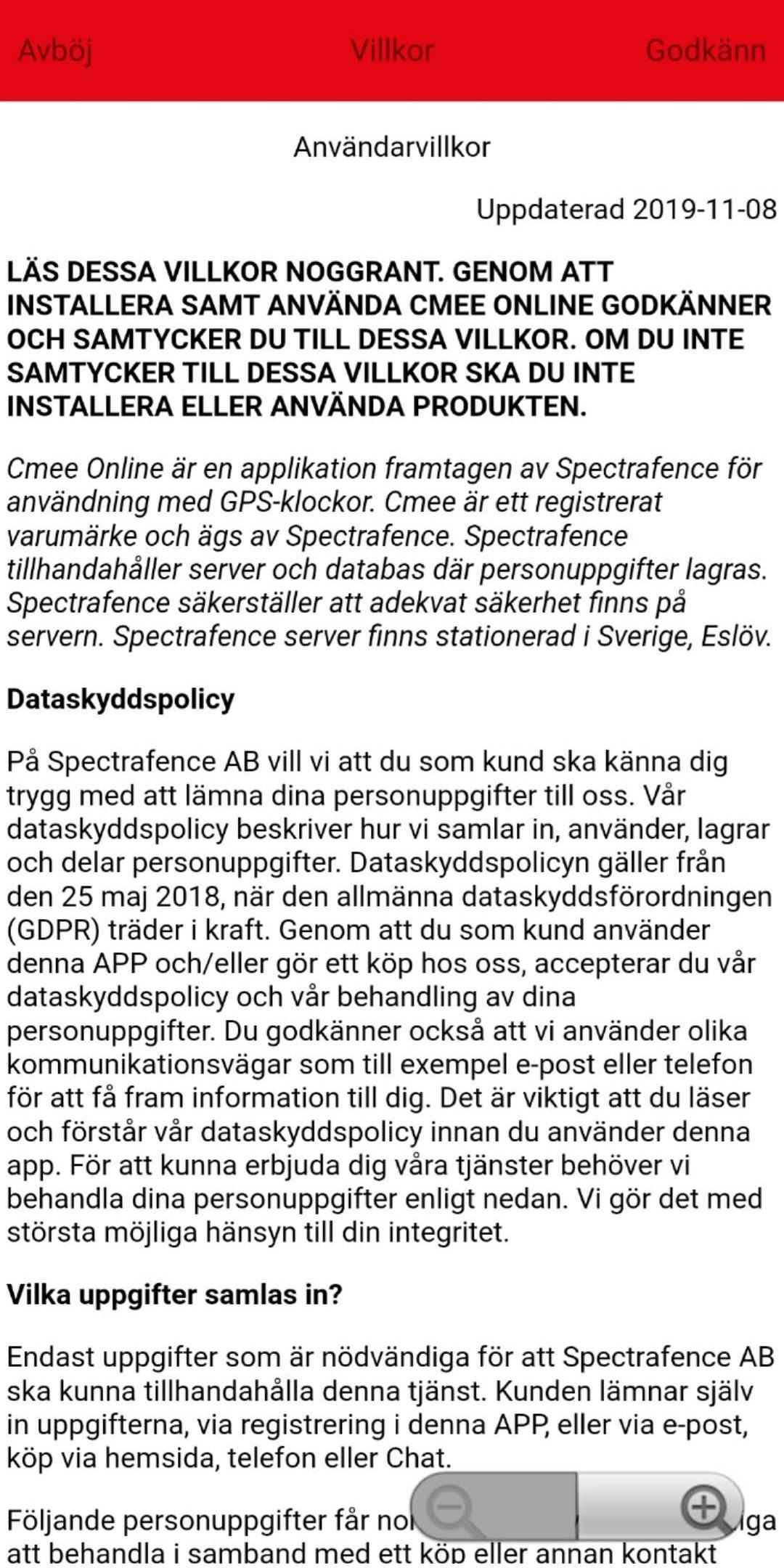
Cmee Online is an app for parents and provides extra security in everyday life with active children. Install the app on your phone, sync your child's mobile watch / GPS watch for children of the brand Cmee - the opportunity to call your child, set "school time", positioning the clock and child via Google Maps, alarm clock, safety zones, chat and voice message, add to extra followers / family members, take pictures from the clock, listen to sounds around the clock - notices and more. Extra security with connection to Spectrafence's dedicated server in Sweden.
Good for you as a mom or dad to feel extra security when your child goes to friends, out and play, go to workouts, go bus or go to school. A push of a button and you can easily get in touch with your child via mobile calls or see position via the app. Also, choose approved numbers in the app that may call your child. The remaining numbers are blocked if they are not entered in the phonebook.
- GPS positioning
When using the clock outdoors, the app can display the clock's GPS positioning via a map.
- Followers
If you are two parents who want to see the same clock in the app, for example mom creates an account and registers the clock, then dad can create an account and ask to follow the same clock by sending a request to the mother's account. Then mom has to approve or refuse to see dad. All followers are added to the mother's family list where the mother can delete or hand over the administrative right to any family member.
- Phone function
Enter phone numbers in the app's phone book, it sends these numbers to the clock and your child can easily dial from the clock and you as a parent can call the clock
- Security zone
Select an area on the map, name it and the app sends a note when the child is inside or outside the zone you choose how to send notes.
- Do not disturb
Set times when the child is at school, the clock becomes silent and locks the screen so that the child cannot be disturbed by the clock or play with it during school hours.
- Alarm clock
Use the mobile watch to set wake-up times, it will ring at the times you specify in the app.
- Camera and pictures
Take a picture from the clock via the app, the clock sends back the picture you take to the app's photo album, you can see what the clock "sees".
- Sound around the clock
The app can ask the clock to dial any number via phone call and you can easily listen to sounds around the clock without the user knowing about the call.
Many more features are available as shortcut menus for main functions, simple and neat user interface. Easy registration with verification code for mobile or e-mail.
Cmee Online only works for Cmee watches. To add your watch to the app if you use our previous app Cmee, contact us at Spectrafence and we can help you via the website or via email.
معاينة
العلامات
الأبوة والأمومةمعلومة
مطور
Spectrafence AB
احدث اصدار
1.5.4
آخر تحديث
2023-08-23
فئة
الأبوة والأمومة
متاح على
Google Play
أظهر المزيد
كيف تلعب Cmee Online föräldrar APP مع GameLoop على جهاز الكمبيوتر
1. قم بتنزيل GameLoop من الموقع الرسمي ، ثم قم بتشغيل ملف exe لتثبيت GameLoop.
2. افتح GameLoop وابحث عن "Cmee Online föräldrar APP" ، وابحث عن Cmee Online föräldrar APP في نتائج البحث وانقر على "تثبيت".
3. استمتع بلعب Cmee Online föräldrar APP على GameLoop.
Minimum requirements
OS
Windows 8.1 64-bit or Windows 10 64-bit
GPU
GTX 1050
CPU
i3-8300
Memory
8GB RAM
Storage
1GB available space
Recommended requirements
OS
Windows 8.1 64-bit or Windows 10 64-bit
GPU
GTX 1050
CPU
i3-9320
Memory
16GB RAM
Storage
1GB available space