Piano Master 2 PC
B77 Entertainment
قم بتنزيل Piano Master 2 على جهاز الكمبيوتر باستخدام GameLoop Emulator
Piano Master 2 على الكمبيوتر الشخصي
Piano Master 2 ، القادم من المطور B77 Entertainment ، يعمل على نظام Android في الماضي.
الآن ، يمكنك لعب Piano Master 2 على جهاز الكمبيوتر باستخدام GameLoop بسلاسة.
قم بتنزيله في مكتبة GameLoop أو في نتائج البحث. لا مزيد من الانتباه إلى البطارية أو المكالمات المحبطة في الوقت الخطأ بعد الآن.
ما عليك سوى الاستمتاع بجهاز Piano Master 2 على الشاشة الكبيرة مجانًا!
Piano Master 2 مقدمة
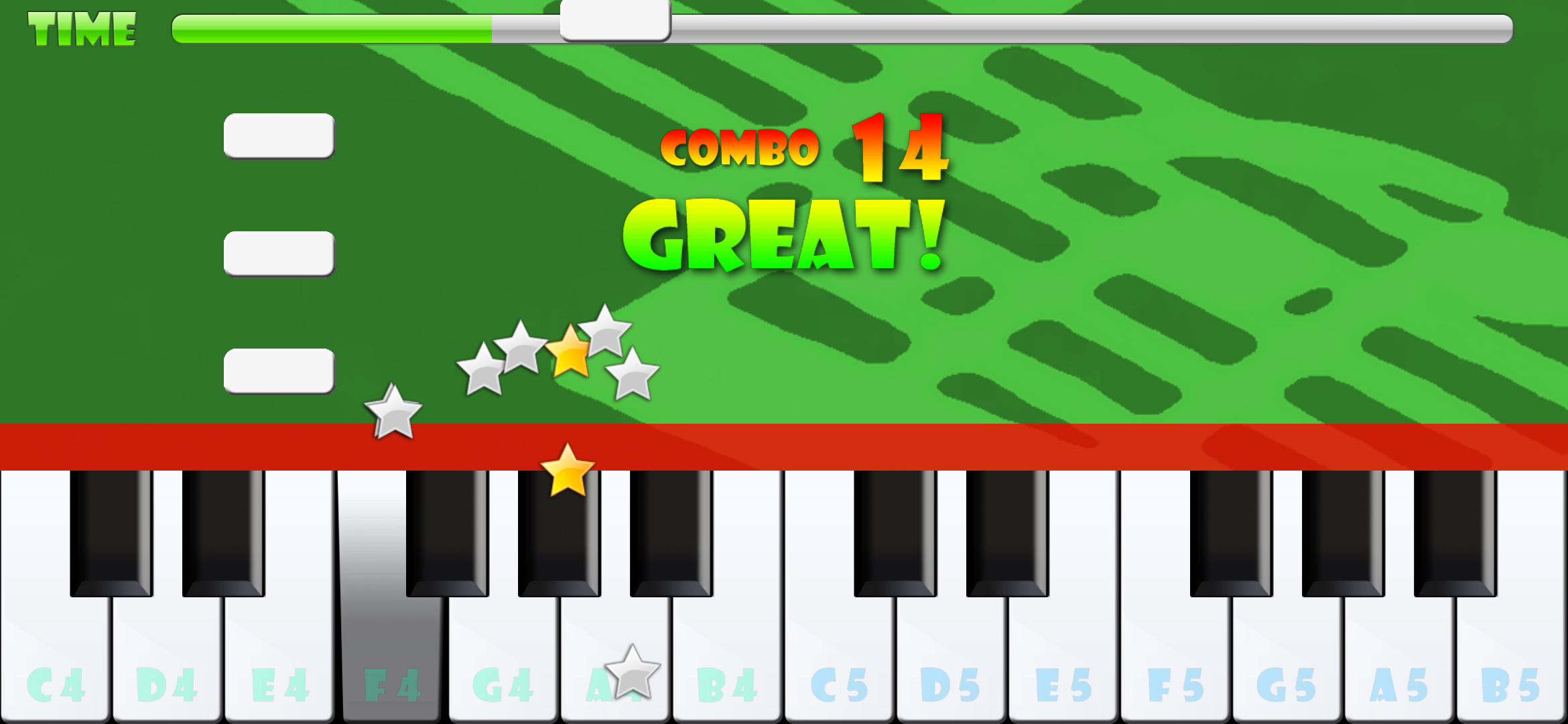
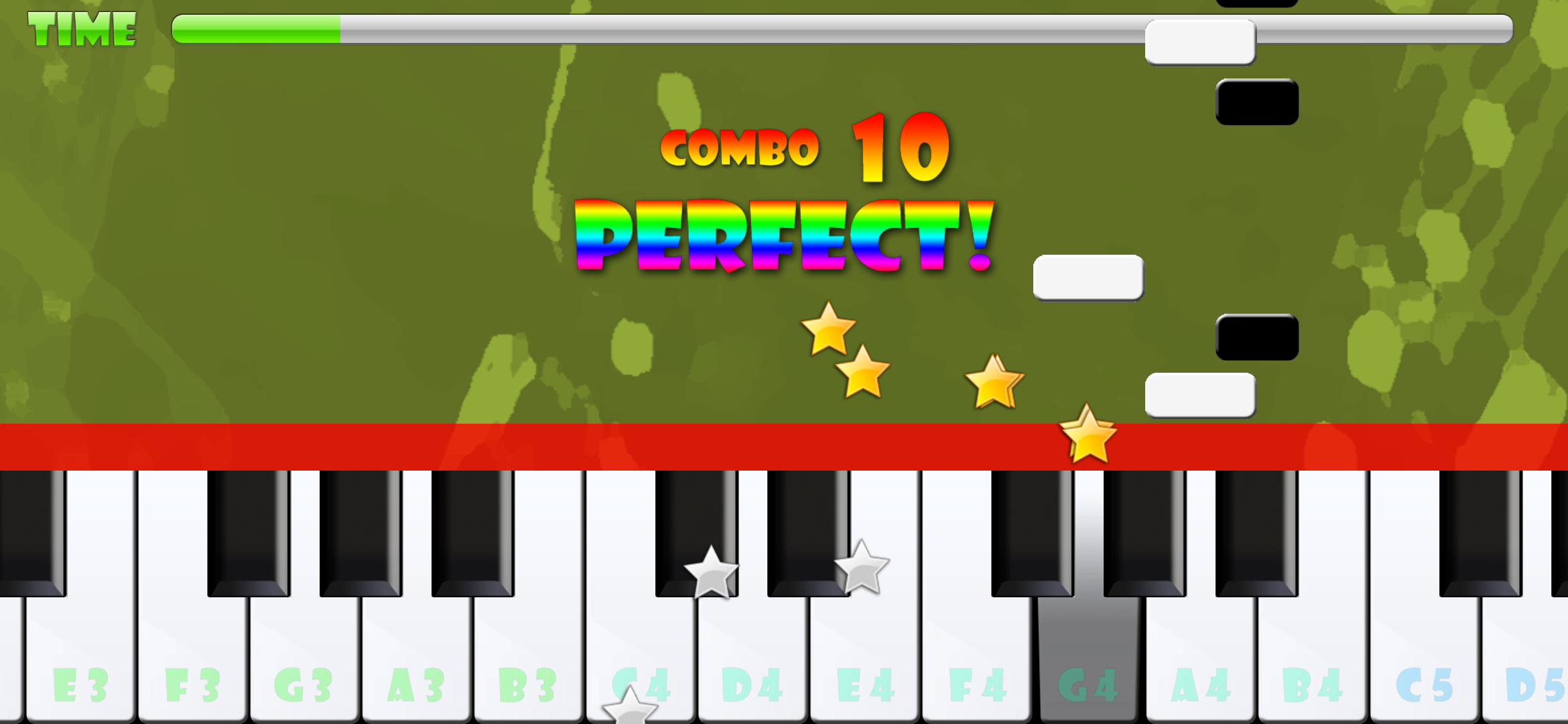
Follow the falling tiles on the screen and you'll be able to play many famous songs.
More than 200 songs, grouped in 7 collections:
- Classic collection: classic and popular melodies like "Moonlight Sonata", "Happy Birthday To You", and many others.
- Beethoven collection: the best Beethoven's piano sonatas.
- Chopin collection: the best Chopin's Etudes, Preludes, Mazurkas and Nocturnes.
- Mozart collection: the best Mozart's piano sonatas.
- National Anthems: from 32 countries of the world.
- Christmas collection: Jingle Bells, Silent Night, and much more.
- Movies and TV: the most famous tunes from movies and tv series
All the songs are available in different difficulty levels, so the game can be played by children, casual gamers or people who want to learn to play piano.
معاينة
العلامات
موسيقى سيمبيانواليوميلاعب واحدغير متصل على الانترنتمعلومة
مطور
B77 Entertainment
احدث اصدار
4.0.5
آخر تحديث
2024-07-20
فئة
موسيقى
متاح على
Google Play
أظهر المزيد
كيف تلعب Piano Master 2 مع GameLoop على جهاز الكمبيوتر
1. قم بتنزيل GameLoop من الموقع الرسمي ، ثم قم بتشغيل ملف exe لتثبيت GameLoop.
2. افتح GameLoop وابحث عن "Piano Master 2" ، وابحث عن Piano Master 2 في نتائج البحث وانقر على "تثبيت".
3. استمتع بلعب Piano Master 2 على GameLoop.
Minimum requirements
OS
Windows 8.1 64-bit or Windows 10 64-bit
GPU
GTX 1050
CPU
i3-8300
Memory
8GB RAM
Storage
1GB available space
Recommended requirements
OS
Windows 8.1 64-bit or Windows 10 64-bit
GPU
GTX 1050
CPU
i3-9320
Memory
16GB RAM
Storage
1GB available space