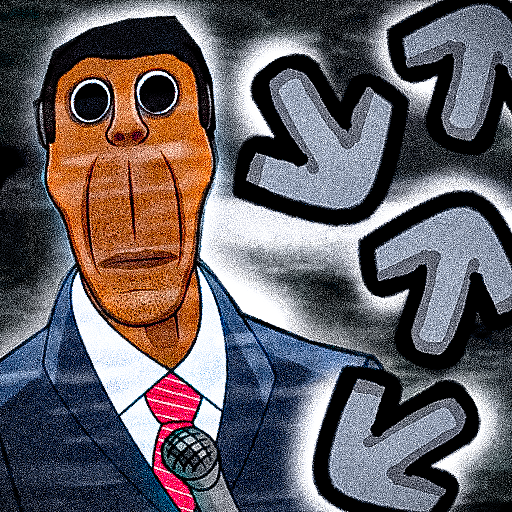
Nextbots FNF Obunga PC
Rocket_Games
قم بتنزيل Nextbots FNF Obunga على جهاز الكمبيوتر باستخدام GameLoop Emulator
Nextbots FNF Obunga على الكمبيوتر الشخصي
Nextbots FNF Obunga ، القادم من المطور Rocket_Games ، يعمل على نظام Android في الماضي.
الآن ، يمكنك لعب Nextbots FNF Obunga على جهاز الكمبيوتر باستخدام GameLoop بسلاسة.
قم بتنزيله في مكتبة GameLoop أو في نتائج البحث. لا مزيد من الانتباه إلى البطارية أو المكالمات المحبطة في الوقت الخطأ بعد الآن.
ما عليك سوى الاستمتاع بجهاز Nextbots FNF Obunga على الشاشة الكبيرة مجانًا!
Nextbots FNF Obunga مقدمة
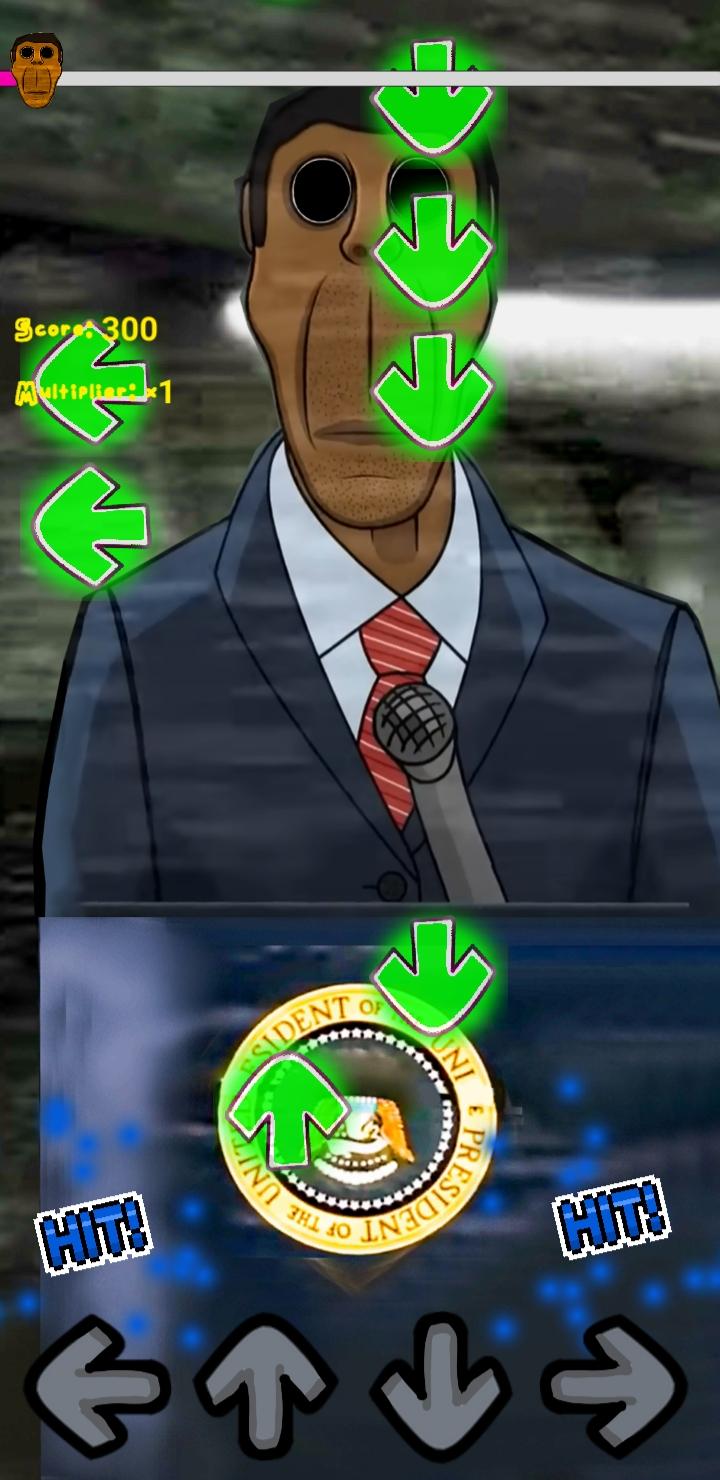
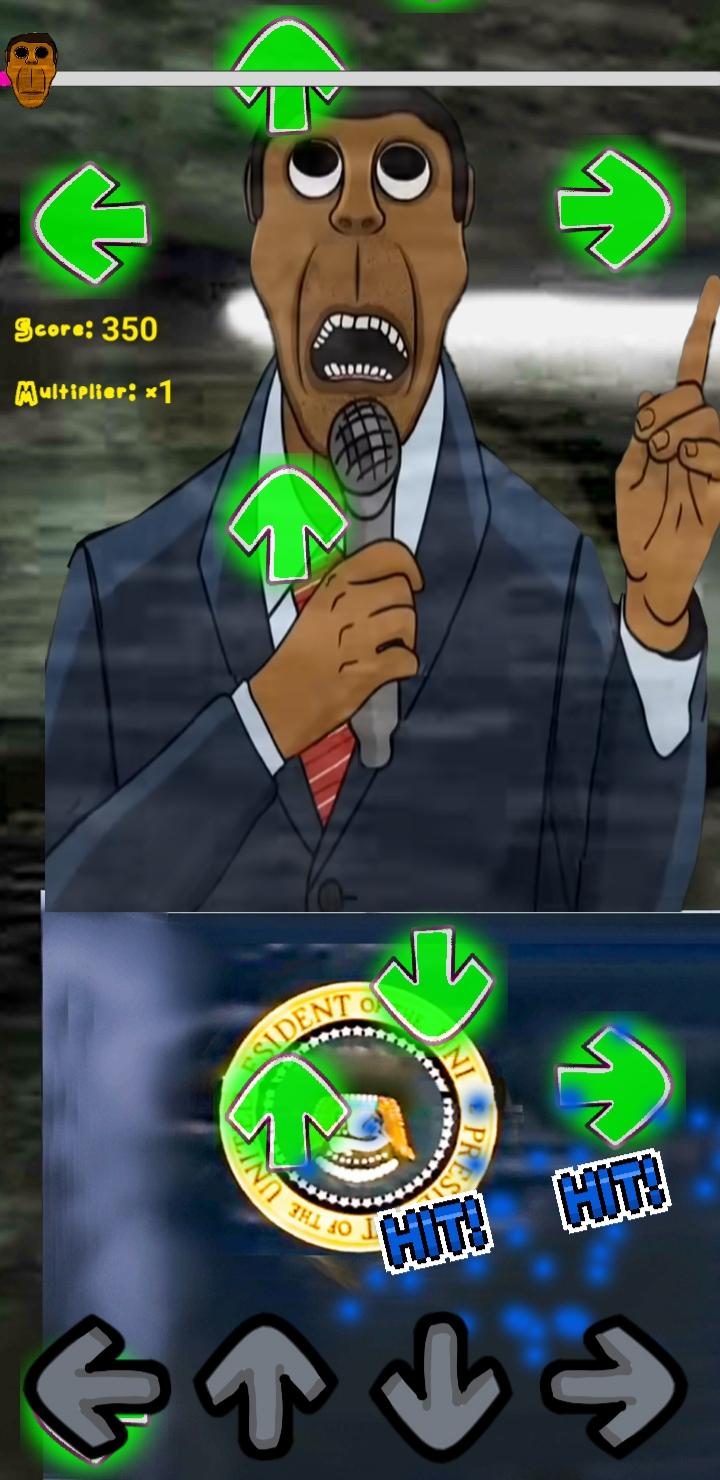
scary FNF Obunga MOd Music adventures of Obunga mod,try to survive in these creepy game.
But if you're up for the challenge, this brand new game FNF FULL MOD: RAP STAR BATTLE with numerous addictive mods and songs is just what you need! 👌
️🎶 GAME FEATURES ️🎶
️- Huge music library with fetching songs
️- Stunning 2D graphics
- Super cool characters to compete against
️- New mods and songs are updated frequently
- Various character skins to unlock
-Obunga mod fnf
🎤 TIPS TO BECOME THE BEST ️🎤
- Tap on the right arrows at the perfect beat, don't miss
- Beat all competitors, climb to the top rank
- Try your best to get high scores
Download FNF FULL MOD: Obunga now and show the music world what you've got!
معاينة
العلامات
موسيقىمعلومة
مطور
Rocket_Games
احدث اصدار
1.0
آخر تحديث
2022-08-29
فئة
موسيقى
متاح على
Google Play
أظهر المزيد
كيف تلعب Nextbots FNF Obunga مع GameLoop على جهاز الكمبيوتر
1. قم بتنزيل GameLoop من الموقع الرسمي ، ثم قم بتشغيل ملف exe لتثبيت GameLoop.
2. افتح GameLoop وابحث عن "Nextbots FNF Obunga" ، وابحث عن Nextbots FNF Obunga في نتائج البحث وانقر على "تثبيت".
3. استمتع بلعب Nextbots FNF Obunga على GameLoop.
Minimum requirements
OS
Windows 8.1 64-bit or Windows 10 64-bit
GPU
GTX 1050
CPU
i3-8300
Memory
8GB RAM
Storage
1GB available space
Recommended requirements
OS
Windows 8.1 64-bit or Windows 10 64-bit
GPU
GTX 1050
CPU
i3-9320
Memory
16GB RAM
Storage
1GB available space