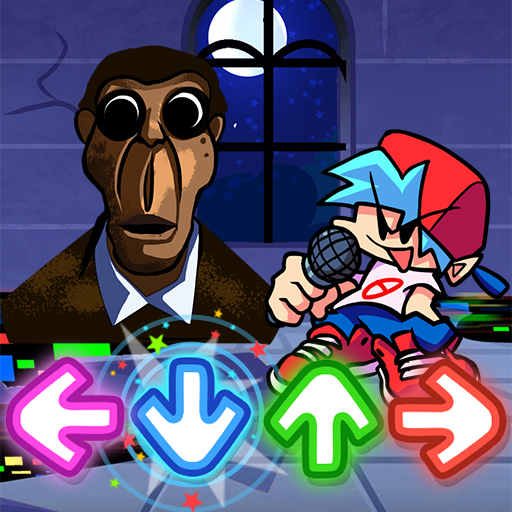
Music battle FNF Obunga PC
T.Game Studio
قم بتنزيل Music battle FNF Obunga على جهاز الكمبيوتر باستخدام GameLoop Emulator
Music battle FNF Obunga على الكمبيوتر الشخصي
Music battle FNF Obunga ، القادم من المطور T.Game Studio ، يعمل على نظام Android في الماضي.
الآن ، يمكنك لعب Music battle FNF Obunga على جهاز الكمبيوتر باستخدام GameLoop بسلاسة.
قم بتنزيله في مكتبة GameLoop أو في نتائج البحث. لا مزيد من الانتباه إلى البطارية أو المكالمات المحبطة في الوقت الخطأ بعد الآن.
ما عليك سوى الاستمتاع بجهاز Music battle FNF Obunga على الشاشة الكبيرة مجانًا!
Music battle FNF Obunga مقدمة
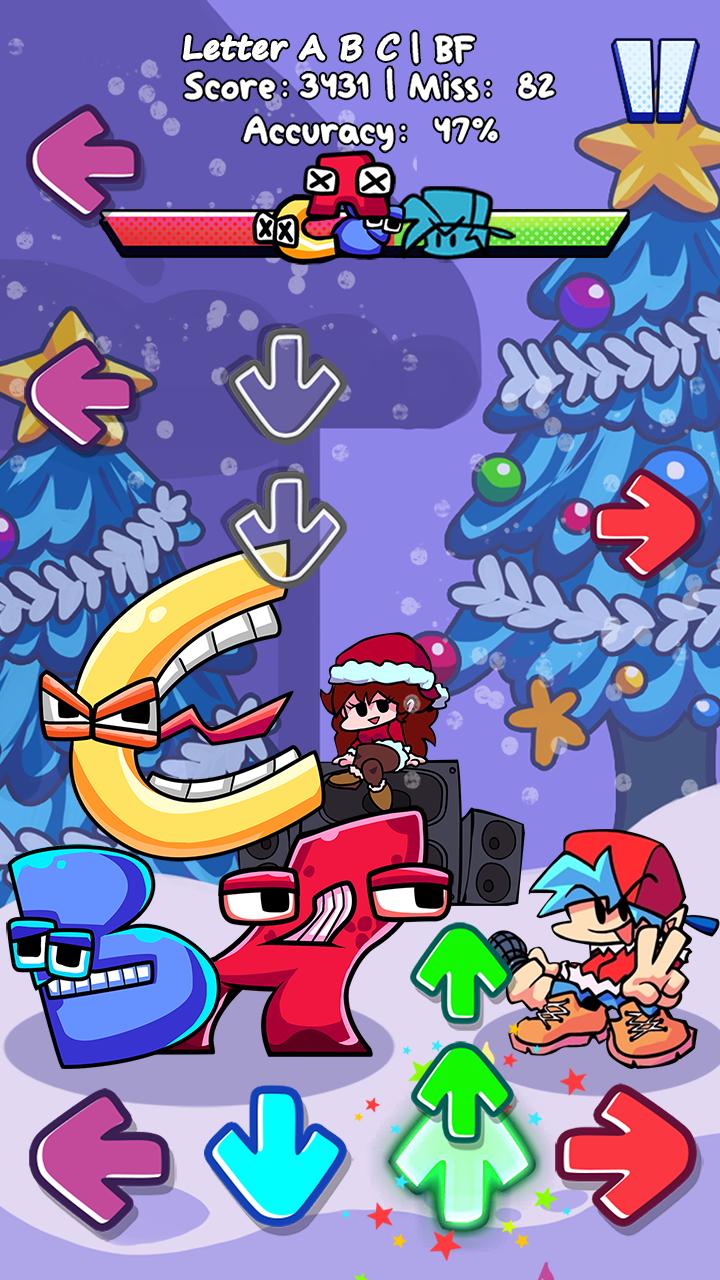
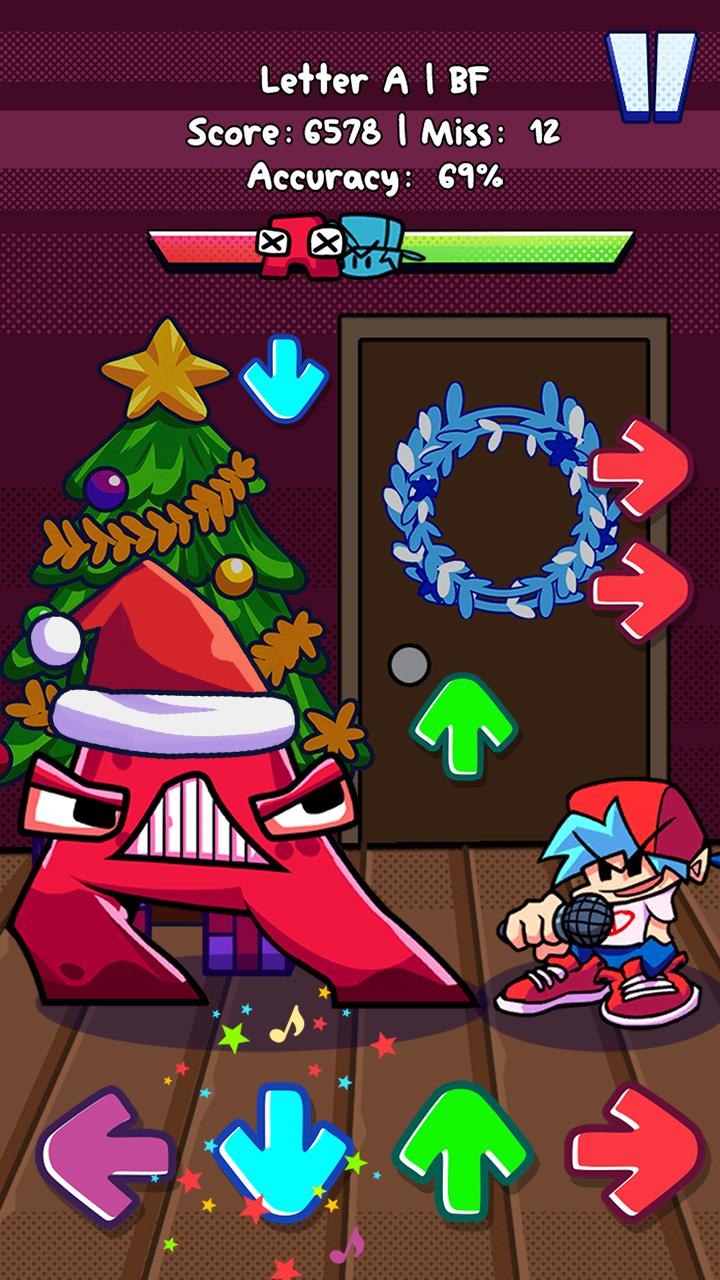
As a music arrow game as well as a music battle game, to win all the battles of music on Friday night pumpkin,
you should press the Arrow in time with the beat and the music so that you can achieve a higher score than your
opponents.
🎶 GAMEPLAY FEATURE 🎶
- Colorful magic tiles in tune with rhythm.
- Huge music background library with fetching notes.
- Stunning 2D graphics.
- A whole exciting story of Boyfriend and Girlfriend, especially Obunga!!!!
🎤 HOW TO PLAY🎤
- Precisely use your finger to hit the magic arrows.
- Keep in mind to tap the music arrows right on the beat️
🎶 Tips to rock the beat world ️🎶
️- Shoot the note arrows right on time.
️- Feel the rhythm of funkin music and enjoy the music battle.
Get ready to break the stage and fire up all the songs with us. Join now in Music battle FNF Obunga!!!!
معاينة
العلامات
موسيقىمعلومة
مطور
T.Game Studio
احدث اصدار
1.0
آخر تحديث
2022-12-22
فئة
موسيقى
متاح على
Google Play
أظهر المزيد
كيف تلعب Music battle FNF Obunga مع GameLoop على جهاز الكمبيوتر
1. قم بتنزيل GameLoop من الموقع الرسمي ، ثم قم بتشغيل ملف exe لتثبيت GameLoop.
2. افتح GameLoop وابحث عن "Music battle FNF Obunga" ، وابحث عن Music battle FNF Obunga في نتائج البحث وانقر على "تثبيت".
3. استمتع بلعب Music battle FNF Obunga على GameLoop.
Minimum requirements
OS
Windows 8.1 64-bit or Windows 10 64-bit
GPU
GTX 1050
CPU
i3-8300
Memory
8GB RAM
Storage
1GB available space
Recommended requirements
OS
Windows 8.1 64-bit or Windows 10 64-bit
GPU
GTX 1050
CPU
i3-9320
Memory
16GB RAM
Storage
1GB available space