Rocket Player Cloud Expansion PC
JRT Studio Music Players
قم بتنزيل Rocket Player Cloud Expansion على جهاز الكمبيوتر باستخدام GameLoop Emulator
Rocket Player Cloud Expansion على الكمبيوتر الشخصي
Rocket Player Cloud Expansion ، القادم من المطور JRT Studio Music Players ، يعمل على نظام Android في الماضي.
الآن ، يمكنك لعب Rocket Player Cloud Expansion على جهاز الكمبيوتر باستخدام GameLoop بسلاسة.
قم بتنزيله في مكتبة GameLoop أو في نتائج البحث. لا مزيد من الانتباه إلى البطارية أو المكالمات المحبطة في الوقت الخطأ بعد الآن.
ما عليك سوى الاستمتاع بجهاز Rocket Player Cloud Expansion على الشاشة الكبيرة مجانًا!
Rocket Player Cloud Expansion مقدمة
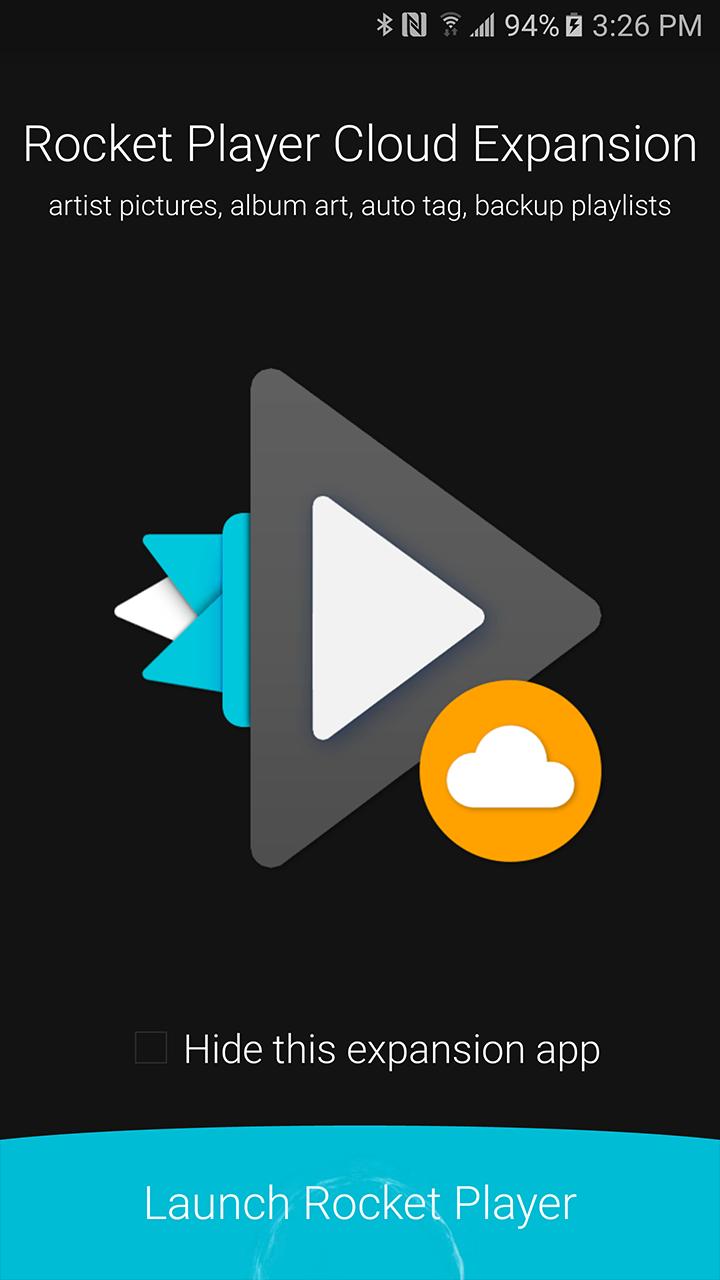
Cloud Expansion is an add-on application for Rocket Player. Purchase of cloud support required within the Rocket Player application. Otherwise this application does nothing. Cloud features include:
-Backup/migrate/restore playlists to devices with playlist edits.
-Auto tag songs with a single press.
-Display Gracenote artist photos for specific artists (not all artists have artwork).
-Download Gracenote album artwork for songs
When upgrading to a new device migrate your old playlists created in Rocket Player. Accidentally make an incorrect edit? Restore from a previous version!
The auto tag songs feature will fill in missing tag information like album, artist, genre and even track number.
Display Gracenote artist photos - get an up close look with your favorite artists! Closer, cleaner, and better than ever before.
Download Gracenote album artwork - manage your songs artwork with a high-quality match from our database.
© 2019 JRT Studio LLC | Rocket Player is a trademark of JRT Studio LLC | Gracenote is a trademark of Gracenote, Inc., registered in the U.S. and other countries.
معاينة
معلومة
مطور
JRT Studio Music Players
احدث اصدار
0.1.24
آخر تحديث
2017-02-16
فئة
Music-audio
متاح على
Google Play
أظهر المزيد
كيف تلعب Rocket Player Cloud Expansion مع GameLoop على جهاز الكمبيوتر
1. قم بتنزيل GameLoop من الموقع الرسمي ، ثم قم بتشغيل ملف exe لتثبيت GameLoop.
2. افتح GameLoop وابحث عن "Rocket Player Cloud Expansion" ، وابحث عن Rocket Player Cloud Expansion في نتائج البحث وانقر على "تثبيت".
3. استمتع بلعب Rocket Player Cloud Expansion على GameLoop.
Minimum requirements
OS
Windows 8.1 64-bit or Windows 10 64-bit
GPU
GTX 1050
CPU
i3-8300
Memory
8GB RAM
Storage
1GB available space
Recommended requirements
OS
Windows 8.1 64-bit or Windows 10 64-bit
GPU
GTX 1050
CPU
i3-9320
Memory
16GB RAM
Storage
1GB available space