
Melody Engineer Lite PC
GyokovSolutions
قم بتنزيل Melody Engineer Lite على جهاز الكمبيوتر باستخدام GameLoop Emulator
Melody Engineer Lite على الكمبيوتر الشخصي
Melody Engineer Lite ، القادم من المطور GyokovSolutions ، يعمل على نظام Android في الماضي.
الآن ، يمكنك لعب Melody Engineer Lite على جهاز الكمبيوتر باستخدام GameLoop بسلاسة.
قم بتنزيله في مكتبة GameLoop أو في نتائج البحث. لا مزيد من الانتباه إلى البطارية أو المكالمات المحبطة في الوقت الخطأ بعد الآن.
ما عليك سوى الاستمتاع بجهاز Melody Engineer Lite على الشاشة الكبيرة مجانًا!
Melody Engineer Lite مقدمة
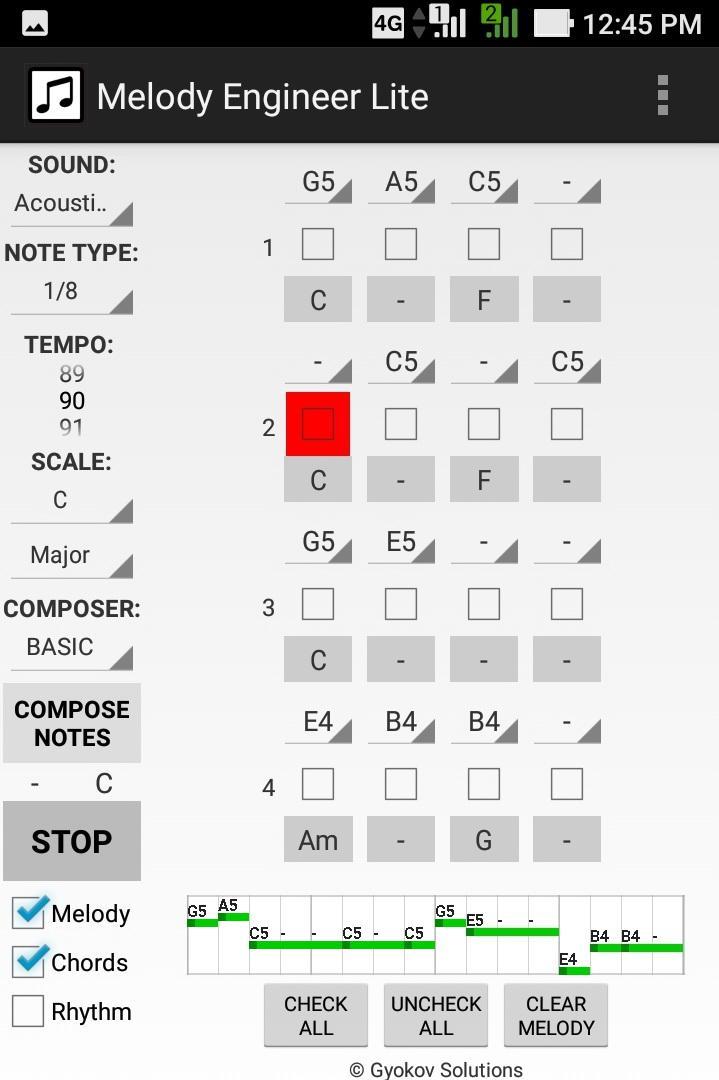
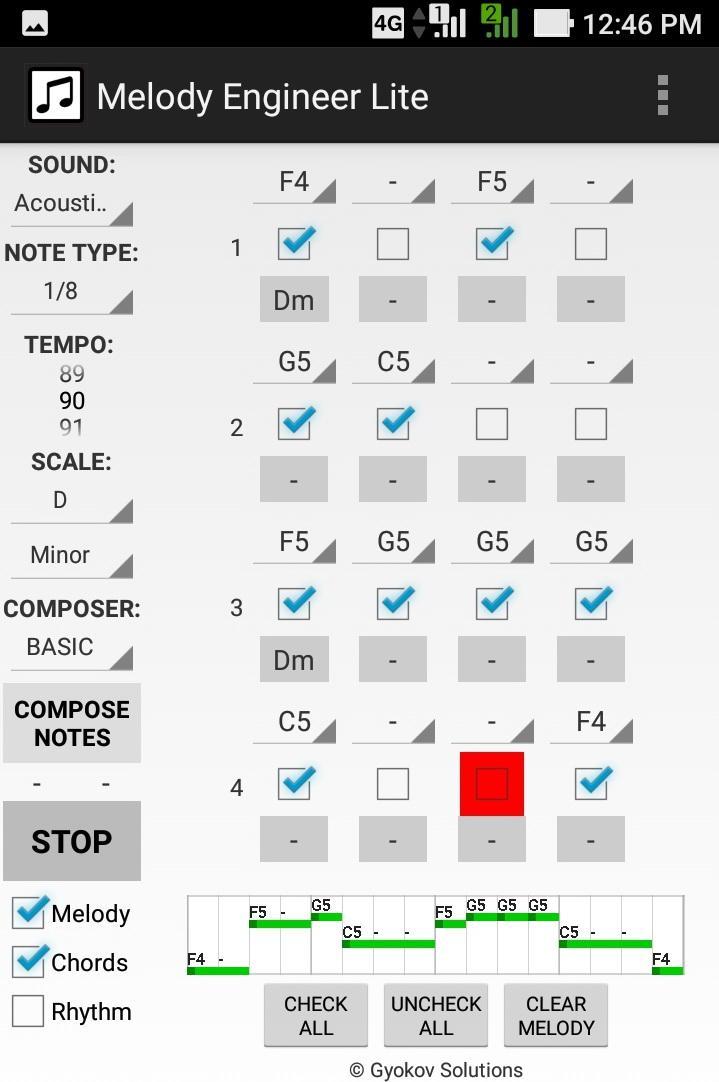
Melody Engineer is a melody auto-composition app. It helps composing melodies and accompanying harmony. Think of the app as calculator for music composition. No matter if you are a professional musician or just music enthusiast it will help you to compose music.
Video demo - https://youtu.be/Jt58aeH4Czc
There are two methods for composition:
- manual - you select notes and chords
- automatic - using the AUTO COMPOSER that chooses "right" notes and chords for you.
You can adjust the AUTO COMPOSER settings in app settings.
Melody Engineer Lite features:
- auto compose new melody and harmony
- auto compose new melody over existing harmony
- auto compose melody with predefined rhythm over existing harmony
- auto compose selected notes from existing melody
- manually change notes in melody
- manually change chords in harmony
- midi out option
Get full version with many additional features: http://play.google.com/store/apps/details?id=com.gyokovsolutions.melodyengineer
- save melody and harmony as midi and text file
- change number of notes up to 64
- harmonize melody - auto compose new harmony chords over existing melody
- AUTO MODE - when this mode is active then composed melody is repeatedly played and auto composed every 4 cycles and the good melodies can be saved while listening
- open saved melody
- many more scales
- AUTO COMPOSER advanced method
- ARTIFICIAL INTELLIGENCE COMPOSER
- option to auto compose chords in auto mode
- control melody range
- transpose melody up and down
- expand and shrink melody
- additional chords - dominant, major 7th, minor 7th, diminished, augmented
The app manual - https://gyokovsolutions.com/manual-melody-engineer
See demo of auto composing feature of Melody Engineer - https://www.youtube.com/watch?v=C6y2VNgFpCE
App privacy policy - https://sites.google.com/view/gyokovsolutions/melody-engineer-lite-privacy-policy
معاينة
العلامات
Music-&معلومة
مطور
GyokovSolutions
احدث اصدار
9.1
آخر تحديث
2024-08-10
فئة
Music-audio
متاح على
Google Play
أظهر المزيد
كيف تلعب Melody Engineer Lite مع GameLoop على جهاز الكمبيوتر
1. قم بتنزيل GameLoop من الموقع الرسمي ، ثم قم بتشغيل ملف exe لتثبيت GameLoop.
2. افتح GameLoop وابحث عن "Melody Engineer Lite" ، وابحث عن Melody Engineer Lite في نتائج البحث وانقر على "تثبيت".
3. استمتع بلعب Melody Engineer Lite على GameLoop.
Minimum requirements
OS
Windows 8.1 64-bit or Windows 10 64-bit
GPU
GTX 1050
CPU
i3-8300
Memory
8GB RAM
Storage
1GB available space
Recommended requirements
OS
Windows 8.1 64-bit or Windows 10 64-bit
GPU
GTX 1050
CPU
i3-9320
Memory
16GB RAM
Storage
1GB available space