
Music Recording: AudioMaster PC
Future Moments
قم بتنزيل Music Recording: AudioMaster على جهاز الكمبيوتر باستخدام GameLoop Emulator
Music Recording: AudioMaster على الكمبيوتر الشخصي
Music Recording: AudioMaster ، القادم من المطور Future Moments ، يعمل على نظام Android في الماضي.
الآن ، يمكنك لعب Music Recording: AudioMaster على جهاز الكمبيوتر باستخدام GameLoop بسلاسة.
قم بتنزيله في مكتبة GameLoop أو في نتائج البحث. لا مزيد من الانتباه إلى البطارية أو المكالمات المحبطة في الوقت الخطأ بعد الآن.
ما عليك سوى الاستمتاع بجهاز Music Recording: AudioMaster على الشاشة الكبيرة مجانًا!
Music Recording: AudioMaster مقدمة
🎧Turn your device into a powerful recording studio with one of the most versatile recording studio apps, AudioMaster. Designed for creators of all levels. Whether you want to record rap studio tracks, capture vocals, or use a built-in video recording tool, this app gives you complete creative control.
Explore professional music recording tools to mix, edit, and enhance every recording song with studio-quality effects. Perfect for musicians, rappers, and content creators looking to record, refine, and share high-quality audio anytime, anywhere.
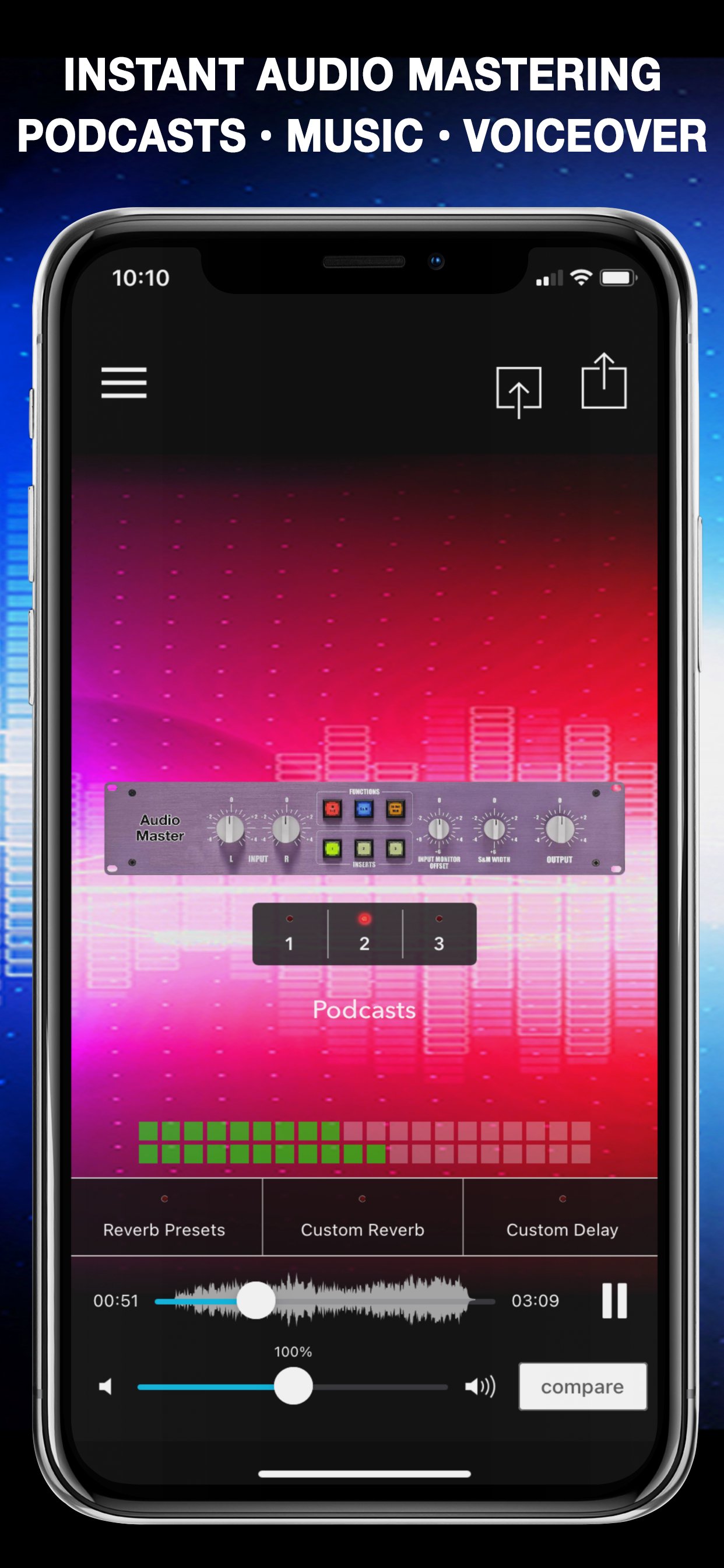
⭐ Professional Audio Mastering Made Easy
AudioMaster uses advanced mastering algorithms to analyze your sound and automatically apply:
• EQ & tone shaping
• Compression & balance
• Loudness maximization
• Clarity & warmth enhancement
Get the sound of a **polished, professional master** with one tap.
🔊 Key Features
• Audio mastering** for music, podcasts, and voice
• Volume booster** that increases loudness without distortion
• Audio enhancer** for clarity, warmth, brightness, and punch
• Fix low-volume and dull recordings
• 39 mastering presets across multiple genres
• 6-band EQ audio editor** for full control
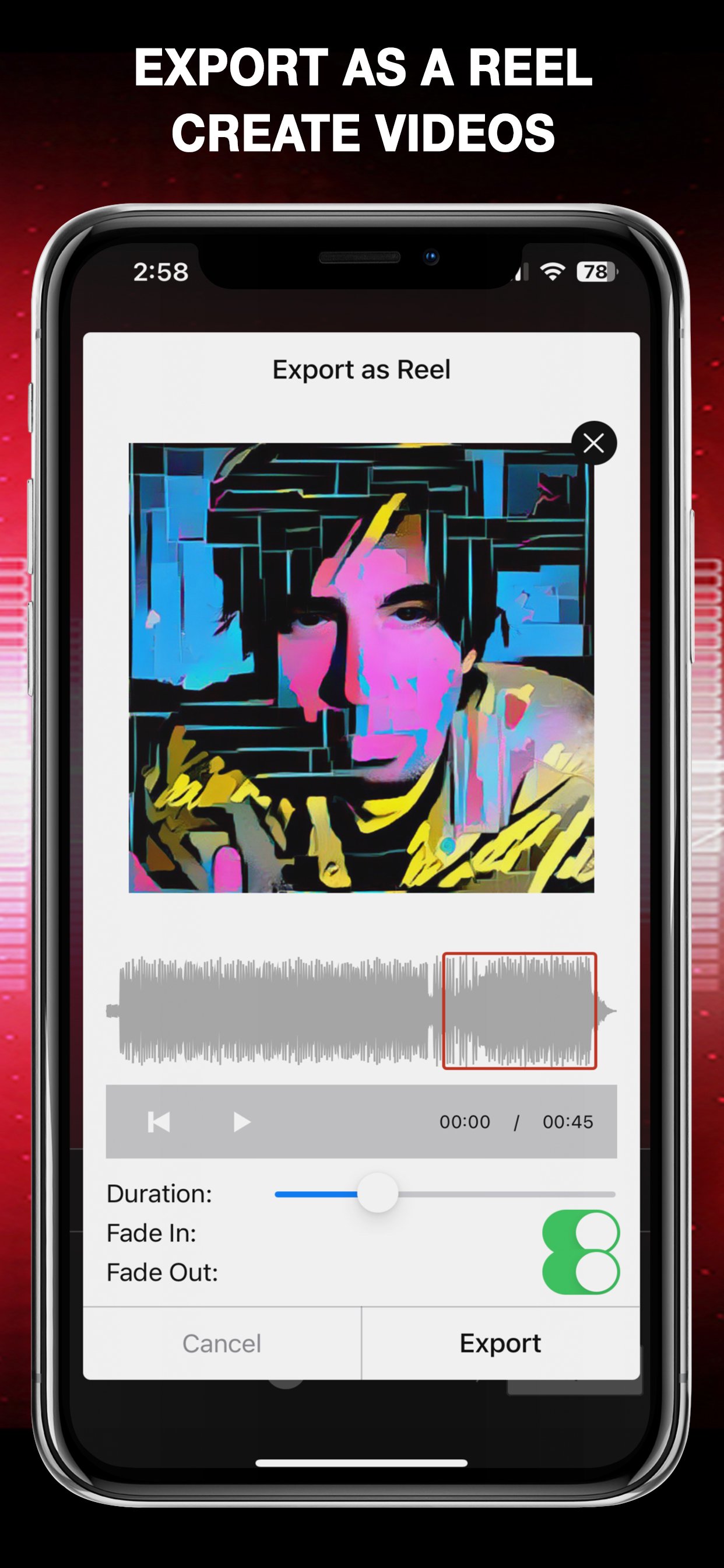
• Export audio or video for social media
• Fast, simple, and beginner-friendly
🎚️ Mastering Presets by Genre
Choose from professionally tuned presets for:
• Podcast
• Voiceover
• Rock
• Hip Hop
• Pop
• R&B / Soul
• Electronic
• Jazz
• Folk
• Country
• Classical
• Blues
• Latin
• New Age
• Flat (neutral mastering)
Each preset is designed to optimize loudness, tone, and clarity for your specific content.
🎤 Perfect for:
• Podcast creators & editors
• Musicians & music producers
• Singers & vocalists
• Voiceover artists
• YouTubers & TikTok creators
• Video editors
• Anyone recording audio on their phone
🎵 Export & Share Anywhere
Export your mastered sound in all major formats:
• WAV
• MP3
• M4A
• AAC
• FLAC
• VIDEO** (ideal for Reels, TikTok, Shorts)
Share instantly to social media, messaging apps, cloud storage, or email.
🔥 Try AudioMaster Free
Download AudioMaster and try all features with Google Play’s free trial.
Hear the difference instantly.
AudioMaster is an:
• audio eq tool
• remove vocals
• clean up audio
• studio music recording
• audio cleanup
• sound editor
• audio editor
🌟 Also by Future Moments
**Audio Cleaner** – AI audio cleanup & noise removal
**Voice Memo Cleaner** – Remove noise from recordings
**MAIVE** – AI music & video generator
**VideoVerb** – Add reverb to videos
**Hear Boost** – Super hearing & sound amplification
**AudioFix: For Videos** – Denoise video audio
**VideoMaster** – Video audio post-production
**AudioVerb** – Reverb & delay for audio
---
audio mastering, mastering app, audio editor, volume booster, audio enhancer, podcast editor, music mastering, vocal enhancer, voice enhancer, audio equalizer, EQ app, sound booster, audio effects, loudness booster, podcast audio, voice recorder enhancer, sound editor, audio fixer, pro audio app, music producer tools
معاينة
العلامات
Music-&معلومة
مطور
Future Moments
احدث اصدار
1.55
آخر تحديث
2026-03-16
فئة
Music-audio
متاح على
Google Play
أظهر المزيد
كيف تلعب Music Recording: AudioMaster مع GameLoop على جهاز الكمبيوتر
1. قم بتنزيل GameLoop من الموقع الرسمي ، ثم قم بتشغيل ملف exe لتثبيت GameLoop.
2. افتح GameLoop وابحث عن "Music Recording: AudioMaster" ، وابحث عن Music Recording: AudioMaster في نتائج البحث وانقر على "تثبيت".
3. استمتع بلعب Music Recording: AudioMaster على GameLoop.
Minimum requirements
OS
Windows 8.1 64-bit or Windows 10 64-bit
GPU
GTX 1050
CPU
i3-8300
Memory
8GB RAM
Storage
1GB available space
Recommended requirements
OS
Windows 8.1 64-bit or Windows 10 64-bit
GPU
GTX 1050
CPU
i3-9320
Memory
16GB RAM
Storage
1GB available space