
AudioFetch PC
AudioFetch - Audio to WiFi-connected smartphones
قم بتنزيل AudioFetch على جهاز الكمبيوتر باستخدام GameLoop Emulator
AudioFetch على الكمبيوتر الشخصي
AudioFetch ، القادم من المطور AudioFetch - Audio to WiFi-connected smartphones ، يعمل على نظام Android في الماضي.
الآن ، يمكنك لعب AudioFetch على جهاز الكمبيوتر باستخدام GameLoop بسلاسة.
قم بتنزيله في مكتبة GameLoop أو في نتائج البحث. لا مزيد من الانتباه إلى البطارية أو المكالمات المحبطة في الوقت الخطأ بعد الآن.
ما عليك سوى الاستمتاع بجهاز AudioFetch على الشاشة الكبيرة مجانًا!
AudioFetch مقدمة
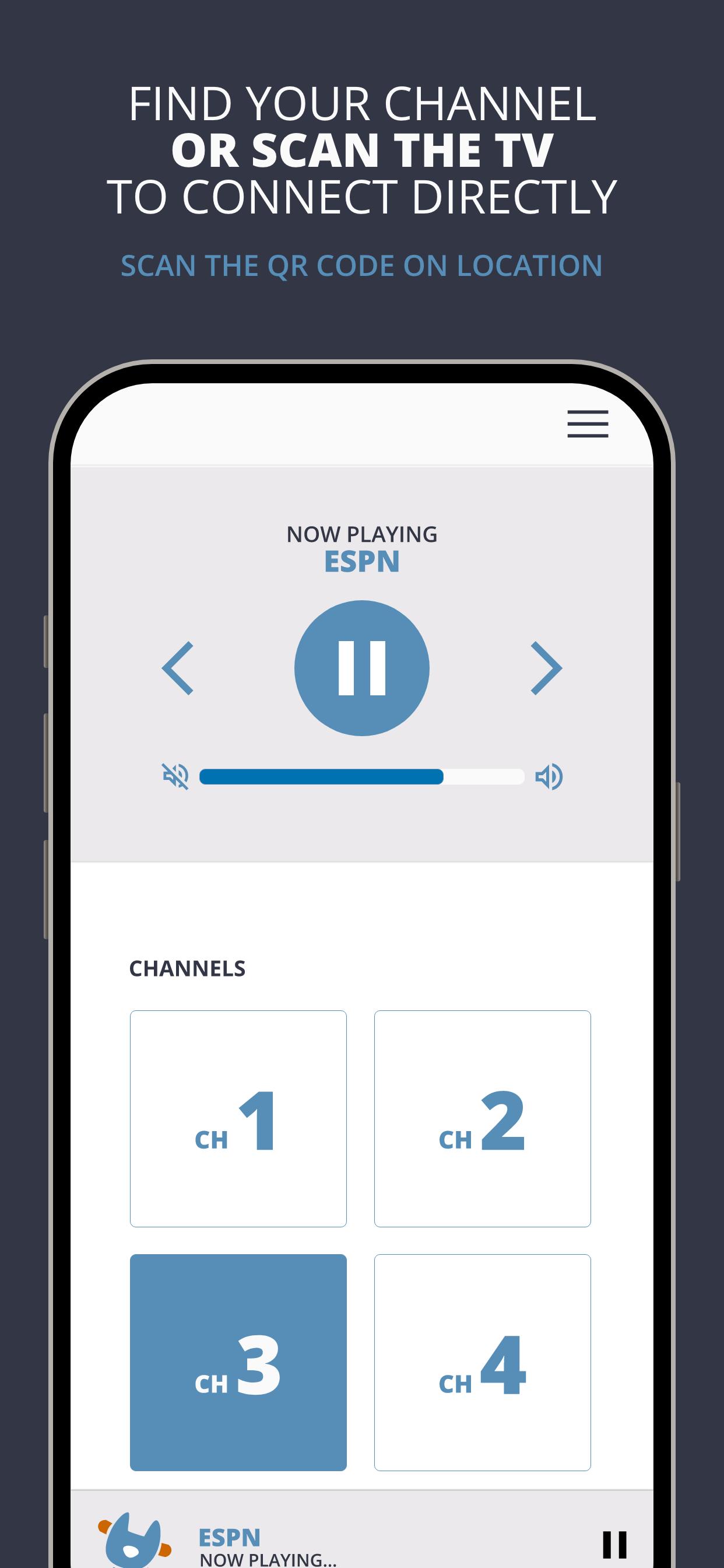
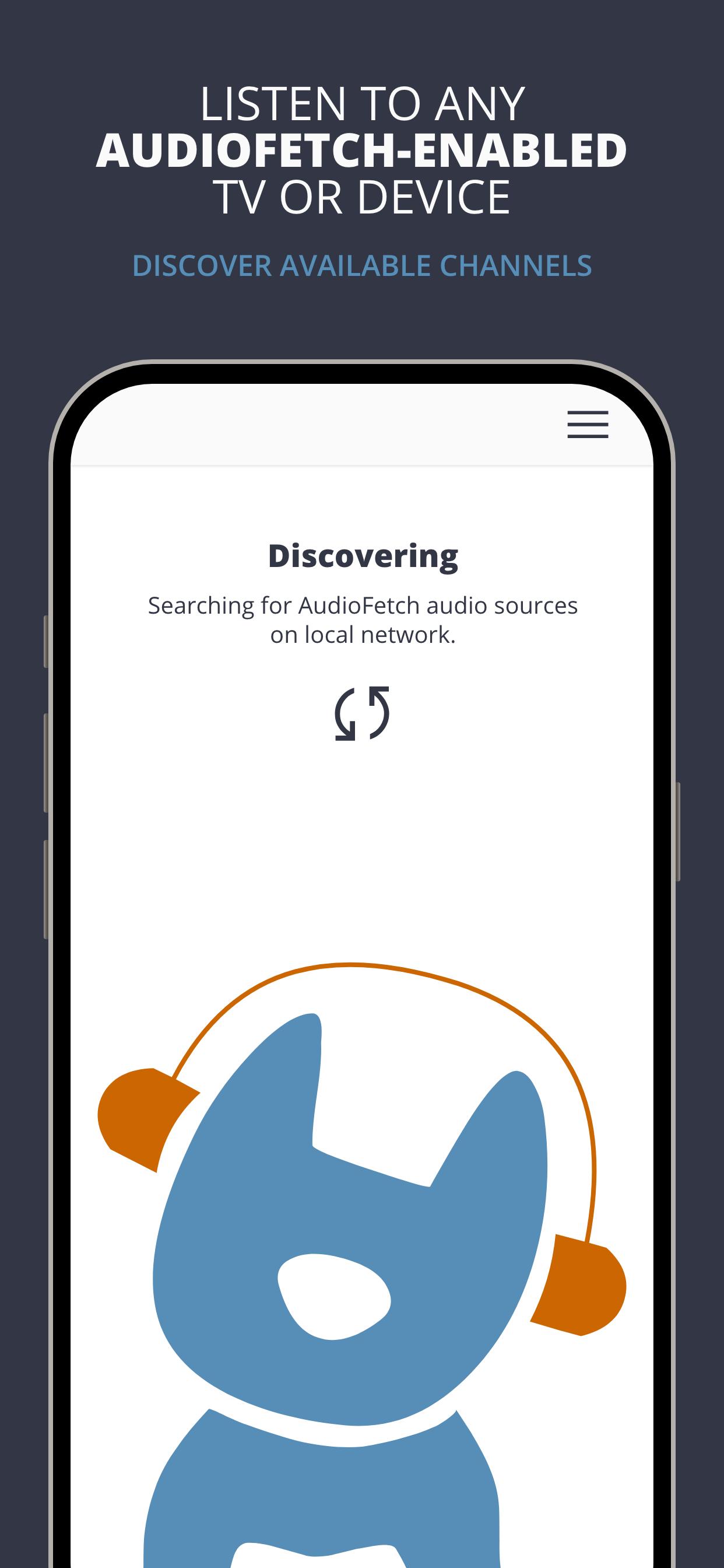
AudioFetch is the premium solution for local audio to smartphones and tablets over WiFi for unlimited uses including:
Fitness Centers: Delight your customers by enabling them to hear TV audio throughout the facility without being tethered to cardio equipment. Great for GroupEx classes as well.
Sports Bars: Sports fans will choose your pub, stay longer, and order more items when they can hear their game.
Church: Enhance your church services with assistive listening and/or real-time translation for those who need it. Works great with popular Bluetooth-enabled headphones.
Tourism: Replace outdated, expensive and unhygienic tour guide receivers with your guests’ smartphones, and allow your guests to maintain a safe social distance while still hearing the program.
معاينة
العلامات
Music-&معلومة
مطور
AudioFetch - Audio to WiFi-connected smartphones
احدث اصدار
5.1.30
آخر تحديث
2025-06-16
فئة
Music-audio
متاح على
Google Play
أظهر المزيد
كيف تلعب AudioFetch مع GameLoop على جهاز الكمبيوتر
1. قم بتنزيل GameLoop من الموقع الرسمي ، ثم قم بتشغيل ملف exe لتثبيت GameLoop.
2. افتح GameLoop وابحث عن "AudioFetch" ، وابحث عن AudioFetch في نتائج البحث وانقر على "تثبيت".
3. استمتع بلعب AudioFetch على GameLoop.
Minimum requirements
OS
Windows 8.1 64-bit or Windows 10 64-bit
GPU
GTX 1050
CPU
i3-8300
Memory
8GB RAM
Storage
1GB available space
Recommended requirements
OS
Windows 8.1 64-bit or Windows 10 64-bit
GPU
GTX 1050
CPU
i3-9320
Memory
16GB RAM
Storage
1GB available space