iHealth Test PC
iHealth Labs, Inc.
قم بتنزيل iHealth Test على جهاز الكمبيوتر باستخدام GameLoop Emulator
iHealth Test على الكمبيوتر الشخصي
iHealth Test ، القادم من المطور iHealth Labs, Inc. ، يعمل على نظام Android في الماضي.
الآن ، يمكنك لعب iHealth Test على جهاز الكمبيوتر باستخدام GameLoop بسلاسة.
قم بتنزيله في مكتبة GameLoop أو في نتائج البحث. لا مزيد من الانتباه إلى البطارية أو المكالمات المحبطة في الوقت الخطأ بعد الآن.
ما عليك سوى الاستمتاع بجهاز iHealth Test على الشاشة الكبيرة مجانًا!
iHealth Test مقدمة
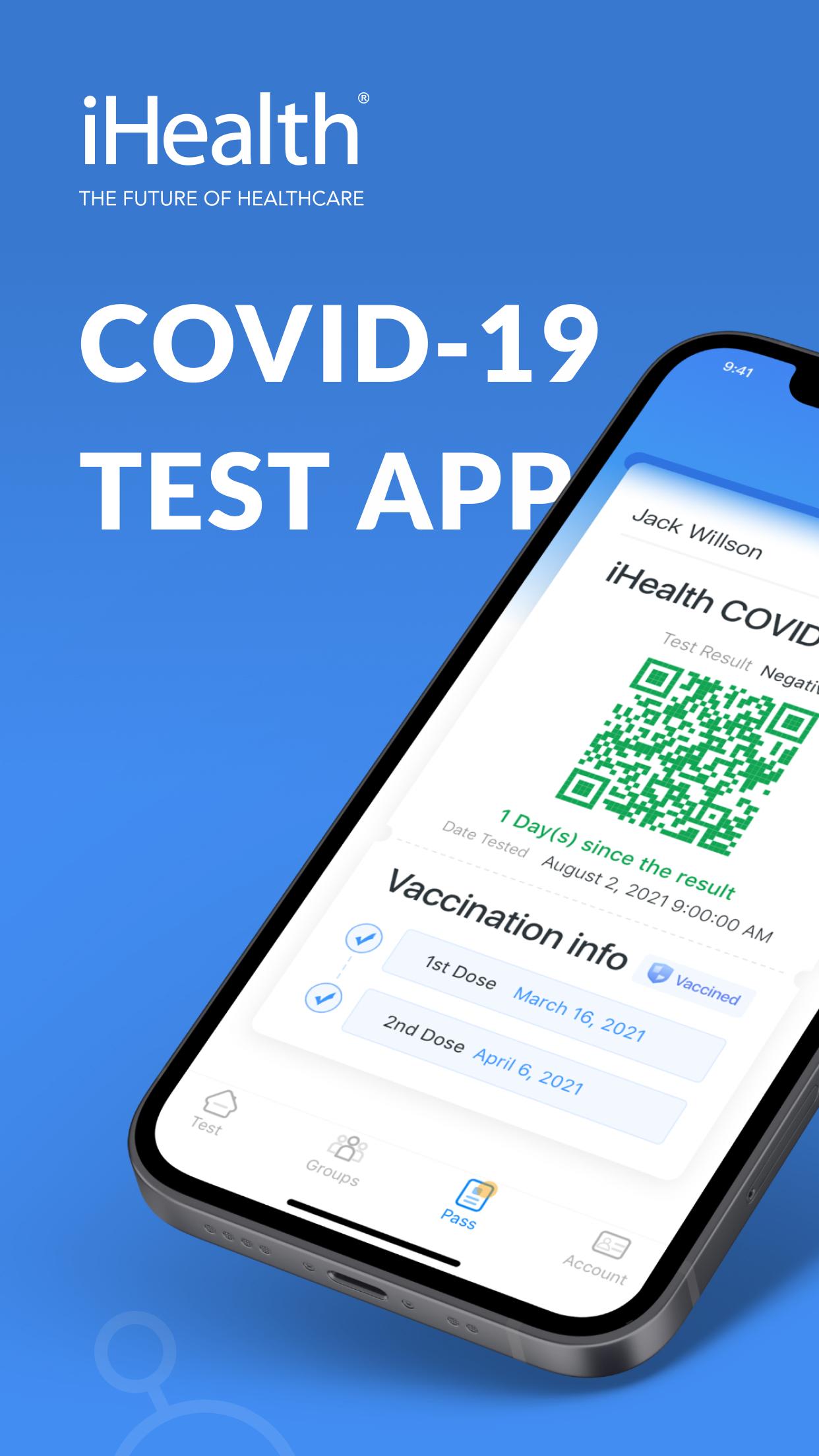
iHealth COVID-19 Antigen Rapid Test is the simplest way to detect SARS-CoV-2 nucleocapsid protein antigen. It's an FDA EUA Authorized OTC product that supports you to do COVID-19 self-testing at home.
Main features of iHealth COVID-19 Antigen Rapid Test App:
4 Steps, 15 Minutes, Zero Discomfort.
It only takes 4 steps and 15 minutes to complete the test with a non-invasive Nasal Swab, easy to use and no discomfort, providing you a rapid, reliable, highly portable, and affordable tool to detect active COVID-19 infections.
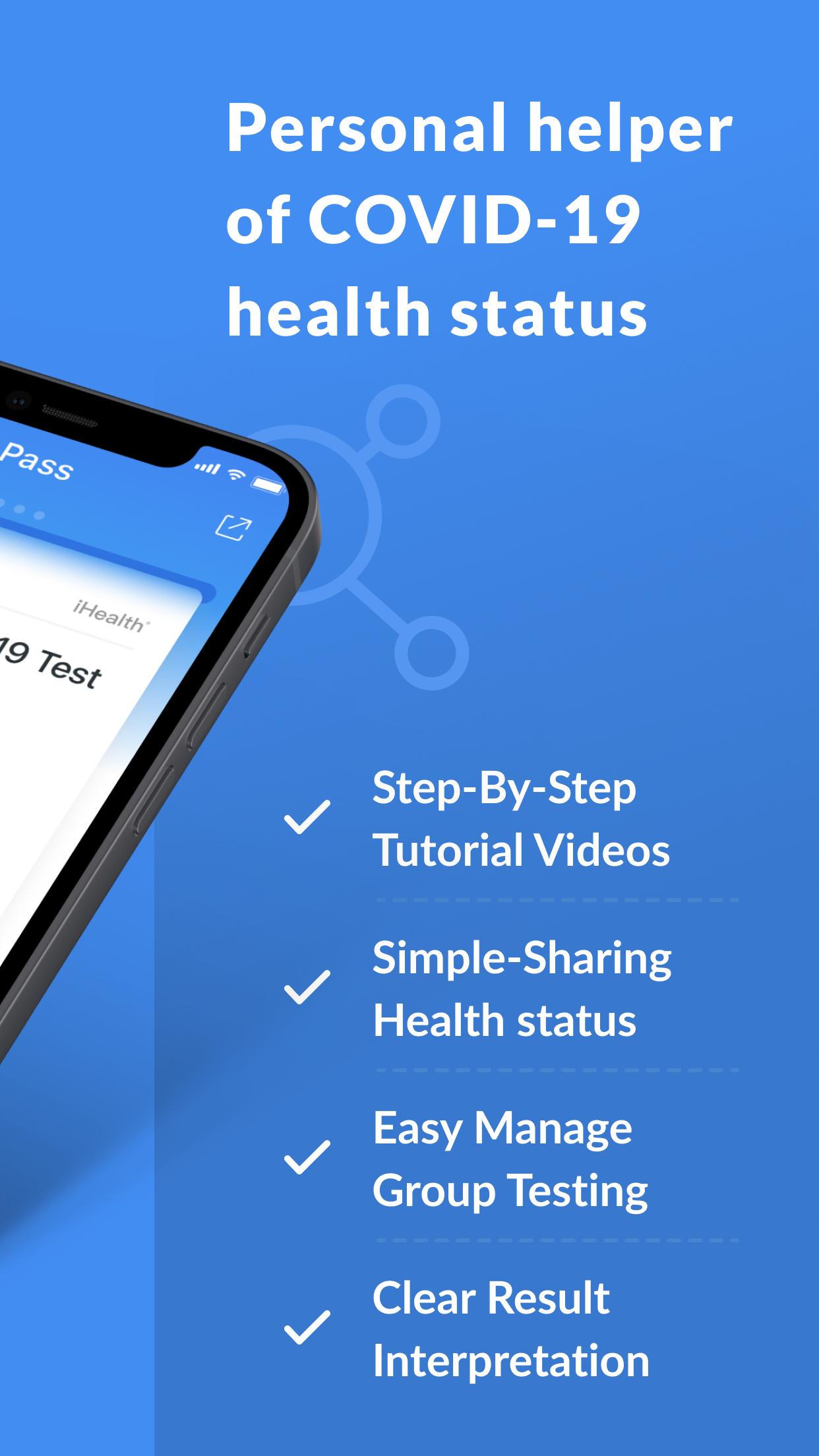
Step-by-step tutorial videos
The App offers step-by-step instructional videos to guide the user to complete the test and get a clear result Interpretation.
Simple-Sharing Health status
If the result is negative after the testing, the App will generate an iHealth Pass that can be used as digital proof of negative results for private events.
Easy manage Group Testing
The iHealth Test app allows the administrator of a small group to monitor and track the group members’ test results when needed at school, work, or events.
معاينة
العلامات
طبيمعلومة
مطور
iHealth Labs, Inc.
احدث اصدار
1.4.0
آخر تحديث
2023-02-28
فئة
طبي
متاح على
Google Play
أظهر المزيد
كيف تلعب iHealth Test مع GameLoop على جهاز الكمبيوتر
1. قم بتنزيل GameLoop من الموقع الرسمي ، ثم قم بتشغيل ملف exe لتثبيت GameLoop.
2. افتح GameLoop وابحث عن "iHealth Test" ، وابحث عن iHealth Test في نتائج البحث وانقر على "تثبيت".
3. استمتع بلعب iHealth Test على GameLoop.
Minimum requirements
OS
Windows 8.1 64-bit or Windows 10 64-bit
GPU
GTX 1050
CPU
i3-8300
Memory
8GB RAM
Storage
1GB available space
Recommended requirements
OS
Windows 8.1 64-bit or Windows 10 64-bit
GPU
GTX 1050
CPU
i3-9320
Memory
16GB RAM
Storage
1GB available space