
TPL Trakker PC
TPL
قم بتنزيل TPL Trakker على جهاز الكمبيوتر باستخدام GameLoop Emulator
TPL Trakker على الكمبيوتر الشخصي
TPL Trakker ، القادم من المطور TPL ، يعمل على نظام Android في الماضي.
الآن ، يمكنك لعب TPL Trakker على جهاز الكمبيوتر باستخدام GameLoop بسلاسة.
قم بتنزيله في مكتبة GameLoop أو في نتائج البحث. لا مزيد من الانتباه إلى البطارية أو المكالمات المحبطة في الوقت الخطأ بعد الآن.
ما عليك سوى الاستمتاع بجهاز TPL Trakker على الشاشة الكبيرة مجانًا!
TPL Trakker مقدمة
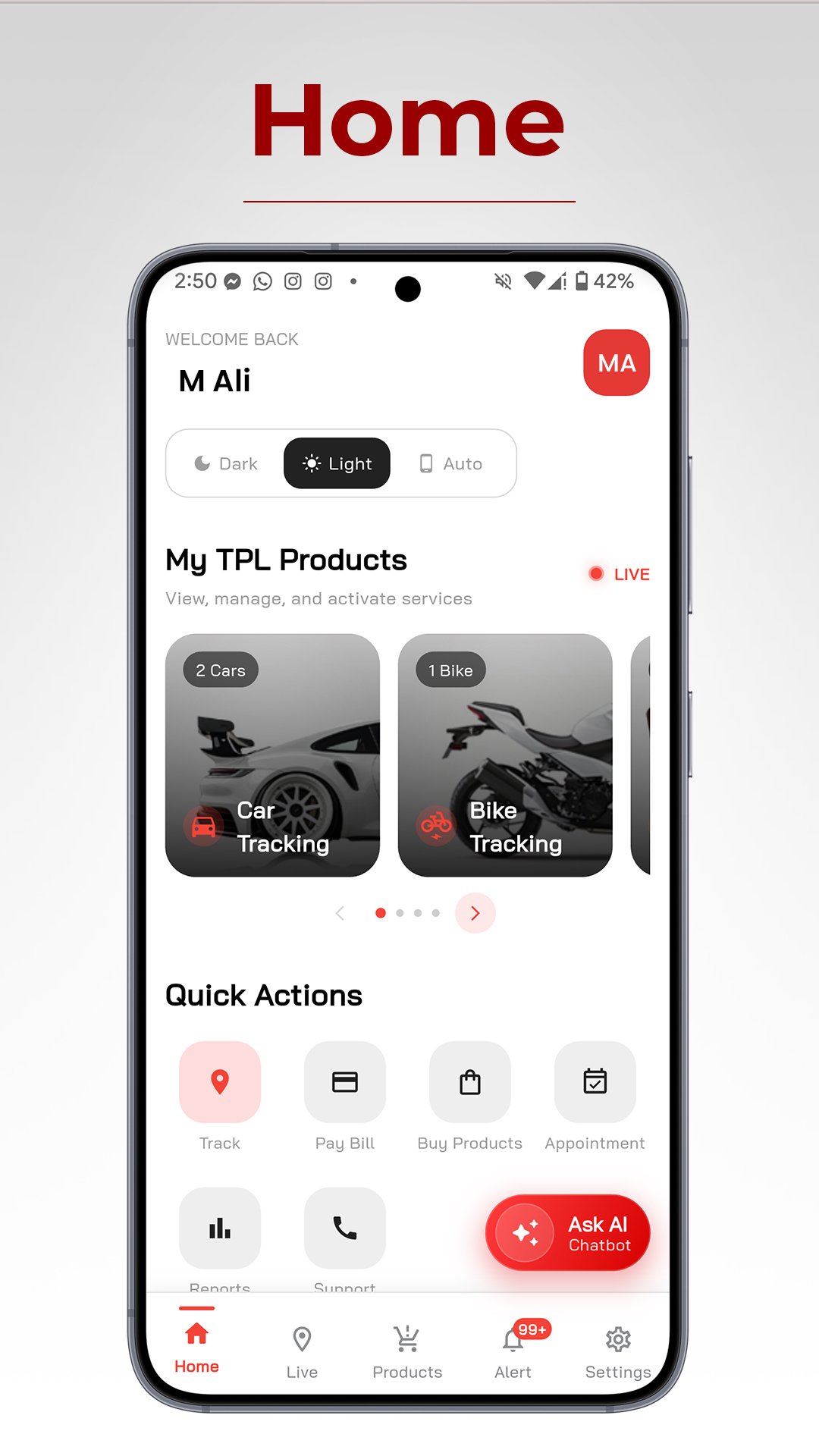
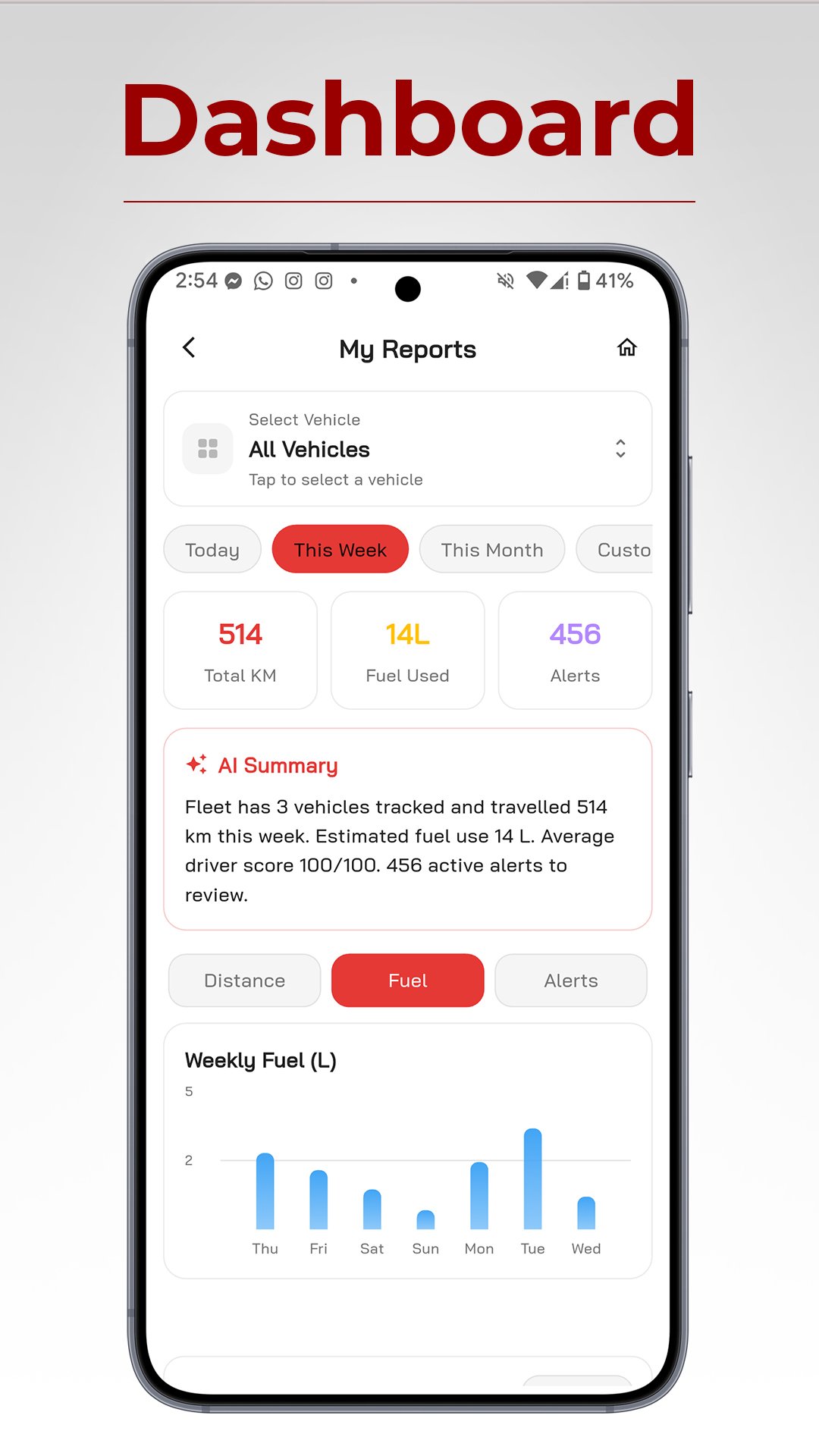
Welcome to the redesigned TPL Trakker mobile application – your all-in-one solution for efficient vehicle tracking and management. Our new design offers a seamless user experience with enhanced features and improved performance.
Key Features:
Real-time vehicle tracking: Monitor your fleet's location and status in real time.
Digital Customer Services: Access and manage customer service inquiries, complaints, and invoices conveniently through the app
History and reports: Access detailed trip histories and generate insightful reports.
Ignition on/off notifications: Receive instant alerts for added security.
No-Go Area Alerts Notifications: Receive immediate notifications when vehicles enter or exit restricted zones
.
Battery Notifications: Stay informed about your vehicle's battery alarms
Enhanced user interface: Enjoy a user-friendly and intuitive design.
Performance improvements: Experience faster and more reliable tracking.
Stay connected to your fleet like never before with the TPL Trakker app.
Download now and take control of your vehicle tracking needs.
معاينة
العلامات
Maps-&معلومة
مطور
TPL
احدث اصدار
8.0.6
آخر تحديث
2026-08-31
فئة
Maps-navigation
متاح على
Google Play
أظهر المزيد
كيف تلعب TPL Trakker مع GameLoop على جهاز الكمبيوتر
1. قم بتنزيل GameLoop من الموقع الرسمي ، ثم قم بتشغيل ملف exe لتثبيت GameLoop.
2. افتح GameLoop وابحث عن "TPL Trakker" ، وابحث عن TPL Trakker في نتائج البحث وانقر على "تثبيت".
3. استمتع بلعب TPL Trakker على GameLoop.
Minimum requirements
OS
Windows 8.1 64-bit or Windows 10 64-bit
GPU
GTX 1050
CPU
i3-8300
Memory
8GB RAM
Storage
1GB available space
Recommended requirements
OS
Windows 8.1 64-bit or Windows 10 64-bit
GPU
GTX 1050
CPU
i3-9320
Memory
16GB RAM
Storage
1GB available space