
VeSync PC
Vesync
قم بتنزيل VeSync على جهاز الكمبيوتر باستخدام GameLoop Emulator
VeSync على الكمبيوتر الشخصي
VeSync ، القادم من المطور Vesync ، يعمل على نظام Android في الماضي.
الآن ، يمكنك لعب VeSync على جهاز الكمبيوتر باستخدام GameLoop بسلاسة.
قم بتنزيله في مكتبة GameLoop أو في نتائج البحث. لا مزيد من الانتباه إلى البطارية أو المكالمات المحبطة في الوقت الخطأ بعد الآن.
ما عليك سوى الاستمتاع بجهاز VeSync على الشاشة الكبيرة مجانًا!
VeSync مقدمة
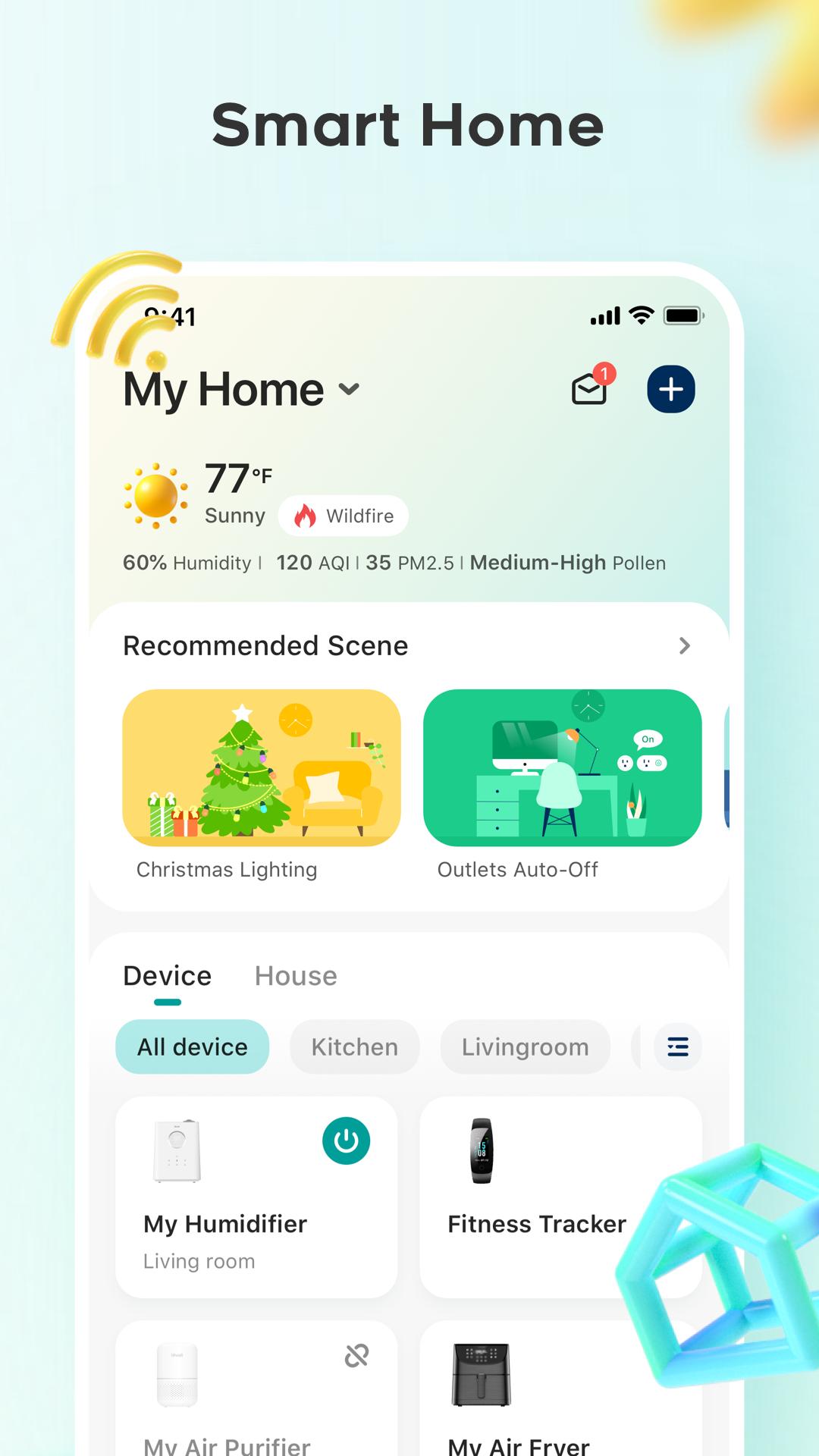
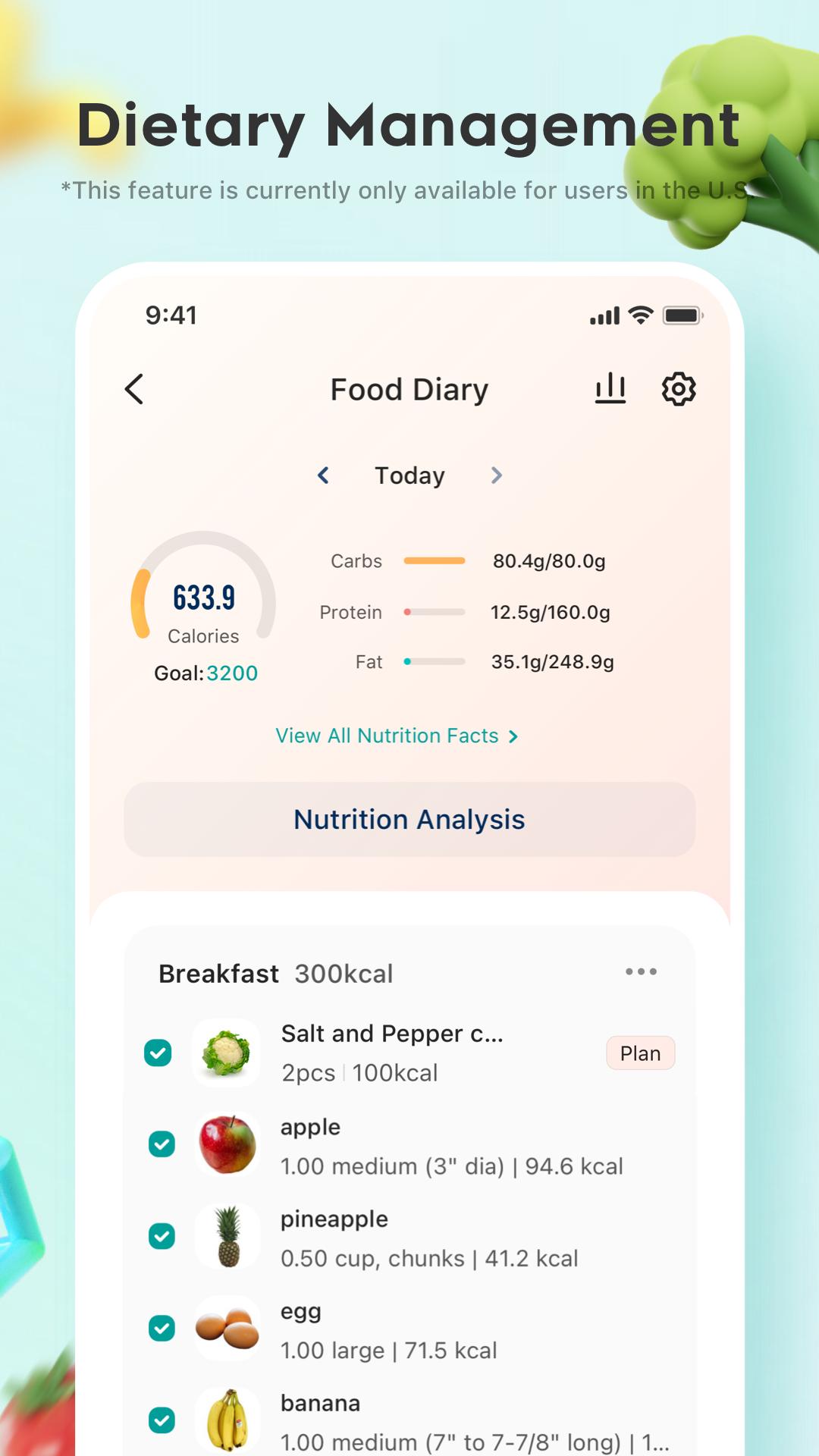
VeSync is an all-in-one app that helps you build a smart, healthy life. With VeSync, you can take control of your smart home devices, create a healthy living space, manage your weight and diet, and gain support from the community. Whether you're looking to simplify your daily life or optimize your wellness journey, VeSync has got you covered.
To get started, here are some ways to help you make the most of your VeSync experience:
Connect Your Home
Control your home from anywhere by connecting all of your devices through the VeSync app.
Crush Your Goals
Plan your diet, track your meals and health data, exercise regularly, and build healthy habits to reach your health goals.
Better Together
Exchange tips, ask questions, and get the latest updates from our online community.
Member-Exclusive Deals
Shop all your favorites and get member-exclusive discounts in the VeSync store.
Have questions? No problem. We’re here to help support@vesync.com.
* VeSync has connected to Apple’s HealthKit platform, and can now feed health and wellness data into Apple Health.
* Some products and features may not be available in all regions. Compatible devices required.
* For the best experience, download the latest version of the app, and make sure your firmware is updated.
* VeSync Fit has been upgraded to VeSync, we will continue to provide you with a better experience.
* VeSync encourages healthy and positive vibes. If you see any illegal content in the community or forum, please report it.
معاينة
العلامات
أسلوب الحياةمعلومة
مطور
Vesync
احدث اصدار
5.6.11
آخر تحديث
2025-05-20
فئة
أسلوب الحياة
متاح على
Google Play
أظهر المزيد
كيف تلعب VeSync مع GameLoop على جهاز الكمبيوتر
1. قم بتنزيل GameLoop من الموقع الرسمي ، ثم قم بتشغيل ملف exe لتثبيت GameLoop.
2. افتح GameLoop وابحث عن "VeSync" ، وابحث عن VeSync في نتائج البحث وانقر على "تثبيت".
3. استمتع بلعب VeSync على GameLoop.
Minimum requirements
OS
Windows 8.1 64-bit or Windows 10 64-bit
GPU
GTX 1050
CPU
i3-8300
Memory
8GB RAM
Storage
1GB available space
Recommended requirements
OS
Windows 8.1 64-bit or Windows 10 64-bit
GPU
GTX 1050
CPU
i3-9320
Memory
16GB RAM
Storage
1GB available space