Endoscope Camera Connector PC
FastSoft
قم بتنزيل Endoscope Camera Connector على جهاز الكمبيوتر باستخدام GameLoop Emulator
Endoscope Camera Connector على الكمبيوتر الشخصي
Endoscope Camera Connector ، القادم من المطور FastSoft ، يعمل على نظام Android في الماضي.
الآن ، يمكنك لعب Endoscope Camera Connector على جهاز الكمبيوتر باستخدام GameLoop بسلاسة.
قم بتنزيله في مكتبة GameLoop أو في نتائج البحث. لا مزيد من الانتباه إلى البطارية أو المكالمات المحبطة في الوقت الخطأ بعد الآن.
ما عليك سوى الاستمتاع بجهاز Endoscope Camera Connector على الشاشة الكبيرة مجانًا!
Endoscope Camera Connector مقدمة
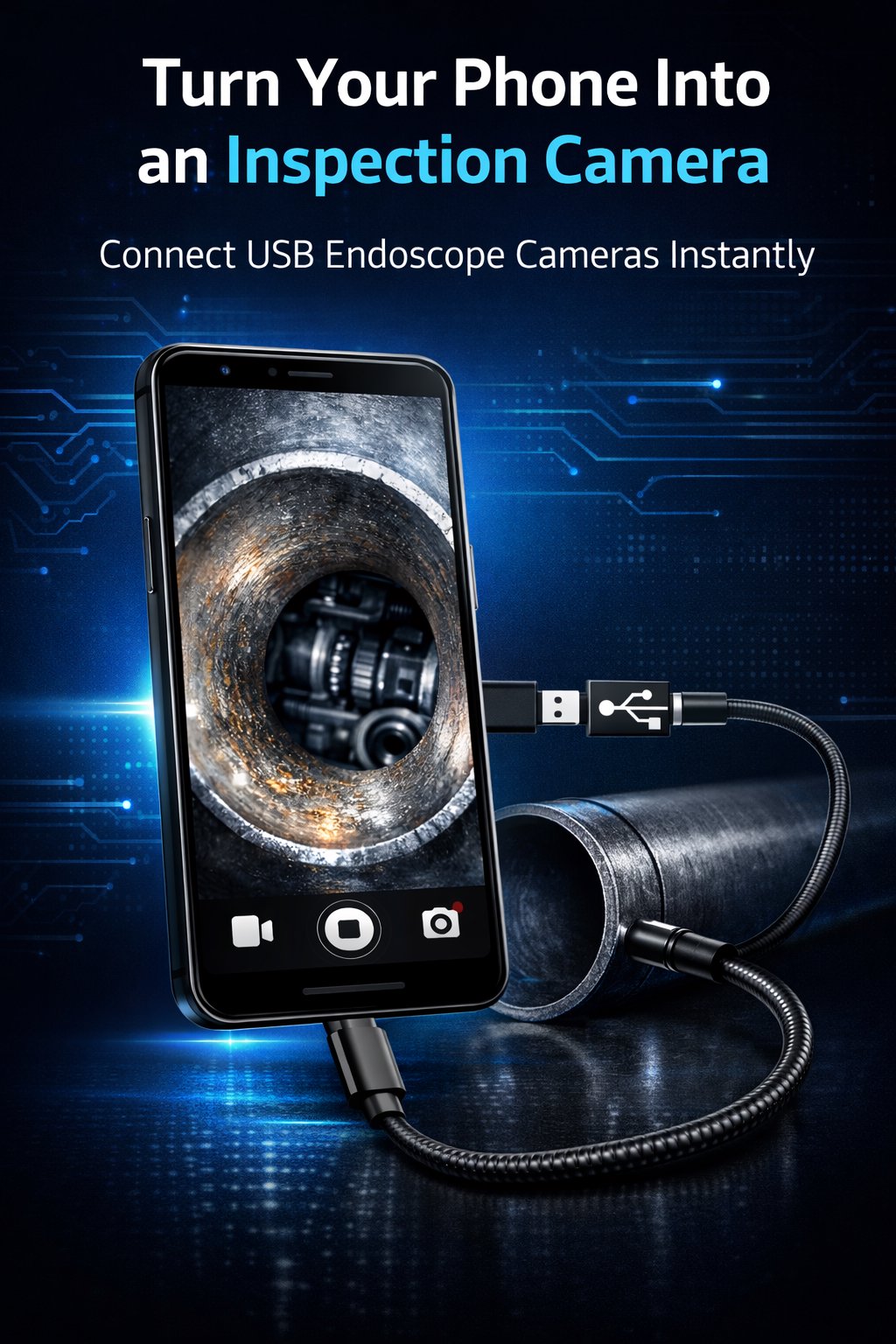
Endoscope Camera is a powerful Android app designed to connect your USB endoscope, borescope, and inspection cameras directly to your phone or tablet using a USB OTG adapter.
With this app you can easily view the live camera feed, capture photos, and inspect hard-to-reach areas using your Android device as a portable inspection monitor.
Whether you are a mechanic, plumber, electrician, technician, or DIY enthusiast, Endoscope Camera helps you perform detailed inspections quickly and easily.
Main Features
USB Endoscope Camera Support
Connect most UVC-compatible USB endoscope cameras and borescopes using an OTG adapter. The app quickly detects the USB camera and starts the live feed.
OTG Compatibility Check
Not sure if your phone supports OTG? The app includes a USB host compatibility check to confirm if your Android device supports USB OTG camera connections.
Real-Time Camera Preview
Watch the live video stream from your endoscope camera directly on your Android screen. Perfect for inspecting tight spaces where normal cameras cannot reach.
One-Tap Photo Capture
Capture inspection images instantly while viewing the live feed. Photos are saved automatically so you can review them later.
Automatic Image Storage
All captured images are stored in the Endoscope Camera folder, making it easy to locate your inspection photos.
Built-in Image Gallery
Manage your captured inspection images directly inside the app:
• Full-screen image preview
• Quick delete option
• Organized image viewing
Camera Settings & Controls
Adjust camera settings depending on your inspection needs:
• Resolution selection
• Mirror image mode
• Flip camera orientation
• Brightness adjustments
Built-in Help & Setup Guide
If your camera is not detected, the app includes setup instructions and troubleshooting tips to help you connect your USB endoscope properly.
Common Uses for Endoscope Cameras
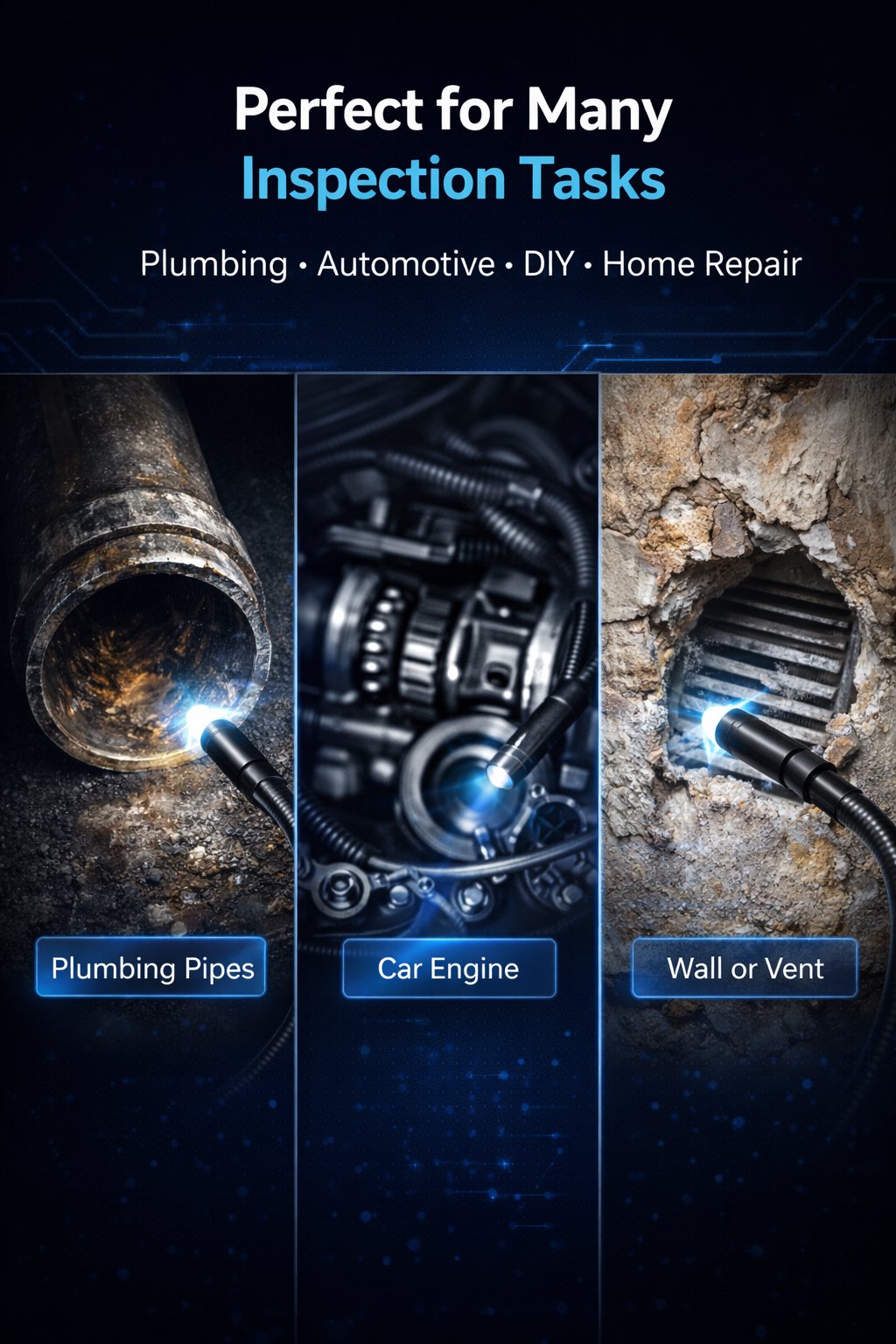
Endoscope cameras are extremely useful for inspecting areas that are difficult to reach. This app is commonly used for:
Plumbing Inspections
Inspect pipes, drains, and plumbing systems to identify clogs or leaks.
Automotive Diagnostics
Check engine parts, spark plug holes, cylinders, and other hidden components inside vehicles.
Home Maintenance
Inspect walls, ceilings, ventilation ducts, and tight spaces during repairs or renovations.
Electrical Work
Examine wiring installations and narrow cable channels.
DIY Projects
Use your endoscope camera for general maintenance, inspections, and technical troubleshooting.
How to Use the App
Connect your USB endoscope or borescope camera to your Android device using an OTG adapter.
Allow the USB permission request when the device is detected.
The app will display the live camera preview.
Capture photos and manage your inspection images inside the built-in gallery.
Requirements
To use Endoscope Camera you need:
• Android smartphone or tablet with USB OTG (USB Host) support
• UVC-compatible USB endoscope or borescope camera
• Compatible OTG adapter (USB-C or Micro-USB depending on your device)
Important Information
• This app focuses on live camera preview and photo capture.
• Compatibility may vary depending on the Android device model and USB camera chipset.
• Some endoscope cameras require specific drivers that may not be supported on all devices.
• This application is not intended for medical diagnosis or medical procedures.
Turn Your Phone into an Inspection Tool
With Endoscope Camera, your Android device becomes a portable inspection camera monitor for USB endoscopes and borescopes.
Quickly connect your camera, inspect hidden areas, capture photos, and complete your inspection tasks easily.
Download Endoscope Camera now and start using your USB OTG endoscope camera directly on your Android device.
معاينة
العلامات
Libraries-&معلومة
مطور
FastSoft
احدث اصدار
23
آخر تحديث
2026-04-02
فئة
Libraries-demo
متاح على
Google Play
أظهر المزيد
كيف تلعب Endoscope Camera Connector مع GameLoop على جهاز الكمبيوتر
1. قم بتنزيل GameLoop من الموقع الرسمي ، ثم قم بتشغيل ملف exe لتثبيت GameLoop.
2. افتح GameLoop وابحث عن "Endoscope Camera Connector" ، وابحث عن Endoscope Camera Connector في نتائج البحث وانقر على "تثبيت".
3. استمتع بلعب Endoscope Camera Connector على GameLoop.
Minimum requirements
OS
Windows 8.1 64-bit or Windows 10 64-bit
GPU
GTX 1050
CPU
i3-8300
Memory
8GB RAM
Storage
1GB available space
Recommended requirements
OS
Windows 8.1 64-bit or Windows 10 64-bit
GPU
GTX 1050
CPU
i3-9320
Memory
16GB RAM
Storage
1GB available space