
ULO app PC
Vivien Muller
قم بتنزيل ULO app على جهاز الكمبيوتر باستخدام GameLoop Emulator
ULO app على الكمبيوتر الشخصي
ULO app ، القادم من المطور Vivien Muller ، يعمل على نظام Android في الماضي.
الآن ، يمكنك لعب ULO app على جهاز الكمبيوتر باستخدام GameLoop بسلاسة.
قم بتنزيله في مكتبة GameLoop أو في نتائج البحث. لا مزيد من الانتباه إلى البطارية أو المكالمات المحبطة في الوقت الخطأ بعد الآن.
ما عليك سوى الاستمتاع بجهاز ULO app على الشاشة الكبيرة مجانًا!
ULO app مقدمة
This application requires you to own a ULO camera.
If necessary, visit https://mu-design.lu to acquire one or more.
Ulo is an interactive home monitoring system. The owl blends perfectly with your interior, entertains you with eyes animations and helps you keep an eye out for your home.
Interactivity and customization
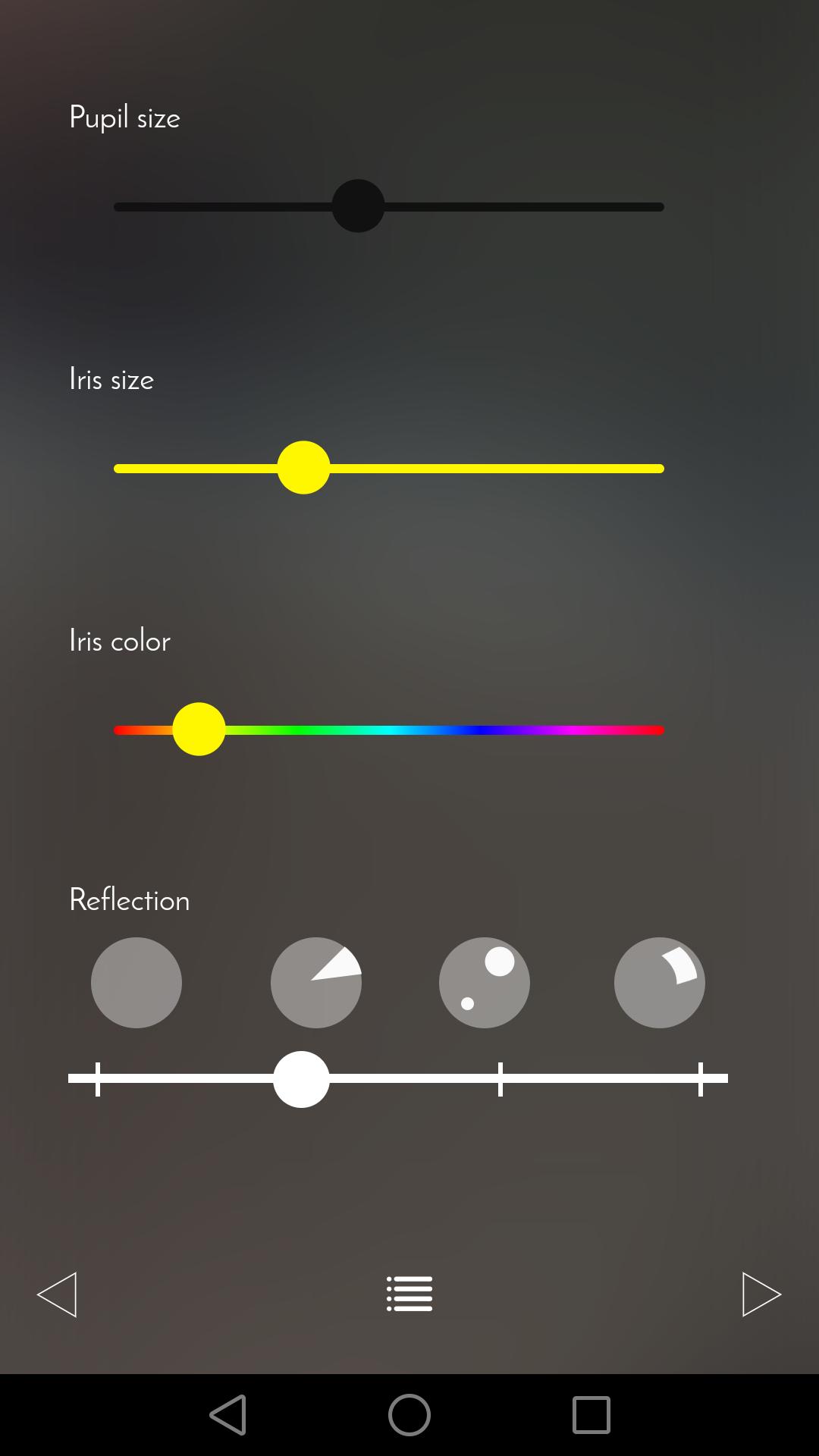
Let yourself be surprised by Ulo’s eyes animations. Change the color of its iris, the size of its pupils or the light reflections as often as you want.
Non-intrusive and secured surveillance
Three different operating modes are available. You can simply use Ulo as a decorative and playful object or make sure your home is under surveillance. Ulo records videos only when it detects a movement. On request, be notified with an email including a short video extract.
The app also allows you to access the live feed and to directly capture snapshots or videos.
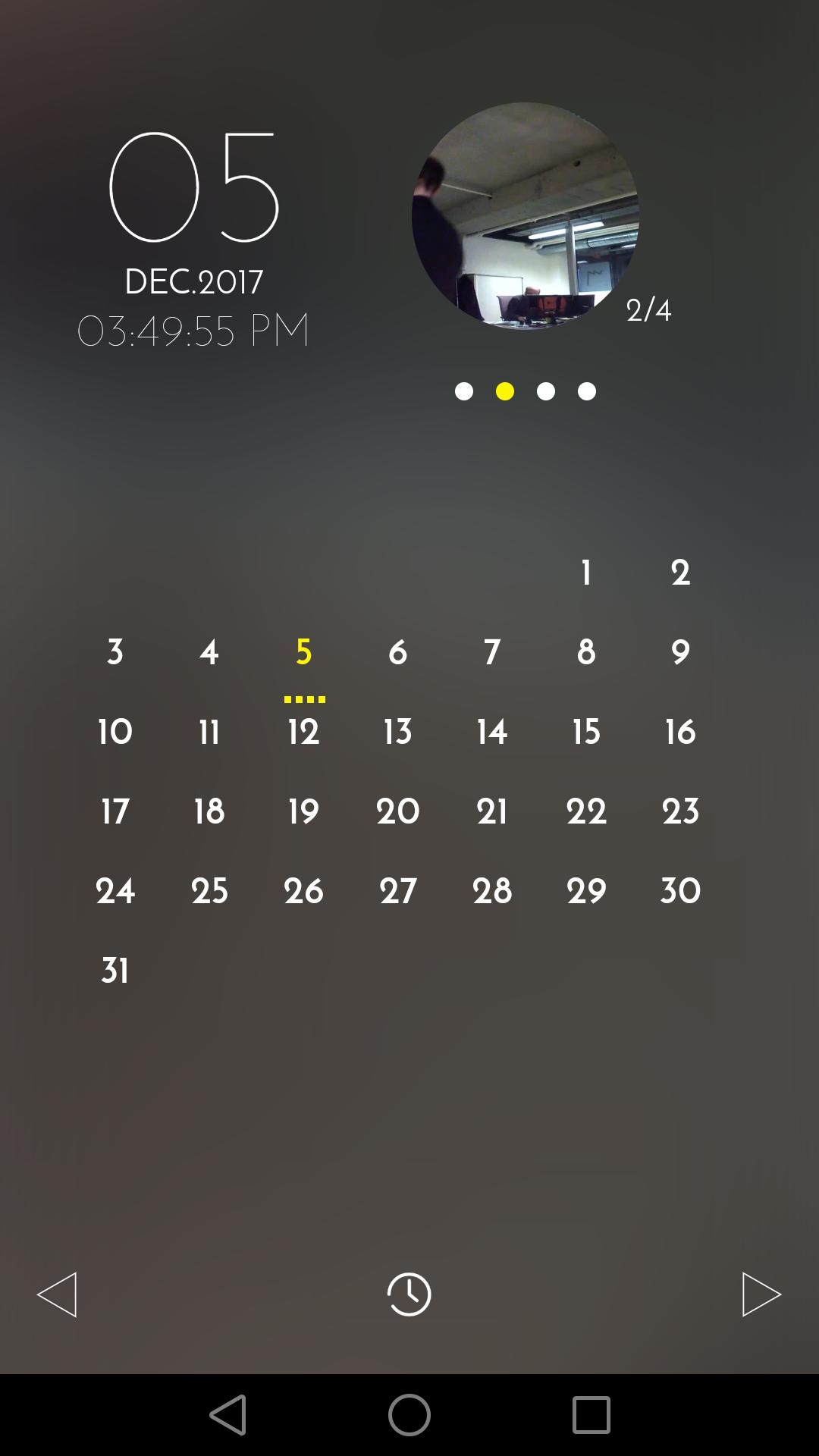
The calendar view makes it easy to find and manage recorded files.
The app will guide you when you first configure Ulo.
For any question or remark, visit our Help center and Community forum: support.ulo.camera
معاينة
العلامات
House-&معلومة
مطور
Vivien Muller
احدث اصدار
1.8
آخر تحديث
2019-02-27
فئة
House-home
متاح على
Google Play
أظهر المزيد
كيف تلعب ULO app مع GameLoop على جهاز الكمبيوتر
1. قم بتنزيل GameLoop من الموقع الرسمي ، ثم قم بتشغيل ملف exe لتثبيت GameLoop.
2. افتح GameLoop وابحث عن "ULO app" ، وابحث عن ULO app في نتائج البحث وانقر على "تثبيت".
3. استمتع بلعب ULO app على GameLoop.
Minimum requirements
OS
Windows 8.1 64-bit or Windows 10 64-bit
GPU
GTX 1050
CPU
i3-8300
Memory
8GB RAM
Storage
1GB available space
Recommended requirements
OS
Windows 8.1 64-bit or Windows 10 64-bit
GPU
GTX 1050
CPU
i3-9320
Memory
16GB RAM
Storage
1GB available space