
TrueCoach Connect PC
TrueCoach
قم بتنزيل TrueCoach Connect على جهاز الكمبيوتر باستخدام GameLoop Emulator
TrueCoach Connect على الكمبيوتر الشخصي
TrueCoach Connect ، القادم من المطور TrueCoach ، يعمل على نظام Android في الماضي.
الآن ، يمكنك لعب TrueCoach Connect على جهاز الكمبيوتر باستخدام GameLoop بسلاسة.
قم بتنزيله في مكتبة GameLoop أو في نتائج البحث. لا مزيد من الانتباه إلى البطارية أو المكالمات المحبطة في الوقت الخطأ بعد الآن.
ما عليك سوى الاستمتاع بجهاز TrueCoach Connect على الشاشة الكبيرة مجانًا!
TrueCoach Connect مقدمة
TrueCoach is the number one platform for coaches and trainers who want to offer a premium experience to their clients without the headache of managing spreadsheets, email and text messages.
With TrueCoach Connect we set out to create an app that makes it even easier to let your clients know that you are with them on their journey.
Note: an active TrueCoach coach account is required for Connect.
With Connect you can:
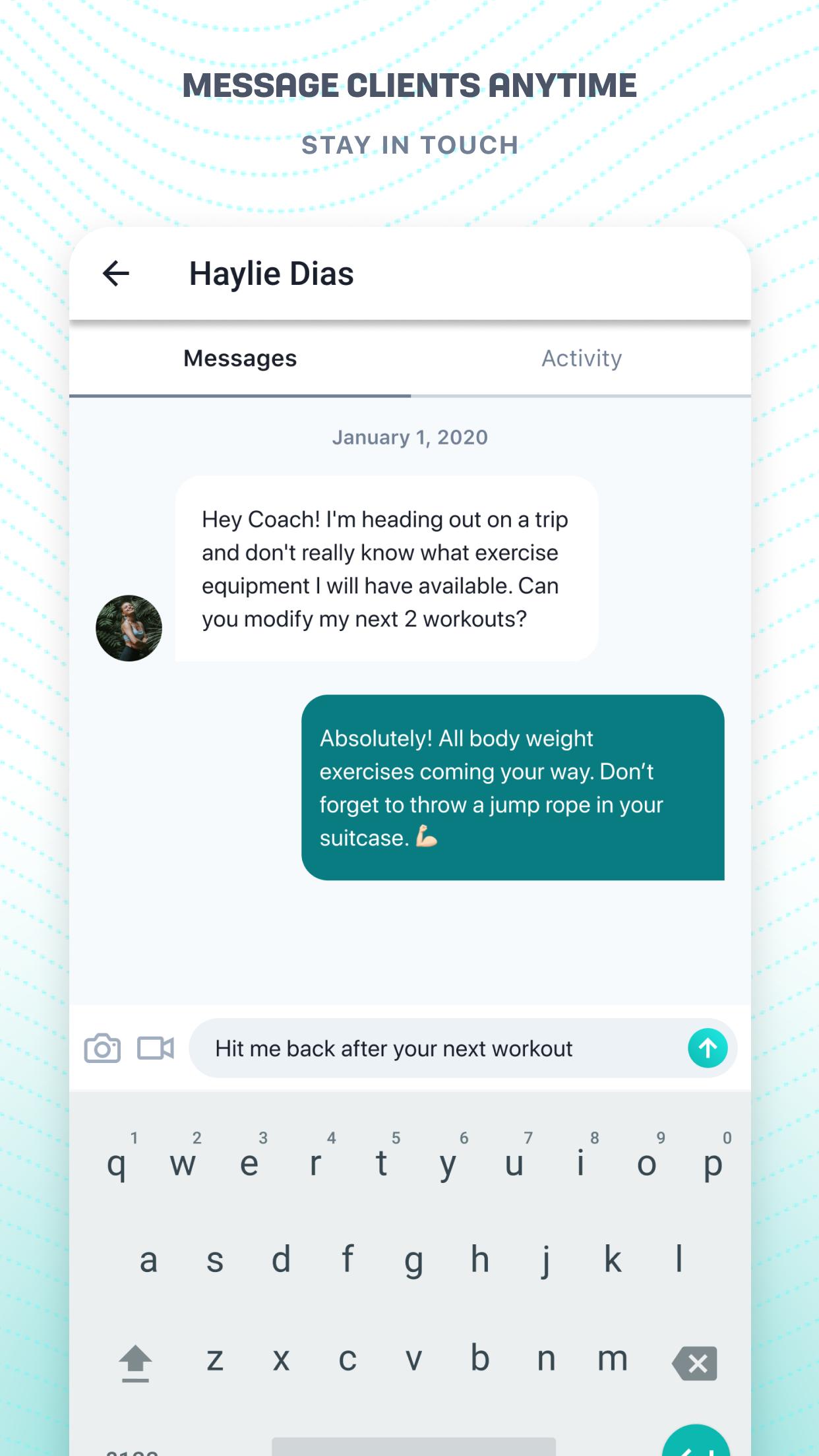
• Send and receive messages
• Review your clients’ workout results
• Read and respond to your clients’ workout comments
• Mark messages and activities as read/unread to keep track of what you still need to review and respond to
• Filter your Inbox to show only your unread things (messages, workout results and comments)
• Receive push notifications when clients send messages, complete workouts or post comments on workouts
• Customize what push notifications you receive
معاينة

العلامات
Health-&معلومة
مطور
TrueCoach
احدث اصدار
2.8.1
آخر تحديث
2022-05-03
فئة
Health-fitness
متاح على
Google Play
أظهر المزيد
كيف تلعب TrueCoach Connect مع GameLoop على جهاز الكمبيوتر
1. قم بتنزيل GameLoop من الموقع الرسمي ، ثم قم بتشغيل ملف exe لتثبيت GameLoop.
2. افتح GameLoop وابحث عن "TrueCoach Connect" ، وابحث عن TrueCoach Connect في نتائج البحث وانقر على "تثبيت".
3. استمتع بلعب TrueCoach Connect على GameLoop.
Minimum requirements
OS
Windows 8.1 64-bit or Windows 10 64-bit
GPU
GTX 1050
CPU
i3-8300
Memory
8GB RAM
Storage
1GB available space
Recommended requirements
OS
Windows 8.1 64-bit or Windows 10 64-bit
GPU
GTX 1050
CPU
i3-9320
Memory
16GB RAM
Storage
1GB available space