
Tamarack Health Remote Care PC
CoachCare
قم بتنزيل Tamarack Health Remote Care على جهاز الكمبيوتر باستخدام GameLoop Emulator
Tamarack Health Remote Care على الكمبيوتر الشخصي
Tamarack Health Remote Care ، القادم من المطور CoachCare ، يعمل على نظام Android في الماضي.
الآن ، يمكنك لعب Tamarack Health Remote Care على جهاز الكمبيوتر باستخدام GameLoop بسلاسة.
قم بتنزيله في مكتبة GameLoop أو في نتائج البحث. لا مزيد من الانتباه إلى البطارية أو المكالمات المحبطة في الوقت الخطأ بعد الآن.
ما عليك سوى الاستمتاع بجهاز Tamarack Health Remote Care على الشاشة الكبيرة مجانًا!
Tamarack Health Remote Care مقدمة
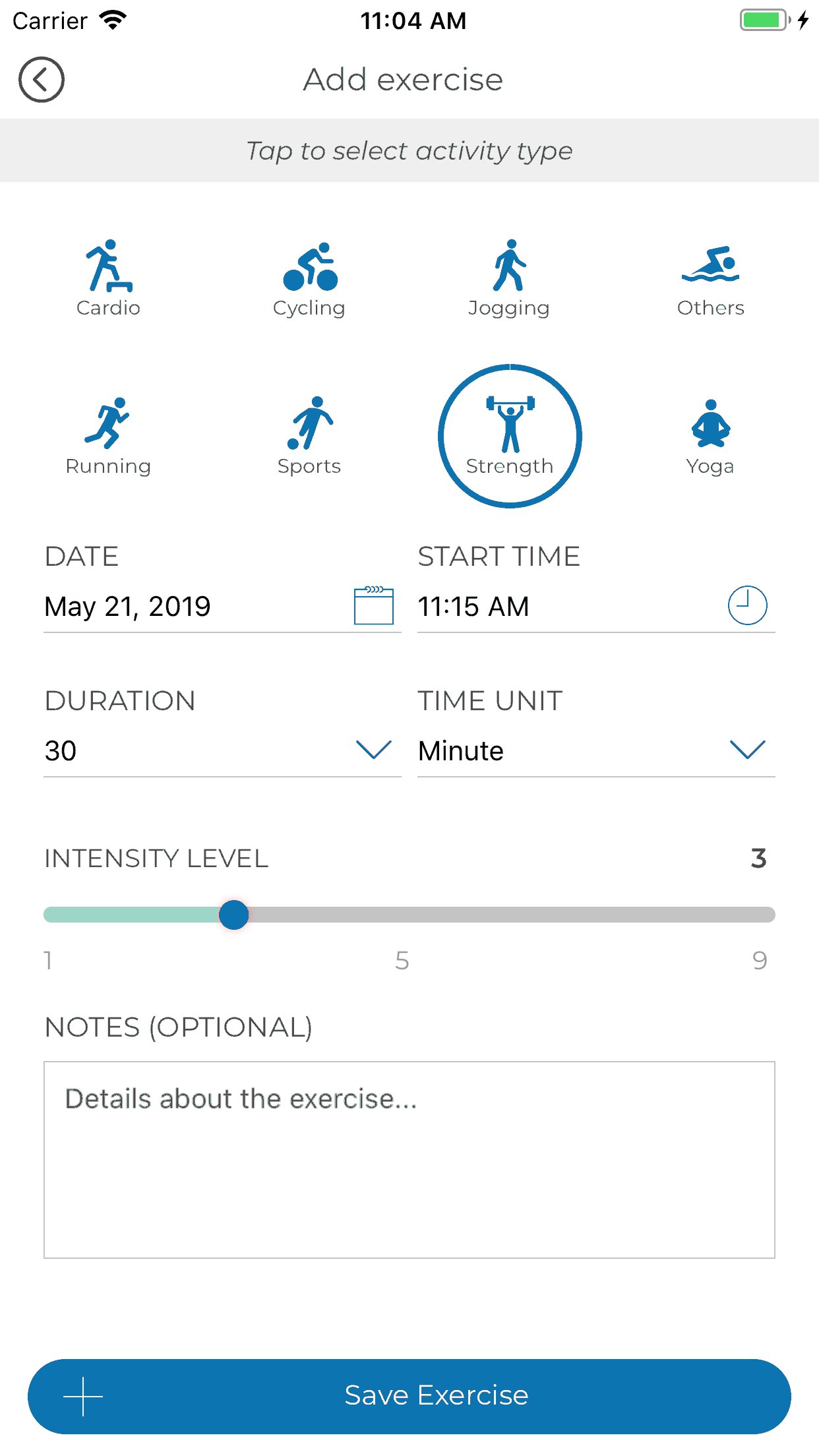
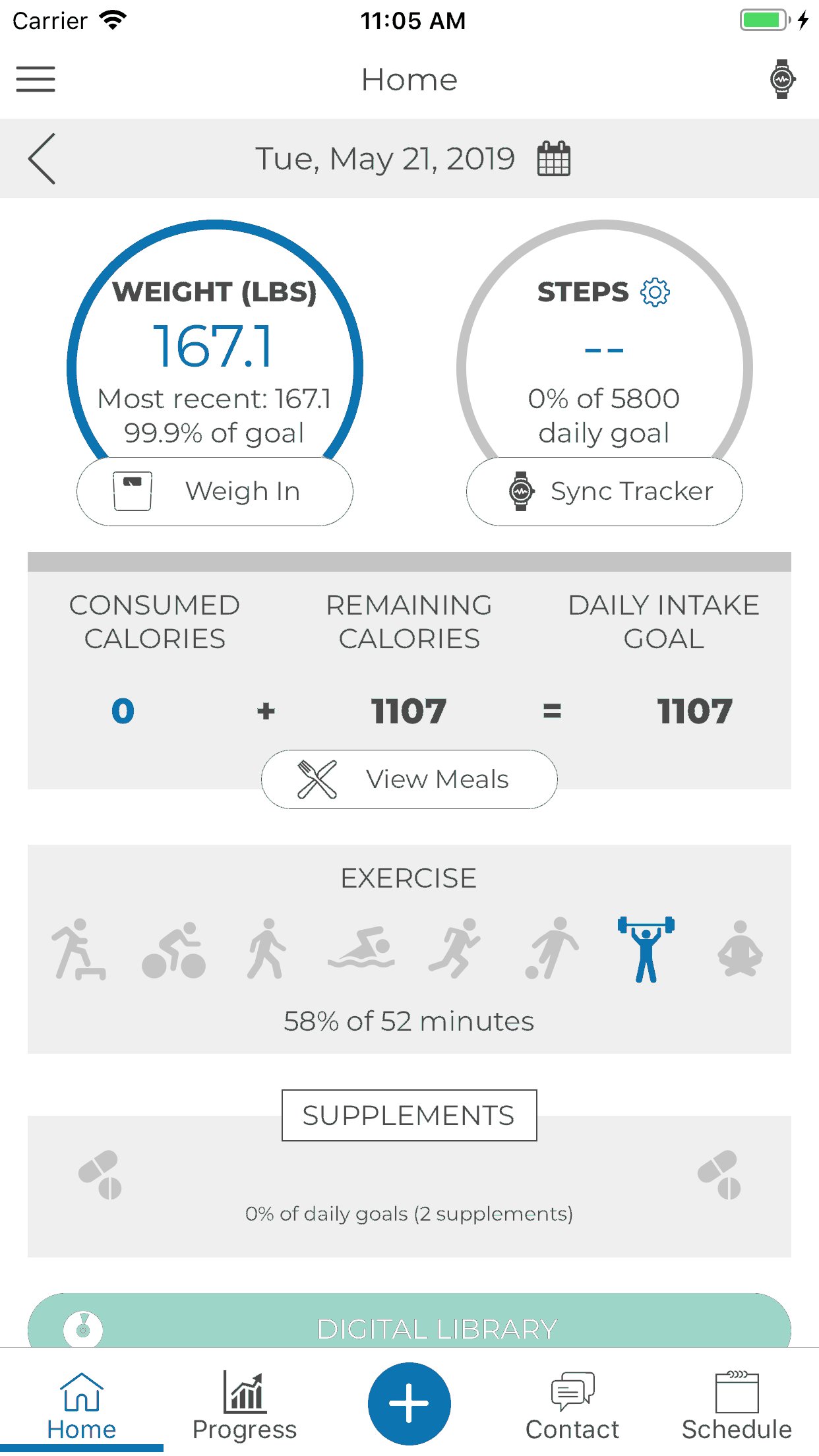
Memorial Medical Center offers remote patient care for Weight Management and Diabetes Management. Use of these services will help increase interaction, accountability, education, and ultimately improve outcomes. With remote care, we can follow food logs, weight, activity, and blood sugars to help keep you on track and meeting your goals.
Weight Management will tailor a program to fit you and your preferences while helping to monitor and manage medications and health conditions.
Diabetes Management will help you control your blood sugar and reduce complications through lifestyle and medication management.
Thank you for taking an active role in your health and for choosing MMC for your healthcare needs.
App Functionalities include:
1. Third Party Integration with Apple Health, Fitbit, GoogleFit and Levl.
2. HIPAA Compliant Messaging & Scheduling
3. Progress Tracking
4. Hydration & Supplement Tracking
5. Meal Logging
6. Digital Content
7. Sequence Messaging
معاينة
العلامات
Health-&معلومة
مطور
CoachCare
احدث اصدار
2.56.310
آخر تحديث
2024-04-23
فئة
Health-fitness
متاح على
Google Play
أظهر المزيد
كيف تلعب Tamarack Health Remote Care مع GameLoop على جهاز الكمبيوتر
1. قم بتنزيل GameLoop من الموقع الرسمي ، ثم قم بتشغيل ملف exe لتثبيت GameLoop.
2. افتح GameLoop وابحث عن "Tamarack Health Remote Care" ، وابحث عن Tamarack Health Remote Care في نتائج البحث وانقر على "تثبيت".
3. استمتع بلعب Tamarack Health Remote Care على GameLoop.
Minimum requirements
OS
Windows 8.1 64-bit or Windows 10 64-bit
GPU
GTX 1050
CPU
i3-8300
Memory
8GB RAM
Storage
1GB available space
Recommended requirements
OS
Windows 8.1 64-bit or Windows 10 64-bit
GPU
GTX 1050
CPU
i3-9320
Memory
16GB RAM
Storage
1GB available space