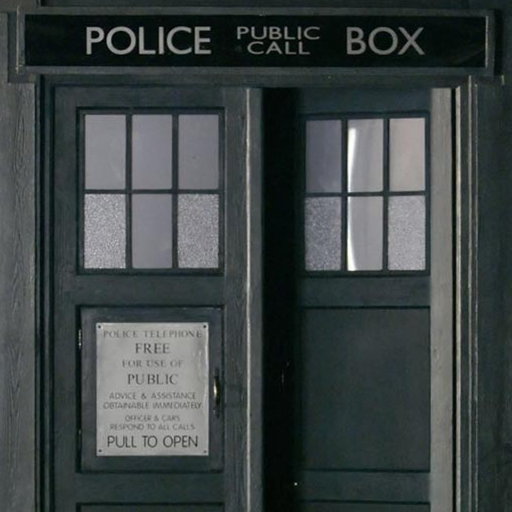
Tardis Live Wallpaper PC
Didactic Development
قم بتنزيل Tardis Live Wallpaper على جهاز الكمبيوتر باستخدام GameLoop Emulator
Tardis Live Wallpaper على الكمبيوتر الشخصي
Tardis Live Wallpaper ، القادم من المطور Didactic Development ، يعمل على نظام Android في الماضي.
الآن ، يمكنك لعب Tardis Live Wallpaper على جهاز الكمبيوتر باستخدام GameLoop بسلاسة.
قم بتنزيله في مكتبة GameLoop أو في نتائج البحث. لا مزيد من الانتباه إلى البطارية أو المكالمات المحبطة في الوقت الخطأ بعد الآن.
ما عليك سوى الاستمتاع بجهاز Tardis Live Wallpaper على الشاشة الكبيرة مجانًا!
Tardis Live Wallpaper مقدمة
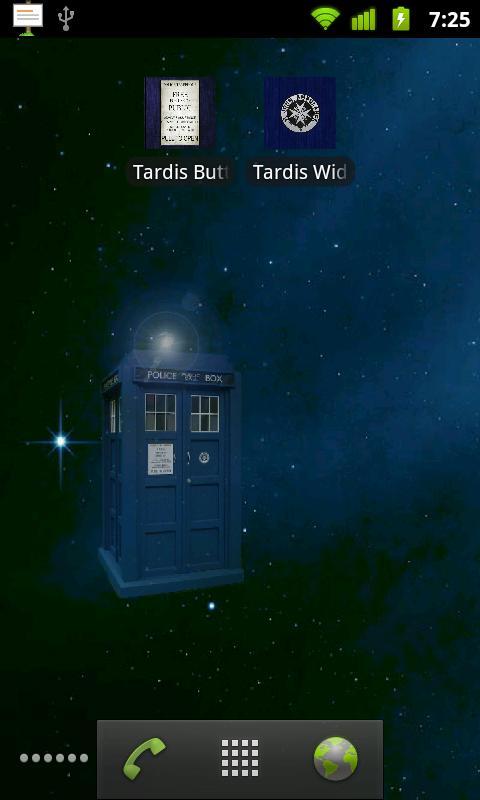
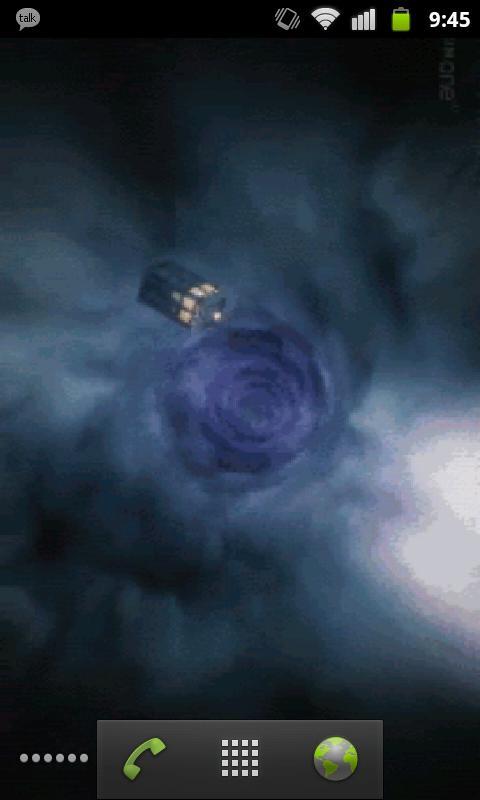
Doctor Who TARDIS LWP: Now comes with two live wallpapers.
-Touch controlled TARDIS
-Eleventh Doctor opening sequence
NOTE: This will not appear under your applications, but will rather appear as two wallpaper services when you go to Menu -> Wallpaper -> Live Wallpapers.
I realize the image quality is less than desirable but please understand that it's a trade-off between frame rate & resolution and battery drain. I've received comments about the performance and chose to sacrifice smoothness and compress the images to more wisely use system resources. Please have realistic expectations.
NOTE: if the wallpaper appears blank, touch the screen.
If you find any bugs or have any suggestions, feel free to email me at didacticdev@gmail.com
KNOWN ISSUES:
-None! "My ship don't crash. She crashes, you crashed her."
معاينة
معلومة
مطور
Didactic Development
احدث اصدار
1.4
آخر تحديث
2013-03-14
فئة
وسائل الترفيه
متاح على
Google Play
أظهر المزيد
كيف تلعب Tardis Live Wallpaper مع GameLoop على جهاز الكمبيوتر
1. قم بتنزيل GameLoop من الموقع الرسمي ، ثم قم بتشغيل ملف exe لتثبيت GameLoop.
2. افتح GameLoop وابحث عن "Tardis Live Wallpaper" ، وابحث عن Tardis Live Wallpaper في نتائج البحث وانقر على "تثبيت".
3. استمتع بلعب Tardis Live Wallpaper على GameLoop.
Minimum requirements
OS
Windows 8.1 64-bit or Windows 10 64-bit
GPU
GTX 1050
CPU
i3-8300
Memory
8GB RAM
Storage
1GB available space
Recommended requirements
OS
Windows 8.1 64-bit or Windows 10 64-bit
GPU
GTX 1050
CPU
i3-9320
Memory
16GB RAM
Storage
1GB available space