
VK Play Облачный гейминг PC
My.com B.V.
قم بتنزيل VK Play Облачный гейминг على جهاز الكمبيوتر باستخدام GameLoop Emulator
VK Play Облачный гейминг على الكمبيوتر الشخصي
VK Play Облачный гейминг ، القادم من المطور My.com B.V. ، يعمل على نظام Android في الماضي.
الآن ، يمكنك لعب VK Play Облачный гейминг على جهاز الكمبيوتر باستخدام GameLoop بسلاسة.
قم بتنزيله في مكتبة GameLoop أو في نتائج البحث. لا مزيد من الانتباه إلى البطارية أو المكالمات المحبطة في الوقت الخطأ بعد الآن.
ما عليك سوى الاستمتاع بجهاز VK Play Облачный гейминг على الشاشة الكبيرة مجانًا!
VK Play Облачный гейминг مقدمة
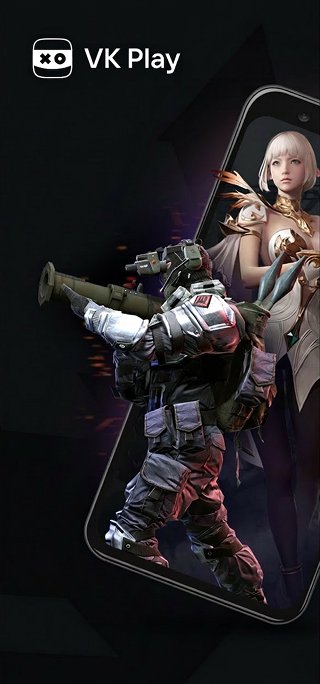
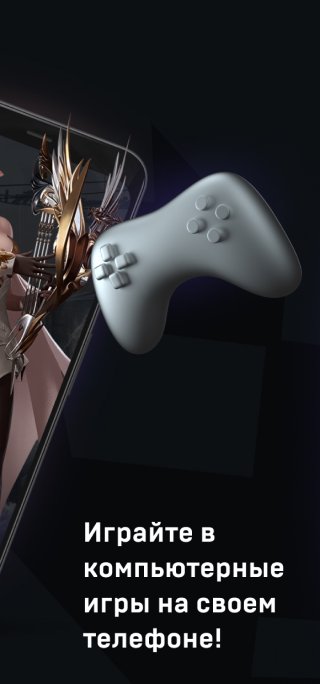
VK Play Cloud Gaming lets you play modern PC games on your smartphone or tablet. Games are run on powerful servers and streamed to your device over the internet.
Play modern games at maximum graphics settings in high resolution. No need for a powerful computer or expensive phone. The VK Play Cloud Gaming app works on smartphones running Android 7.0 or later.
You can launch PC games you've previously purchased from popular launchers. The VK Play Cloud Gaming catalog features over 420 pre-installed games that launch with a single tap. The service also lets you install other popular games not in the catalog.
Note: To play games on your phone, you'll need a gamepad or keyboard and mouse connected via Bluetooth or an OTG adapter.
To start playing, log in to the app with your account, select a plan, select a game from the catalog, and launch it.
You can use an existing VK Play Cloud Gaming account with an active plan. Or you can create a new account directly in the mobile app.
To play on the service, you will need a Wi-Fi internet connection with a minimum speed of 15 Mbps. We recommend connecting to a 5 GHz Wi-Fi network for the best streaming quality. When using Wi-Fi, ensure that there aren't too many devices connected to your network at the same time and that other devices aren't congesting the network. Watching videos, listening to music, or downloading files simultaneously may cause additional delays when launching games through VK Play Cloud Gaming.
معاينة
العلامات
وسائل الترفيهمعلومة
مطور
My.com B.V.
احدث اصدار
1.100.110m
آخر تحديث
2026-10-05
فئة
وسائل الترفيه
متاح على
Google Play
أظهر المزيد
كيف تلعب VK Play Облачный гейминг مع GameLoop على جهاز الكمبيوتر
1. قم بتنزيل GameLoop من الموقع الرسمي ، ثم قم بتشغيل ملف exe لتثبيت GameLoop.
2. افتح GameLoop وابحث عن "VK Play Облачный гейминг" ، وابحث عن VK Play Облачный гейминг في نتائج البحث وانقر على "تثبيت".
3. استمتع بلعب VK Play Облачный гейминг على GameLoop.
Minimum requirements
OS
Windows 8.1 64-bit or Windows 10 64-bit
GPU
GTX 1050
CPU
i3-8300
Memory
8GB RAM
Storage
1GB available space
Recommended requirements
OS
Windows 8.1 64-bit or Windows 10 64-bit
GPU
GTX 1050
CPU
i3-9320
Memory
16GB RAM
Storage
1GB available space