Mini vMac PC
Gil Osher
قم بتنزيل Mini vMac على جهاز الكمبيوتر باستخدام GameLoop Emulator
Mini vMac على الكمبيوتر الشخصي
Mini vMac ، القادم من المطور Gil Osher ، يعمل على نظام Android في الماضي.
الآن ، يمكنك لعب Mini vMac على جهاز الكمبيوتر باستخدام GameLoop بسلاسة.
قم بتنزيله في مكتبة GameLoop أو في نتائج البحث. لا مزيد من الانتباه إلى البطارية أو المكالمات المحبطة في الوقت الخطأ بعد الآن.
ما عليك سوى الاستمتاع بجهاز Mini vMac على الشاشة الكبيرة مجانًا!
Mini vMac مقدمة
⚠ IMPORTANT: A valid 128KB ROM file is required to use this app!
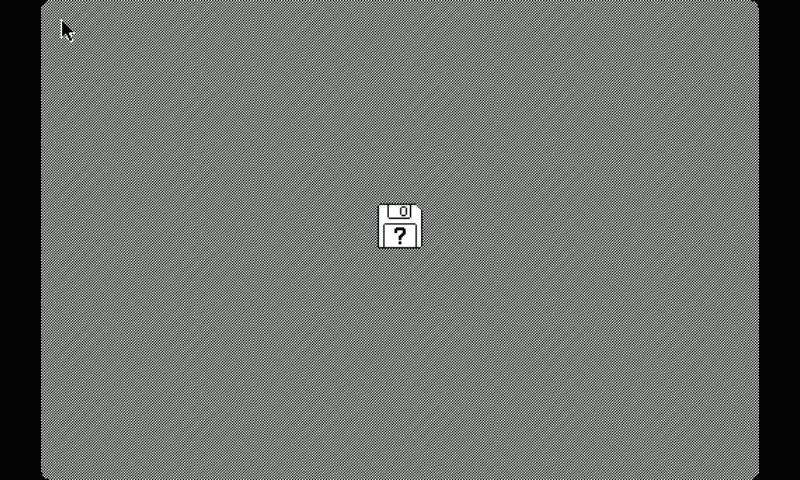
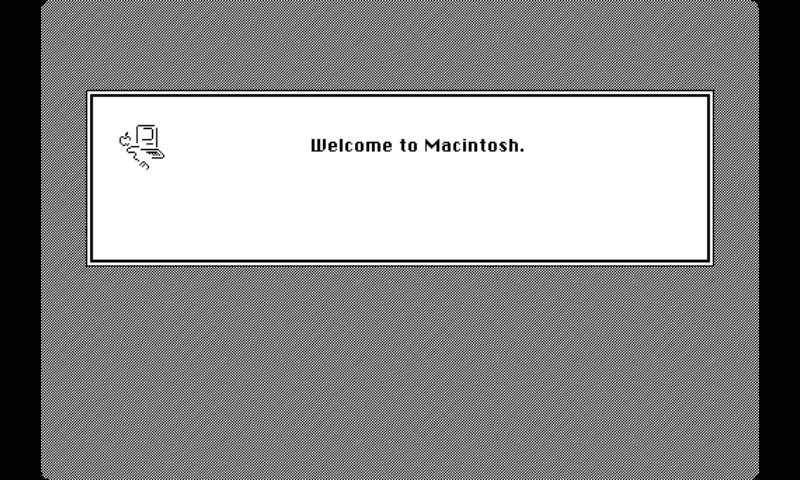
Mini vMac brings the experience of classic 68K computing to your Android device, letting you run vintage software from the early personal computing era. Designed for enthusiasts and retro-tech lovers, it faithfully emulates a 4MB Mac Plus with support for sound, networking, and external input devices.
Features
✅ Mac Plus Emulation – Simulates a classic 4MB environment with high compatibility.
✅ Flexible Display Options – Choose between full-screen scaling or scrolling for an authentic experience.
✅ Full Keyboard Support – Includes a built-in multi-language virtual keyboard, and Bluetooth keyboard support.
✅ Mouse & Trackpad Mode – Use your device’s touchscreen as a point-and-click or trackpad mouse or connect a Bluetooth mouse.
✅ Local Networking (Experimental) – Supports LocalTalk over UDP for connecting multiple emulators.
✅ Android Clipboard Integration – Copy and paste between your device and the emulator (Using the ClipIn and ClipOut programs).
✅ Sound Emulation – Brings back the iconic chimes and audio of classic software.
✅ Performance Control – Adjust emulator speed on the fly for optimal performance.
Requirements
📌 Android 6.0+ (for best performance)
📌 A 128KB ROM file (not included)
📌 Disk images containing compatible software (not included)
📌 Storage access for file management
Whether you’re a retrocomputing enthusiast, a fan of vintage games, or just curious about early graphical interfaces, Mini vMac brings the past to your pocket!
🚀 Download now and rediscover classic computing on Android!
معاينة
العلامات
وسائل الترفيهمعلومة
مطور
Gil Osher
احدث اصدار
1.7.2
آخر تحديث
2025-03-05
فئة
وسائل الترفيه
متاح على
Google Play
أظهر المزيد
كيف تلعب Mini vMac مع GameLoop على جهاز الكمبيوتر
1. قم بتنزيل GameLoop من الموقع الرسمي ، ثم قم بتشغيل ملف exe لتثبيت GameLoop.
2. افتح GameLoop وابحث عن "Mini vMac" ، وابحث عن Mini vMac في نتائج البحث وانقر على "تثبيت".
3. استمتع بلعب Mini vMac على GameLoop.
Minimum requirements
OS
Windows 8.1 64-bit or Windows 10 64-bit
GPU
GTX 1050
CPU
i3-8300
Memory
8GB RAM
Storage
1GB available space
Recommended requirements
OS
Windows 8.1 64-bit or Windows 10 64-bit
GPU
GTX 1050
CPU
i3-9320
Memory
16GB RAM
Storage
1GB available space