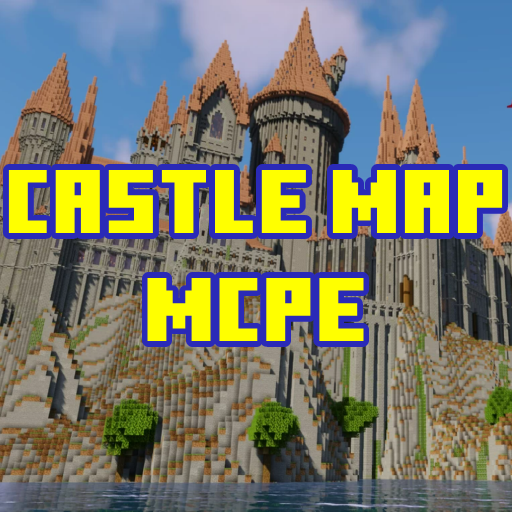
Castle Maps for Minecraft PE PC
Ardev Project
قم بتنزيل Castle Maps for Minecraft PE على جهاز الكمبيوتر باستخدام GameLoop Emulator
Castle Maps for Minecraft PE على الكمبيوتر الشخصي
Castle Maps for Minecraft PE ، القادم من المطور Ardev Project ، يعمل على نظام Android في الماضي.
الآن ، يمكنك لعب Castle Maps for Minecraft PE على جهاز الكمبيوتر باستخدام GameLoop بسلاسة.
قم بتنزيله في مكتبة GameLoop أو في نتائج البحث. لا مزيد من الانتباه إلى البطارية أو المكالمات المحبطة في الوقت الخطأ بعد الآن.
ما عليك سوى الاستمتاع بجهاز Castle Maps for Minecraft PE على الشاشة الكبيرة مجانًا!
Castle Maps for Minecraft PE مقدمة
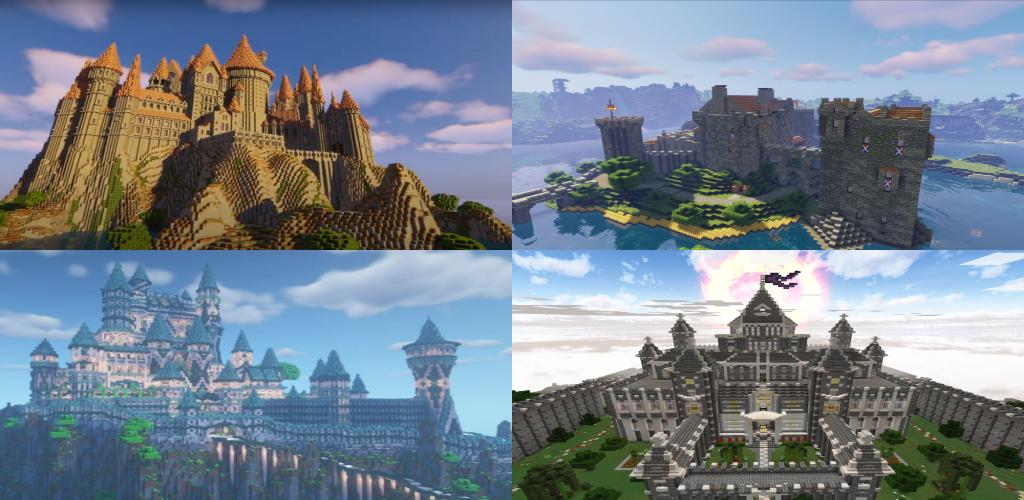
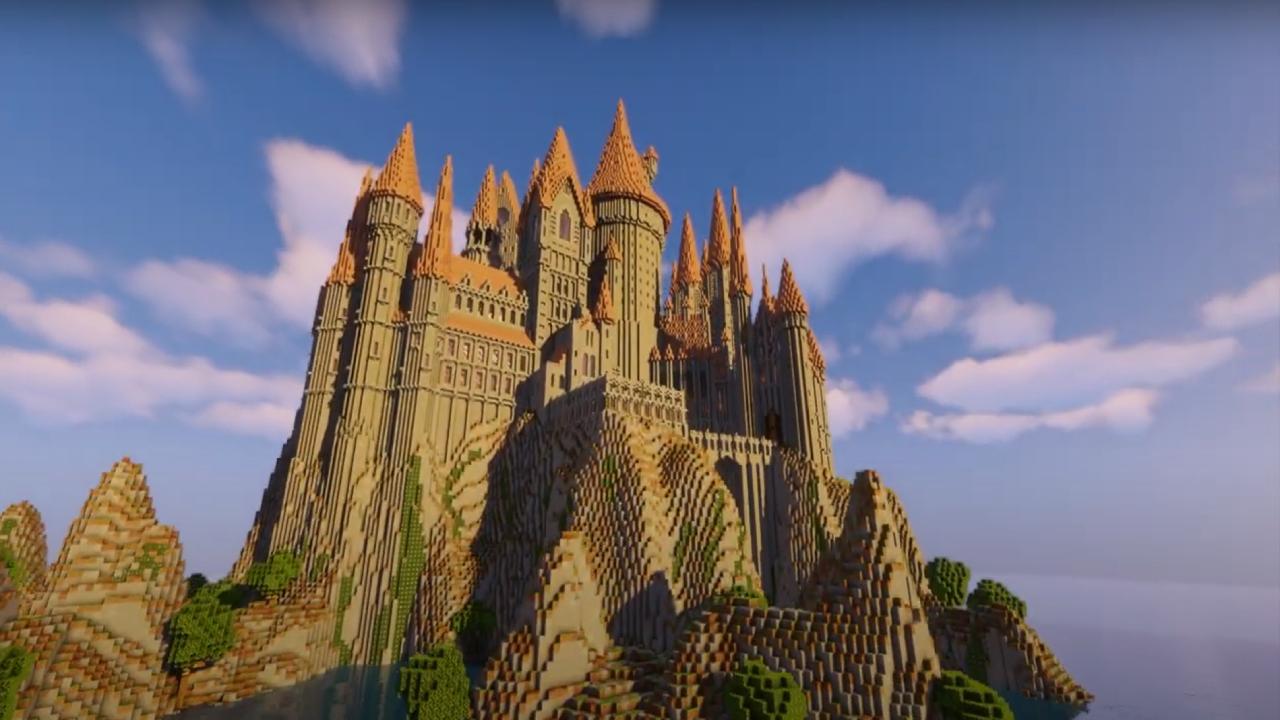
Castle Maps for Minecraft PE is maps for minecraft with castle maps theme. In this application, you can find famous maps like The Confessor Palace, The Castle of Agnar,Red Castle, Mage Tower and many more.
Just select maps what do you want, then you can choose directly to download or install the map. Minecraft PE will open automatically with the map you just installed and you can play.
Features of this app :
- Simple user interface
- You can install maps for free
- You can choose 2 theme (dark or white mode)
- Clear description maps for install
- Support many version MCPE
Disclaimer :
This is an unofficial application for Minecraft PE. This application is not affiliated in any way with Mojang AB. The Minecraft Name, the Brand and the Assets are all property of Mojang AB or their respectful owner. All rights reserved. In accordance with http://account.mojang.com/documents/brand_guidelines
معاينة
العلامات
وسائل الترفيهمعلومة
مطور
Ardev Project
احدث اصدار
1.0.3
آخر تحديث
2023-07-18
فئة
وسائل الترفيه
متاح على
Google Play
أظهر المزيد
كيف تلعب Castle Maps for Minecraft PE مع GameLoop على جهاز الكمبيوتر
1. قم بتنزيل GameLoop من الموقع الرسمي ، ثم قم بتشغيل ملف exe لتثبيت GameLoop.
2. افتح GameLoop وابحث عن "Castle Maps for Minecraft PE" ، وابحث عن Castle Maps for Minecraft PE في نتائج البحث وانقر على "تثبيت".
3. استمتع بلعب Castle Maps for Minecraft PE على GameLoop.
Minimum requirements
OS
Windows 8.1 64-bit or Windows 10 64-bit
GPU
GTX 1050
CPU
i3-8300
Memory
8GB RAM
Storage
1GB available space
Recommended requirements
OS
Windows 8.1 64-bit or Windows 10 64-bit
GPU
GTX 1050
CPU
i3-9320
Memory
16GB RAM
Storage
1GB available space