
луномосик звонить PC
kunkkadev
قم بتنزيل луномосик звонить على جهاز الكمبيوتر باستخدام GameLoop Emulator
луномосик звонить على الكمبيوتر الشخصي
луномосик звонить ، القادم من المطور kunkkadev ، يعمل على نظام Android في الماضي.
الآن ، يمكنك لعب луномосик звонить على جهاز الكمبيوتر باستخدام GameLoop بسلاسة.
قم بتنزيله في مكتبة GameLoop أو في نتائج البحث. لا مزيد من الانتباه إلى البطارية أو المكالمات المحبطة في الوقت الخطأ بعد الآن.
ما عليك سوى الاستمتاع بجهاز луномосик звонить على الشاشة الكبيرة مجانًا!
луномосик звонить مقدمة
Welcome to the moonmoon call app where you can enjoy with your family and everyone around you with you. Favorite idols and talented people such as: moonmoose.
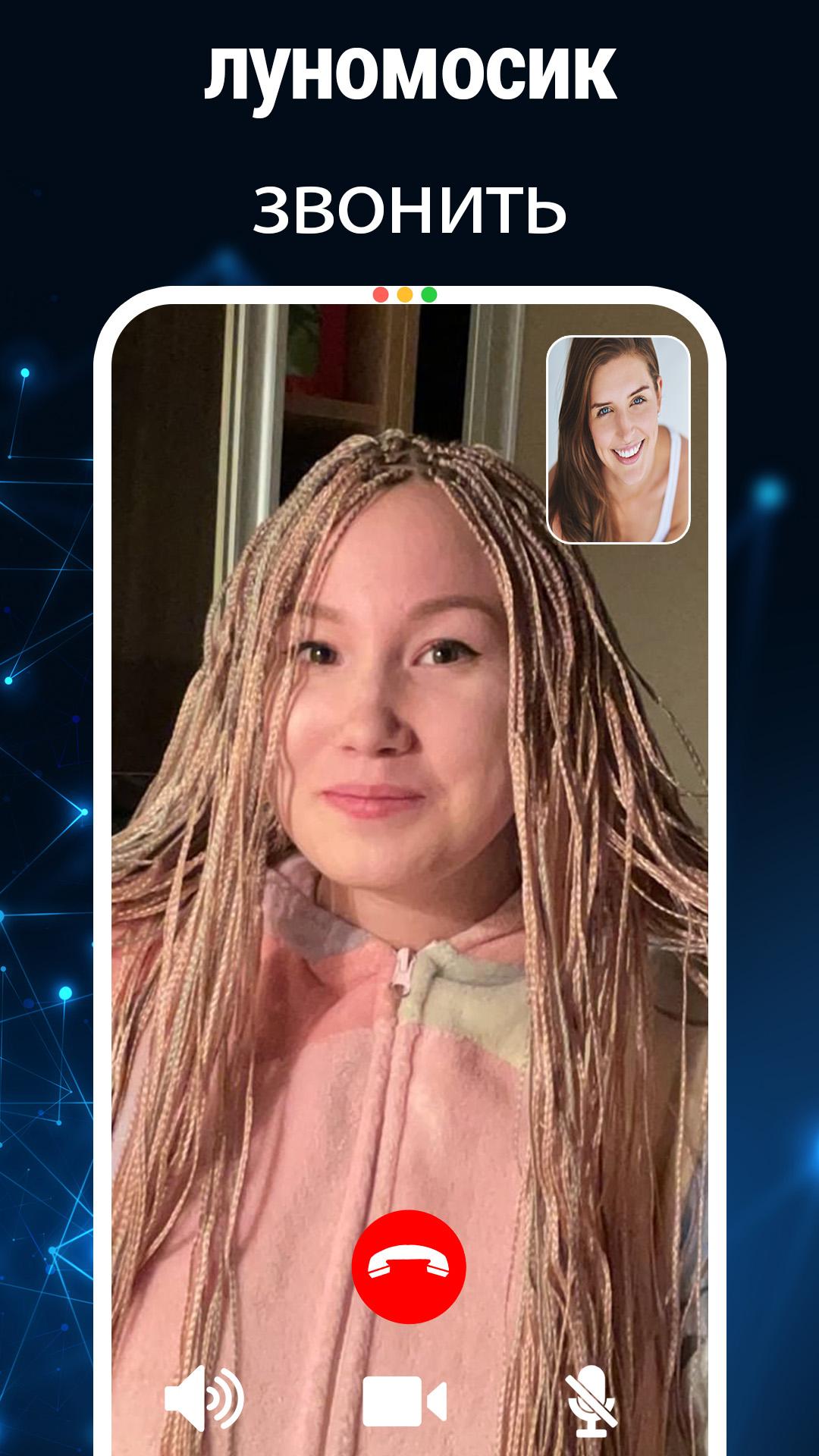
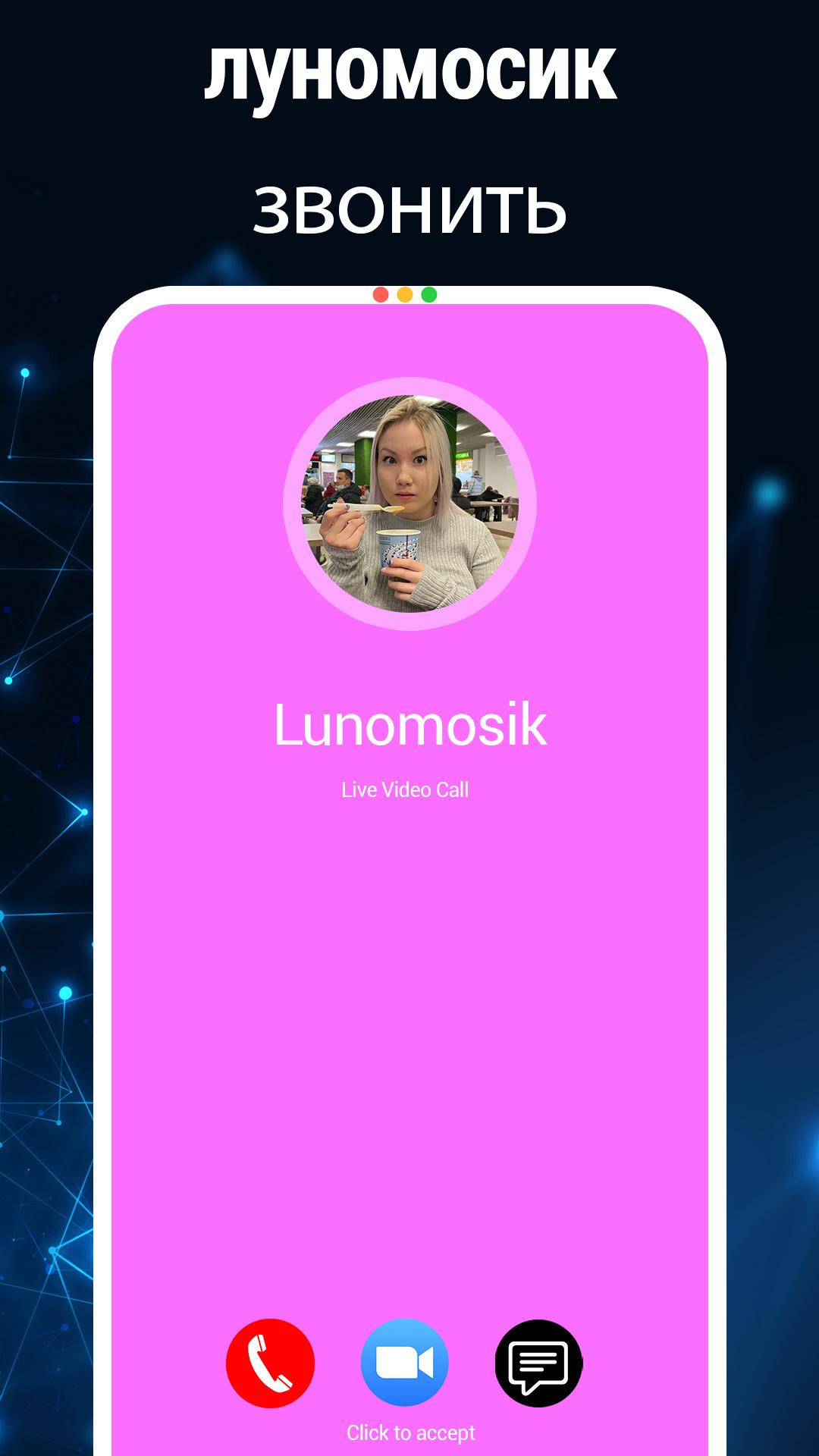
With this application, you can prank your friends as if you were on your favorite Lunomosik artist's phone. Your friends should think that you have Lunomosik's phone number. You can also brag to your friends by taking screenshots during a video call and then sharing them on social networks.
How to make a prank / use this application:
1. Choose your favorite photo of Lunomosik.
2. Select video or voice call
3. Choose the appearance of WhatsApp, Telegram or Facebook video call.
4. Choose when to run (choose now - recommendation)
5. Start
6. Wait 2 seconds, after which a video call with Lunomosik will begin.
Denial of responsibility:
This moonmouse call simulator is a prank app and is not an official app, it's just for fun and prank only, it's 100% fake and fictional simulator just for prank your friends or family.
معاينة
العلامات
وسائل الترفيهمعلومة
مطور
kunkkadev
احدث اصدار
1.0
آخر تحديث
2022-10-31
فئة
وسائل الترفيه
متاح على
Google Play
أظهر المزيد
كيف تلعب луномосик звонить مع GameLoop على جهاز الكمبيوتر
1. قم بتنزيل GameLoop من الموقع الرسمي ، ثم قم بتشغيل ملف exe لتثبيت GameLoop.
2. افتح GameLoop وابحث عن "луномосик звонить" ، وابحث عن луномосик звонить في نتائج البحث وانقر على "تثبيت".
3. استمتع بلعب луномосик звонить على GameLoop.
Minimum requirements
OS
Windows 8.1 64-bit or Windows 10 64-bit
GPU
GTX 1050
CPU
i3-8300
Memory
8GB RAM
Storage
1GB available space
Recommended requirements
OS
Windows 8.1 64-bit or Windows 10 64-bit
GPU
GTX 1050
CPU
i3-9320
Memory
16GB RAM
Storage
1GB available space