Time Machines PC
Timex
قم بتنزيل Time Machines على جهاز الكمبيوتر باستخدام GameLoop Emulator
Time Machines على الكمبيوتر الشخصي
Time Machines ، القادم من المطور Timex ، يعمل على نظام Android في الماضي.
الآن ، يمكنك لعب Time Machines على جهاز الكمبيوتر باستخدام GameLoop بسلاسة.
قم بتنزيله في مكتبة GameLoop أو في نتائج البحث. لا مزيد من الانتباه إلى البطارية أو المكالمات المحبطة في الوقت الخطأ بعد الآن.
ما عليك سوى الاستمتاع بجهاز Time Machines على الشاشة الكبيرة مجانًا!
Time Machines مقدمة
Travel in your Time Machine and reinforce key time-telling skills while embarking on an adventure through time and space in each level of the game.
Feature Overview:
- Ad and commercial free
- Developed with Scholastic, the most trusted name in learning
- Free of charge
- No in-app purchases
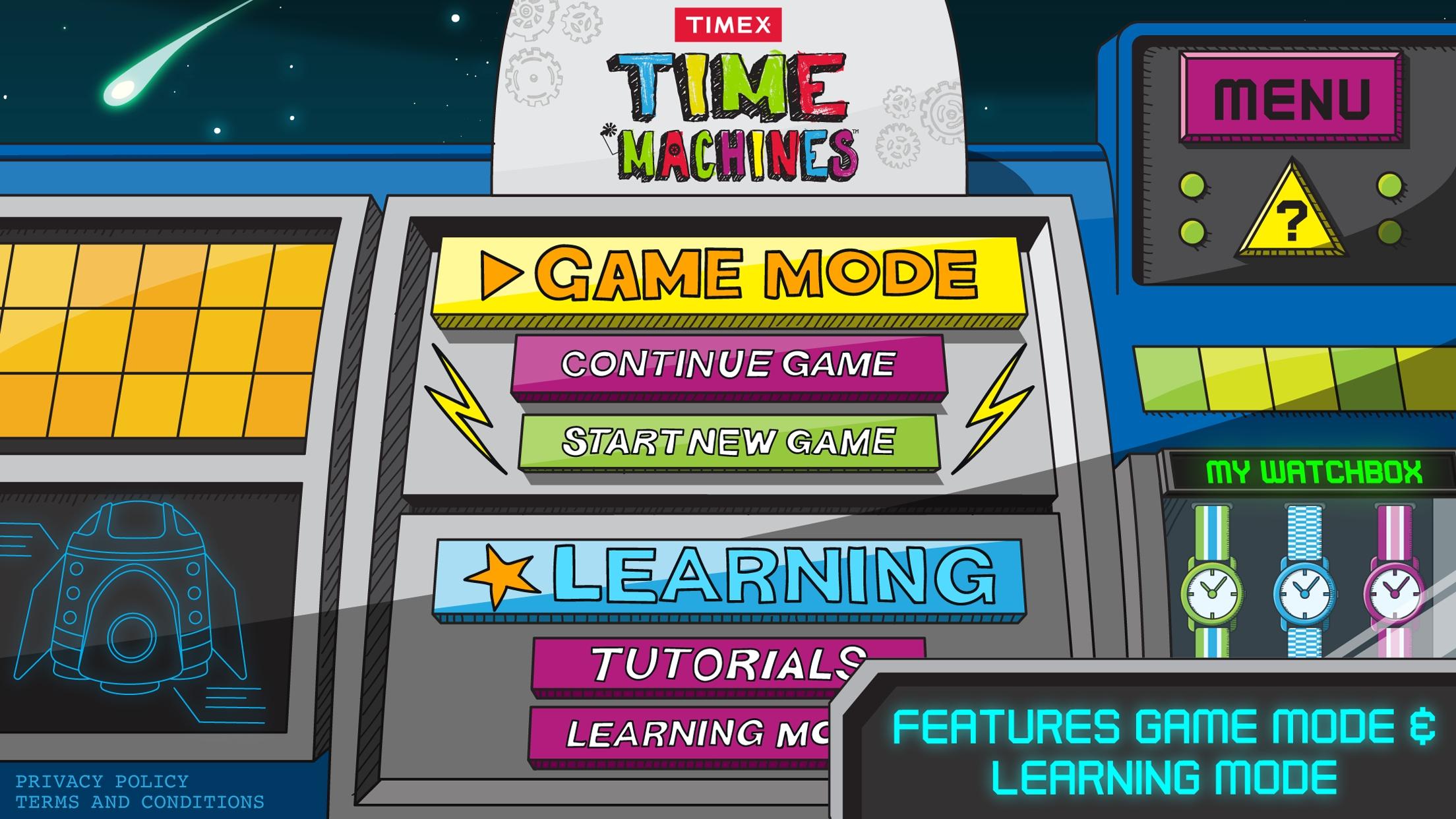
Developed with the experts from Scholastic, this app helps empower kids to have fun through learning by seamlessly blending digital free-play with a variety of interactive lessons tailored for kids age 6 through 9. Choose between Tutorial Mode and Game Mode to learn the basics of time telling:
Tutorial mode – learn to tell time with a tutorial that features general concepts such as clockwise, counter-clockwise, function of clock hands, telling time, A.M./P.M., and a simple game analog and digital matching game.
Game Mode LEVEL 1: Time Stopper - The clock is spinning and the player is given a time. The player must tap the clock at the specific point when its hands are at the indicated digital time in order to stop it.
Game Mode LEVEL 2: Counting Time - Players see a clock with a certain amount of time shaded in (for example, a quarter hour). Using their five-times table, they must tap minute buttons worth X minutes to equal the shaded amount without going over.
Game Mode LEVEL 3: Rocket Time - Time, in the form of clock faces, is falling from the top of the screen toward the player’s Time Machine. The player must tap the clock that matches the written time shown at the bottom of their screen.
معاينة

العلامات
الرياضياتاليوميلاعب واحدمنمنمةغير متصل على الانترنتمعلومة
مطور
Timex
احدث اصدار
5.1.0
آخر تحديث
2021-01-29
فئة
تعليمي
متاح على
Google Play
أظهر المزيد
كيف تلعب Time Machines مع GameLoop على جهاز الكمبيوتر
1. قم بتنزيل GameLoop من الموقع الرسمي ، ثم قم بتشغيل ملف exe لتثبيت GameLoop.
2. افتح GameLoop وابحث عن "Time Machines" ، وابحث عن Time Machines في نتائج البحث وانقر على "تثبيت".
3. استمتع بلعب Time Machines على GameLoop.
Minimum requirements
OS
Windows 8.1 64-bit or Windows 10 64-bit
GPU
GTX 1050
CPU
i3-8300
Memory
8GB RAM
Storage
1GB available space
Recommended requirements
OS
Windows 8.1 64-bit or Windows 10 64-bit
GPU
GTX 1050
CPU
i3-9320
Memory
16GB RAM
Storage
1GB available space