
Kids Building Blocks - Fun edu PC
AMGAMES Inc.
قم بتنزيل Kids Building Blocks - Fun edu على جهاز الكمبيوتر باستخدام GameLoop Emulator
Kids Building Blocks - Fun edu على الكمبيوتر الشخصي
Kids Building Blocks - Fun edu ، القادم من المطور AMGAMES Inc. ، يعمل على نظام Android في الماضي.
الآن ، يمكنك لعب Kids Building Blocks - Fun edu على جهاز الكمبيوتر باستخدام GameLoop بسلاسة.
قم بتنزيله في مكتبة GameLoop أو في نتائج البحث. لا مزيد من الانتباه إلى البطارية أو المكالمات المحبطة في الوقت الخطأ بعد الآن.
ما عليك سوى الاستمتاع بجهاز Kids Building Blocks - Fun edu على الشاشة الكبيرة مجانًا!
Kids Building Blocks - Fun edu مقدمة
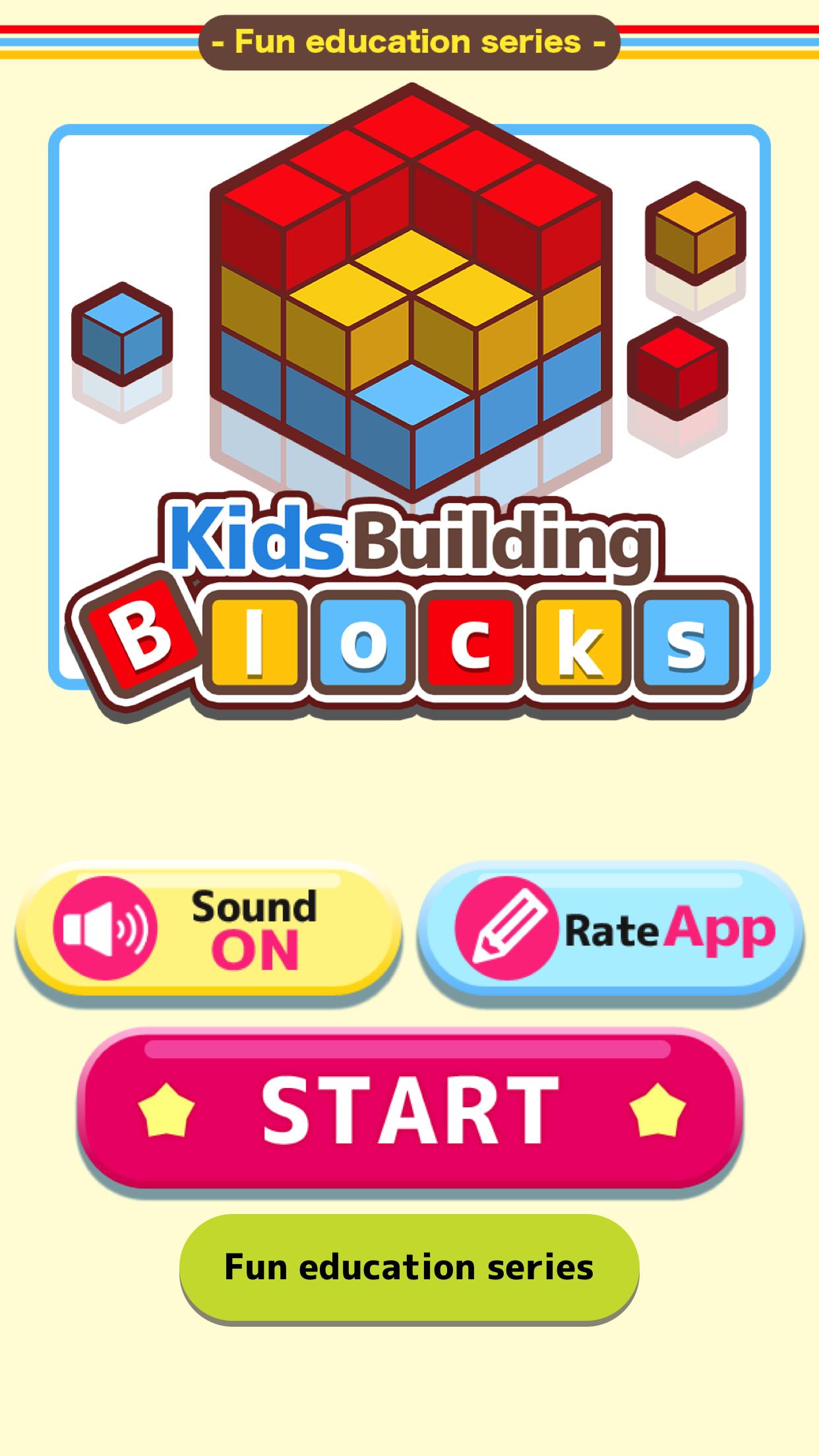
This is a learning application that uses building blocks to improve spatial abilities.
By counting blocks, recognizing hidden blocks, or imagining how they look from different angles, Children improves observation, spatial cognition, and figure sensation.
【contents】
▼Quizz with building blocks
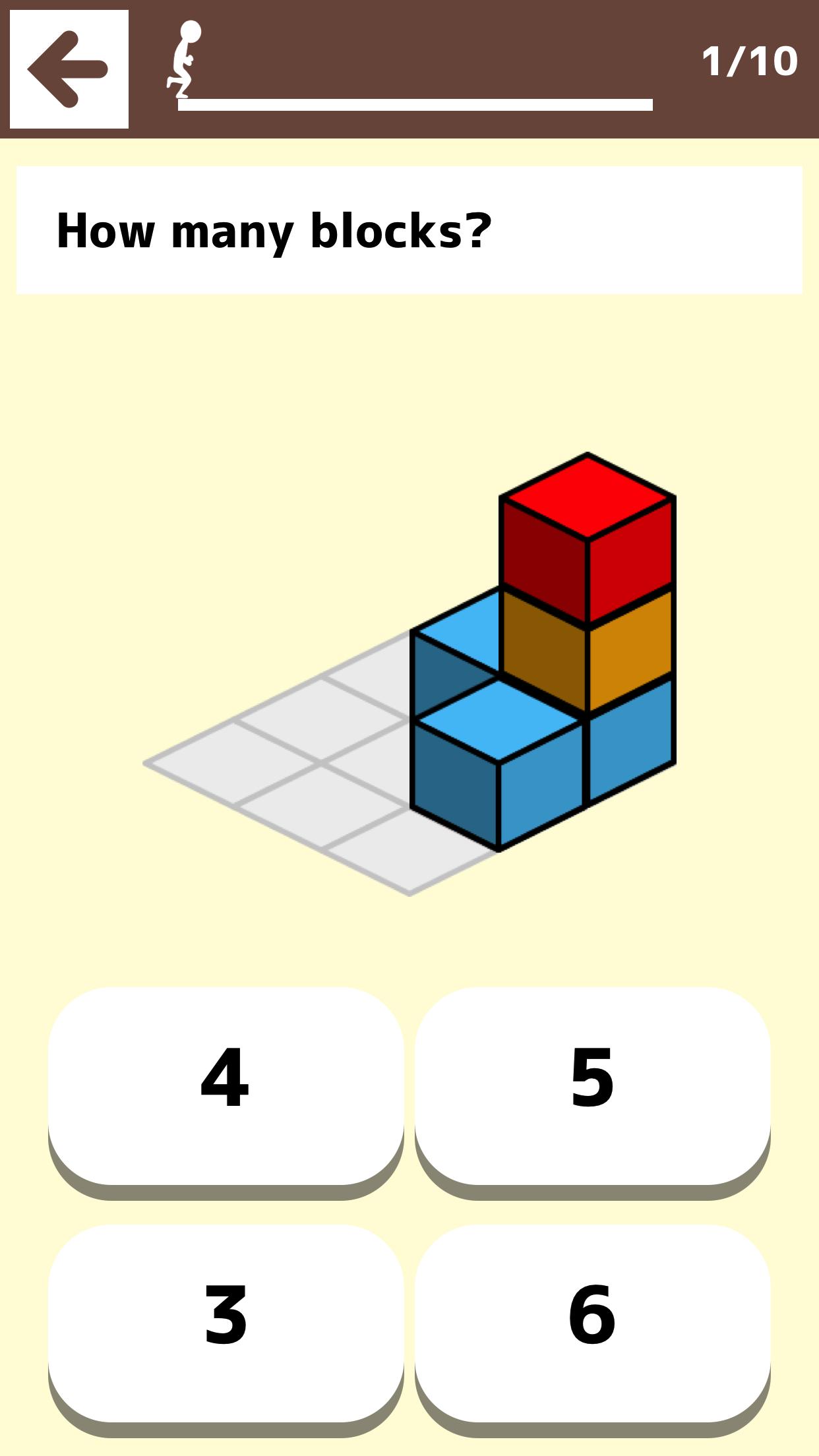
【How many?】
Count the number of building blocks.
【Which is more?】
Choose the one with more building blocks.
【What can you see?】
Answer what you see when you look at the building blocks from a specified direction.
【Which blocks?】
Answer the shape of the blocks referring to the left and right views.
※There are four levels of difficulty.
■Fit the blocks
This is a puzzle game. Fit various building blocks in the box.
It has 20 stages.
* No banner advertisement on this app.
* Some contains in-app purchases.
معاينة
العلامات
اليوميلاعب واحدمعلومة
مطور
AMGAMES Inc.
احدث اصدار
1.6.0
آخر تحديث
2020-01-31
فئة
تعليمي
متاح على
Google Play
أظهر المزيد
كيف تلعب Kids Building Blocks - Fun edu مع GameLoop على جهاز الكمبيوتر
1. قم بتنزيل GameLoop من الموقع الرسمي ، ثم قم بتشغيل ملف exe لتثبيت GameLoop.
2. افتح GameLoop وابحث عن "Kids Building Blocks - Fun edu" ، وابحث عن Kids Building Blocks - Fun edu في نتائج البحث وانقر على "تثبيت".
3. استمتع بلعب Kids Building Blocks - Fun edu على GameLoop.
Minimum requirements
OS
Windows 8.1 64-bit or Windows 10 64-bit
GPU
GTX 1050
CPU
i3-8300
Memory
8GB RAM
Storage
1GB available space
Recommended requirements
OS
Windows 8.1 64-bit or Windows 10 64-bit
GPU
GTX 1050
CPU
i3-9320
Memory
16GB RAM
Storage
1GB available space