Belajar Bersama Si Kembar PC
Tac Tic Tuc Studio
قم بتنزيل Belajar Bersama Si Kembar على جهاز الكمبيوتر باستخدام GameLoop Emulator
Belajar Bersama Si Kembar على الكمبيوتر الشخصي
Belajar Bersama Si Kembar ، القادم من المطور Tac Tic Tuc Studio ، يعمل على نظام Android في الماضي.
الآن ، يمكنك لعب Belajar Bersama Si Kembar على جهاز الكمبيوتر باستخدام GameLoop بسلاسة.
قم بتنزيله في مكتبة GameLoop أو في نتائج البحث. لا مزيد من الانتباه إلى البطارية أو المكالمات المحبطة في الوقت الخطأ بعد الآن.
ما عليك سوى الاستمتاع بجهاز Belajar Bersama Si Kembar على الشاشة الكبيرة مجانًا!
Belajar Bersama Si Kembar مقدمة
Welcome to our educational game,
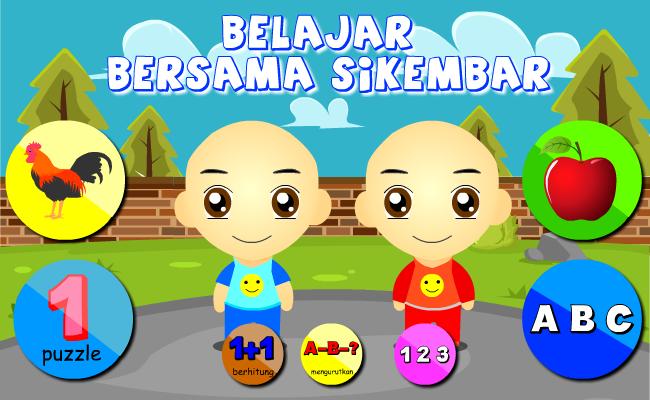
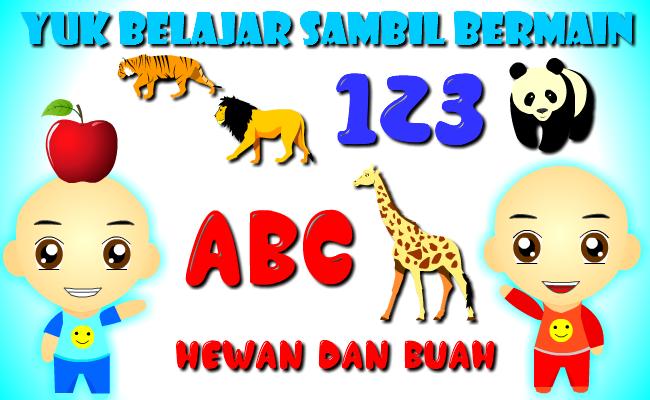
this game teaches children, toddlers, paud, early age, to learn to recognize numbers, letters
Animals and fruit,
very interesting and has good cartoon images and has sound
Sikembar will accompany your child to learn while playing.
Very Interactive, funny, cute, and kind. suitable for children
Additional features:
- Learning Animals
- Learning Fruit
-learn to count
- learn to read ABC letters and Numbers 123
then download this application for free (free).
== Disclaimer ==.
Sikembar is the character of children who have similar faces who are 4 years old, they are named Wahid and Imran. their nickname is Sikembar. The characters in the game / application are made to accompany users, especially children in playing and learning.
the characters in this game are the result of their own design creations, there is no connection and connection between the image / sound of any cartoon / animation character. Please contact us if there is a complaint in this game.
tac tic tuc Studio
معاينة
العلامات
تعليميمعلومة
مطور
Tac Tic Tuc Studio
احدث اصدار
2.2.0
آخر تحديث
2022-06-03
فئة
تعليمي
متاح على
Google Play
أظهر المزيد
كيف تلعب Belajar Bersama Si Kembar مع GameLoop على جهاز الكمبيوتر
1. قم بتنزيل GameLoop من الموقع الرسمي ، ثم قم بتشغيل ملف exe لتثبيت GameLoop.
2. افتح GameLoop وابحث عن "Belajar Bersama Si Kembar" ، وابحث عن Belajar Bersama Si Kembar في نتائج البحث وانقر على "تثبيت".
3. استمتع بلعب Belajar Bersama Si Kembar على GameLoop.
Minimum requirements
OS
Windows 8.1 64-bit or Windows 10 64-bit
GPU
GTX 1050
CPU
i3-8300
Memory
8GB RAM
Storage
1GB available space
Recommended requirements
OS
Windows 8.1 64-bit or Windows 10 64-bit
GPU
GTX 1050
CPU
i3-9320
Memory
16GB RAM
Storage
1GB available space