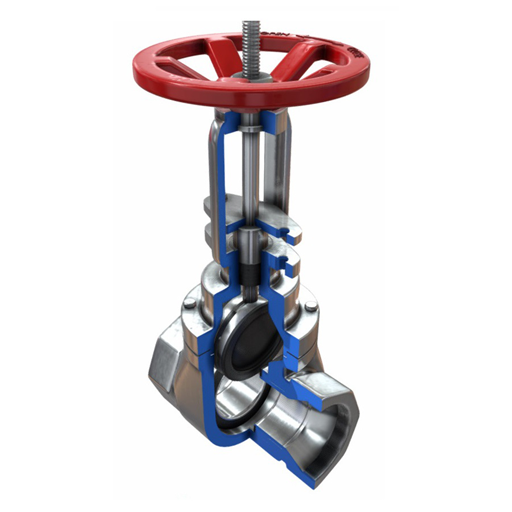
Valves PC
saVRee
قم بتنزيل Valves على جهاز الكمبيوتر باستخدام GameLoop Emulator
Valves على الكمبيوتر الشخصي
Valves ، القادم من المطور saVRee ، يعمل على نظام Android في الماضي.
الآن ، يمكنك لعب Valves على جهاز الكمبيوتر باستخدام GameLoop بسلاسة.
قم بتنزيله في مكتبة GameLoop أو في نتائج البحث. لا مزيد من الانتباه إلى البطارية أو المكالمات المحبطة في الوقت الخطأ بعد الآن.
ما عليك سوى الاستمتاع بجهاز Valves على الشاشة الكبيرة مجانًا!
Valves مقدمة
Learn about valve components, designs, actuators and applications!
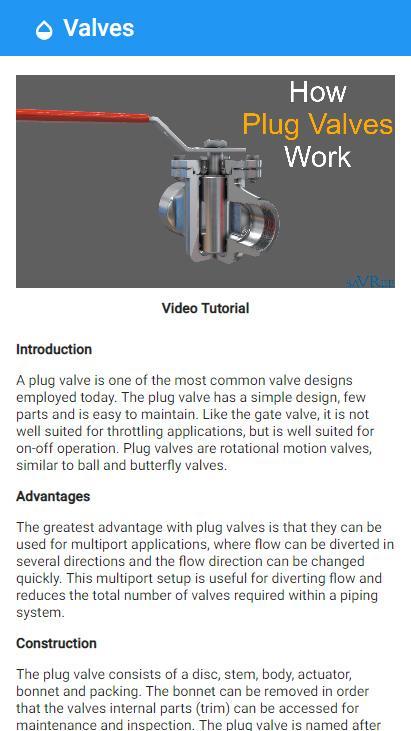
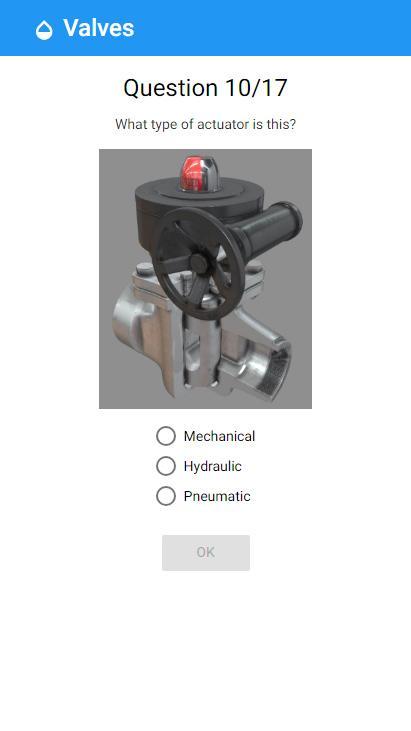
This app includes detailed information about the ball, butterfly, check, diaphragm, gate, globe, needle, pinch, plug, relief and safety valves! The app also includes information relating to the four different types of main valve actuator (electric, hydraulic, mechanical and pneumatic).
Each valve and actuator includes:
• A written article discussing its construction, applications, advantages and disadvantages.
• A cross-sectional image to expose its internal workings.
• A 3D animation showing how it works.
• A video lesson/tutorial explaining how it works.
If you have ever wondered:
• Why do we need so many different valve types?
• What kind of valve is correct for x,y,z application?
• What are the pros and cons of each valve type?
• Why do valves have weird names i.e. butterfly valve?
Then this App will help you answer all these questions and many many more!
The App is designed to take you from zero to hero concerning valve knowledge and is 100% free with no annoying adverts!
After using this app you will be able to:
• Identify and name valve components.
• Identify common valve types.
• Identify common valve actuators.
• Know the characteristics and applications of different valve types.
• Choose a suitable valve for any application.
• And much much more!
So what are you waiting for?
معاينة
العلامات
تعليممعلومة
مطور
saVRee
احدث اصدار
1.5.0
آخر تحديث
2019-03-04
فئة
تعليم
متاح على
Google Play
أظهر المزيد
كيف تلعب Valves مع GameLoop على جهاز الكمبيوتر
1. قم بتنزيل GameLoop من الموقع الرسمي ، ثم قم بتشغيل ملف exe لتثبيت GameLoop.
2. افتح GameLoop وابحث عن "Valves" ، وابحث عن Valves في نتائج البحث وانقر على "تثبيت".
3. استمتع بلعب Valves على GameLoop.
Minimum requirements
OS
Windows 8.1 64-bit or Windows 10 64-bit
GPU
GTX 1050
CPU
i3-8300
Memory
8GB RAM
Storage
1GB available space
Recommended requirements
OS
Windows 8.1 64-bit or Windows 10 64-bit
GPU
GTX 1050
CPU
i3-9320
Memory
16GB RAM
Storage
1GB available space