
Rune writer 2 PC
PB Softworks
قم بتنزيل Rune writer 2 على جهاز الكمبيوتر باستخدام GameLoop Emulator
Rune writer 2 على الكمبيوتر الشخصي
Rune writer 2 ، القادم من المطور PB Softworks ، يعمل على نظام Android في الماضي.
الآن ، يمكنك لعب Rune writer 2 على جهاز الكمبيوتر باستخدام GameLoop بسلاسة.
قم بتنزيله في مكتبة GameLoop أو في نتائج البحث. لا مزيد من الانتباه إلى البطارية أو المكالمات المحبطة في الوقت الخطأ بعد الآن.
ما عليك سوى الاستمتاع بجهاز Rune writer 2 على الشاشة الكبيرة مجانًا!
Rune writer 2 مقدمة
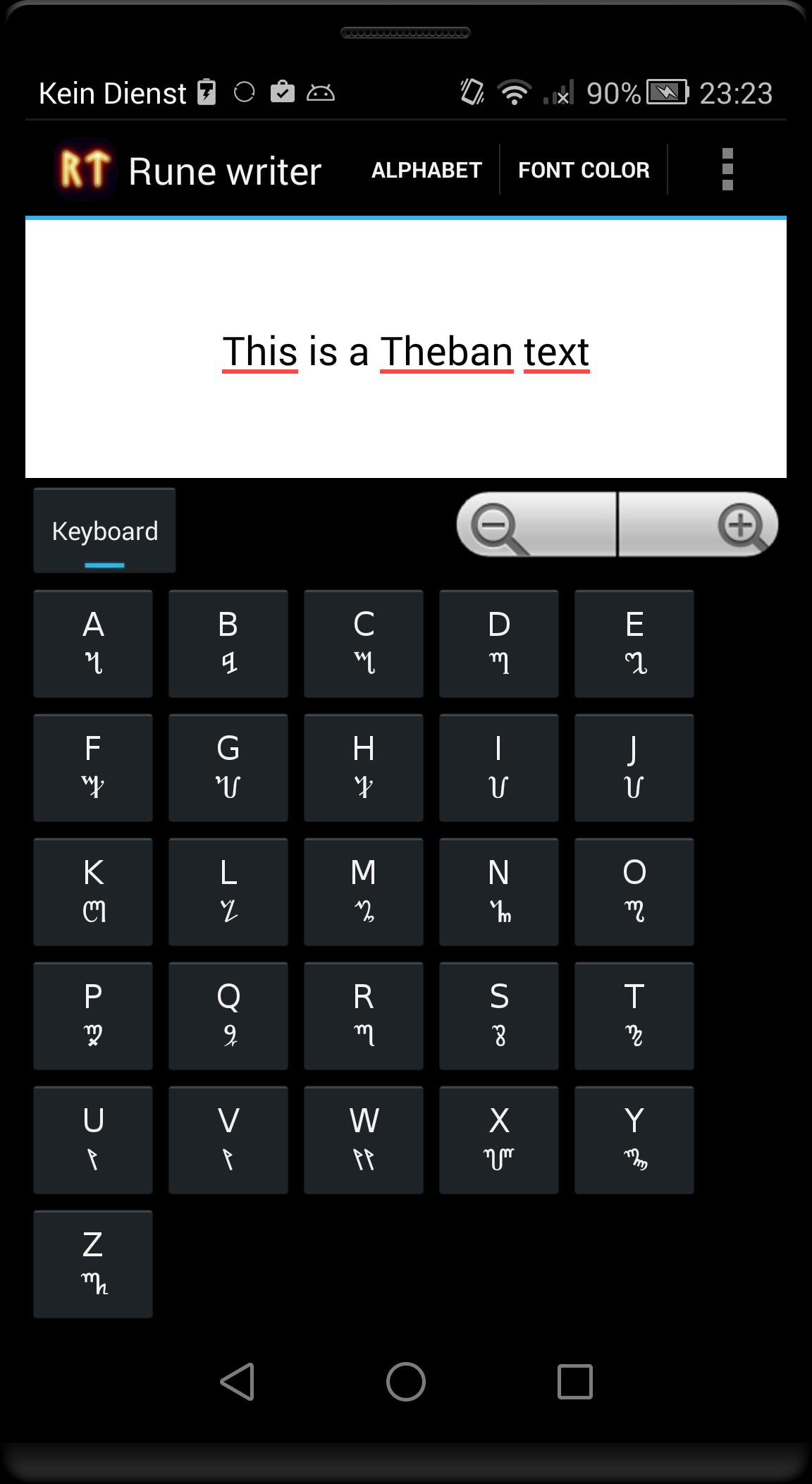
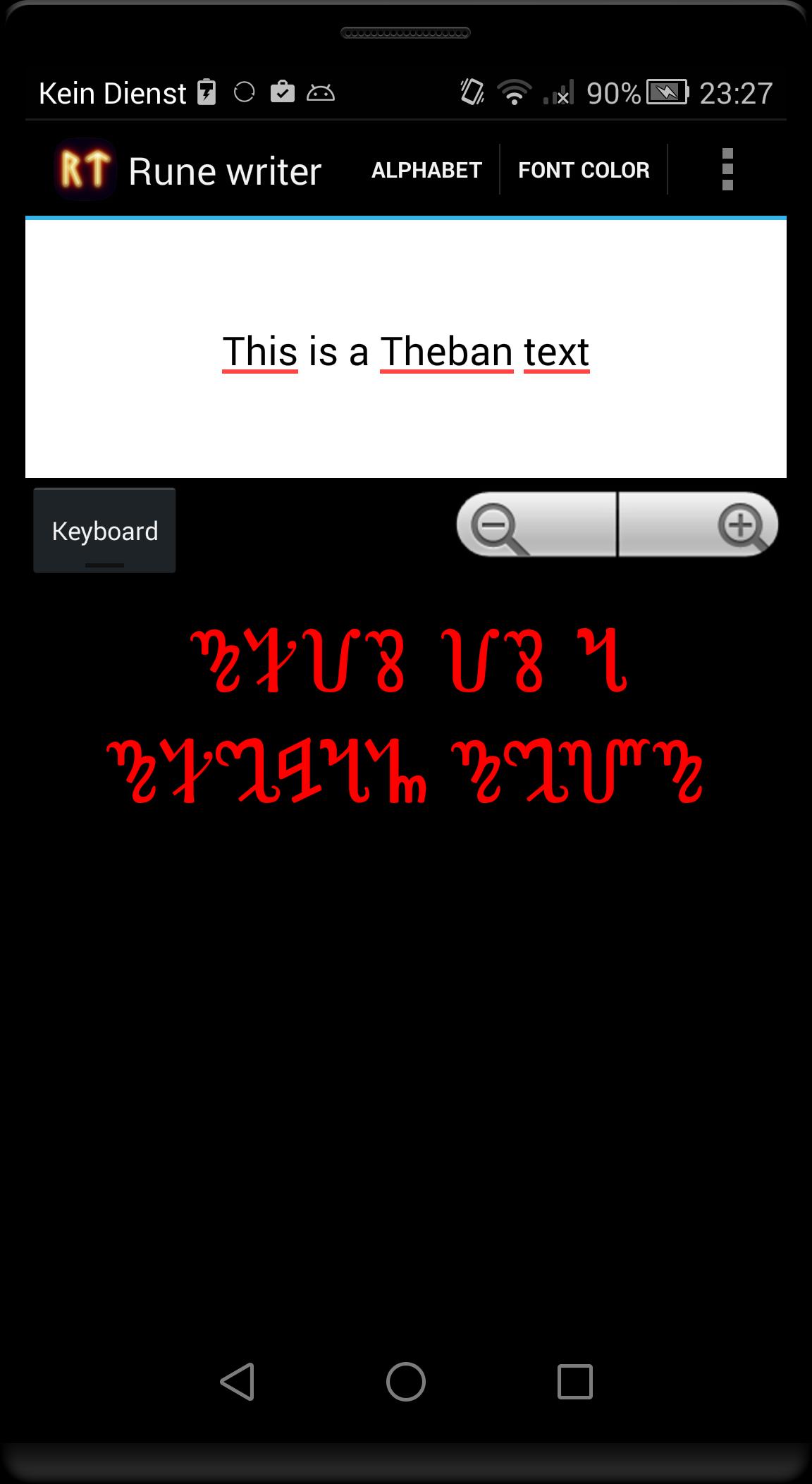
This program translates Latin letters in some ancient or fictional alphabets. Write and post runic messages as pictures directly on Facebook or Google+ or use the pictures as your logo or background for your home screen.
Alphabets included in the free version
- Elder Futhark Proto-Norse runes (1th–9th centuries AD).
- Gothic alphabet (4th–7th centuries AD).
In the full version these alphabets are available:
- Elder Futhark Proto-Norse runes (1th–9th centuries AD).
- Theban Witches' alphabet used in modern Wicca (from 16th century).
- Danish younger Futhark runes from viking age (9th-10th centuries AD).
- Swedish-Norwegian Rök runes from viking age (9th-10th centuries AD).
- Anglo-Saxon runes (4th–10th centuries AD).
- Medieval runes (1100-1500 AD).
- Aryan Armanic runes.
- Old Turkic script: also known as Göktürk script, Orkhon script, Orhun Yazıtları (8th-10th centuries AD).
- Gothic alphabet (4th–7th centuries AD).
- Celtic Ogham alphabet (4th–10th centuries AD).
- Klingon pIqaD (fictional from 'Star Trek').
- Etruscan alphabet (8th–1st centuries BC).
- Ugaritic cuneiform (from around 1400 BCE).
- Phoenician alphabet (from 1050 BCE).
- Slavic Glagolitic alphabet (from 863 AD)
Translated text can be exported as PNG image.
You can change the background color and font color and size.
Output text is UTF encoded. Please note that not all programs can display the translated text copied from 'Rune Writer', because not all apps have the needed fonts installed. You see then only question marks or empty squares.
Not all Latin characters can be translated directly into ancient alphabets, as appropriate characters are missing (eg all or some vowels in Ugaritic cuneiform and Phoenician alphabet). If you see a not translated characters, then it is no error - the target alphabet is missing the required letter.
Let me know if you needed some other translations or features.
معاينة
العلامات
تعليممعلومة
مطور
PB Softworks
احدث اصدار
3.1
آخر تحديث
2015-09-19
فئة
تعليم
متاح على
Google Play
أظهر المزيد
كيف تلعب Rune writer 2 مع GameLoop على جهاز الكمبيوتر
1. قم بتنزيل GameLoop من الموقع الرسمي ، ثم قم بتشغيل ملف exe لتثبيت GameLoop.
2. افتح GameLoop وابحث عن "Rune writer 2" ، وابحث عن Rune writer 2 في نتائج البحث وانقر على "تثبيت".
3. استمتع بلعب Rune writer 2 على GameLoop.
Minimum requirements
OS
Windows 8.1 64-bit or Windows 10 64-bit
GPU
GTX 1050
CPU
i3-8300
Memory
8GB RAM
Storage
1GB available space
Recommended requirements
OS
Windows 8.1 64-bit or Windows 10 64-bit
GPU
GTX 1050
CPU
i3-9320
Memory
16GB RAM
Storage
1GB available space